
A clean, minimalist desk is the foundation of a focused workspace. But tangled cords from monitors, keyboards, and chargers can quickly ruin that aesthetic. The solution is an effective cable management system, and the j channel cable raceway white variant is a top choice for its discreet, under-desk functionality. It provides a simple, open-top trough to hide wires without the hassle of clips or sleeves. After extensive market research, we’ve analyzed the top options for 2026 to help you achieve a pristine, cable-free setup.
🚀 Quick Verdict / Top Pick
EVEO Cable Management 96” J Channel
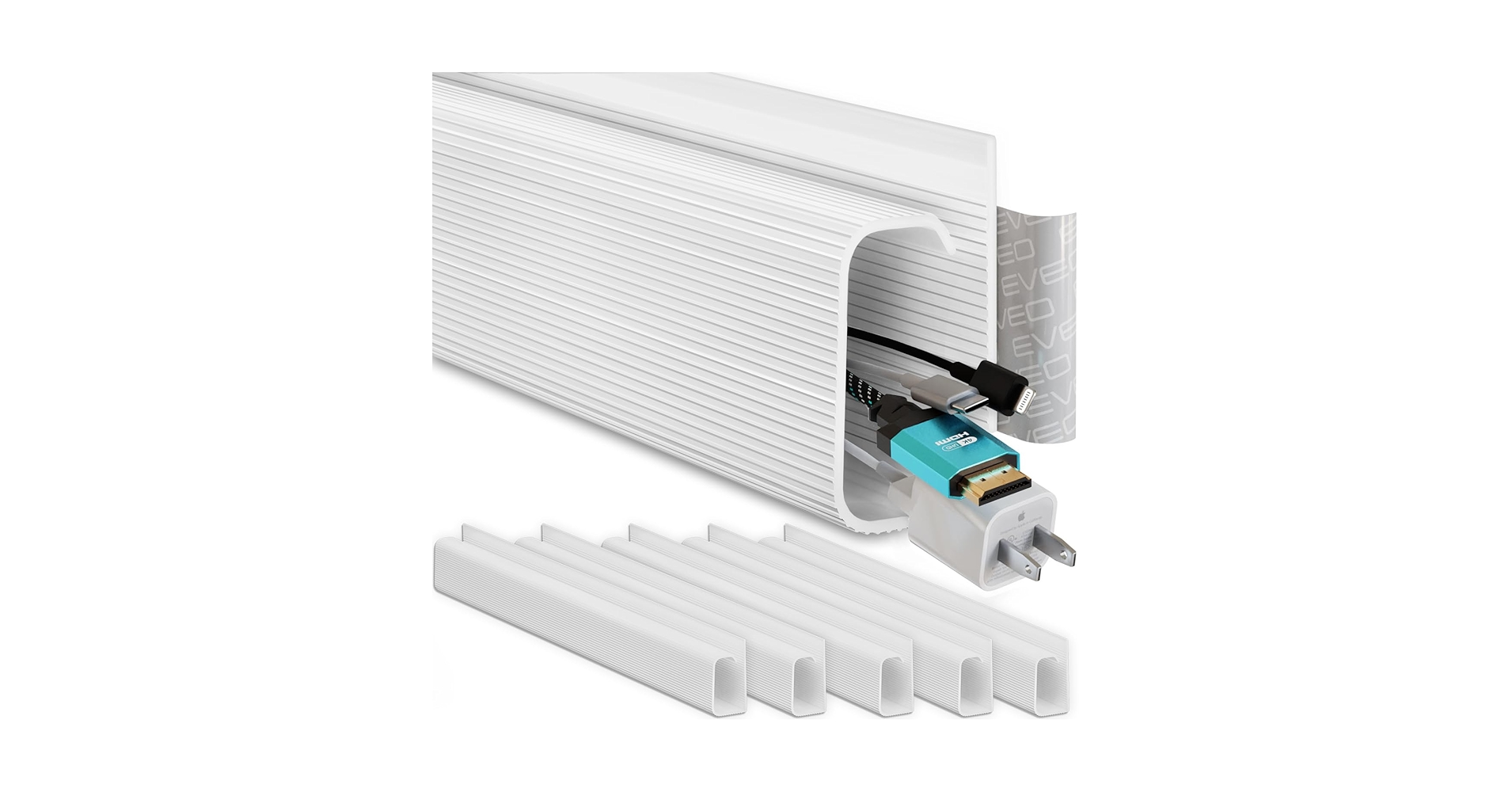
The EVEO kit stands out by offering the most generous total length and six separate pieces, providing unmatched flexibility for complex setups and long desks.
Comparison at a Glance: 2026’s Top J Channels
| Product | Total Length | Channel Capacity | Best For |
|---|---|---|---|
| EVEO Cable Management 96” J Channel | 96 inches | Medium | Overall Value & Flexibility |
| Electriduct Large J Channel | 48 inches | Large | Power Bricks & Thick Cables |
| YECAYE 94.2 in Cable Management | 94.2 inches | Medium | Long, Uninterrupted Desks |
| J Channel Cable Management – 5-Pack | 80 inches | Medium | Standard Setups |
| J Channel Cable Raceway Kit | 62.8 inches | Small-Medium | Budget-Conscious Builds |
Detailed Product Reviews 2026
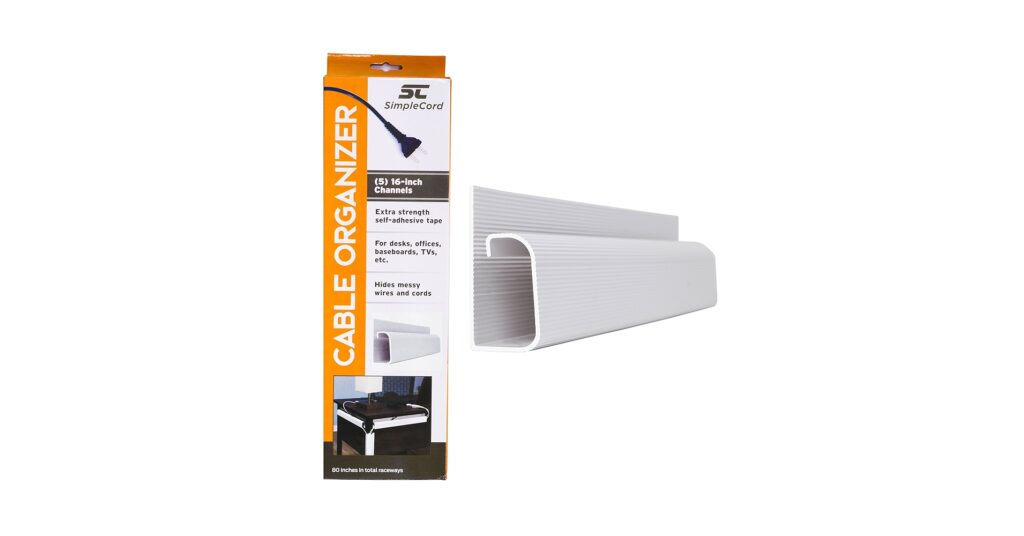
1. J Channel Cable Management – 5-Pack 16-Inch Wire

Pros
- Adhesive is consistently reported as extra-strong
- Five 16-inch sections offer good modularity
Cons
- Slightly less total length than competitors
- Channel may be too narrow for some large power bricks
The Breakdown: This 5-pack is a market staple for a reason. It offers a solid balance of length, capacity, and durability that suits the average 60-inch desk perfectly. Market research indicates that its key selling point is the pre-applied adhesive tape, which users report has superior holding power compared to many generic kits.
Key Specs:
- Total Length: 80 inches (5 x 16″)
- Channel Dimensions: 1.1″ (H) x 0.6″ (W)
- Adhesion Method: Pre-applied self-adhesive tape
- Material: PVC
The Community Verdict: Users consistently praise the straightforward installation and the strength of the adhesive, which holds firm even with a full load of cables. Some feedback mentions that the plastic feels slightly more rigid than other brands, which can make cutting it to a custom length a little tougher without the right tool.
Dealbreaker: Skip this if you need to hide multiple large power adapters; the 0.6-inch width is best suited for cables and smaller plugs.
2. EVEO Cable Management 96” J Channel- 6 Pack
Pros
- Excellent value with 96 inches of total length
- Six separate pieces allow for creative routing
Cons
- Adhesive, while strong, may require extra surface prep
- More seams between sections compared to longer raceways
The Breakdown: The EVEO kit is our top pick due to its unbeatable combination of length, modularity, and price. With 96 inches spread across six channels, you have enough to cover the back and sides of a large desk or even two smaller workstations. This flexibility makes it a go-to choice for complex setups with gear in multiple locations.
Key Specs:
- Total Length: 96 inches (6 x 16″)
- Channel Dimensions: 1.1″ (H) x 0.5″ (W)
- Adhesion Method: Premium PE self-adhesive tape
- Material: High-impact PVC
The Community Verdict: The consensus is that this kit provides incredible value. Owners love that they have extra pieces left over for other projects. While the adhesive is generally effective, some users recommend thoroughly cleaning the desk surface with alcohol before application to ensure a permanent bond.
Dealbreaker: Skip this if you prefer a seamless, single-piece look and don’t need the extra length or modularity.
3. Electriduct Large J Channel Cable Raceway
Pros
- Exceptional 2-inch width swallows power bricks whole
- Single 48-inch piece provides a clean, seamless run
Cons
- Only 48 inches of length per unit
- Less flexible for desks that aren’t perfectly straight
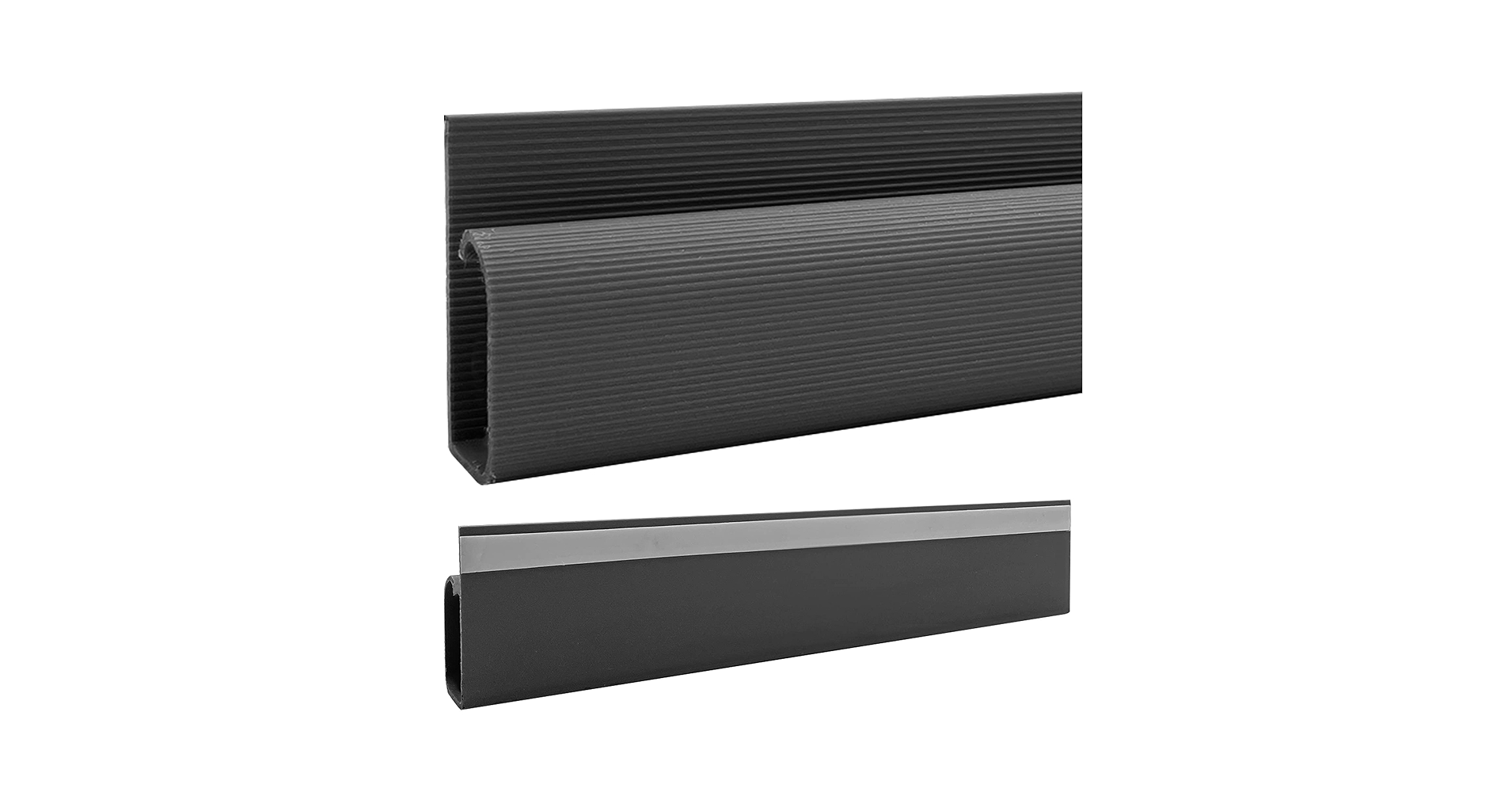
The Breakdown: Where other J channels struggle, the Electriduct excels. Its primary advantage is its sheer size, with a 2-inch wide by 1.25-inch high channel designed specifically for power management. This is the product you get when you need to hide not just cables, but the bulky bricks that power your monitors and laptops.
Key Specs:
- Total Length: 48 inches (1 x 48″)
- Channel Dimensions: 1.25″ (H) x 2″ (W)
- Adhesion Method: Pre-applied self-adhesive tape
- Material: Rigid PVC
The Community Verdict: The feedback is overwhelmingly positive from users with significant cable clutter. They report that it easily accommodates surge protectors and multiple large adapters. The main critique is that one piece is often not enough for a large desk, requiring the purchase of two for full coverage.
Dealbreaker: Skip this if you only have a few thin cables; its large size would be overkill and more visually obtrusive.
4. J Channel Cable Raceway Kit – Computer Desk Cable

Pros
- Very affordable price point
- Four sections provide adequate modularity
Cons
- Consensus suggests the adhesive is weaker than premium brands
- Total length is the shortest on this list
The Breakdown: This kit from Stageek is an entry-level solution that gets the job done for basic setups. It provides just under 63 inches of coverage, which is sufficient for smaller desks or for managing cables in a specific area. While it may not have the premium feel or adhesive of others, its low cost makes it an attractive option.
Key Specs:
- Total Length: 62.8 inches (4 x 15.7″)
- Channel Dimensions: 1.18″ (H) x 0.6″ (W)
- Adhesion Method: Self-adhesive tape
- Material: PVC
The Community Verdict: Many users are satisfied with the product for the price, noting that it works well for light-duty cable hiding. A recurring theme in feedback is the adhesive tape; some owners recommend supplementing it with their own double-sided tape or even small screws for a more secure, long-term mount.
Dealbreaker: Skip this if you have a heavy bundle of cables or a desk surface that is anything but perfectly smooth and clean, as the adhesive may not hold.
5. YECAYE 94.2 in Cable Management Under Desk

Pros
- Great total length for large desks (over 72 inches)
- Longer individual sections (15.7″) mean fewer gaps
Cons
- Slightly wider profile might be more visible
- Fewer pieces than the EVEO kit despite similar length
The Breakdown: The YECAYE kit competes directly with our top pick, offering a similar total length. Its main differentiator is providing that length in six slightly longer sections. This results in a cleaner aesthetic with fewer seams, which is ideal for long, straight runs on butcher block or standing desks.
Key Specs:
- Total Length: 94.2 inches (6 x 15.7″)
- Channel Dimensions: 1.1″ (H) x 0.63″ (W)
- Adhesion Method: Pre-applied strong adhesive tape
- Material: PVC
The Community Verdict: Owners of large desks are particularly happy with this kit, as it’s one of the few that can cover the entire length of a 72″ or 84″ desk with a single package. The adhesive receives positive marks for its reliability on both finished wood and laminate surfaces.
Dealbreaker: Skip this if you need to make several turns or route cables around legs, as the six-piece kit from EVEO offers more flexibility for complex paths.
Buying Guide: How to Choose the Right J Channel
Selecting the perfect J channel raceway involves more than just picking the cheapest option. Consider these factors to ensure a clean and lasting installation.
1. Measure Your Desk and Cable Load
First, measure the length of the area where you plan to install the raceway. Ensure the kit you buy has enough total length. Second, gather all the cables you intend to hide. For just a few peripheral cables, a standard-width channel (~0.5″) is fine. If you have thick power cords and display cables, or plan to hide a power strip, opt for a wider channel like the Electriduct model.
2. Consider Your Overall Desk Setup
A clean setup isn’t just about cables; it’s about ergonomics and efficiency. If you’re overhauling your workspace, consider how your peripherals contribute. Upgrading to one of the top triple mode keyboards can reduce cable clutter by offering wireless connectivity. Additionally, the physical placement of your desk for productivity is key; learning which direction is best for an office desk can impact focus and even natural lighting.
3. Adhesive vs. Screws
Nearly all kits rely on pre-applied adhesive tape. For most smooth, non-porous surfaces (laminate, finished wood, metal), this is sufficient. However, for unfinished wood, particle board, or textured surfaces, the adhesive may fail over time. In these cases, look for a kit that includes screw holes or be prepared to drill your own for a permanent, worry-free installation.
Frequently Asked Questions
Q: Can J channel raceways hold a power strip?
A: Standard J channels are typically too narrow. To hold a power strip, you need a large-capacity raceway specifically designed for it, like the Electriduct Large J Channel, which has a 2-inch width.
Q: Will the adhesive damage my desk finish?
A: It can, especially on finished wood or veneer. To remove, gently warm the raceway with a hairdryer to soften the adhesive, then slowly peel it off. Use a citrus-based cleaner to remove any leftover residue.
Q: How do you cut a J channel raceway to size?
A: Most J channels are made from PVC plastic. A fine-toothed hacksaw or a miter box saw will provide the cleanest cut. You can then lightly sand the edge to smooth it out.




