
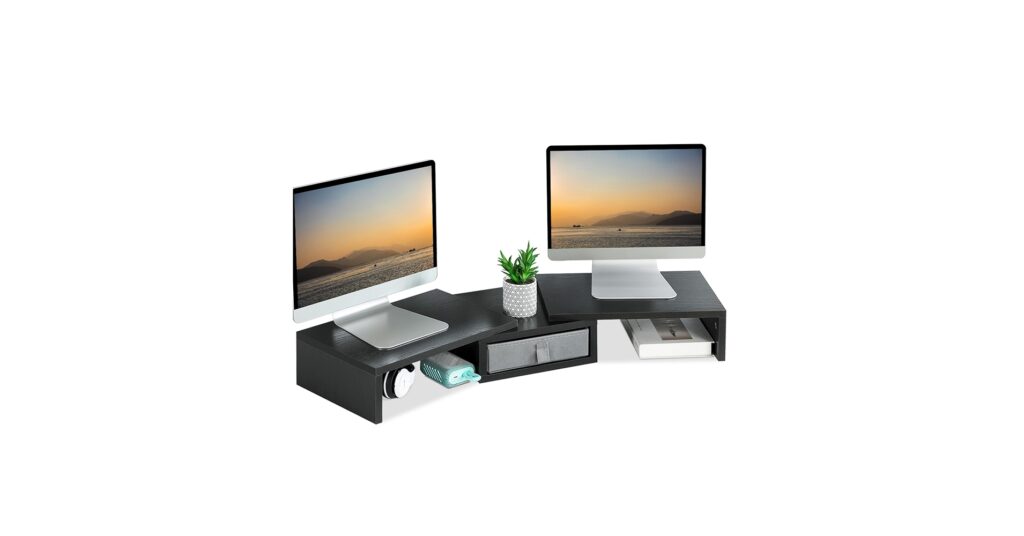
Maximizing a compact workspace often starts in the corner. An unused corner is wasted potential, but the right corner desk monitor shelf riser transforms it into a hub of productivity and ergonomic comfort. By elevating your screen, you not only improve your posture but also create valuable storage space underneath for docks, notebooks, and other essentials. In 2026, these risers are more than just platforms; they are sophisticated organizational tools. Based on extensive market research and user feedback, we’ve analyzed the top models to help you find the perfect fit for your high-tech, minimalist desk.
🚀 Quick Verdict / Top Pick
TEAMIX 3 Shelf Monitor Stand Riser with Drawer
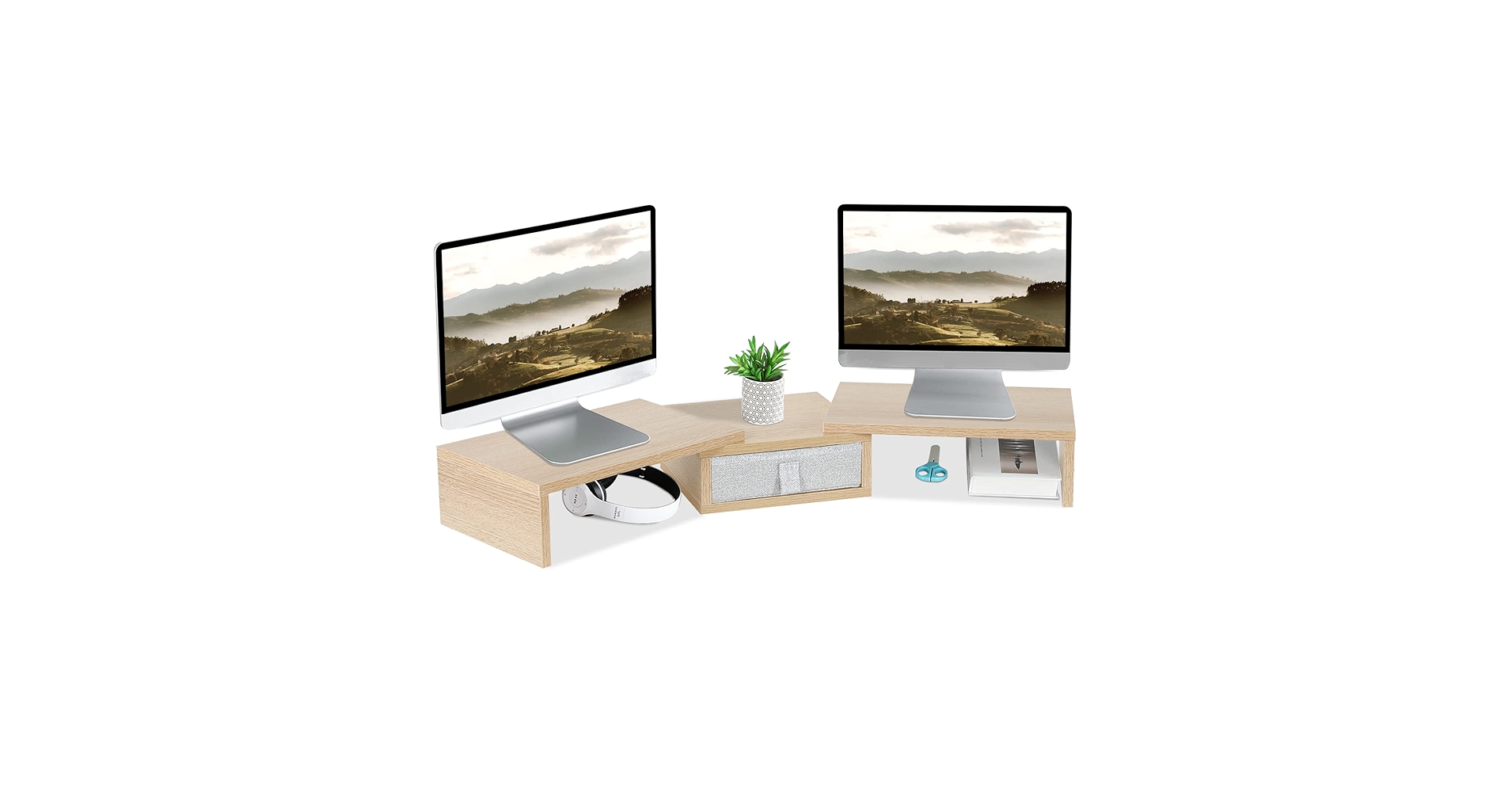
Its modular, adjustable design offers unparalleled versatility for various monitor sizes and desk layouts, easily outperforming fixed-size models in adaptability and storage.
Corner Monitor Riser Comparison for 2026
| Product | Configuration | Material | Best For |
|---|---|---|---|
| TEAMIX 3 Shelf Riser | Adjustable Dual Monitor | MDF | Ultimate Flexibility |
| TEAMIX Dual Monitor Riser | Fixed Dual Monitor | MDF | Standard Dual Setups |
| ROYUMI Double Layer Stand | Single Monitor, 2-Tier | Engineered Wood | Maximum Vertical Storage |
| Corner Monitor Stand | Single Monitor, 1-Tier | MDF | Pure Minimalism |
| TEAMIX Pink Riser | Fixed Dual Monitor | MDF | Aesthetic-focused Setups |
Detailed Product Reviews
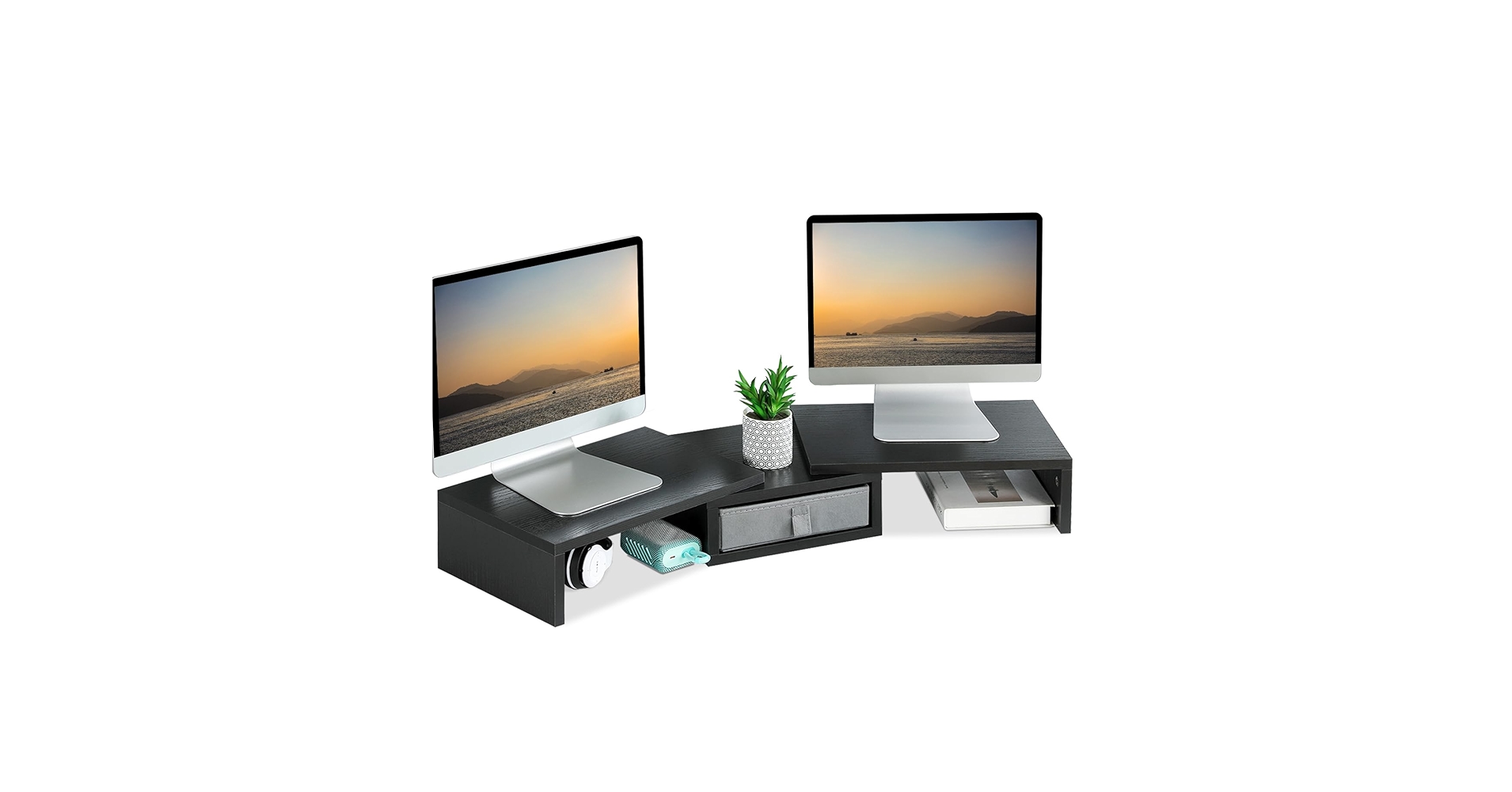
1. TEAMIX Dual Monitor Stand Riser with Drawer
Pros
- Spacious top surface for two monitors
- Integrated central drawer adds concealed storage
Cons
- Fixed width may not suit all desk sizes
- MDF construction lacks a premium feel
The Breakdown: This riser is a straightforward, effective solution for dual-monitor users. It provides a significant ergonomic lift to bring screens to eye level. The addition of a central drawer is a practical touch for stashing away pens, cables, and small notebooks, keeping the main desk surface clean.
Key Specs:
- Dimensions: Approx. 39.4″L x 9.4″W x 5.5″H
- Material: MDF (Medium-Density Fiberboard)
- Configuration: Dual monitor, single tier with drawer
The Community Verdict: Users consistently report that the assembly is simple and the stand is sturdy enough for two 24-inch monitors. The drawer is noted as a highly useful feature for decluttering. Some feedback mentions the finish can be prone to scuffs if not handled carefully during setup.
Dealbreaker: Skip this if you have monitors larger than 27 inches or require adjustable width for an unusual desk shape.
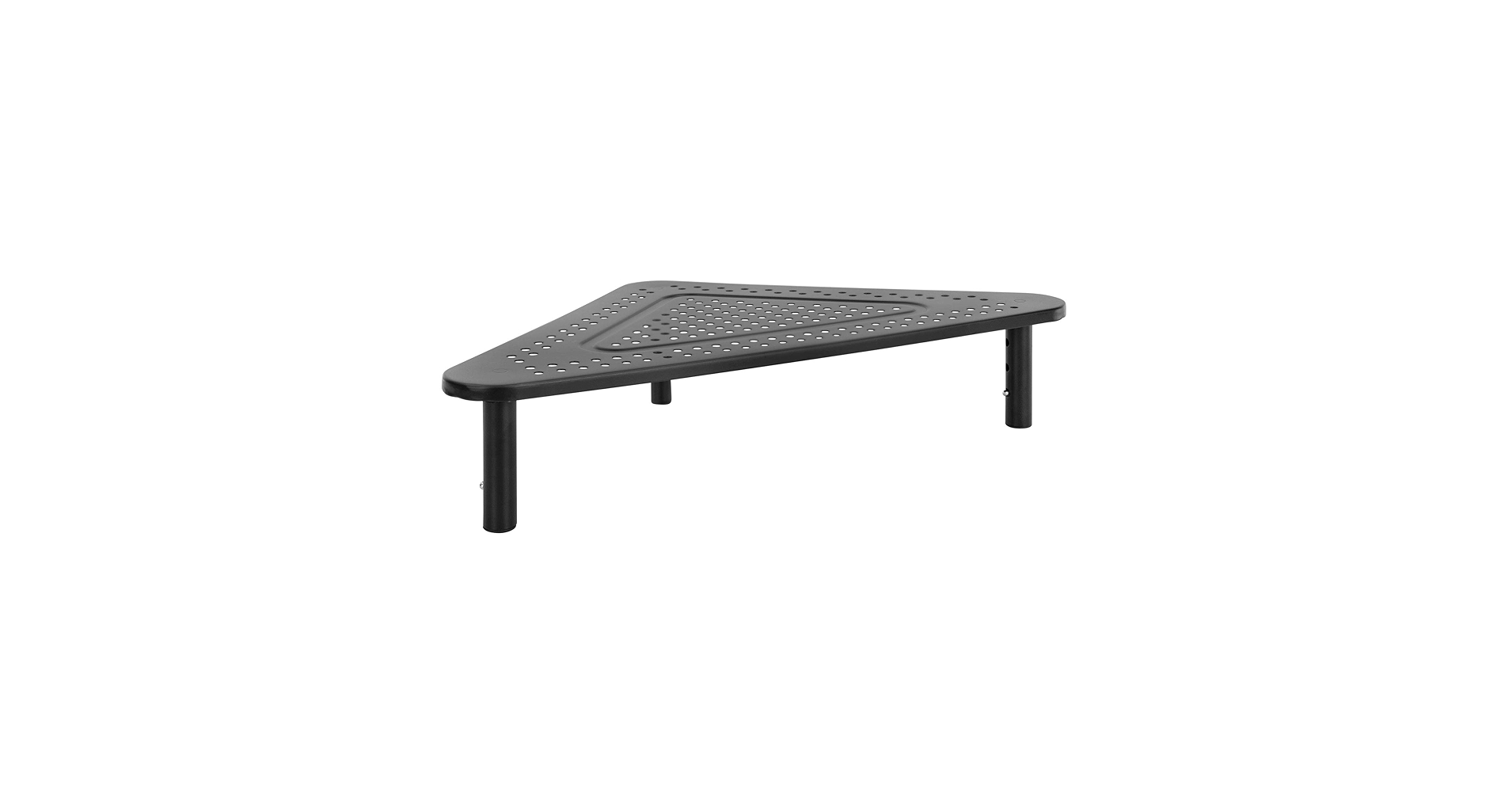
2. Corner Monitor Stand
Pros
- Extremely space-efficient design
- Simple, tool-free assembly reported by many
Cons
- Only suitable for a single, smaller monitor
- No additional storage features like drawers
The Breakdown: This product is the definition of a purpose-built tool. It does one thing exceptionally well: it elevates a monitor in a tight corner. Its compact footprint is its greatest strength, creating usable space underneath for a laptop dock or keyboard without dominating the desk.
Key Specs:
- Dimensions: Approx. 20.3″L x 11″W x 4″H
- Material: MDF
- Configuration: Single monitor, single tier
The Community Verdict: Market research indicates this is a popular choice for small home office or dorm room setups. Users appreciate how it tidies up a corner desk instantly. The consensus is that while it’s sturdy for its size, it’s not intended for heavy, large-screen displays.
Dealbreaker: Skip this if you have a monitor with a large base or plan to upgrade to a dual-monitor setup in the future.
3. ROYUMI Double Layer Wooden Corner Monitor Stand
Pros
- Two-tier design doubles the storage space
- Sturdy construction can hold more than just a monitor
Cons
- Taller profile may obstruct wall-mounted items
- Assembly can be more involved than single-tier models
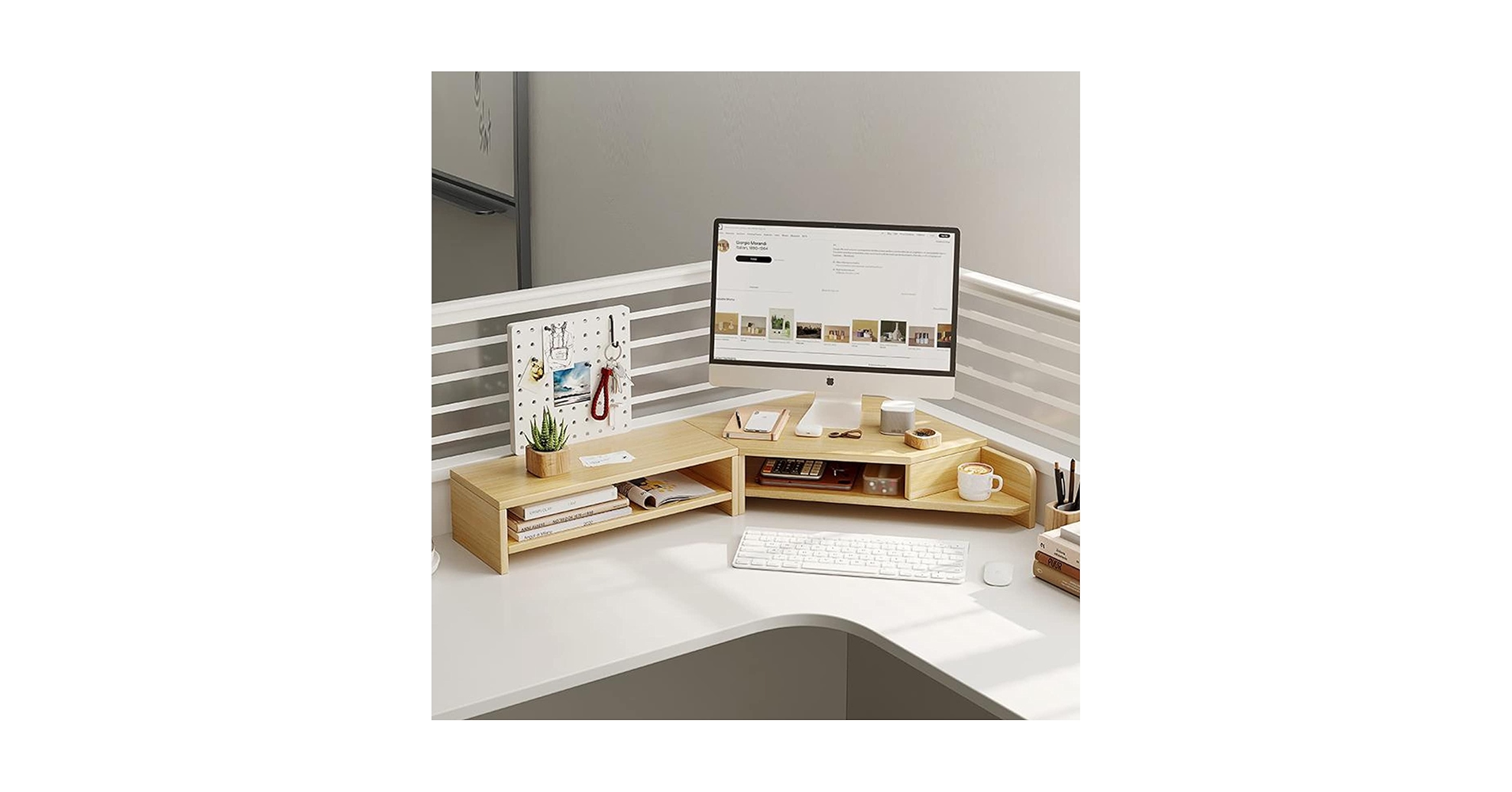
The Breakdown: ROYUMI’s entry focuses on verticality. The double-layer design is a clear winner for those who need to store items like tablets, hubs, and notebooks within arm’s reach but off the main desk surface. It effectively creates a small command center in your corner.
Key Specs:
- Dimensions: Approx. 16.5″L x 11.4″W x 6.7″H
- Material: Engineered Wood
- Configuration: Single monitor, two tiers
The Community Verdict: Owners report that the extra shelf is a game-changer for organization. The build quality is frequently praised as being solid and stable. A few users note to double-check measurements, as its height is more substantial than it appears in photos.
Dealbreaker: Skip this if you prefer a low-profile, unobtrusive look on your desk.
4. TEAMIX 3 Shelf Monitor Stand Riser with Drawer
Pros
- Adjustable side shelves for a custom fit
- Combines drawer and open-shelf storage
Cons
- More parts means a more complex assembly
- Can take up more desk space when fully extended
The Breakdown: This is the most versatile option on the list. The three-piece design allows the two side shelves to be angled or extended to fit your specific needs. This makes it ideal for corner setups, but it can also be straightened out for a traditional desk, offering excellent long-term value.
Key Specs:
- Dimensions: Adjustable, up to ~42″L x 9.5″W x 4.3″H
- Material: MDF
- Configuration: Adjustable dual monitor with drawer
The Community Verdict: The consensus is that the adjustability is the standout feature, allowing for a perfect fit on nearly any desk. Owners report it feels stable even when extended. The primary critique revolves around the assembly time, which is longer than for fixed models.
Dealbreaker: Skip this if you want a simple, one-piece solution and have no need for adjustability.
5. TEAMIX Pink Dual Monitor Stand Riser with Drawer
Pros
- Bold and unique color choice
- Functionally identical to the standard, reliable model
Cons
- Niche color limits its appeal
- Price can sometimes be higher for specialty colors
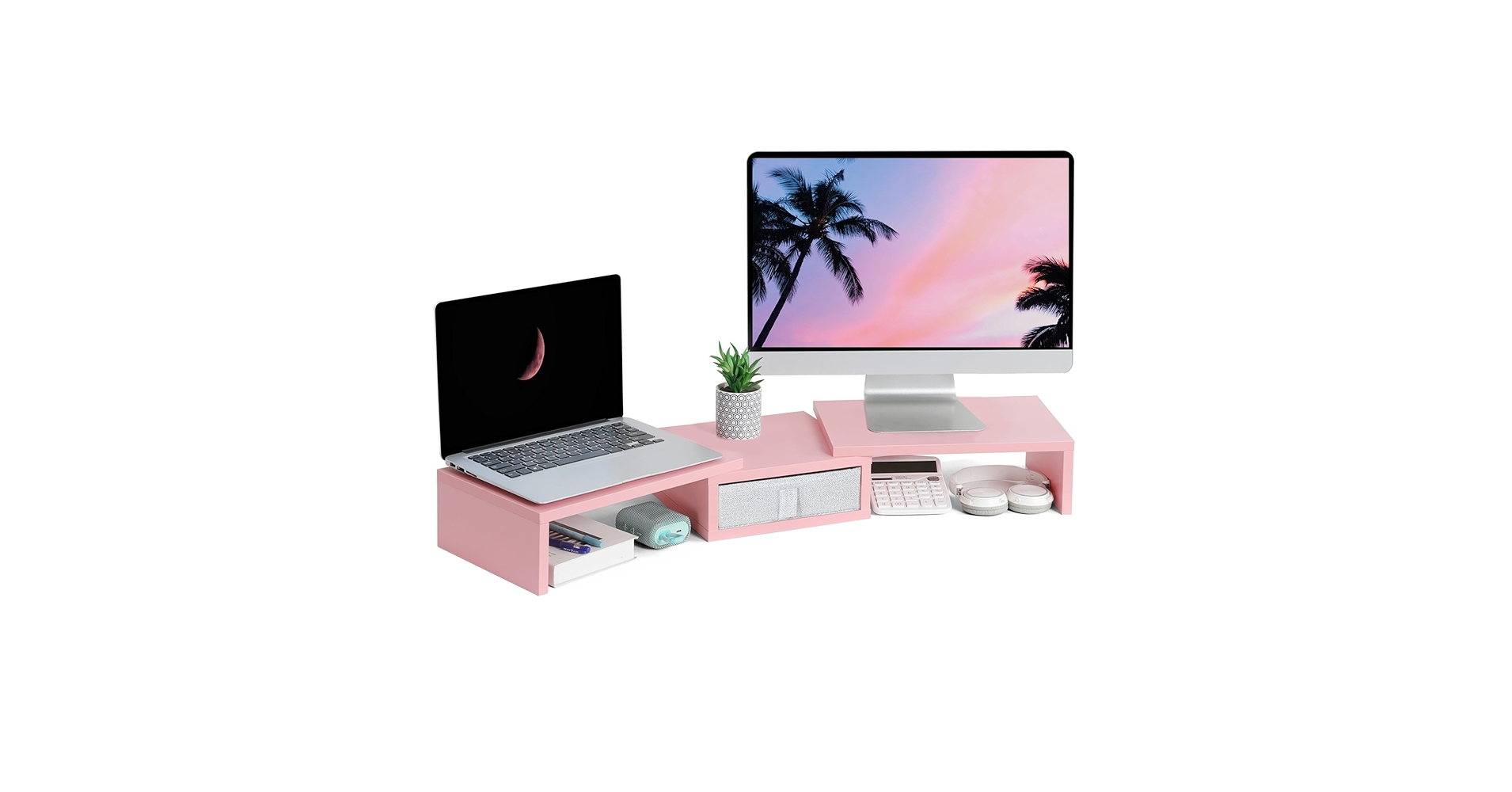
The Breakdown: This riser offers the same solid performance as the standard TEAMIX dual monitor stand but caters to a growing market of users building themed desk setups. It’s a statement piece that doesn’t sacrifice utility. The drawer and ample surface area are just as practical here as on its black or white counterparts.
Key Specs:
- Dimensions: Approx. 39.4″L x 9.4″W x 5.5″H
- Material: MDF
- Configuration: Dual monitor, single tier with drawer (Pink)
The Community Verdict: Feedback from buyers highlights satisfaction with the color accuracy and overall sturdiness. It’s often praised for being the centerpiece of a pink-themed office. The same minor critiques about the MDF material apply here.
Dealbreaker: Skip this if your desk aesthetic is anything other than pink or pastel-focused.
Buying Guide: How to Choose a Corner Monitor Riser
Selecting the right corner desk monitor shelf riser depends on three key factors: your monitor setup, your storage needs, and your overall aesthetic.
1. Monitor Configuration:
First, assess your screen situation. A user with a single 24-inch monitor has very different needs than someone with two 27-inch displays or an ultrawide. For single screens, a compact stand like the minimalist Corner Monitor Stand or the two-tiered ROYUMI is ideal. For dual monitors, a wider, dedicated stand like the TEAMIX Dual Riser is non-negotiable. If you’re using an extra-large screen, you may even need a specialized desk shelf riser for an ultrawide monitor to ensure stability.
2. Storage and Features:
What do you need to store? If you just want to slide your keyboard underneath, any model will do. But if you need to organize cables, pens, and external drives, look for models with drawers or multiple tiers. Once you’ve elevated your monitors and peripherals, managing the new cable layout is key. A desk clamp power strip with USB C can be a game-changer, bringing power right to your riser without extra clutter.
3. Material and Ergonomics:
Most risers in this category are made from MDF or engineered wood, which offers a good balance of cost and durability in a range of finishes. The most crucial factor is height. The goal is to bring the top of your monitor screen to eye level. While these risers add fixed height, the overall ergonomics of your workspace are paramount. Take a moment to consider the complete picture, including which way a desk should face in a home office for optimal lighting and focus.
Frequently Asked Questions
Are corner monitor stands good for ergonomics?
Yes, absolutely. Their primary purpose is to raise your monitor to eye level, which helps prevent you from hunching over. This promotes a neutral spine position, reducing strain on your neck and back over long work sessions.
How much weight can a corner monitor riser hold?
Weight capacity varies, but most MDF or wood models can comfortably hold between 30 to 50 lbs (13 to 22 kg). This is more than sufficient for one or two modern monitors, which typically weigh 10-15 lbs each. Always check the manufacturer’s specifications before purchasing.
Can I use a corner riser for a laptop and a monitor?
A wide, dual-monitor riser like the TEAMIX models is perfect for a side-by-side monitor and laptop setup. The laptop acts as a second screen. For a more compact setup, you could place a monitor on a single riser and store the laptop (when docked) underneath.
Read More on TechForDesk
- The 5 Best Clamp On Desk Shelf For Monitors in 2026
- The 5 Best Portable Monitor Riser for Laptops in 2026 (Travel Edition)
- The 5 Best Monitor Stand for College Dorm Desks (2026 Budget Picks)
- The 5 Best Monitor Riser for Neck Pain in 2026: An Ergonomic Guide
- The Best Cable Raceway for Baseboards in 2026: An Aesthetic Guide




