

Transforming your iPad into a productivity powerhouse starts with the right accessory. A top-tier wireless keyboard case is essential for anyone who types regularly, offering laptop-like functionality without the bulk. In a market flooded with options, finding the perfect blend of protection, typing comfort, and features can be a challenge. We’ve analyzed the market to identify the leading contenders for 2026, focusing on models that deliver exceptional performance and value for every type of iPad user.
🚀 Quick Verdict / Top Pick
ZAGG Pro Keys Detachable Case and Wireless

The ZAGG Pro Keys earns our top spot for its unmatched versatility, offering a protective, detachable case and a superior backlit keyboard that works whether attached or separate.
2026 Wireless Keyboard Case Comparison
| Product | Compatibility | Keyboard Features | Best For |
|---|---|---|---|
| ZAGG Pro Keys Detachable | iPad 10.2-inch (7th-9th Gen) | Backlit, No Trackpad | Overall Versatility |
| BLUTLOTUS for iPad 9th Gen | iPad 10.2-inch (7th-9th Gen) | Backlit, Trackpad | Budget-Conscious Users |
| typecase for iPad Pro 13-inch | iPad Pro 13-inch (M4) | Backlit, Large Trackpad | Power Users & Professionals |
| doqo for iPad Air 11 | iPad Air 11-inch (M2/M3) | Backlit, Trackpad, 360° Hinge | Flexible Viewing Angles |
| eoso TouchPad Keyboard case | Multiple sizes (9″-10.2″) | Trackpad, 7-Color Backlight | Multi-Device Owners |
Detailed Product Reviews
1. ZAGG Pro Keys Detachable Case and Wireless
Pros
- Case and keyboard are fully detachable
- Excellent key travel and backlit keys
Cons
- Lacks an integrated trackpad
- Higher price point than competitors
The Breakdown: The ZAGG Pro Keys offers a two-in-one system that provides serious drop protection and a high-quality typing experience. Its main advantage is the ability to detach the iPad in its protective case, leaving the keyboard behind when not needed. The keyboard itself pairs to two devices simultaneously, adding extra utility for multi-device workflows.
Key Specs:
- Compatibility: iPad 10.2-inch (7th, 8th, & 9th Gen)
- Keyboard Features: 7-color backlighting, laptop-style keys
- Case Design: Detachable folio with magnetic closure, Apple Pencil holder
- Battery Life: Up to 1 year (backlight off)
The Community Verdict: Users consistently praise the sturdy build quality and the satisfying, responsive feel of the keys. The consensus is that the detachable design is a game-changer for versatility. Some users, however, lament the absence of a trackpad, which is becoming standard on many competing models.
Dealbreaker: Skip this if an integrated trackpad is a non-negotiable feature for your workflow.
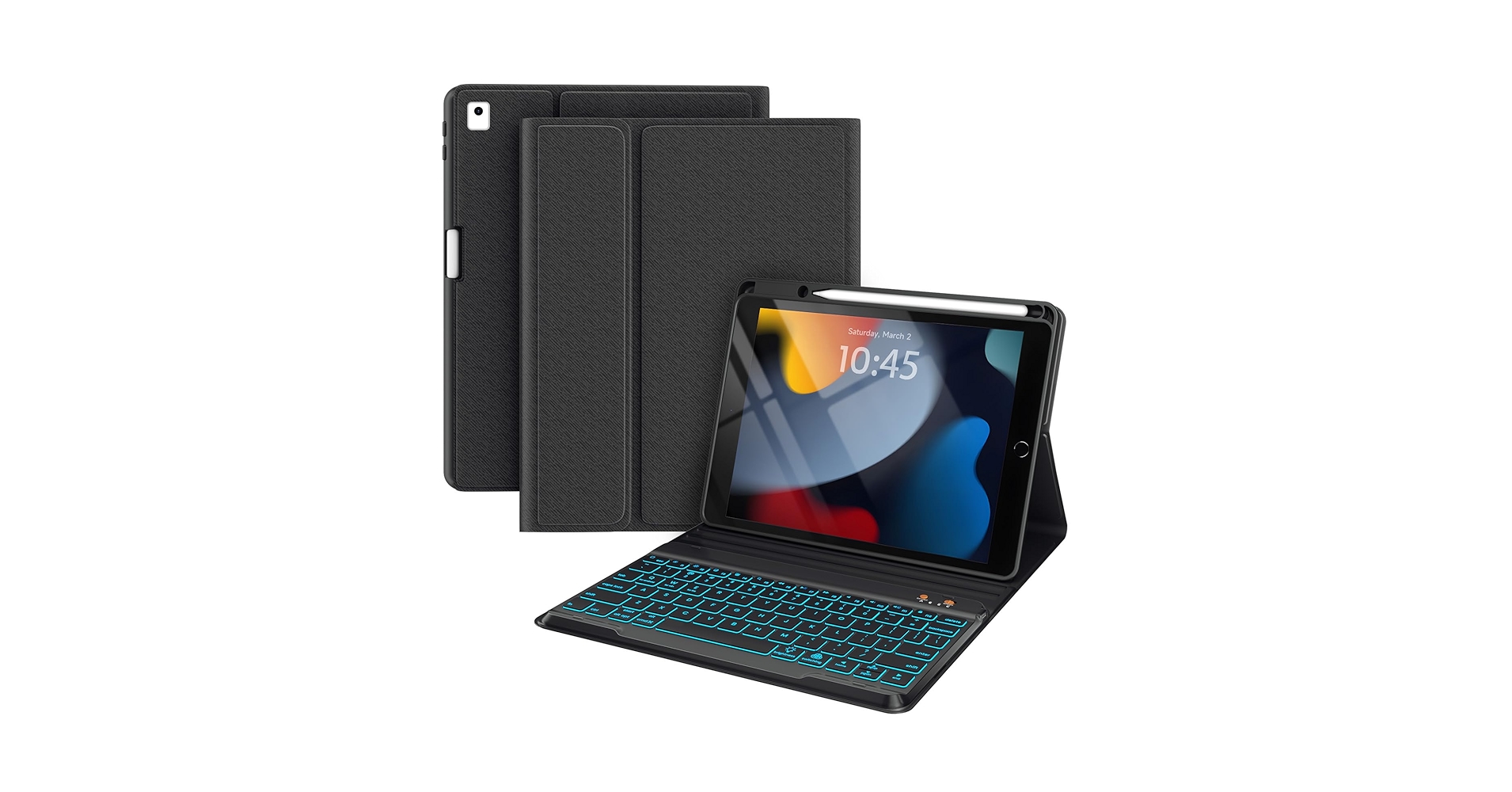
2. BLUTLOTUS for iPad 9th Generation Case
Pros
- Integrated trackpad with multi-touch support
- Highly affordable price point
Cons
- Build materials feel less premium
- Trackpad can be less responsive than high-end models
The Breakdown: The BLUTLOTUS case delivers an impressive number of features for its low price, making it an attractive option for budget-minded consumers. It includes a multi-touch trackpad, backlit keys, and a dedicated holder for the Apple Pencil. It aims to replicate the experience of more expensive cases for a fraction of the cost.
Key Specs:
- Compatibility: iPad 10.2-inch (9th, 8th, & 7th Gen), iPad Air 3, iPad Pro 10.5-inch
- Keyboard Features: Backlit keys, integrated trackpad
- Case Design: Folio style with multiple viewing angles, pencil holder
- Battery Life: Estimated 60-90 hours of use
The Community Verdict: Owners are generally surprised by the value offered, frequently citing the trackpad and backlight as features not expected at this price. However, market research indicates some reports of inconsistent Bluetooth connectivity and a less-than-premium feel to the plastic components. The consensus is that it’s a great value, provided you manage expectations on build quality.
Dealbreaker: Skip this if you require premium materials and flawless trackpad performance.
3. typecase Keyboard Case for iPad Pro 13-inch (M4)

Pros
- Large, highly responsive multi-gesture trackpad
- Slim profile that complements the iPad Pro design
Cons
- Premium price tag
- Adds noticeable weight to the ultra-thin iPad Pro
The Breakdown: The typecase for the new iPad Pro M4 is engineered to match the tablet’s high-performance ethos. It features a precision trackpad and a comfortable, well-spaced keyboard that makes long typing sessions a breeze. The design focuses on a sleek, executive aesthetic that transforms the iPad Pro into a convincing laptop alternative.
Key Specs:
- Compatibility: iPad Pro 13-inch (M4) 2024
- Keyboard Features: 10-color RGB backlight, large gesture-enabled trackpad
- Case Design: Hard shell folio with 360° hinge for multiple modes (laptop, tent, tablet)
- Power: USB-C charging
The Community Verdict: Users report that the trackpad is exceptionally smooth and rivals the performance of high-end laptops. The keyboard layout and key response are also frequently highlighted as strong points. The primary criticism revolves around the added weight, which some feel compromises the portability of the new, lighter iPad Pro.
Dealbreaker: Skip this if maintaining the absolute minimum weight and thickness of your iPad Pro is your top priority.
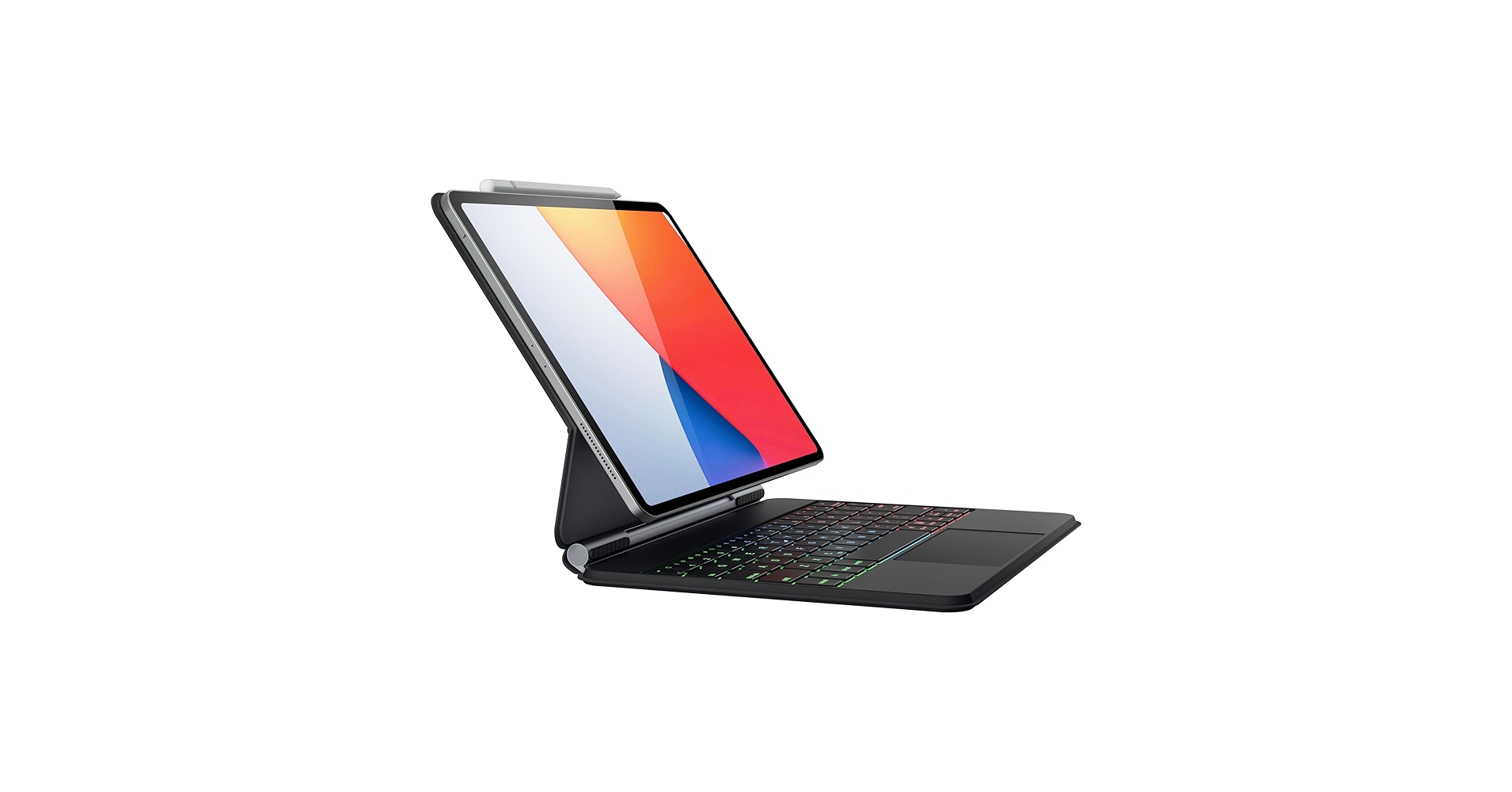
4. doqo Keyboard Case for iPad Air 11 (M2/M3) 2024
Pros
- 360-degree rotating hinge offers incredible versatility
- Aluminum alloy keyboard base feels sturdy and premium
Cons
- Hinge mechanism adds bulk compared to folio cases
- Can be slightly top-heavy in certain positions
The Breakdown: The doqo case stands out with its unique 360-degree hinge, allowing the iPad Air to be positioned in laptop, tent, stand, or tablet mode without detaching it. This makes it ideal for presentations, media consumption, and drawing in addition to typing. The build quality feels substantial, providing a stable base for any task.
Key Specs:
- Compatibility: iPad Air 11-inch (M2/M3) 2024
- Keyboard Features: 7-color backlight, integrated trackpad
- Case Design: 360° rotating hinge, hard shell protection
- Material: Aluminum alloy keyboard deck, ABS plastic shell
The Community Verdict: Users are highly satisfied with the hinge’s sturdiness and the flexibility it provides. The overall build is often cited as feeling more expensive than it is. Some owners note that the case can feel unbalanced with the screen tilted far back, a common trade-off for this style of hinge.
Dealbreaker: Skip this if a slim, lightweight profile is more important to you than versatile viewing angles.
5. eoso TouchPad Keyboard case for 9″-10.2″

Pros
- Broad compatibility with many iPad models
- Detachable magnetic keyboard
Cons
- Generic fit may not be perfectly snug for all models
- Typing experience is basic
The Breakdown: The eoso case is a utilitarian choice that prioritizes broad compatibility and core features like a trackpad and backlight. Its folio design incorporates a magnetically attached keyboard that can be removed or repositioned. This makes it a flexible, if not premium, option for a wide range of standard iPad models.
Key Specs:
- Compatibility: iPad 9.7″, 10.1″, 10.2″ models (check specific generations)
- Keyboard Features: Integrated trackpad, 7-color backlight
- Case Design: Detachable keyboard folio, PU leather exterior
- Battery Life: Up to 100 hours
The Community Verdict: Market research indicates that users appreciate the ‘one-size-fits-many’ approach and the inclusion of a trackpad at a very low price. However, the typing feel is often described as mushy, and the fit and finish are not on par with model-specific cases. It’s a functional tool that gets the job done without any frills.
Dealbreaker: Skip this if you need a precise fit and a high-quality typing experience for heavy use.
Buying Guide: How to Choose the Right Wireless Keyboard Case in 2026
Selecting the perfect wireless keyboard case involves more than just picking one that fits. Consider these key factors to ensure your choice enhances your iPad experience.
1. Compatibility is Non-Negotiable
This is the most critical step. iPad models change slightly in dimension and camera placement with each generation. Always double-check that the case you’re buying is explicitly listed as compatible with your exact iPad model (e.g., iPad Air 11-inch M2, not just ‘iPad Air’).
2. The Typing Experience: Keys and Trackpad
The entire point of a keyboard case is the keyboard. Look for features like backlighting for low-light situations and good key travel for a comfortable feel. It’s important to remember these are low-profile keys; they won’t feel like the best stock sounding mechanical keyboard, but they should still be responsive. The inclusion of a trackpad turns your iPad into a true laptop-style device, enabling gestures and precise cursor control within iPadOS.
3. Case Design and Functionality
Consider how you’ll use your iPad. A detachable case (like the ZAGG) offers the most versatility, letting you shed the keyboard’s weight when you just want to read or watch. A folio or 360-degree hinge case provides stability and multiple viewing angles but keeps the keyboard permanently attached. Also, consider adding protection for the keys themselves; a silicone keyboard cover can be a great way to guard against spills and dust.
Frequently Asked Questions (FAQ)
Can a wireless keyboard case replace a laptop?
For many tasks like writing, browsing, and email, a high-quality keyboard case can absolutely make an iPad a viable laptop replacement. However, for specialized software, extensive file management, or connecting multiple peripherals, a traditional laptop still has the edge.
How long do the batteries last?
Battery life varies greatly. Most modern cases use Bluetooth Low Energy and can last for months on a single charge with normal use. Using the backlight feature will drain the battery significantly faster, often reducing battery life to a matter of weeks or days depending on brightness and use.
Are the keyboards detachable on all models?
No. This is a key design differentiator. Models like the ZAGG Pro Keys and eoso have fully detachable keyboards, while others like the typecase and doqo have integrated keyboards on a hinge. Choose based on whether you prioritize flexibility or a stable, all-in-one form factor.




