

In the world of high-tech desk accessories, the right alarm clock does more than just tell time. An iHome alarm clock serves as a central hub for charging, audio, and ambiance. As we navigate, the demand for multifunctional, minimalist gear has never been higher. This guide breaks down the top iHome models on the market, helping you select the perfect digital companion for your workspace, whether you prioritize wireless charging, superior audio, or specialized lighting features.
🚀 Quick Verdict / Top Pick
iHome Bluetooth Alarm Clock with Wireless Charger
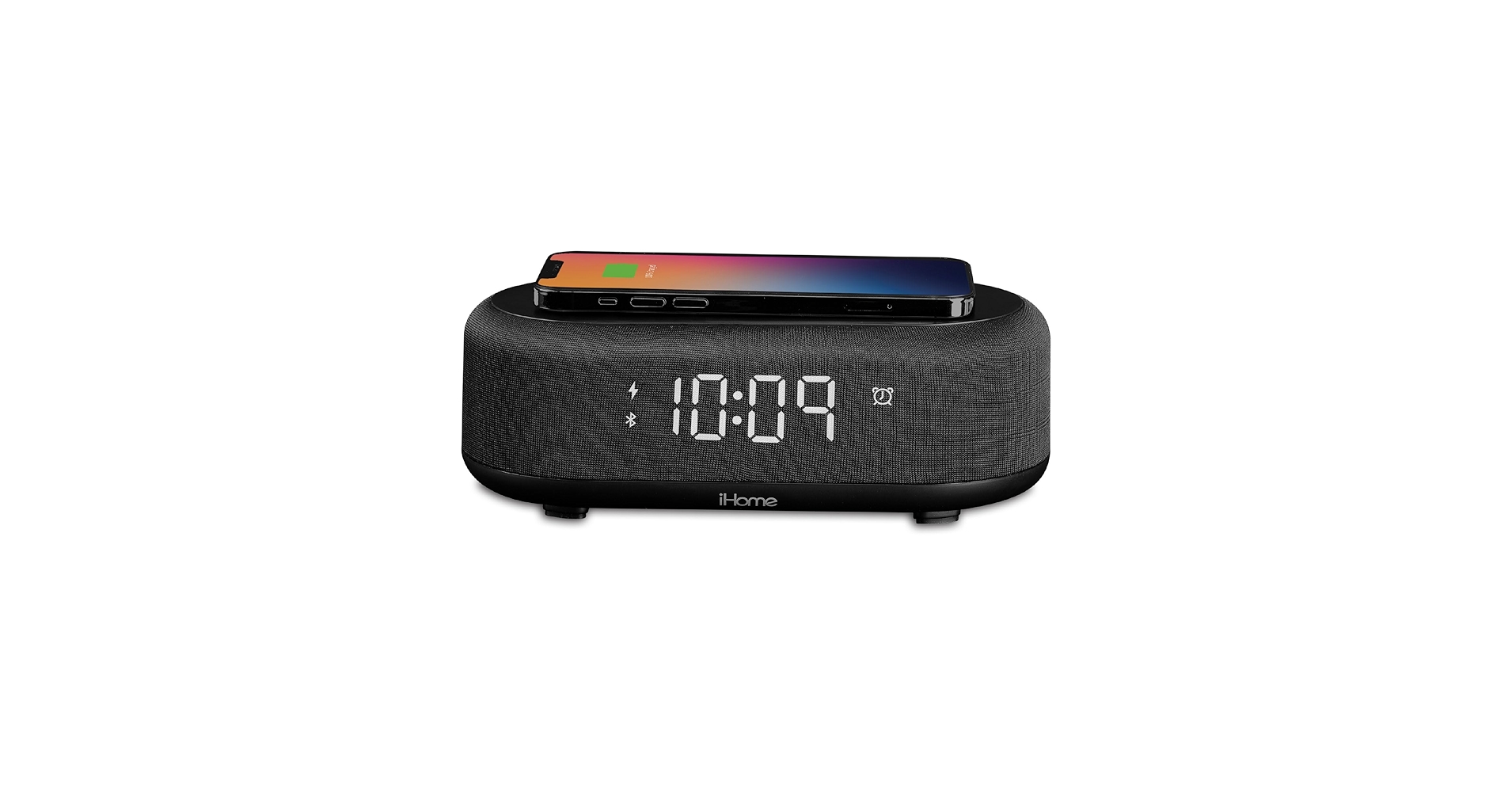
This model wins for its future-proof design, combining fast Qi wireless charging with a minimalist footprint that fits any modern desk setup.
iHome Alarm Clock: Comparison
| Product | Connectivity | Primary Charging | Best For |
|---|---|---|---|
| iHome Wireless Charger | Bluetooth 5.1 | 10W Qi Wireless | Modern Minimalist Desks |
| iHome Sunrise | Bluetooth 5.0 | USB-A Port | Gentle Wake-Up Routines |
| iHome PowerClock Glow | Bluetooth 4.2 | USB-A Port | Ambiance and Mood Lighting |
| iHome Classic Bluetooth | Bluetooth | USB-A Port | No-Frills Reliability |
| iHome iPL23 Lightning | None (Dock Only) | Lightning Dock | Legacy iPhone Users |
Detailed Product Reviews
1. iHome Bluetooth Alarm Clock with Wireless Charger
Pros
- Fast 10W Qi wireless charging pad
- Clean, minimalist aesthetic
- Dimmable display for nighttime
Cons
- Speaker quality is adequate, not exceptional
- No FM radio functionality
The Breakdown: This model is iHome’s answer to the modern, streamlined workspace. Its primary selling point is the integrated wireless charging pad, eliminating the need for extra cables on your nightstand or desk. The design is compact and unassuming, with a clear display that offers multiple brightness levels.
Key Specs:
- Connectivity: Bluetooth 5.1
- Charging: 10W Qi Wireless Pad, 1x USB-A Port (5W)
- Display: Dimmable LED
- Dimensions: 5.5″ x 5.5″ x 2.5″
The Community Verdict: Users consistently praise the convenience of the wireless charger and the easy-to-read, dimmable display. The consensus is that it’s the perfect device for decluttering a bedside table. Some owners note that precise phone placement is required for charging to initiate, and the audio is best suited for podcasts or alarms rather than high-fidelity music.
Dealbreaker: Skip this if you are an audiophile or require an FM radio tuner for your morning news.
2. iHome Sunrise Alarm Clock Radio with Bluetooth

Pros
- Gradual light simulation for natural waking
- Includes soothing nature sounds
- Modern, circular design
Cons
- Takes up more desk space than other models
- Light may not be bright enough for heavy sleepers
The Breakdown: This clock is designed around the concept of a circadian rhythm-friendly wake-up experience. It gradually brightens over a 30-minute period before the audible alarm sounds, mimicking a natural sunrise. It also functions as a capable Bluetooth speaker and includes an FM radio and built-in nature sounds.
Key Specs:
- Connectivity: Bluetooth 5.0, FM Radio
- Charging: 1x USB-A Port (5W)
- Display: LED with Simulated Sunrise Light
- Dimensions: 7.0″ x 6.8″ x 3.5″
The Community Verdict: Market research indicates that users who struggle with abrupt alarms find the sunrise feature genuinely helpful for a less jarring morning. The variety of sound options is a frequently mentioned plus. However, some report that the setup process can be slightly complex, and the overall build feels less premium than some other iHome models.
Dealbreaker: Skip this if you have a very small desk or require a simple, one-button alarm setup.
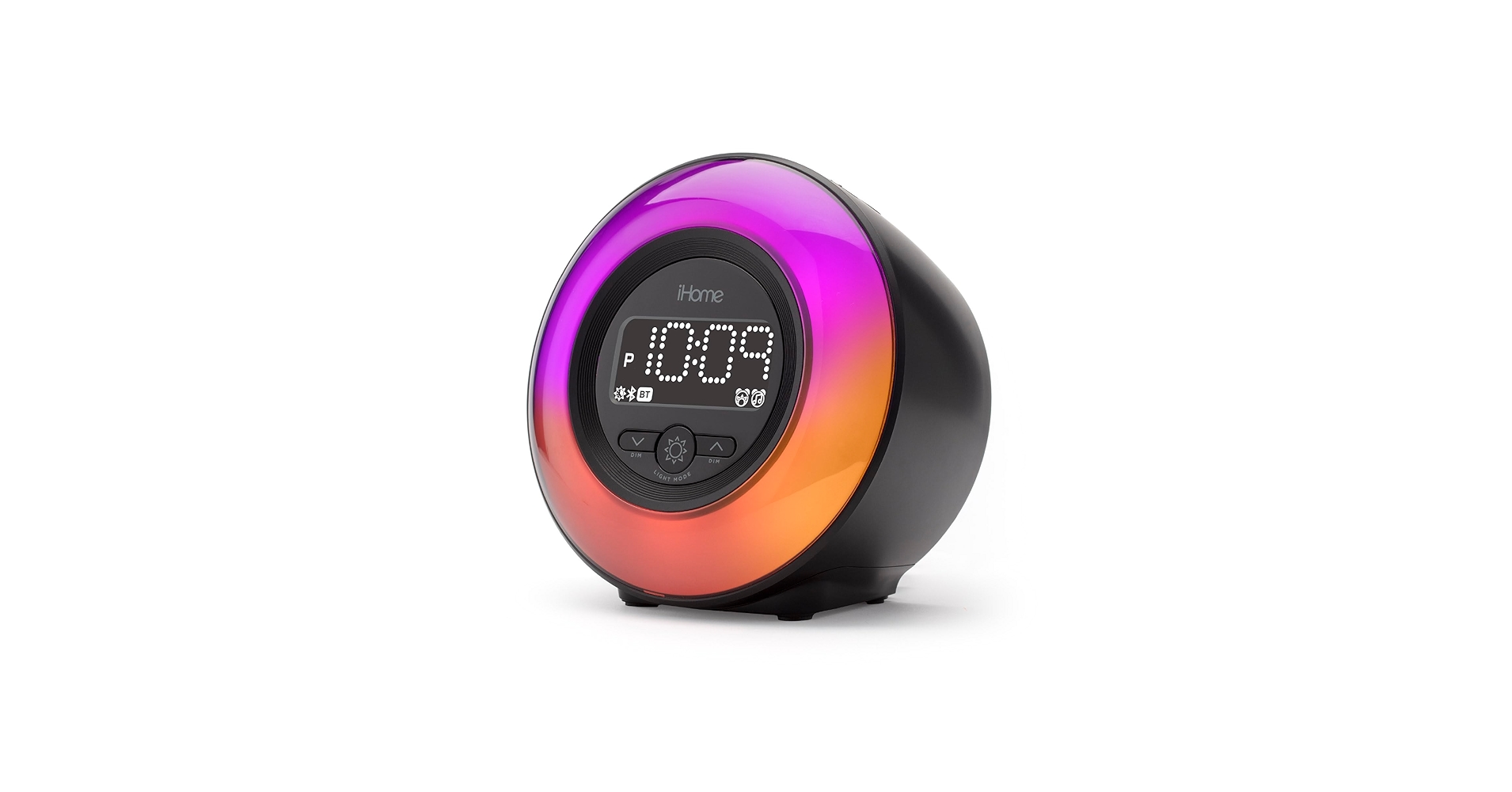
3. iHome PowerClock Glow FM Clock Radio
Pros
- Multiple color and mode options for ambient light
- Dual alarms for versatile schedules
- Solid FM radio reception
Cons
- Bluetooth version is slightly dated
- Display can be overly bright even on the lowest setting
The Breakdown: The PowerClock Glow focuses on ambiance, featuring a base that illuminates in various colors and patterns. It’s a solid all-around clock radio, complete with Bluetooth audio, an FM tuner, and a standard USB charging port. Its main appeal is adding a splash of customizable color to a workspace.
Key Specs:
- Connectivity: Bluetooth 4.2, FM Radio
- Charging: 1x USB-A Port (5W)
- Display: LED with Ambient Light Base
- Dimensions: 5.3″ x 5.3″ x 4.5″
The Community Verdict: Owners report that the light feature is a fun, unique element that sets it apart from standard alarm clocks. The dual alarm system is also a popular feature for couples or those with weekday/weekend schedules. A common complaint is that the main time display is too bright for some, even at its dimmest setting, which can be disruptive in a dark room.
Dealbreaker: Skip this if you are highly sensitive to light while sleeping.
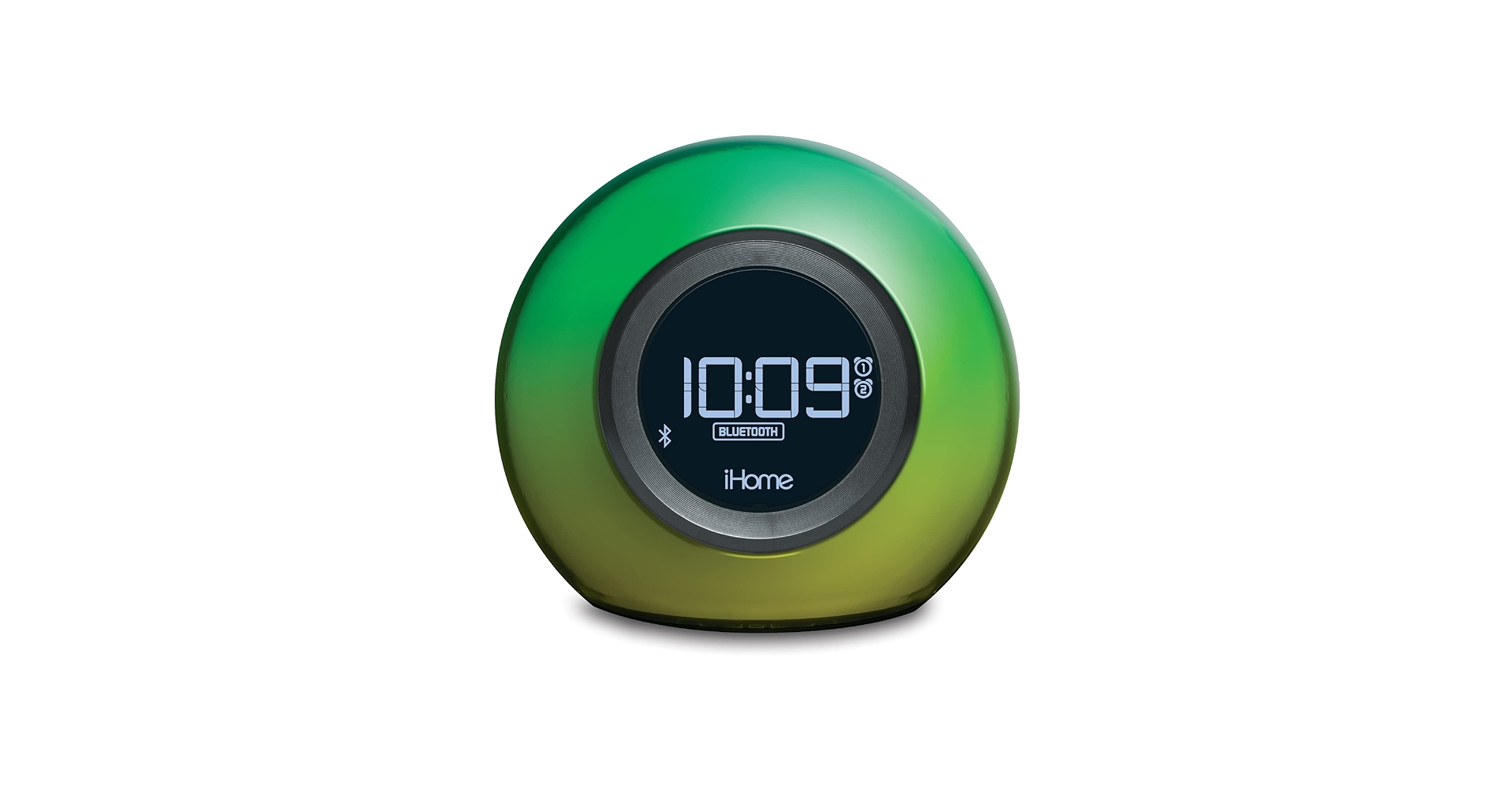
4. iHome Alarm Clock Radio with Bluetooth Speaker
Pros
- Extremely simple and intuitive to operate
- Compact, space-saving design
- Dependable performance
Cons
- Dated design and features
- Speaker quality is very basic
The Breakdown: This is a classic, workhorse model from iHome’s lineup. It offers the core functionalities—alarm, FM radio, Bluetooth audio, and USB charging—in a straightforward package. There are no fancy lighting effects or wireless charging pads, just the essentials done reliably.
Key Specs:
- Connectivity: Bluetooth, FM Radio
- Charging: 1x USB-A Port (5W)
- Display: Standard LCD
- Dimensions: 6.3″ x 6.3″ x 2.9″
The Community Verdict: This model is generally seen as a durable and dependable choice. Users appreciate its simplicity and the fact that it ‘just works’ without a complicated setup. The main criticisms revolve around its dated aesthetic and subpar sound quality, which is often described as tinny and lacking bass.
Dealbreaker: Skip this if you care about audio quality or want modern features like wireless charging.
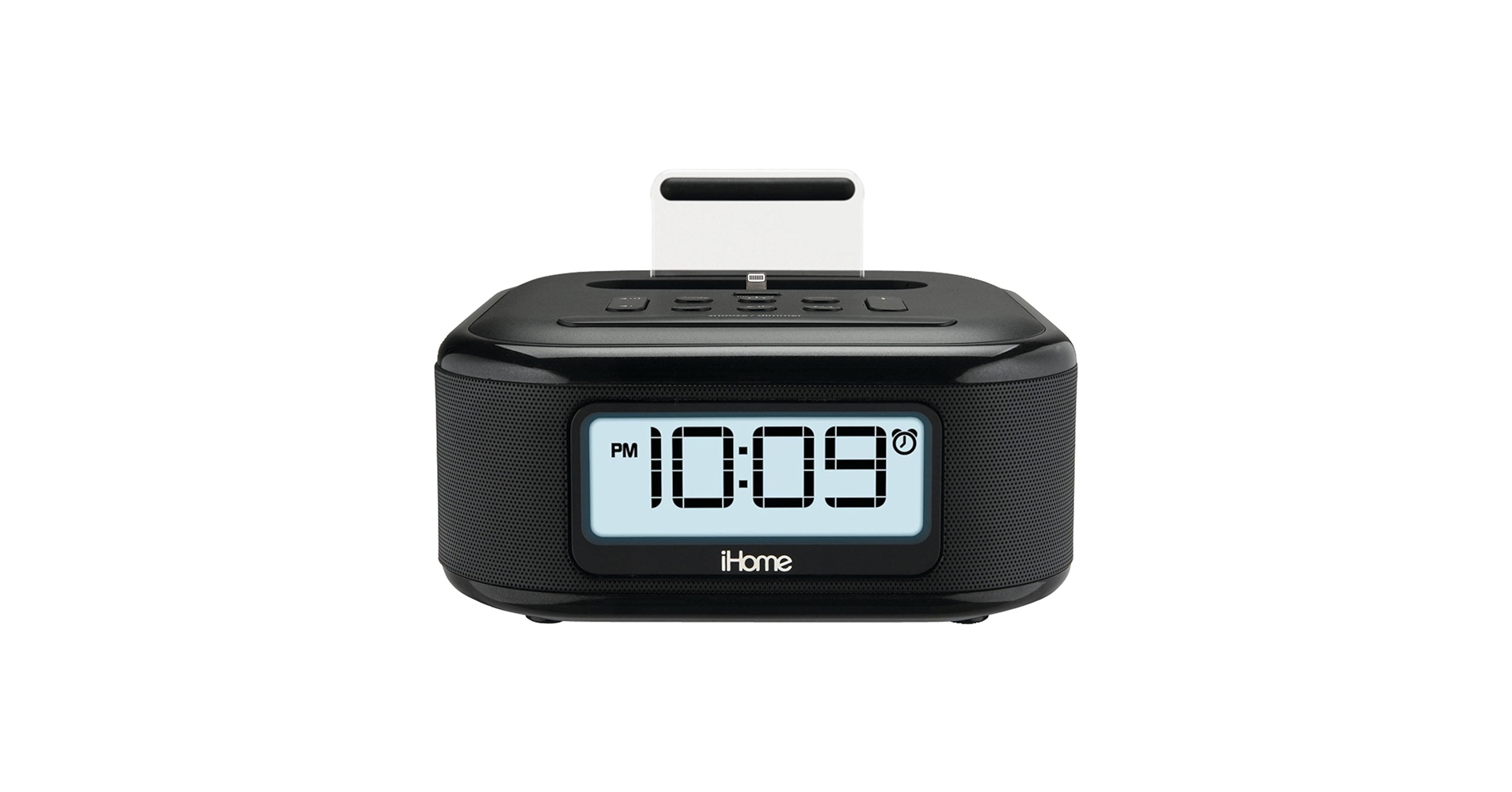
5. iHome iPL23 Alarm Clock FM Radio with Lightning
Pros
- Charges and plays music via Lightning dock
- Time-sync feature automatically sets clock time from iPhone
- Small footprint
Cons
- Completely obsolete for USB-C iPhones and Android devices
- No Bluetooth connectivity
The Breakdown: A throwback to the era of physical docks, the iPL23 is built for one purpose: to connect with a Lightning-based iPhone. It charges the phone and can play audio directly through the physical connection. The auto-sync for time is a convenient feature, but its lack of wireless connectivity makes it a niche product.
Key Specs:
- Connectivity: Apple Lightning Dock
- Charging: Lightning Dock
- Display: LCD
- Dimensions: 4.8″ x 4.8″ x 4.0″
The Community Verdict: For those who still own and use a Lightning-port iPhone as a dedicated bedside device, this clock is praised for its reliability and simplicity. The sound quality is considered superior to the basic Bluetooth model. However, the overwhelming consensus is that its utility has plummeted with Apple’s transition to USB-C, and it’s incompatible with most modern phones and cases.
Dealbreaker: Skip this unless you exclusively use an older, caseless iPhone with a Lightning port and have no need for Bluetooth.
Buying Guide: How to Choose the Right iHome Alarm Clock
Selecting the best iHome model comes down to identifying your primary need. Are you looking for a minimalist charging station, a wellness tool, or simply a reliable timepiece? All of these are excellent desk clocks, but they serve different masters.
1. Charging Method: Wireless charging is the standard for a clutter-free desk. If your phone supports it, a model with a Qi pad is the most convenient option. For those with multiple devices or older phones, a reliable USB port is essential. This is a key consideration in our broader guide to finding the best clock radio with phone charger, where versatility is king.
2. Audio & Connectivity: All modern iHome clocks offer Bluetooth, but the quality can vary. If you plan to use it as your primary desk speaker for music, look for newer models with Bluetooth 5.0 or higher for a more stable connection. If you just need it for alarms and podcasts, any model will suffice. For a touch of nostalgia or a battery-free morning news brief, an FM radio is still a valuable feature.
3. Aesthetics and Extra Features: Consider the overall look of your workspace. Do you want sleek, modern clocks for desk spaces that blend in, or something with a bit more personality like the PowerClock Glow? While iHome excels at modern design, if your taste leans more classic, you might even contrast your tech with something like a vintage travel alarm clock. Features like sunrise simulation are not gimmicks—they can genuinely improve your wake-up routine if you’re sensitive to harsh alarms.
Frequently Asked Questions (FAQ)
Q: Can I turn off the iHome alarm clock display completely at night?
A: Most modern iHome models feature a dimmer button that allows you to cycle through several brightness levels, including a very low setting. Some, like the Wireless Charger model, can get very dim, but a complete ‘off’ state while the clock is powered is uncommon. User reports often highlight which models are ‘bedroom dark’ approved.
Q: Are iHome alarm clocks compatible with Android phones?
A: Yes. Any iHome alarm clock with Bluetooth connectivity will work with both Android and iOS devices for audio streaming. For charging, models with Qi wireless charging or a standard USB-A/USB-C port are universally compatible. The only exception is a legacy model like the iPL23, which is specifically built around Apple’s outdated Lightning dock.
Q: How do you set the time on an iHome alarm clock?
A: Most models have a dedicated ‘Clock’ or ‘Time Set’ button. Typically, you press and hold this button until the display starts flashing, then use the volume or arrow keys to adjust the hour and minutes. Pressing the ‘Clock’ button again saves the time. Some dock-based models can also automatically sync the time from a connected phone.




