
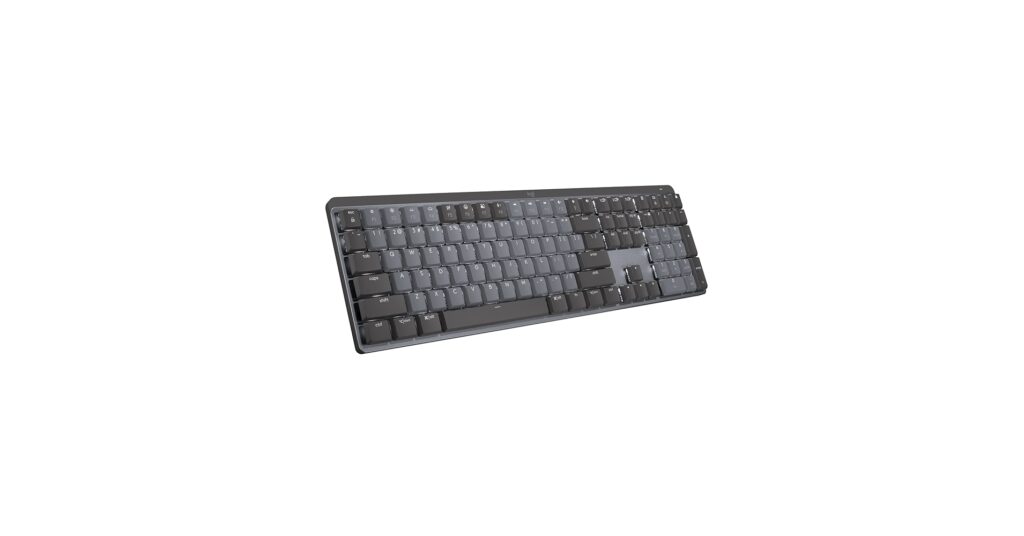
Finding the best quiet keyboard for gaming is no longer about sacrificing performance for silence. Whether you’re a late-night gamer trying not to wake the house, a streamer who needs clean audio, or simply someone who prefers a more subtle auditory experience, the market is now filled with options that deliver a satisfying feel without the disruptive clatter. This guide breaks down the top contenders, from whisper-quiet mechanicals to advanced membrane designs, ensuring you can focus on the win, not the noise.
🚀 Quick Verdict / Top Pick
AULA S99 Gaming Keyboard, Wireless Computer
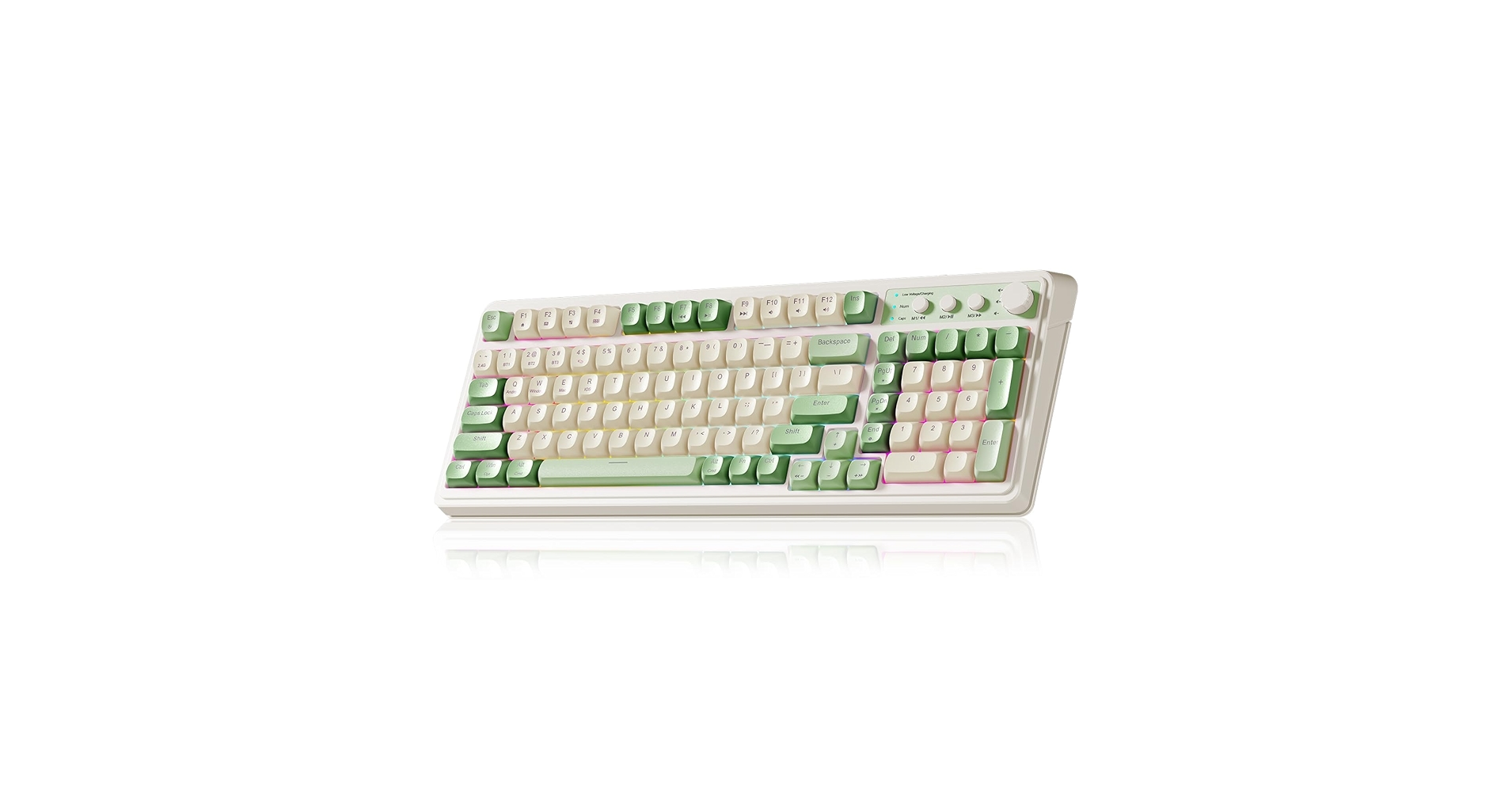
It combines enthusiast-level features like a gasket-mounted design and pre-lubed silent switches with versatile tri-mode connectivity, offering the best stealth gaming experience without compromise.
Quiet Gaming Keyboard Comparison
| Product | Switch Type | Connectivity | Best For |
|---|---|---|---|
| AULA S99 Wireless | Custom Silent Switches | Tri-Mode Wireless | Overall Quiet Gaming |
| Logitech MX Mechanical | Low-Profile Tactile Quiet | Bluetooth / Bolt Receiver | Hybrid Work & Play |
| Fogruaden 96% Wireless | Custom Silent Linear | 2.4GHz / Bluetooth | Budget Wireless |
| Hofotek 96% Wired | Custom Creamy Switches | Wired (USB-C) | Budget Wired Reliability |
| TECKNET Gaming Keyboard | Mecha-Membrane | Wired (USB-A) | Ultimate Silence on a Budget |
Detailed Reviews
1. AULA S99 Gaming Keyboard, Wireless Computer
Pros
- Gasket-mount design for superior sound dampening
- Tri-mode connectivity (Wired, 2.4GHz, BT)
- High-quality PBT keycaps
Cons
- Premium price point
- Software can be less intuitive than major brands
The Breakdown: The AULA S99 represents the peak of modern quiet keyboard design for gaming. Its gasket-mounted structure isolates the switch plate, significantly reducing vibrations and creating a softer, deeper, and much quieter sound profile. This, combined with pre-lubed silent switches and layers of internal foam, makes it our top choice for a high-performance, low-noise gaming setup.
Key Specs:
- Layout: 96% (99-Key)
- Switch Type: AULA Custom Silent Switches
- Connectivity: Tri-Mode (USB-C, 2.4GHz, Bluetooth 5.0)
- Keycaps: Double-shot PBT
- Features: Gasket-mounted, Hot-swappable, RGB lighting
The Community Verdict: Users consistently praise the AULA S99 for its exceptional out-of-the-box typing feel and sound, often comparing it to custom-built keyboards. The low-latency wireless is lauded for gaming, and the build quality is considered a major step up from mainstream brands. Some note a learning curve with the software, but most agree the hardware quality of this silent mechanical gaming keyboard makes it worthwhile.
Dealbreaker: Skip this if you need intuitive, mainstream software like Razer Synapse or Corsair iCUE for complex macro and lighting integration.
2. Logitech MX Mechanical Wireless Illuminated
Pros
- Exceptional build quality and minimalist aesthetic
- Quiet Tactile switches are satisfying yet subtle
- Superb battery life and connectivity options
Cons
- Not designed for competitive, high-APM gaming
- Low-profile keys can be an acquired taste for some
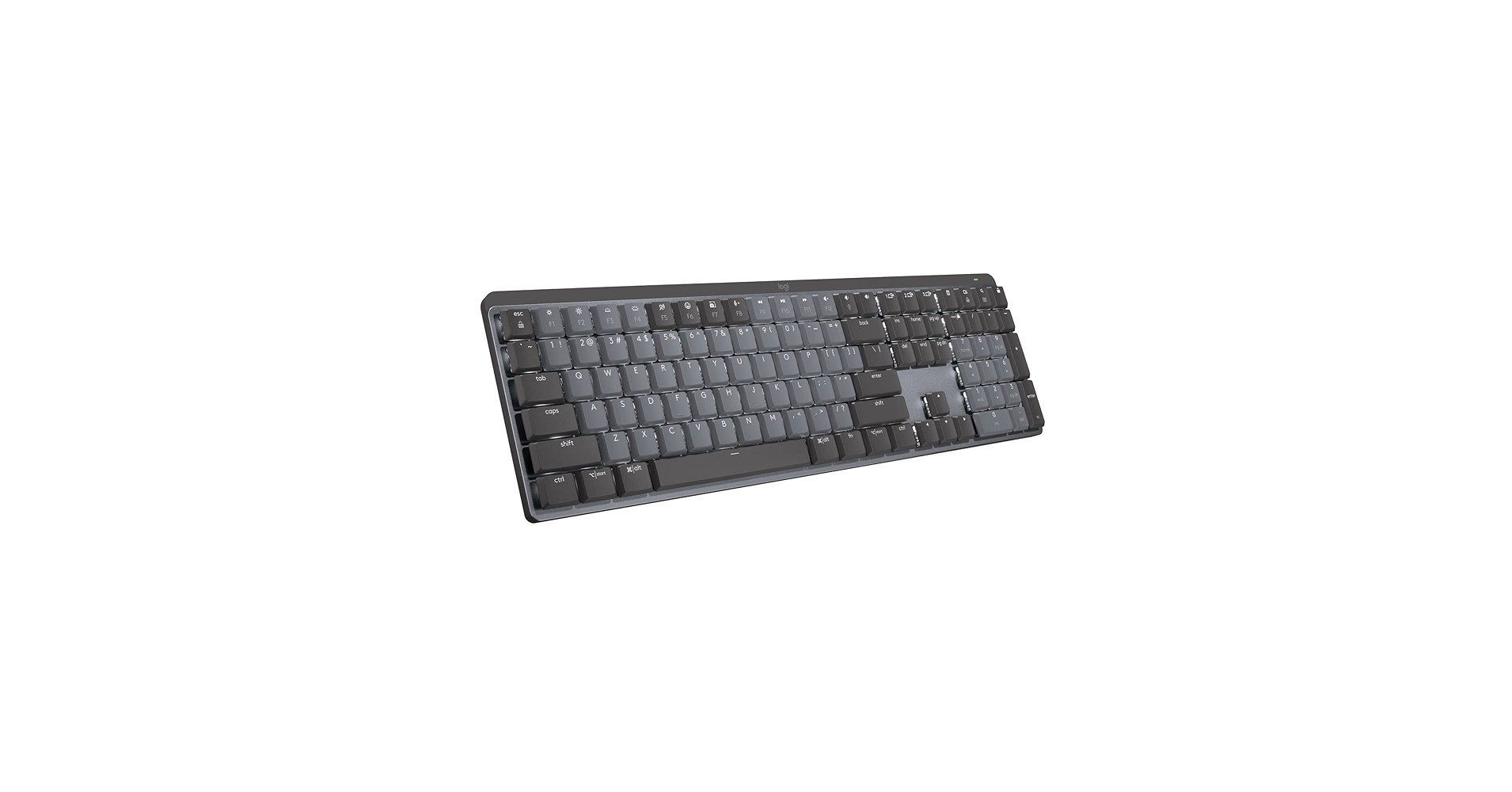
The Breakdown: Logitech’s MX Mechanical is a productivity powerhouse that moonlights effectively as a quiet gaming keyboard. Its low-profile design and Tactile Quiet switches provide a fast, responsive, and hushed experience similar to a high-end laptop keyboard. The build quality is top-tier, and its Logi Options+ software is polished and powerful for both work and play.
Key Specs:
- Layout: Full-size or Mini (TKL)
- Switch Type: Kailh Choc V2 Low Profile Tactile Quiet
- Connectivity: Bluetooth Low Energy, Logi Bolt USB Receiver
- Keycaps: ABS
- Features: Smart Illumination, Multi-device pairing
The Community Verdict: The consensus is that this is the ultimate keyboard for users with a hybrid work/gaming lifestyle. Owners love the seamless switching between devices and the professional, clean aesthetic. While hard-core gamers might miss full-height keys, those who play strategy, MMOs, or casual titles find it more than capable. As a silent switch keyboard, its low-profile keys offer a unique, non-fatiguing experience during long sessions.
Dealbreaker: Skip this if you need the distinct feel and longer travel of full-size mechanical switches for competitive FPS or rhythm games.
3. Fogruaden 96% Green Quiet Silent Wireless Gaming
Pros
- Very affordable for a wireless mechanical keyboard
- Space-saving 96% layout retains numpad
- Surprisingly quiet linear switches for the price
Cons
- Build quality is entirely plastic
- Key feel can be inconsistent across the board
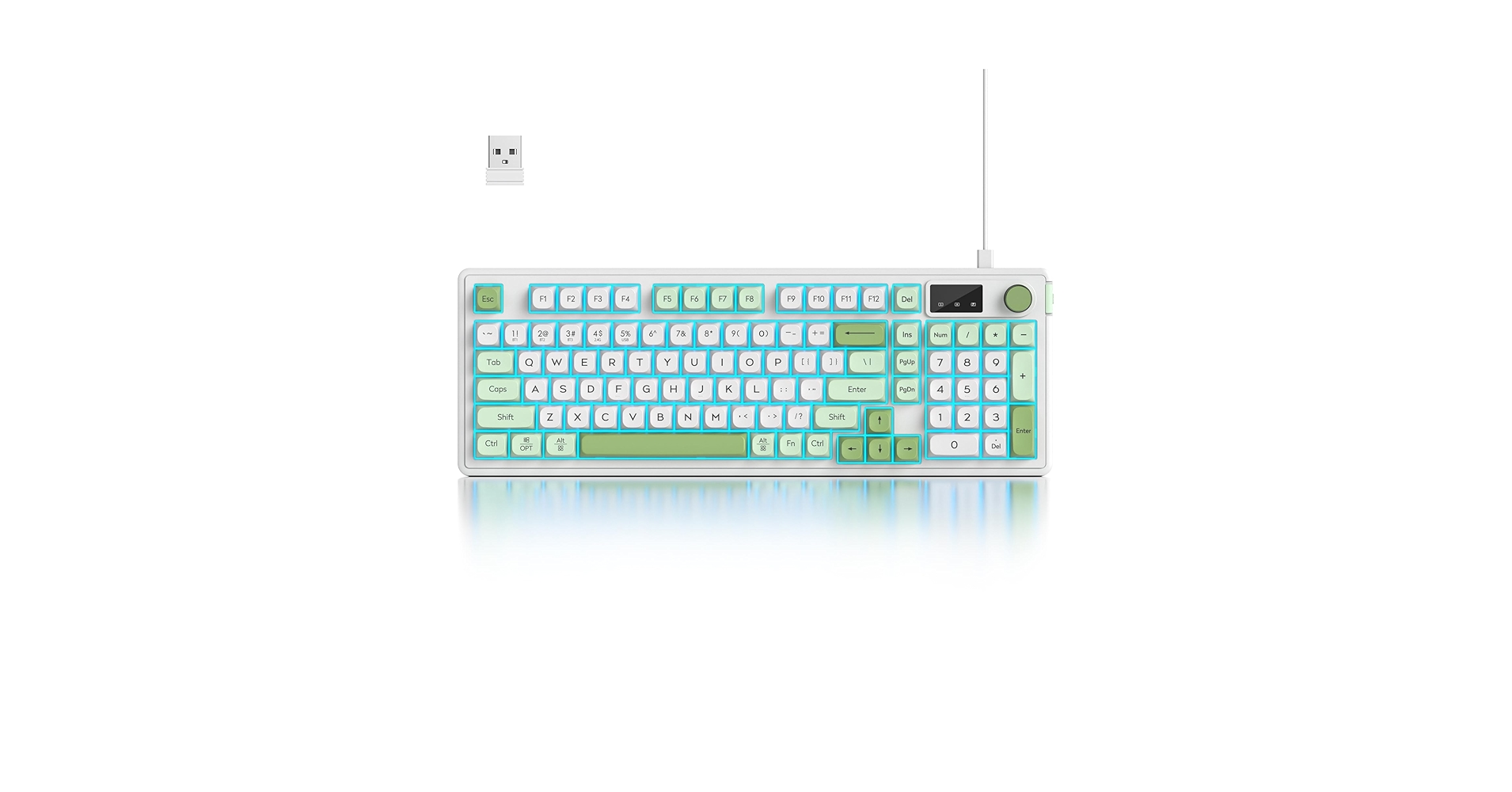
The Breakdown: The Fogruaden keyboard is a strong contender in the budget wireless space. It offers a 96% layout, which is an excellent compromise between the compactness of a TKL and the functionality of a full-size board. The custom silent switches are linear, making them ideal for gaming where smooth, rapid keystrokes are essential.
Key Specs:
- Layout: 96% (100-Key)
- Switch Type: Custom Silent Linear Switches
- Connectivity: 2.4GHz Wireless, Bluetooth, USB-C
- Keycaps: ABS
- Features: RGB Backlighting, Volume Knob
The Community Verdict: Market research indicates that buyers are frequently surprised by the value this keyboard offers. The wireless performance is generally considered reliable for casual gaming, and the sound profile is much quieter than typical budget mechanicals. While the plastic construction and basic keycaps are common points of criticism, the overall package is viewed as a great entry into the world of quiet wireless gaming. The silent switches mechanical keyboard experience is good for the price, though not on par with premium options.
Dealbreaker: Skip this if you prioritize premium materials and a rock-solid build feel; the all-plastic construction is a noticeable cost-saving measure.
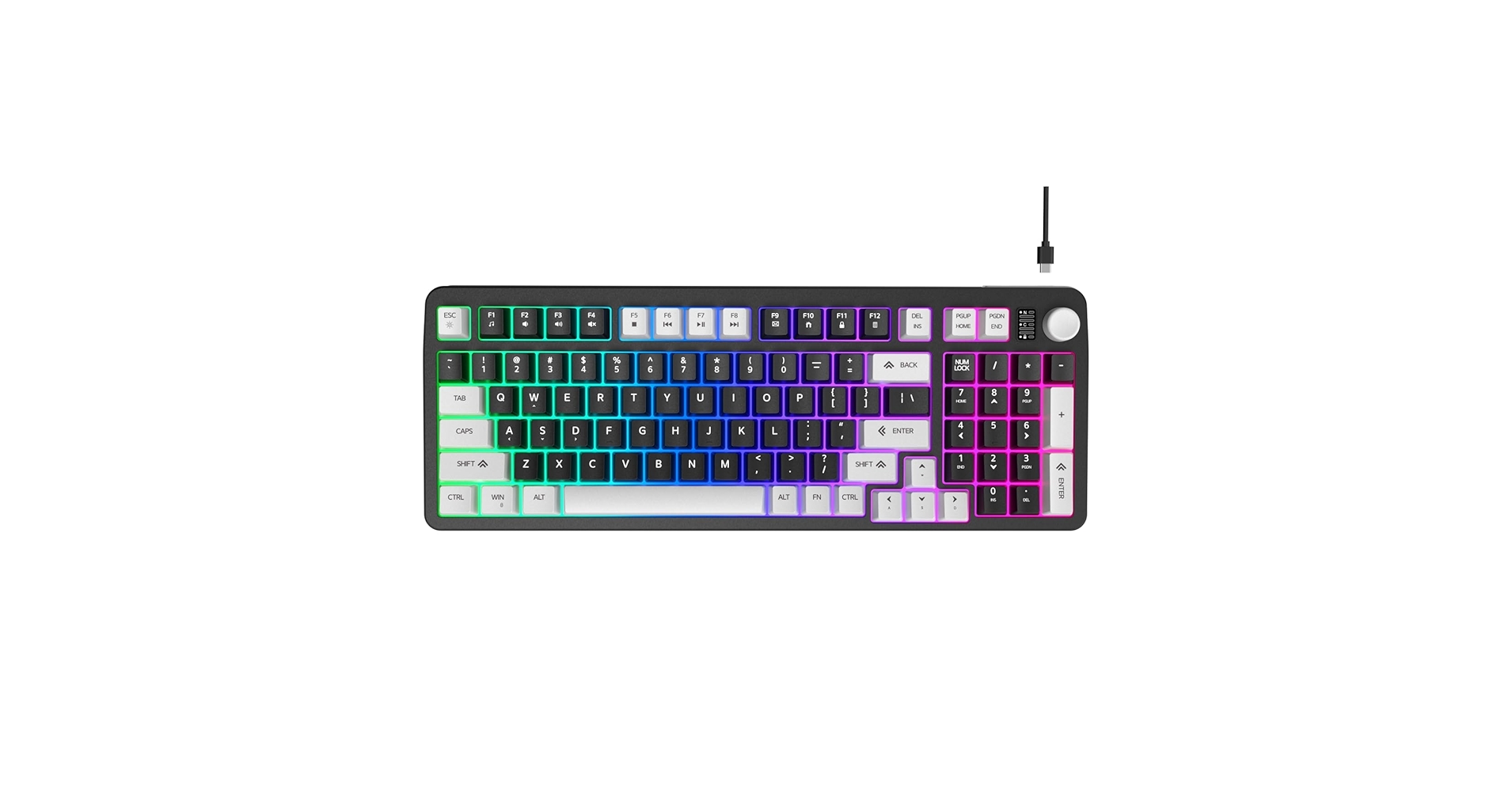
4. Hofotek 96% Wired Gaming Keyboard, Creamy
Pros
- Extremely affordable price point
- Custom ‘Creamy’ switches have a pleasant feel
- Practical 96% layout
Cons
- Wired only, limiting flexibility
- ABS keycaps will show shine over time
The Breakdown: The Hofotek 96% keyboard focuses on delivering a core quiet mechanical experience at the lowest possible price. By forgoing wireless connectivity, it invests in custom switches that users report have a smooth, ‘creamy’ feel that is satisfying without being loud. Its wired connection ensures zero latency, making it a reliable, if basic, choice for competitive gamers on a budget.
Key Specs:
- Layout: 96% (100-Key)
- Switch Type: Custom Creamy Tactile Switches
- Connectivity: Wired (USB-C)
- Keycaps: ABS
- Features: Rainbow backlighting
The Community Verdict: Owners often cite this keyboard as a fantastic entry point into mechanical keyboards. The sound is low-pitched and muted, avoiding the high-frequency clicks that are most distracting. While the backlighting and keycaps are basic, the core typing and gaming experience is widely considered to exceed its price tag. For a wired silent switch mechanical keyboard, the Hofotek provides a surprisingly pleasant sound profile.
Dealbreaker: Skip this if a clean, wireless desk setup is a priority for you.
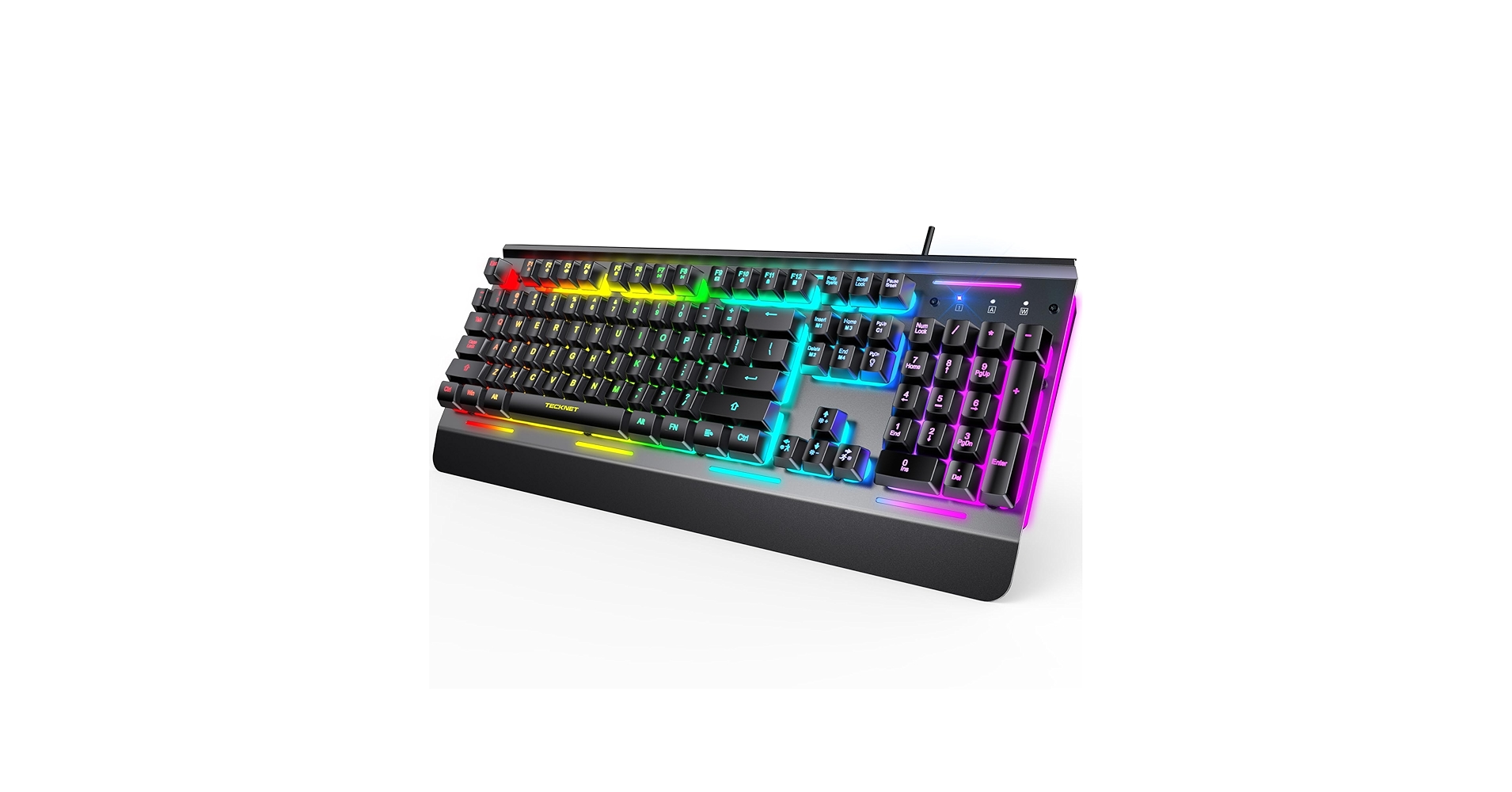
5. TECKNET Gaming Keyboard, USB Wired Computer
Pros
- Whisper-quiet membrane key operation
- Extremely low price
- Spill-resistant design adds durability
Cons
- ‘Mushy’ key feel lacks tactile feedback
- Not a true mechanical keyboard experience
The Breakdown: When silence is the absolute top priority and budget is minimal, a membrane keyboard like the TECKNET is the answer. It trades the crisp action of mechanical switches for a soft, cushioned press that is virtually silent. While it won’t satisfy mechanical enthusiasts, it provides essential gaming features like anti-ghosting in a package that will never disturb anyone around you.
Key Specs:
- Layout: Full-size
- Switch Type: Mecha-Membrane
- Connectivity: Wired (USB-A)
- Keycaps: ABS
- Features: Spill-resistant, 7-color backlighting
The Community Verdict: Users buy the TECKNET for one primary reason: quiet operation. It’s a popular choice for dorm rooms, shared offices, and family living areas. Reports confirm its durability and spill-resistant design are effective, making it a reliable workhorse. While not praised for its gaming performance, it’s considered a perfectly functional and ultra-quiet budget alternative. While not a silent mechanical gaming keyboard, its membrane design is inherently quiet for any shared space.
Dealbreaker: Skip this if you want the crisp, tactile feedback and performance that only a true mechanical switch can provide.
Buying Guide: How to Choose the Best Silent Keyboard for Gaming
Finding the perfect quiet keyboard involves more than just picking the one with the lowest decibel rating. When searching for the best quiet mechanical keyboards, the switch is king. Silent Red (linear) switches are often the top choice for gamers as they offer a smooth press with no tactile bump, while Quiet Brown (tactile) switches provide a small bump for feedback without the loud click. Understanding the nuances of keyboard silent switches is the first step to finding your ideal board.
Beyond switches, consider the keyboard’s build. A heavy, solid case made of aluminum or dense plastic will absorb more sound than a flimsy one. Many of the best silent mechanical keyboard models, like the AULA S99, now include layers of silicone or foam inside the case to dampen sound even further. A clean, uncluttered setup can also contribute to focus, so pairing your new keyboard with a minimalist Wood Desk With Keyboard Tray can streamline your space and improve ergonomics.
Finally, don’t forget about the overall experience. A quiet keyboard is useless if it’s uncomfortable to use. Keycap material (PBT is more durable and sounds deeper than ABS) and layout (Full-size, TKL, 96%) are crucial personal preferences. Long gaming sessions also take a toll on your body, so consider ergonomic upgrades like Armrest Pads For Office Chair to maintain comfort and focus through marathon matches.
Frequently Asked Questions (FAQ)
Q1: What are the quietest keyboard switches available?
A1: The consensus for the most quiet keyboard switches still points towards specialized silent mechanical switches, such as Cherry MX Silent Reds, and custom, factory-lubed variants from brands like AULA. These switches use internal rubber dampeners to soften the downstroke and upstroke. For absolute silence, however, traditional membrane keyboards, like the TECKNET reviewed here, remain undefeated, though they sacrifice the distinct mechanical feel.
Q2: What makes a good quiet gaming keyboard beyond the switches?
A2: Several factors contribute to a good quiet gaming keyboard. A solid chassis (preferably with some heft) reduces vibrations. Internal sound-dampening foam or silicone pads, a feature once exclusive to custom builds, is now common in premium pre-builts. Finally, thick PBT keycaps can produce a lower-pitched, more pleasant ‘thock’ sound compared to the thinner ‘clack’ of standard ABS keycaps.
Q3: Can a silent keyboard still be good for competitive gaming?
A3: Absolutely. The ‘silent’ aspect of a switch comes from dampening materials, not from altering its performance characteristics. Modern silent switches, especially linear variants, have actuation points, travel distances, and reset points that are highly comparable to their standard, louder counterparts. The low-latency 2.4GHz wireless on many models also ensures a lag-free connection, making them perfectly viable for competitive play.




