
🚀 Quick Verdict / Top Pick
AZERON Gaming Keypad – One Handed Keyboard

The AZERON Gaming Keypad stands out as the ultimate highly customizable and ergonomic solution for dedicated one-handed control, offering unparalleled precision and adaptability far beyond standard half-keyboards.
The landscape of desk technology continues to evolve, pushing boundaries for both performance and accessibility. For many, finding the right one handed keyboard and mouse setup isn’t just a preference—it’s a necessity. Whether due to injury, a permanent disability, or simply optimizing workflow for multitasking, specialized one-handed input devices are crucial for seamless interaction with your digital world. Our market research indicates a growing demand for solutions that combine ergonomic design with high functionality, allowing users to maintain productivity and enjoy immersive gaming experiences without compromise. This review article dives deep into the best options available, ensuring you can make an informed choice for your unique requirements.
Comparison Table
| Product | Connectivity | Programmability | Best For |
|---|---|---|---|
| AZERON Gaming Keypad | Wired (USB-C) | Extensive (Macros, Layers, Remapping) | Serious Gamers, Advanced Accessibility |
| RedThunder RGB Gaming Keyboard A | Wired (USB) | Basic (Fixed macros) | Budget Gaming, Entry-level One-Handed Use |
| One Handed Half Keyboard Mouse USB Splitter Type | Wired (USB) | None (Standard keys) | Basic Data Entry, Ultra-Compact Setups |
| RedThunder Gaming Keyboard RGB B | Wired (USB) | Basic (Fixed macros) | Affordable Gaming, General One-Handed Use |
| Half Hand Gaming Keyboard and Mouse Combo | Wired (USB) | Basic (Keyboard macros, Mouse DPI) | Budget Gaming Combo, New One-Handed Gamers |
Detailed Reviews
1. AZERON Gaming Keypad – One Handed Keyboard
Pros
- Extreme customizability (adjust key positions, switch types).
- Analog thumbstick and triggers for superior movement control.
- Robust build quality and premium materials.
Cons
- High price point.
- Steep learning curve for optimal setup.
The Breakdown: The Azeron Keypad is less a traditional one handed keyboard and mouse solution and more a sophisticated, customizable controller designed for unparalleled precision. Its modular design allows users to perfectly fit the device to their hand, optimizing reach and comfort. This premium option caters to those who demand the absolute best in personalized input for gaming or complex software operations.
Key Specs
- Connectivity: Wired (USB-C)
- Key Type: Cherry MX style mechanical switches, Analog thumbstick & triggers
- Programmability: Fully customizable via software, multiple profiles, macros, key remapping
- Form Factor: Highly ergonomic, adjustable modular keypad
The Community Verdict: Owners consistently report that while the initial setup requires patience, the level of control and comfort achieved is unmatched, especially for gamers who rely on precise movements. Many consider it among the best one handed gaming keyboards available, praising its build quality and durability. The analog stick is frequently highlighted as a game-changer.
Dealbreaker: Skip this if you need an out-of-the-box, simple plug-and-play solution, or if your budget is strictly limited. The learning curve and cost are significant considerations.
2. RedThunder One-Handed RGB Gaming Keyboard (Model A)
Pros
- Affordable price point.
- Ergonomic palm rest for extended use.
- Dynamic RGB lighting for aesthetic appeal.
Cons
- Membrane keys lack mechanical precision.
- Limited programmability compared to high-end options.
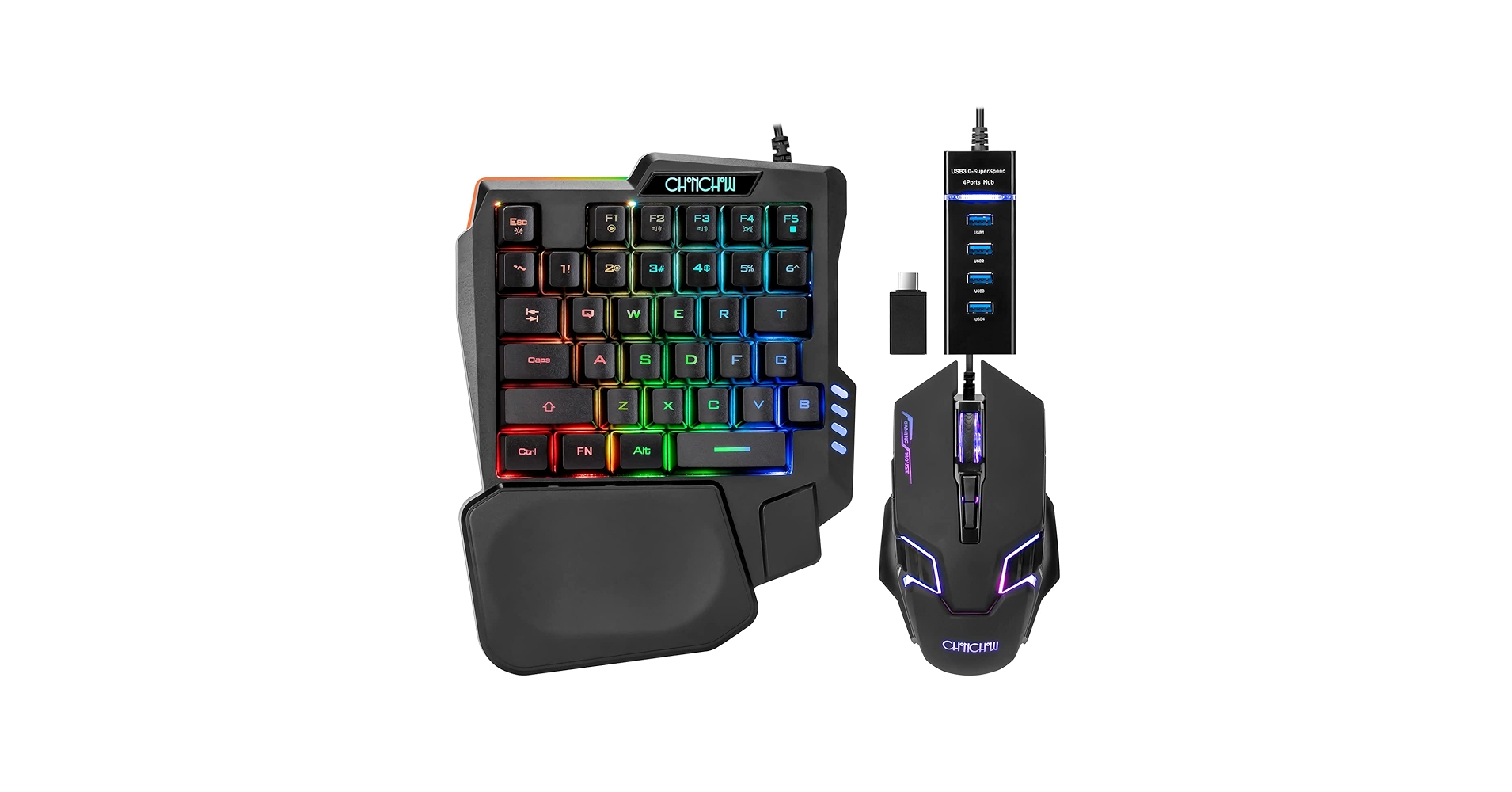
The Breakdown: This RedThunder model offers a cost-effective entry into one-handed gaming. It combines a compact half-keyboard design with an integrated palm rest for comfort during prolonged sessions. The RGB backlighting adds a touch of gaming flair, making it an attractive option for those new to specialized keypads.
Key Specs
- Connectivity: Wired (USB)
- Key Type: Membrane (advertised as ‘mechanical feel’)
- Programmability: Basic, some pre-defined macro functions
- Form Factor: Compact half-keyboard with integrated palm rest
The Community Verdict: Users commend its value for money and the comfortable palm rest, especially for casual gaming. While some note the membrane keys don’t quite replicate a true mechanical feel, for its price point, it’s a solid choice for a redragon one handed keyboard experience (often these brands share OEM similarities).
Dealbreaker: Skip this if you require fully customizable keys, complex macros via software, or the tactile feedback of true mechanical switches.
3. One Handed Half Keyboard Mouse USB Splitter Type
Pros
- Ultra-compact and portable.
- Plug-and-play simplicity.
- Cost-effective for basic needs.
Cons
- No advanced features or programmability.
- Build quality may feel less robust.
- Limited ergonomic consideration.
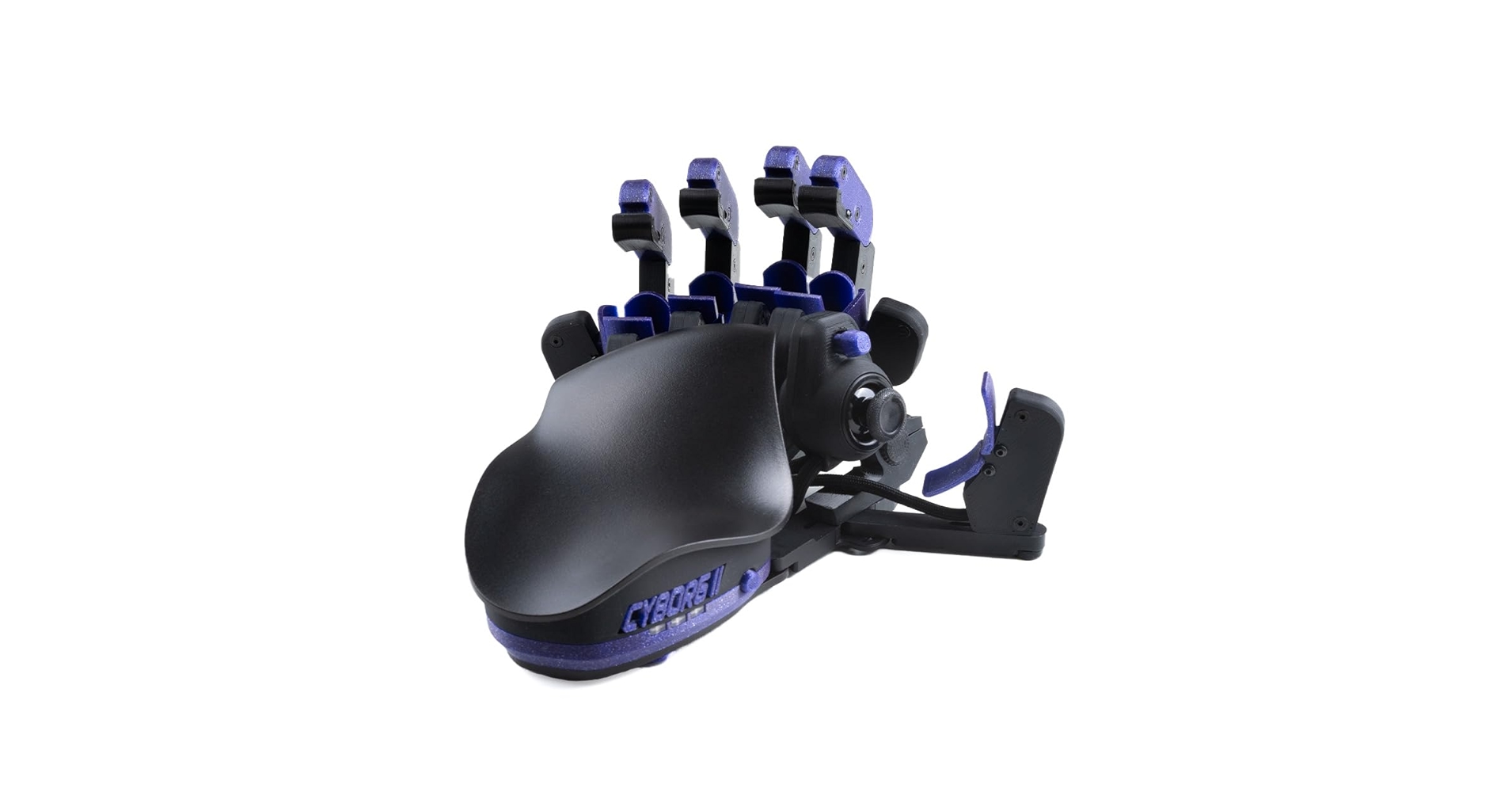
The Breakdown: This device is a bare-bones half-keyboard designed for straightforward input. The ‘USB Splitter Type’ implies an easy way to integrate it into an existing setup, likely allowing a mouse to be connected alongside it for a basic one handed mouse keyboard solution. It prioritizes simplicity and a small footprint over advanced features.
Key Specs
- Connectivity: Wired (USB)
- Key Type: Membrane
- Programmability: None
- Form Factor: Ultra-compact half-keyboard
The Community Verdict: Owners appreciate its affordability and compact size for niche applications like specific control panels or very tight desk spaces. However, the lack of advanced features and customization is a frequent point of feedback, making it unsuitable for intensive typing or high-level gaming.
Dealbreaker: Skip this if you need any form of ergonomic design, macro capabilities, or tactile key feedback for gaming or prolonged use.
4. RedThunder One Handed Gaming Keyboard RGB (Model B)
Pros
- Integrated large palm rest for comfort.
- Responsive membrane keys suitable for gaming.
- Attractive RGB backlighting.
Cons
- Limited macro customization.
- Build quality is good for the price, but not premium.
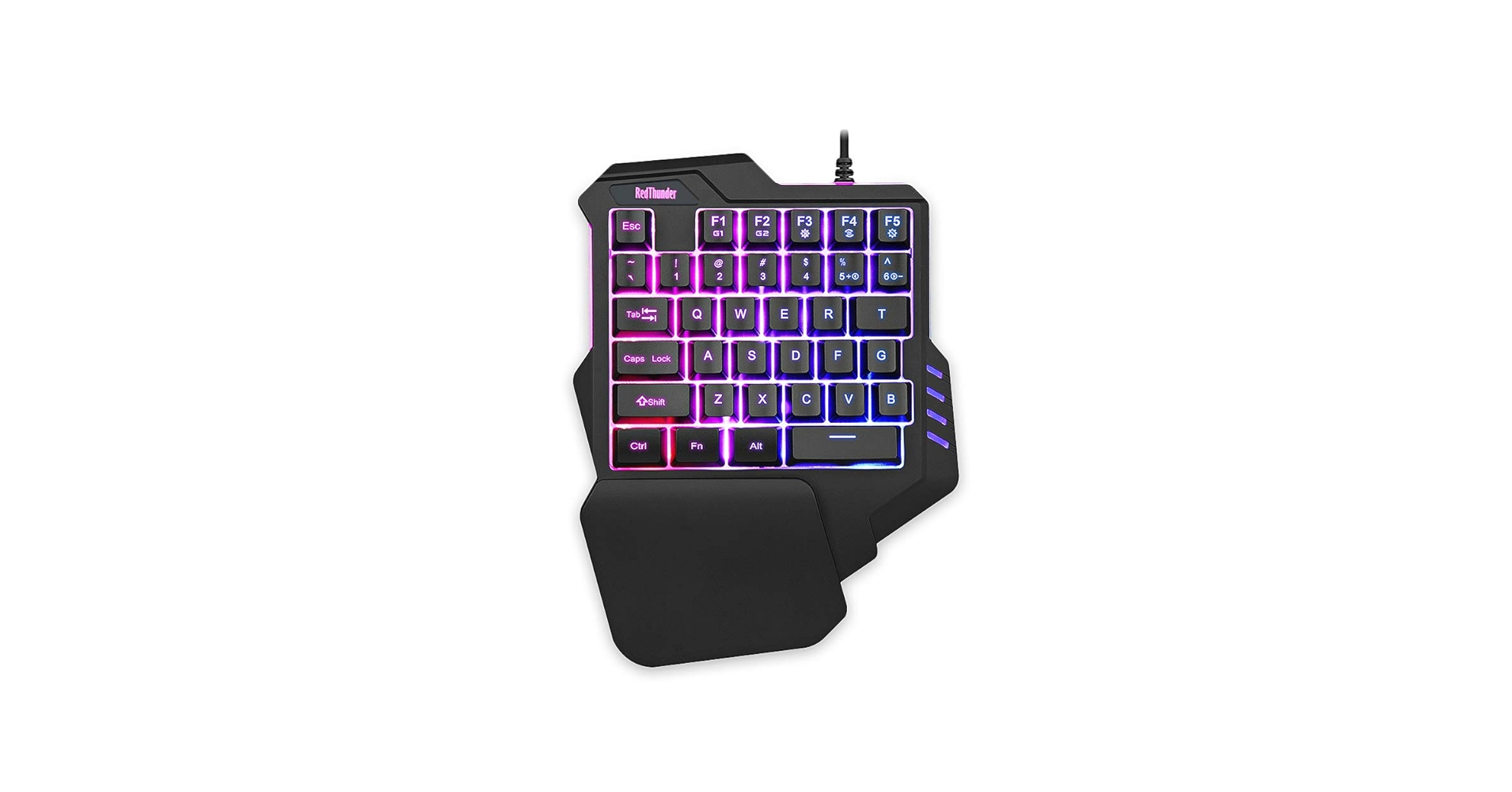
The Breakdown: This model from RedThunder continues their line of accessible one-handed gaming keyboards. It focuses on providing a comfortable gaming experience with its prominent palm rest and responsive, albeit membrane, keys. The RGB lighting ensures it fits well into any modern gaming setup, providing a solid foundation for those looking for a functional redragon one handed keyboard alternative.
Key Specs
- Connectivity: Wired (USB)
- Key Type: Membrane
- Programmability: Basic, some pre-set functions
- Form Factor: Ergonomic half-keyboard with integrated palm rest
The Community Verdict: Users often highlight the comfortable wrist rest as a key feature for extended play. It performs well for its intended purpose, offering a reliable entry point for those seeking a one handed keyboard for disabled gamers without breaking the bank. Performance is consistent for popular titles.
Dealbreaker: Skip this if you expect the customization depth or premium tactile feel of mechanical switches found in higher-end keypads.
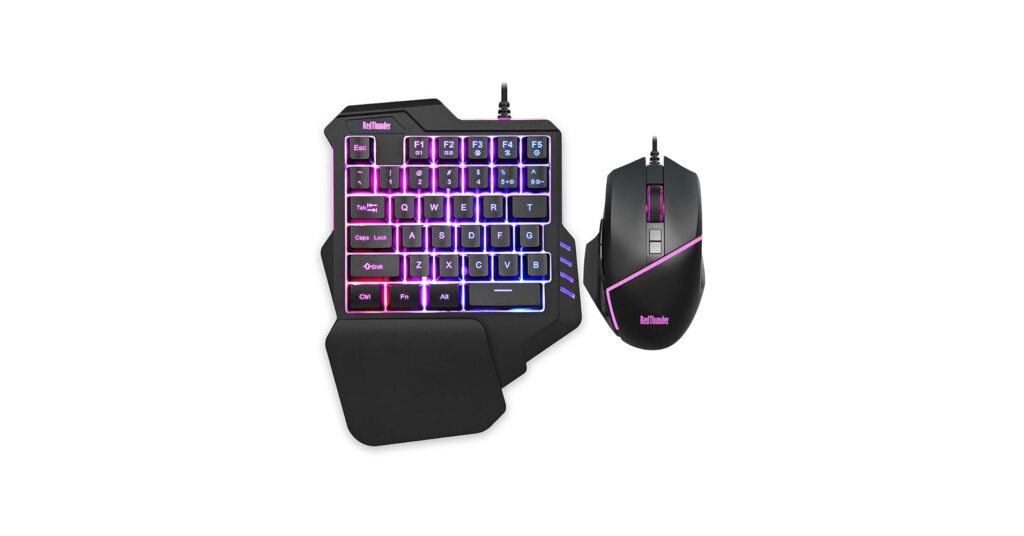
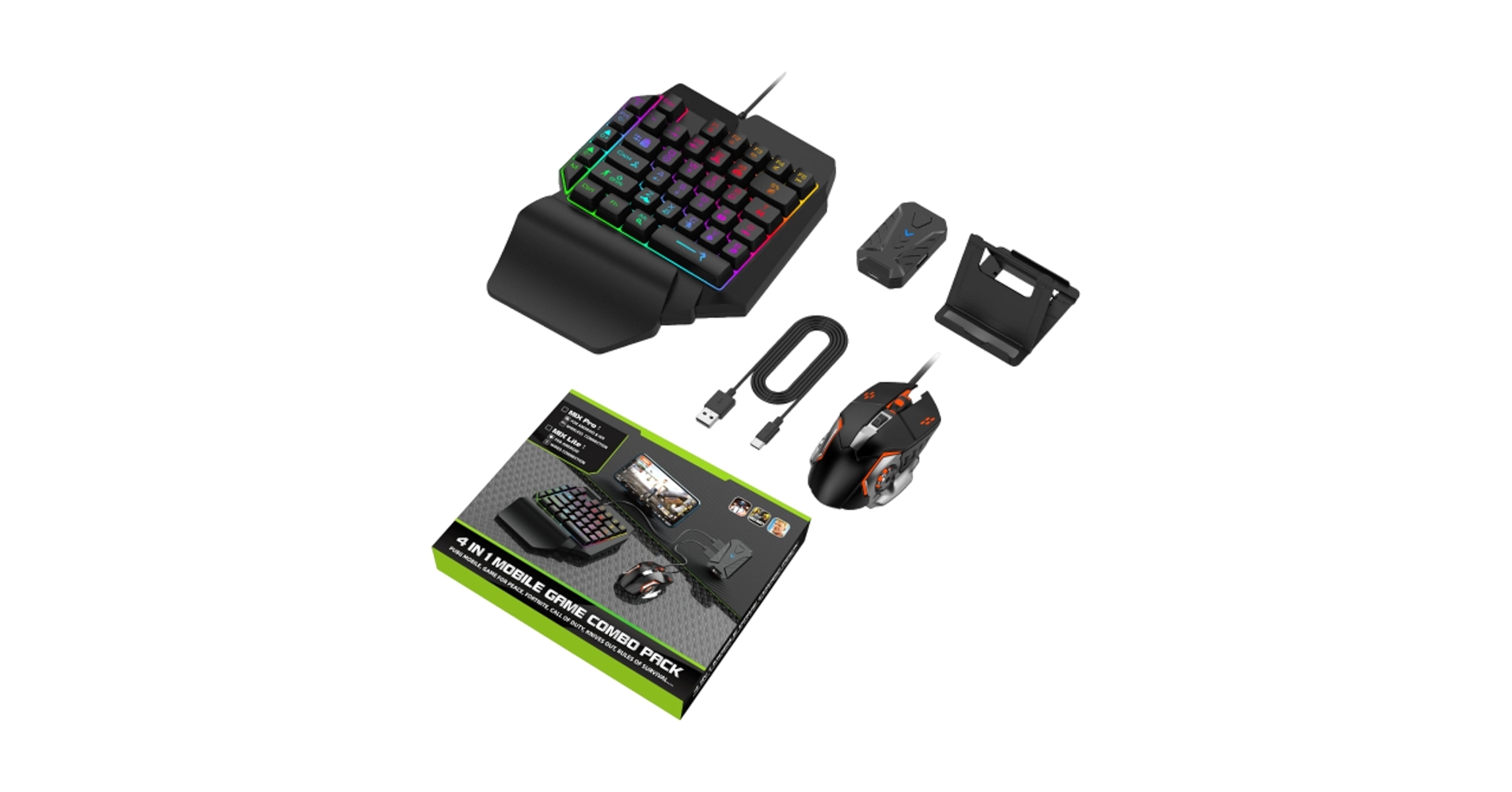
5. Half Hand Gaming Keyboard and Mouse Combo, 4 in
Pros
- Includes both a half-keyboard and a gaming mouse.
- Cost-effective all-in-one solution.
- Mouse offers adjustable DPI settings.
Cons
- Keyboard has limited programmability.
- Mouse design may not suit all hand sizes.
The Breakdown: This combo package offers a convenient and affordable way to acquire both a half-keyboard and a gaming mouse. It’s an ideal choice for someone setting up a dedicated gaming station or seeking a complete one handed mouse keyboard solution without piecing components together. The included mouse features adjustable DPI, adding to its versatility for various game types.
Key Specs
- Connectivity: Wired (USB) for both keyboard and mouse
- Key Type: Membrane (keyboard), Optical (mouse)
- Programmability: Basic keyboard macros, mouse DPI settings
- Form Factor: Separate half-keyboard and standard gaming mouse
The Community Verdict: Users praise the value of getting both a keyboard and mouse in one go. It’s often recommended for those starting their journey into one handed keyboard mouse gaming. While neither component is top-tier, they function well as a cohesive, budget-conscious package.
Dealbreaker: Skip this if you need advanced features, premium build quality, or highly specific ergonomic designs for either the keyboard or the mouse.
Buying Guide: Choosing Your Ideal One Handed Keyboard and Mouse Setup
Selecting the right one handed keyboard and mouse solution requires careful consideration of your specific needs, whether for gaming, productivity, or general accessibility. Here’s what to look for:
1. Purpose: Gaming vs. General Use vs. Accessibility
Are you primarily a gamer seeking competitive edge, or someone who needs a keyboard for one handed person for daily tasks due to a one handed keyboard disability? Gaming keypads often prioritize rapid key actuation, macro capabilities, and aggressive ergonomics. For general use, simplicity, comfort, and reliability might be more important. Accessibility solutions, like the AZERON, often offer deeper customization to adapt to varied physical requirements.
2. Ergonomics and Form Factor
Comfort is paramount for any single-hand device, especially for a one handed keyboard for disabled users. Look for integrated palm rests, adjustable components, and designs that naturally fit the curve of your hand. Some designs are a simple ‘half-keyboard’ layout, while others are advanced keypads or integrated mouse-keyboard units. Consider pairing your one-handed setup with a good ergonomic mouse; for inspiration, check out our guide on finding a Rechargeable Vertical Mouse Usb C.
3. Programmability and Customization
The ability to remap keys and create macros is a game-changer for one-handed users. Higher-end devices offer extensive software for multiple profiles and layers, allowing you to tailor every command. Even for a standard compact ergonomic keyboard, customization can significantly enhance usability. Ensure the device supports the level of personalization you need to execute complex commands efficiently.
4. Key Type and Feedback
Mechanical switches offer superior tactile feedback and durability, often preferred by gamers and heavy typists. Membrane keys are quieter and more affordable but may lack the responsiveness. Some advanced keypads, like the Azeron, even incorporate analog sticks for fine motor control, enhancing the versatility of your one handed keyboard mouse setup. Consider what feel and responsiveness will best suit your typical activities.
5. Connectivity and Portability
Most one-handed solutions are wired for reliability and low latency, especially for gaming. If you need a clutter-free desk or portability, look for wireless options, but confirm battery life and connection stability. For overall desk ergonomics, consider how your entire setup functions together; a good Rocking Foot Rest For Circulation can complement a comfortable hand setup.
FAQ
Q: Are one handed keyboards suitable for extensive typing?
A: Generally, traditional full-speed typing is challenging with a standard one handed keyboard. Most are designed for gaming, command execution, or basic data entry. For extensive one-handed typing, specialized full-QWERTY one-handed layouts (which are rare in the market today) or voice-to-text software are typically more efficient than the half-keyboards reviewed here.
Q: What is the difference between a one handed keyboard and mouse combo and a gaming keypad?
A: A one handed keyboard and mouse combo typically refers to a half-keyboard paired with a standard mouse (either sold together or as separate components used alongside each other). A gaming keypad, like the AZERON, is a highly specialized, often modular device designed exclusively for one-hand control, often integrating analog sticks and advanced programmability for fine motor inputs, going beyond simple key presses.
Q: How can a one handed mouse keyboard setup improve productivity?
A: For individuals with limited hand mobility or those who multitask by keeping one hand on a separate input device (like a drawing tablet or stream deck), a one handed mouse keyboard setup can significantly boost productivity. It allows for quick access to frequently used commands, macros, and navigation shortcuts without needing to switch hands or reach across a full keyboard, streamlining workflow and reducing strain.




