

The relentless ‘clack’ of a standard keyboard can shatter concentration in a quiet workspace. For professionals who demand tactile feedback without the disruptive noise, finding the best silent mechanical keyboard for office use is a game-changer. These keyboards blend the satisfying precision of mechanical switches with sound-dampening technology, creating the ultimate tool for focused, productive work. We’ve analyzed the market to bring you the definitive list of keyboards that deliver a premium typing experience in blissful silence.
🚀 Quick Verdict / Top Pick
Razer Pro Type Ultra
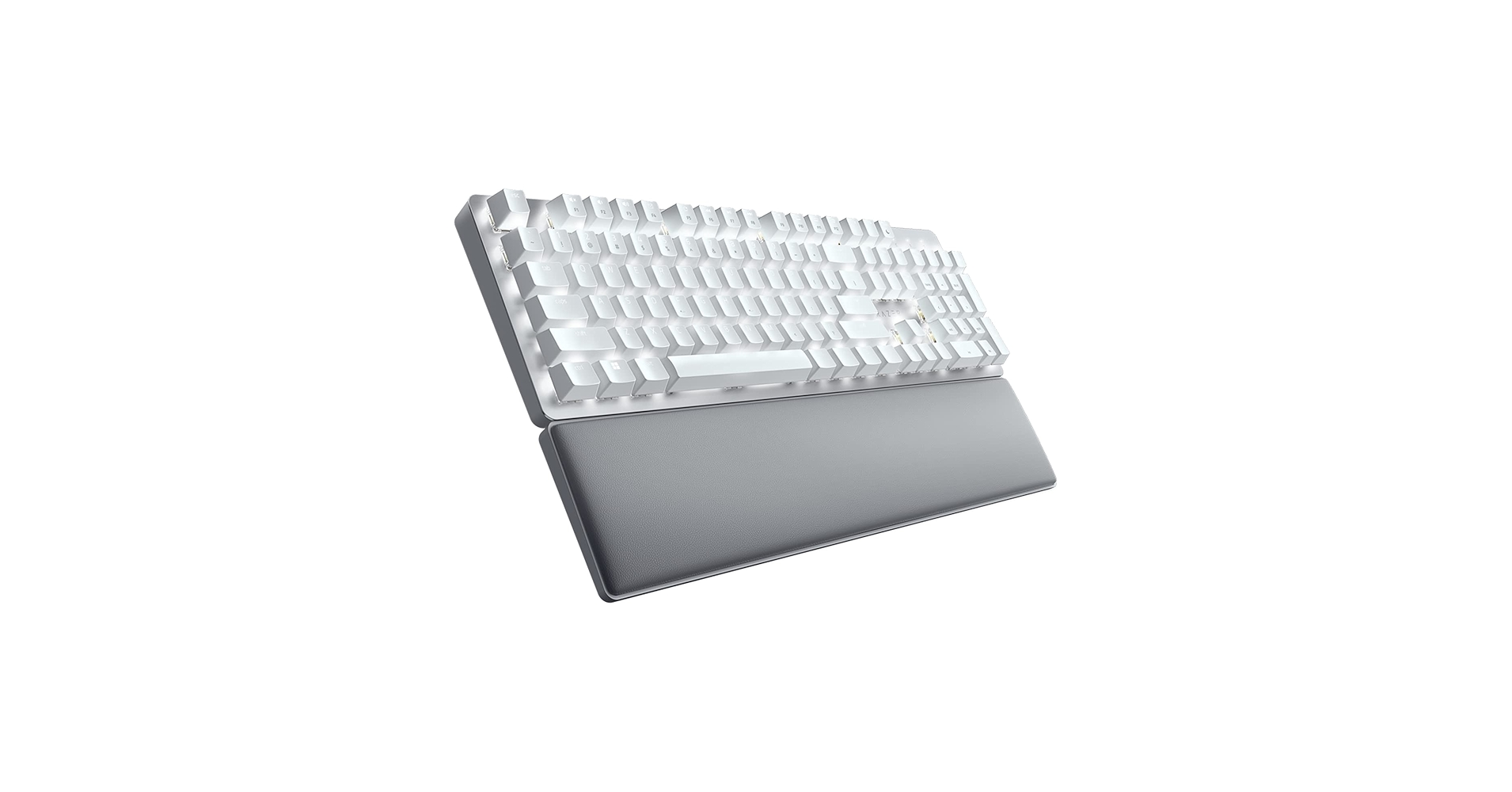
It masterfully combines a sleek, professional aesthetic with genuinely quiet switches and robust multi-device wireless connectivity, making it the most versatile and complete package for the modern professional.
Silent Office Keyboard Comparison
| Product | Switch Type | Connectivity | Best For |
|---|---|---|---|
| Razer Pro Type Ultra | Razer Yellow Gen 3 (Silent Linear) | Bluetooth, 2.4GHz Wireless | Wireless Multi-Device Productivity |
| Cherry KC 200 MX (Silent Red) | Cherry MX Silent Red | Wired (USB-A) | No-Frills Corporate Environments |
| EPOMAKER TH99 Tri-Mode | Custom (e.g., Sea Salt Silent) | Wired, Bluetooth, 2.4GHz Wireless | Customization & Quiet Typing |
| Cherry KC 200 MX (Brown) | Cherry MX Brown | Wired (USB-A) | Quiet Tactile Feedback |
| Cherry KC 200 MX (Red) | Cherry MX Red | Wired (USB-A) | Smooth, Quiet Linear Typing |
Detailed Reviews
1. Razer Pro Type Ultra Wireless Mechanical Keyboard
Pros
- Extremely quiet linear switches
- Excellent multi-device wireless connectivity
- Plush wrist rest included
Cons
- Requires Razer Synapse software for customization
- Priced at a premium
The Breakdown
The Razer Pro Type Ultra is engineered from the ground up for the professional environment. It uses Razer’s Yellow Gen 3 mechanical switches, which are linear and feature built-in sound dampeners for a near-silent operation. The minimalist white design and subtle white backlighting ensure it looks at home in any office, while its ability to connect to four devices simultaneously makes it a productivity powerhouse.
Key Specs
- Switches: Razer Yellow Mechanical Switches (Silent Linear)
- Connectivity: Bluetooth, Razer HyperSpeed 2.4GHz Wireless
- Layout: Full-size
- Keycaps: ABS with soft-touch coating
- Battery Life: Up to 214 hours (Bluetooth, backlighting off)
The Community Verdict
Users consistently praise the Pro Type Ultra as the best mechanical keyboard silent enough for open-plan offices, with many reporting a significant reduction in typing noise compared to other mechanicals. The multi-device switching is a frequently highlighted feature for those who use a laptop, desktop, and tablet. Some long-term users note the soft-touch coating on the keycaps can show wear over time, but the overall build quality is considered excellent.
Dealbreaker
Skip this if you are against installing manufacturer software, as advanced customization (macros, remapping) is locked behind the Razer Synapse app.
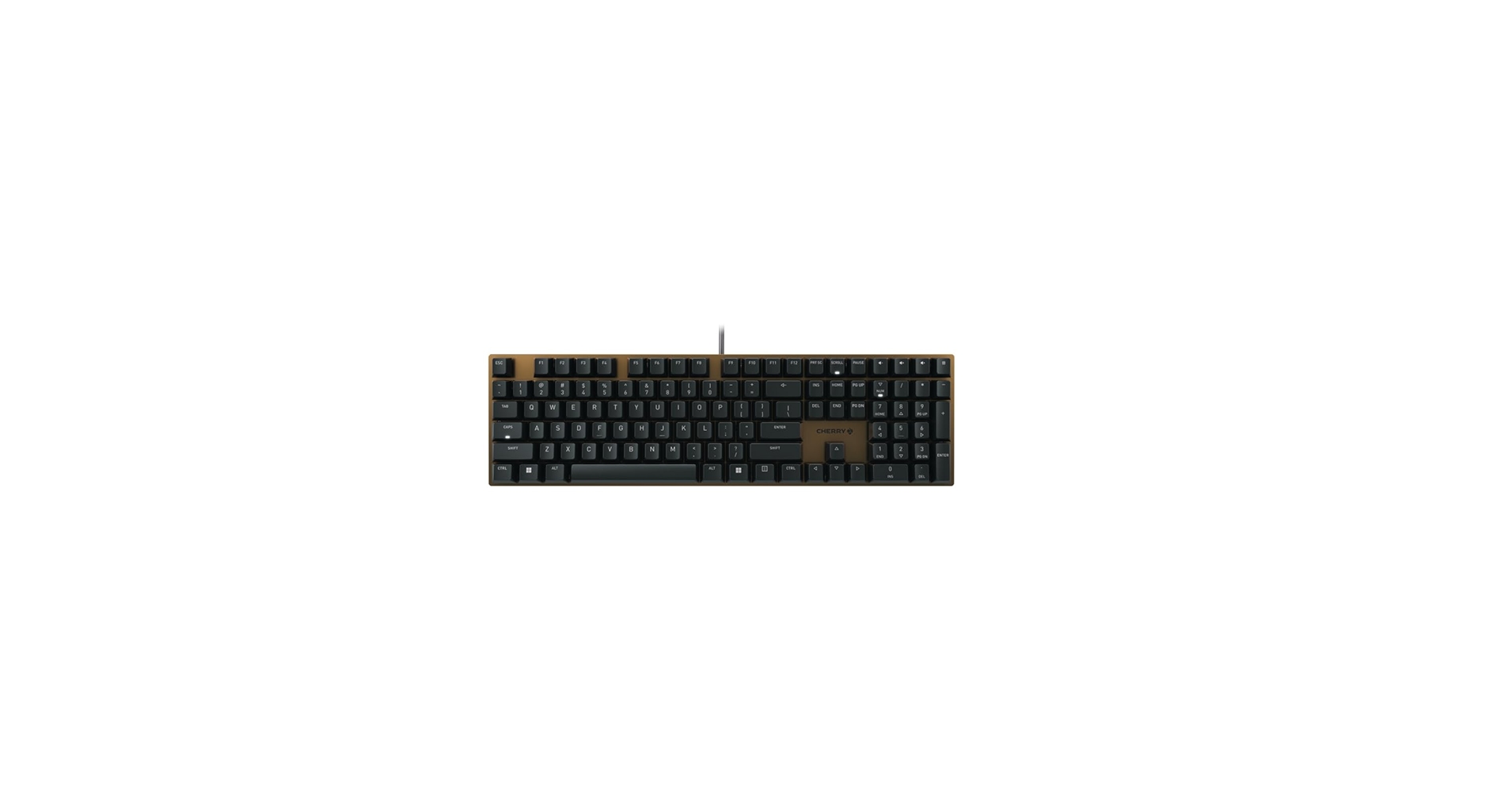
2. Cherry KC 200 MX Mechanical Office Keyboard (Silent Red)
Pros
- Genuine Cherry MX Silent Red switches
- Professional, understated design
- Excellent value for a true silent mechanical
Cons
- Wired connection only
- Standard ABS keycaps
The Breakdown
Cherry is the gold standard for mechanical switches, and the KC 200 MX is their purpose-built office solution. This version features authentic Cherry MX Silent Red switches, which use a patented noise-dampening system for a quiet and smooth linear keystroke. The build is solid and utilitarian, focusing on reliability and function over flashy features, making it a perfect workhorse for any corporate setting.
Key Specs
- Switches: Cherry MX Silent Red
- Connectivity: Wired (USB-A)
- Layout: Full-size with four hotkeys
- Keycaps: Laser-etched ABS
- Materials: Anodized metal top plate, plastic base
The Community Verdict
The consensus is that this is the quintessential silent switch keyboard for those who want a plug-and-play experience. Owners report that the typing noise is minimal, often quieter than aggressive membrane keyboards, while providing superior tactile feel. The lack of backlighting and wireless features is a common point of discussion, but for most office users, the reliability of a wired connection is seen as a positive.
Dealbreaker
Skip this if you need wireless connectivity or any form of RGB/backlighting for your workspace.
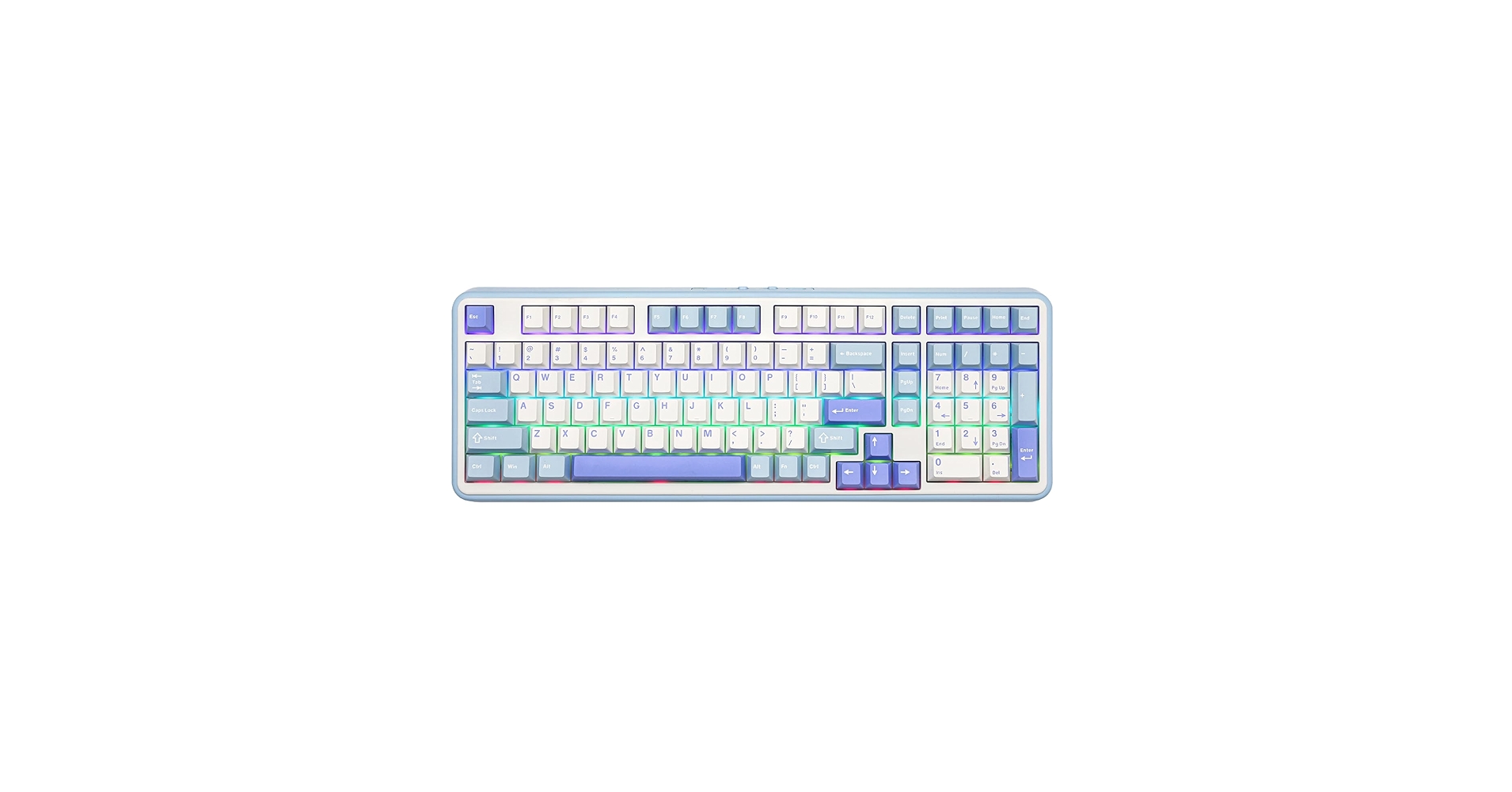
3. EPOMAKER TH99 Tri-Mode Wireless Mechanical
Pros
- Tri-mode connectivity (Wired, BT, 2.4GHz)
- Hot-swappable switches for customization
- Durable PBT keycaps
Cons
- 96% layout can take getting used to
- Aesthetic might be too ‘enthusiast’ for some offices
The Breakdown
The EPOMAKER TH99 breaks the mold of traditional office keyboards by offering enthusiast-level features in a professional package. Its 96% layout provides a near full-size experience in a more compact footprint, and its tri-mode connectivity offers ultimate flexibility. The key feature is its hot-swappable circuit board, allowing you to use any compatible keyboard silent switches you prefer, though it often ships with excellent quiet options like Epomaker Sea Salt Silents.
Key Specs
- Switches: Varies (Hot-swappable), typically quiet linear/tactile
- Connectivity: Wired (USB-C), Bluetooth 5.0, 2.4GHz Wireless
- Layout: 96% (99 keys)
- Keycaps: Double-shot PBT
- Features: Gasket-mounted structure, programmable knob
The Community Verdict
Market research indicates this is a favorite among professionals who are also keyboard hobbyists. They love the deep, muted sound profile achieved through its gasket-mount design and the ability to tailor the feel with different silent switches mechanical keyboard enthusiasts prefer. The programmable knob is often praised for its utility in creative applications (like volume control or timeline scrubbing).
Dealbreaker
Skip this if you want a standard, out-of-the-box full-size layout and have no interest in customization options.
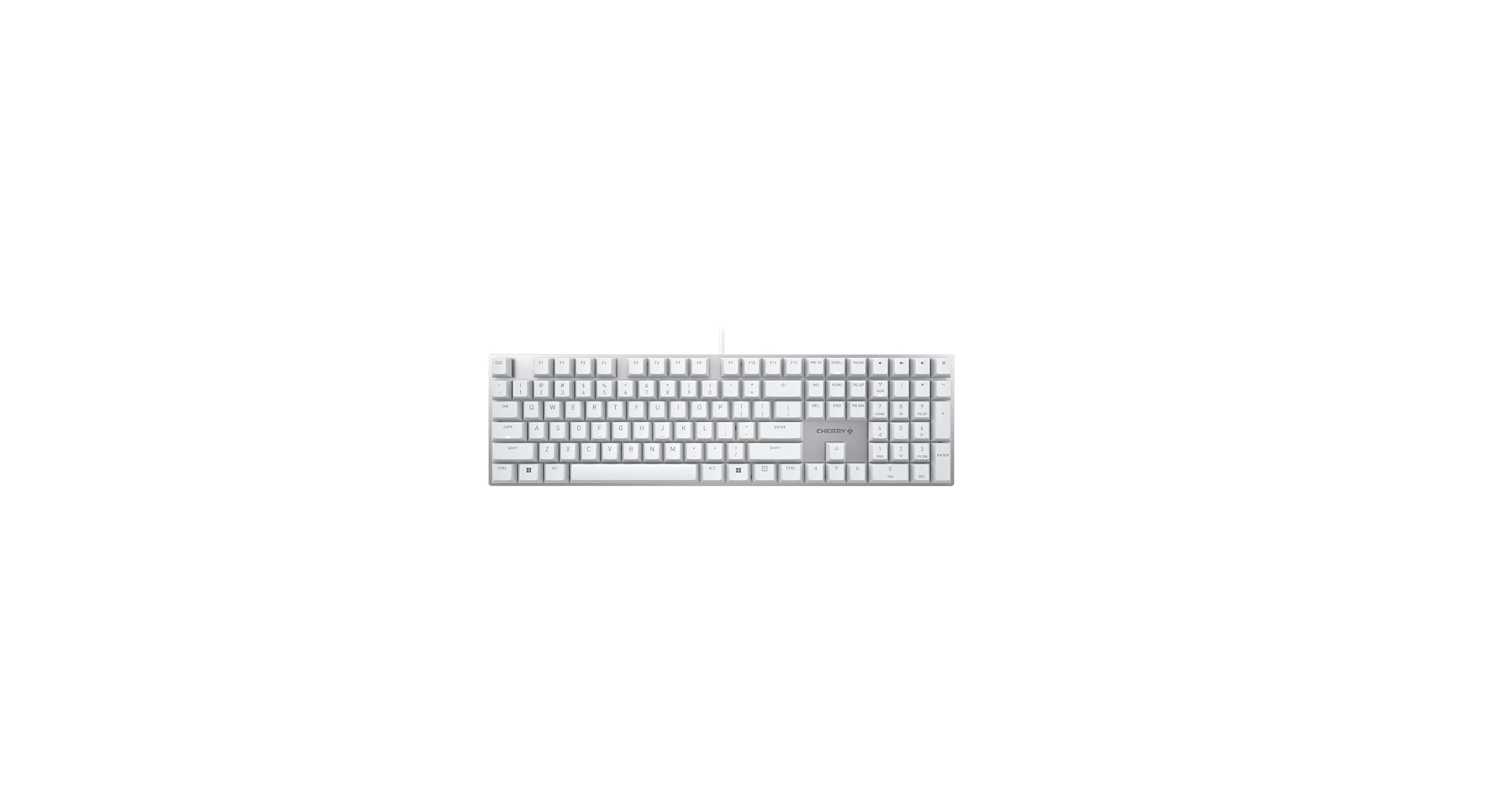
4. Cherry KC 200 MX Mechanical Office Keyboard (Brown)
Pros
- Satisfying tactile feedback
- Quieter than clicky (Blue) switches
- Rock-solid build quality
Cons
- Not truly ‘silent’ like MX Silent Reds
- Basic feature set
The Breakdown
This variant of the KC 200 MX uses Cherry MX Brown switches, the industry standard for tactile, non-clicky feedback. While not as quiet as their ‘Silent’ counterparts, they are significantly less noisy than clicky switches and many traditional membrane boards. This model offers the same professional build and reliability as the rest of the KC 200 line, aimed at users who prioritize typing feel and accuracy.
Key Specs
- Switches: Cherry MX Brown (Tactile)
- Connectivity: Wired (USB-A)
- Layout: Full-size with four hotkeys
- Keycaps: Laser-etched ABS
- Materials: Anodized metal top plate, plastic base
The Community Verdict
Users report that the MX Brown switches offer the perfect balance for heavy typing, reducing typos thanks to the discernible actuation point. It’s often called the best mechanical keyboard silent enough for home offices or private offices. In very quiet, open-plan environments, some colleagues may still notice the sound, but it’s generally considered well within acceptable office noise levels.
Dealbreaker
Skip this if your office has a zero-tolerance policy for keyboard noise; opt for the MX Silent Red version instead.
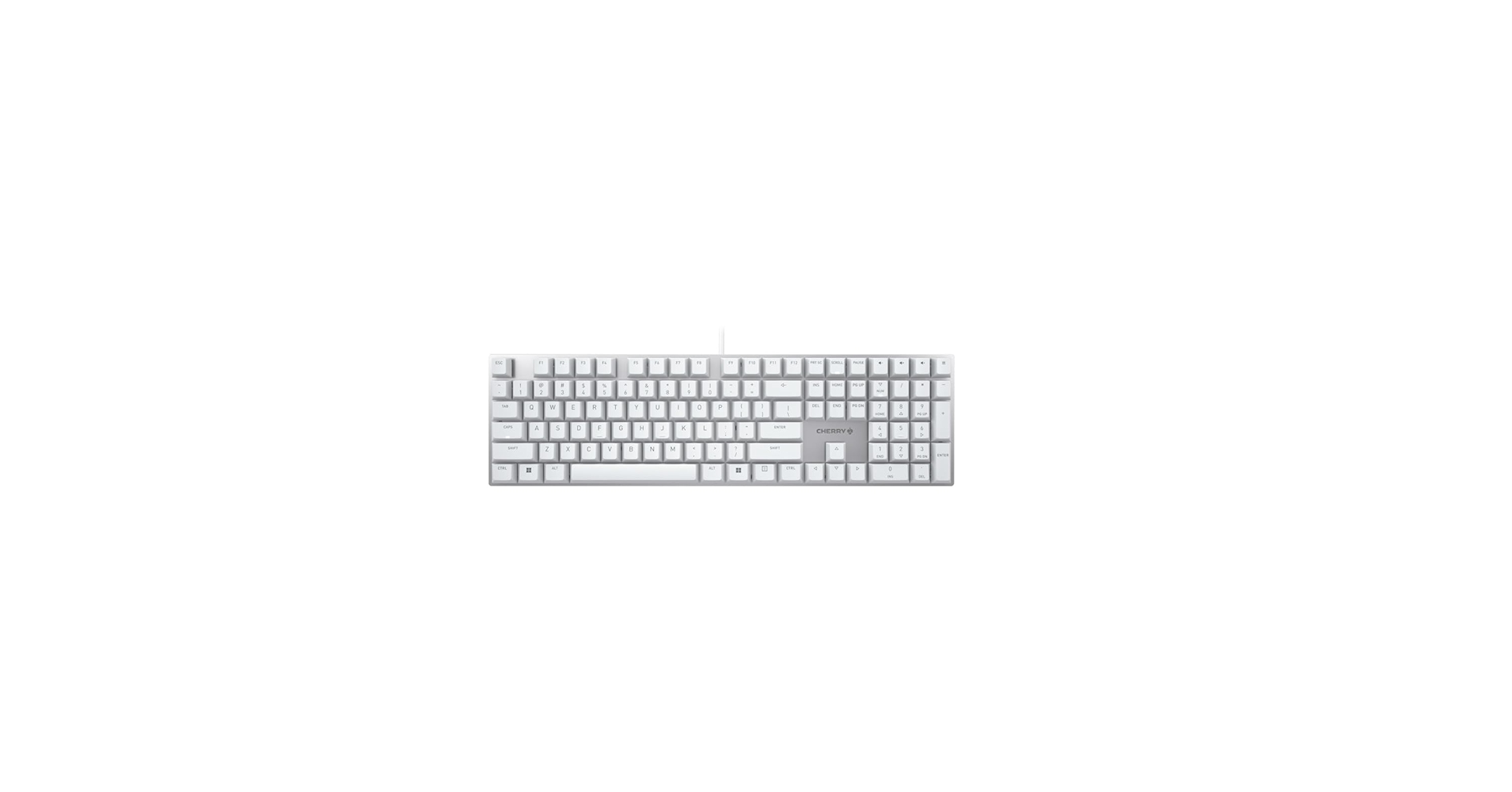
5. Cherry KC 200 MX Mechanical Office Keyboard (Red)
Pros
- Smooth, resistance-free keystrokes
- Affordable for a genuine Cherry MX board
- Durable and reliable construction
Cons
- Can be louder than ‘Silent’ versions
- No tactile feedback
The Breakdown
The standard Cherry MX Red version of the KC 200 MX provides a classic linear mechanical experience. The keystroke is smooth from top to bottom, with no bump or click, which makes for fast and effortless typing. While it lacks the internal dampeners of the MX Silent Red, the sound is still quite low, mostly coming from the keycap ‘bottoming out’ rather than the switch mechanism itself.
Key Specs
- Switches: Cherry MX Red (Linear)
- Connectivity: Wired (USB-A)
- Layout: Full-size with four hotkeys
- Keycaps: Laser-etched ABS
- Materials: Anodized metal top plate, plastic base
The Community Verdict
This model is popular with users who find dampened ‘silent’ switches to feel ‘mushy’ but still need a relatively quiet keyboard. The consensus is that it’s a fantastic entry point into mechanical keyboards for office work, providing many of the benefits without excessive noise. Some users add O-rings to the keycaps to further reduce the bottom-out sound, creating a custom silent switch mechanical keyboard feel.
Dealbreaker
Skip this if you are a heavy-handed typist in a very quiet office, as the keycap bottom-out sound could still be distracting to neighbors.
Buying Guide: How to Choose the Best Silent Mechanical Keyboard
Finding the right quiet keyboard can be transformative for your workflow. Here’s what to consider when looking for the best silent mechanical keyboards on the market.
Keyboard Mechanical vs. Membrane
First, it’s crucial to understand the difference. Membrane keyboards, common in budget setups, use a rubber dome under each key. They are naturally quiet but can feel mushy and imprecise. The primary benefits of a mechanical keyboard include superior durability, a more consistent and satisfying tactile feel, and faster actuation, which can lead to increased typing speed and reduced finger fatigue. Silent mechanicals offer the best of both worlds: the premium feel of a mechanical switch without the disruptive noise.
Switch Type: The Heart of the Keyboard
The switch determines the feel and sound of each keystroke. For office use, you’ll want to focus on two main types:
- Silent Linear: These switches move straight down without any bump or click. They are inherently quiet, and specialized ‘Silent’ versions (like Cherry MX Silent Red) include internal rubber dampeners to make them whisper-quiet. They are the top choice for the quietest experience.
- Tactile: These switches (like Cherry MX Brown) have a noticeable ‘bump’ in the middle of the keypress, which confirms actuation. They are not silent, but they are non-clicky and generally quiet enough for most office environments, offering a great balance of feedback and discretion.
Desk Setup and Ergonomics
Your keyboard is the centerpiece of your desk. Consider its size (full-size, TKL, 96%) based on your need for a number pad and available desk space. To further optimize your setup, pairing your keyboard with an under desk keyboard tray clamp on can improve ergonomics and free up valuable surface area. For a truly clean, minimalist aesthetic, managing your cables with a weighted cable holder for desk ensures your new keyboard’s connection stays tidy and out of the way.
Frequently Asked Questions (FAQ)
Q1: What are the quietest keyboard switches available?
The consensus for the most quiet keyboard switches are specialized silent linear switches. Cherry MX Silent Red and their variants are the industry benchmark. Other popular options include Gazzew Boba U4 (silent tactile), Kailh BOX Silent Pink (silent linear), and various custom switches from brands like Epomaker and Gateron that are specifically designed with sound-dampening components.
Q2: Can a mechanical keyboard ever be as quiet as a membrane keyboard?
Yes, and sometimes even quieter. While a cheap membrane keyboard is quiet by nature, a high-quality silent mechanical keyboard can produce a softer, lower-pitched sound that is less distracting than the ‘thud’ of a membrane board. The combination of dampened switches and a solid case construction can result in a typing sound that is barely audible to colleagues nearby.
Q3: Are silent tactile switches a good option for an office?
Absolutely. Silent tactile switches like the Gazzew Boba U4 or ZealPC Zilent V2 are excellent choices. They provide the satisfying tactile bump that many typists love, which can help improve accuracy, but they have built-in dampeners to mute both the downstroke and upstroke sound. They are a fantastic middle ground if you find silent linear switches to be lacking in feedback.




