
In the pursuit of a minimalist and efficient workspace, consolidating peripherals is key. The humble usb keyboard with trackpad is the ultimate tool for this, combining two essential devices into one sleek, clutter-free unit. Whether you’re managing a server rack, controlling a media center, or simply streamlining your desk, a reliable all-in-one input device is a practical necessity. Market research shows a clear demand for plug-and-play simplicity, prioritizing stability over the complexities of wireless pairing for many core tasks. We’ve analyzed the market to find the best options that deliver on performance, design, and value.
🚀 Quick Verdict / Top Pick
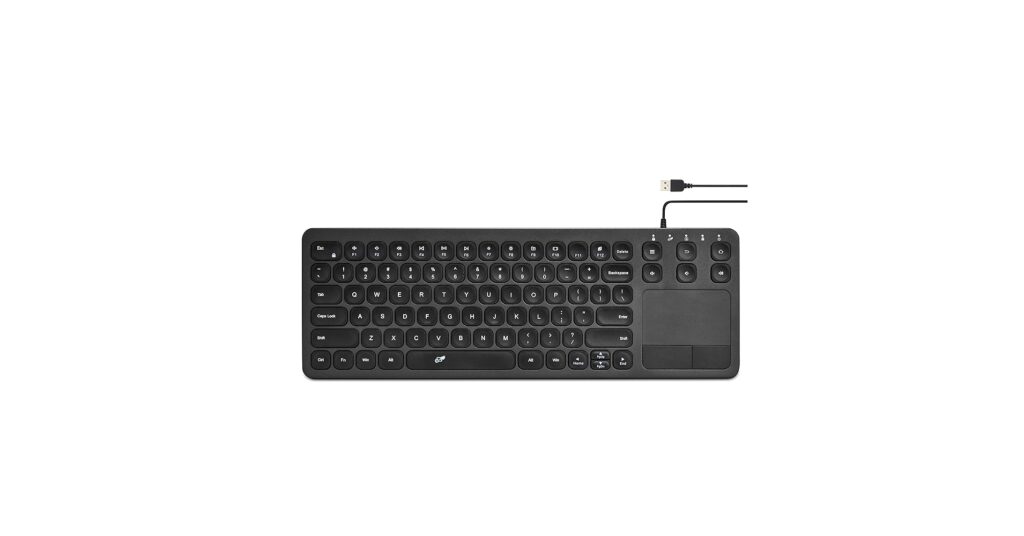
Wired Keyboard with Touchpad, Thin USB Keyboard
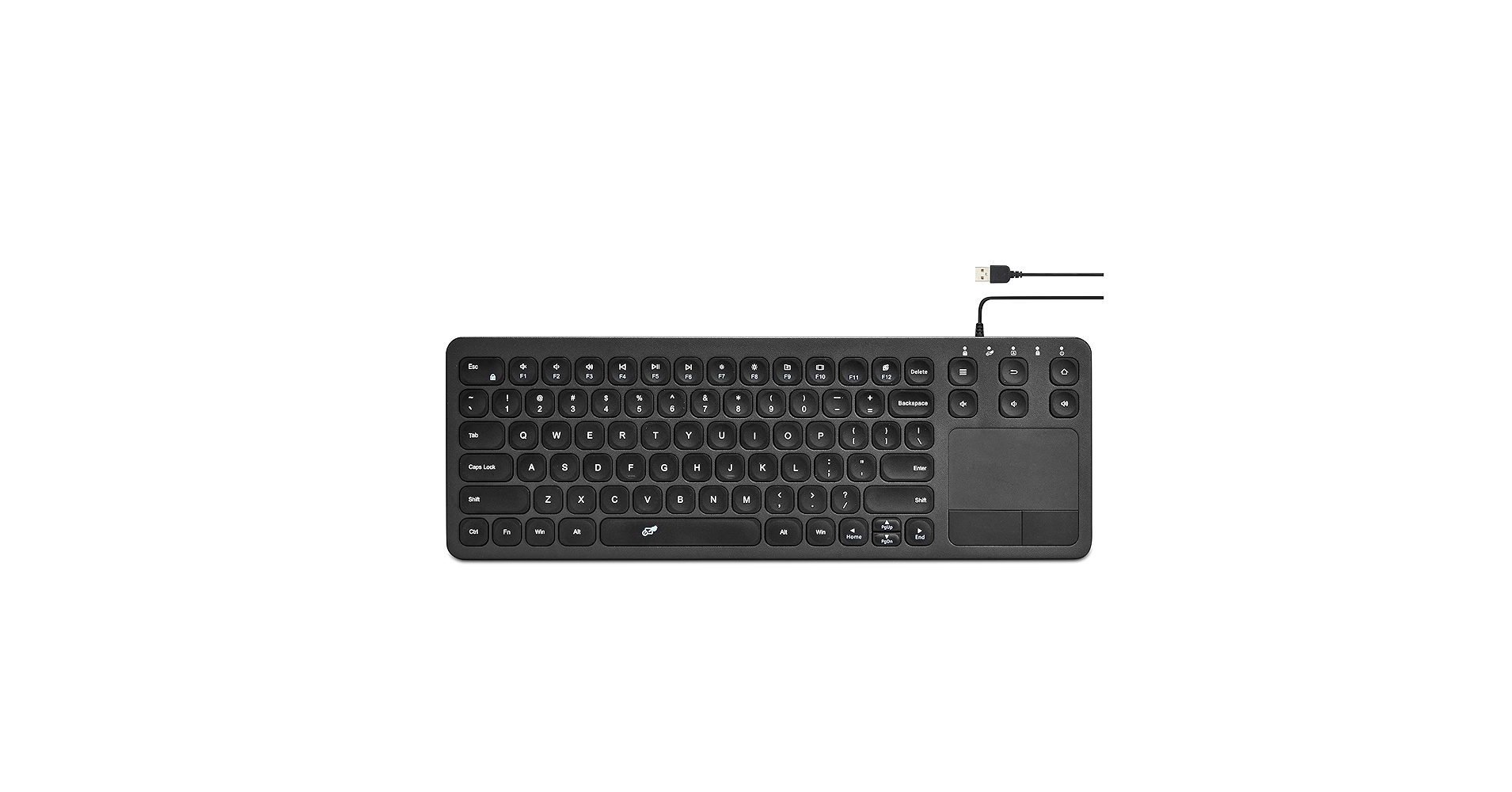
This model wins for its sleek, low-profile design and responsive scissor-switch keys, offering a premium feel that elevates any modern desk setup without sacrificing the reliability of a wired connection.
Top USB Keyboards with Trackpads
| Product | Connectivity Type | Trackpad Functionality | Best For |
|---|---|---|---|
| Thin USB Keyboard (Top Pick) | Wired USB-A | Multi-touch Gestures | Modern & Minimalist Desks |
| Vilros 15 Inch USB Keyboard | Wired USB-A | Basic Point & Click | Server Racks & Media Centers |
| Serounder Wired USB-A Keyboard | Wired USB-A | Basic Point & Click | Extremely Tight Spaces |
| Bnnwa Multi-Device Wireless | Bluetooth | Multi-touch Gestures | Multi-Device Power Users |
| Logitech K400 Wireless | Wireless USB Receiver | Basic Point & Click | HTPC & Living Room Use |
Detailed Product Reviews
1. Vilros 15 Inch USB Keyboard with Touchpad
Pros
- Plug-and-play USB simplicity
- Compact footprint saves desk space
Cons
- Basic plastic construction
- Trackpad lacks multi-touch gestures
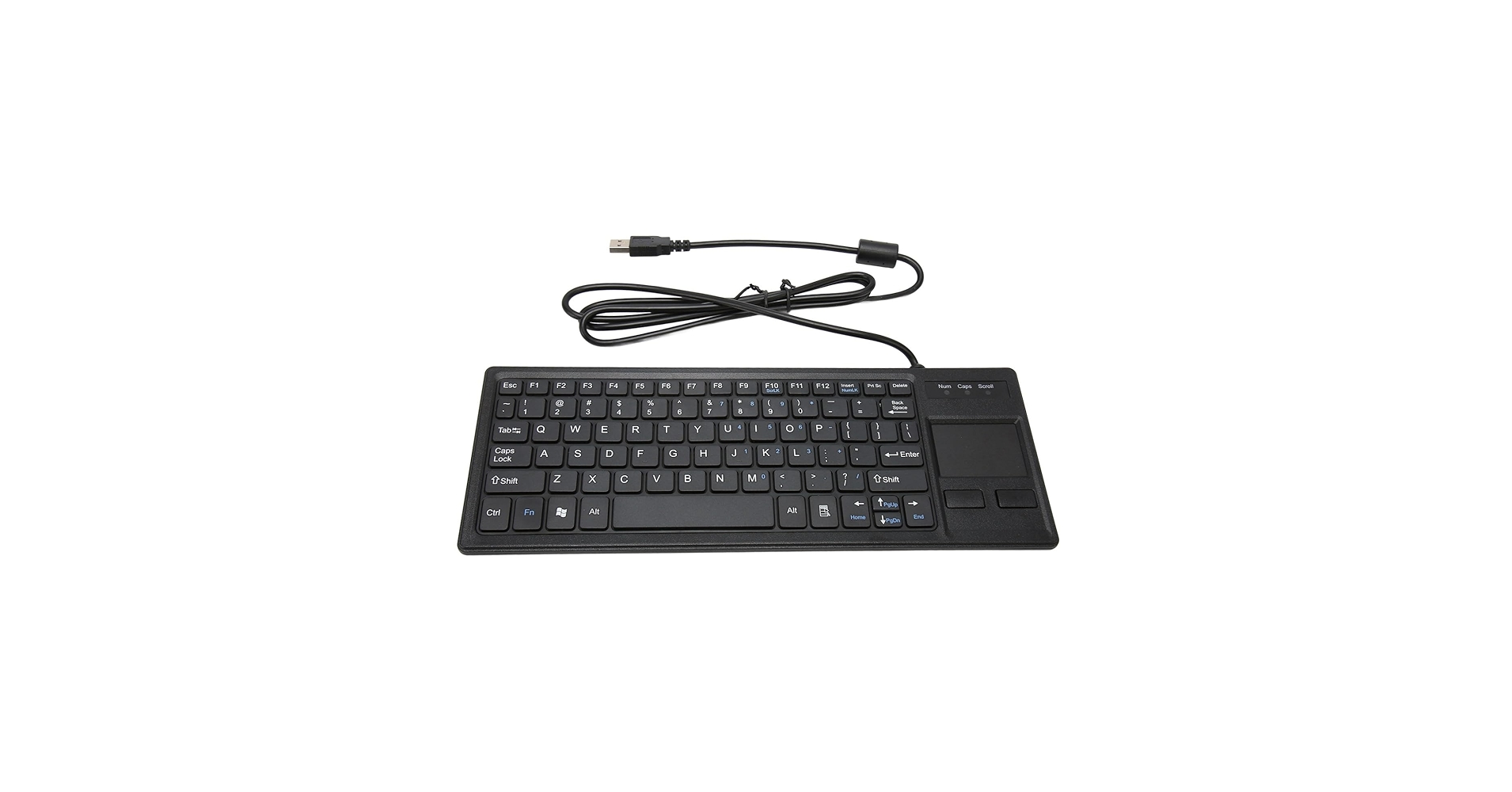
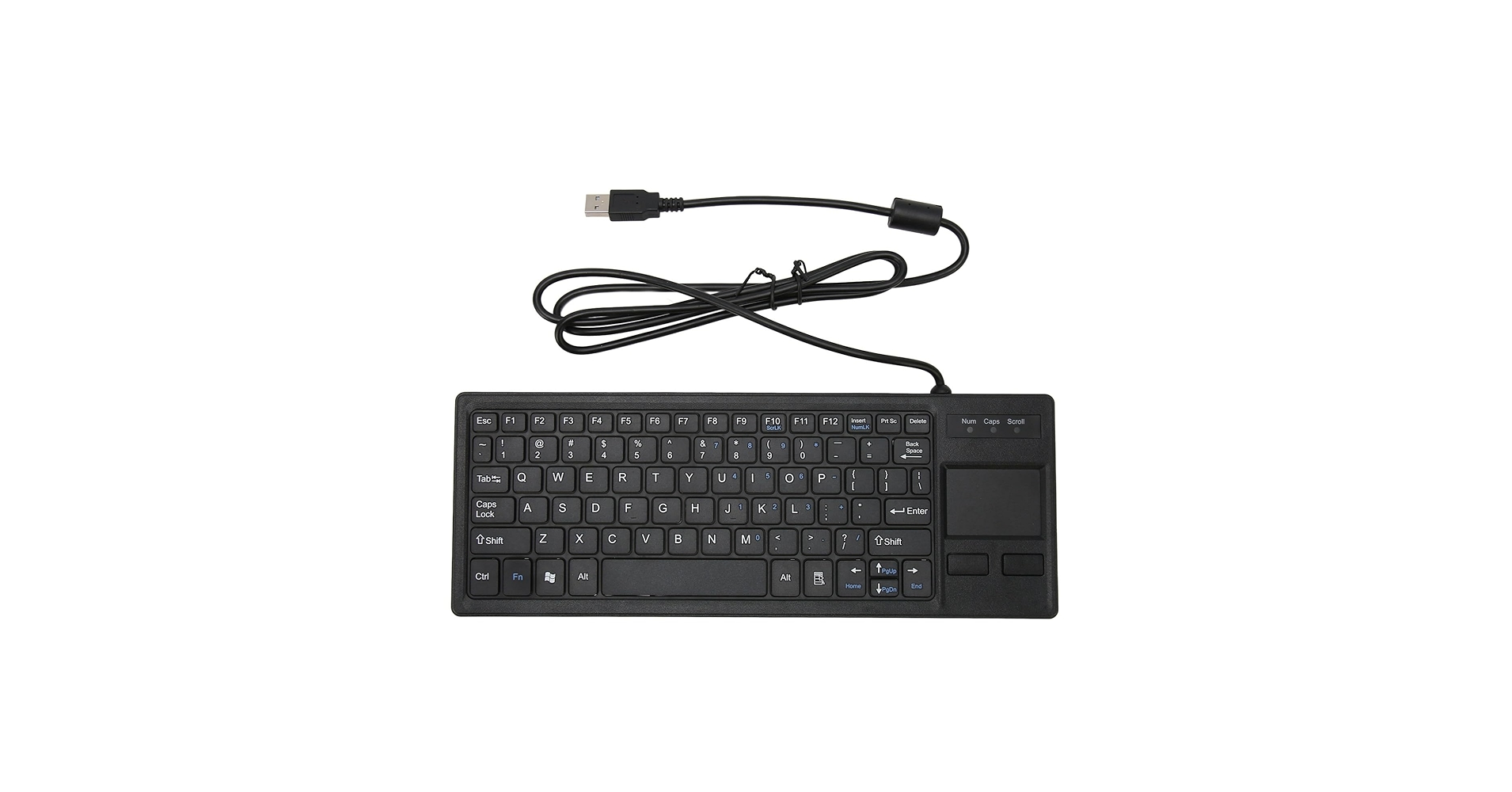
The Breakdown: The Vilros keyboard is a workhorse designed for function over form. Its main appeal is its straightforward, driverless operation and compact size, making it ideal for unconventional setups like Raspberry Pi projects or industrial control panels. The typing experience is standard for a membrane keyboard, and the trackpad is functional for basic navigation.
Key Specs:
- Connectivity: Wired USB-A
- Keyboard Profile: Compact with Numpad
- Trackpad Functionality: Basic Point & Click, Two physical buttons
- Dimensions: ~15 x 5.5 inches
The Community Verdict: Users consistently report that this is a reliable and affordable tool for specific needs. Positive feedback centers on its plug-and-play nature with Linux, Windows, and macOS. The main criticism is the trackpad’s small size and lack of modern gestures, which can feel dated for daily desktop use, especially for those looking for a premium wired keyboard trackpad.
Dealbreaker: Skip this if you require multi-touch gestures like pinch-to-zoom or three-finger swipes for productivity.
2. Serounder Wired USB-A Keyboard with Touchpad
Pros
- Extremely compact and lightweight
- Scissor-switch keys offer decent feedback
Cons
- Cramped, non-standard key layout
- Tiny trackpad is for emergency use only
The Breakdown: The Serounder keyboard is an exercise in minimalism, designed to fit into the tightest of spaces. Its primary advantage is its tiny footprint, making it a problem-solver for situations where a full-size keyboard is impossible. The scissor-switch keys are a step up from typical mini-keyboards, providing a more tactile feel.
Key Specs:
- Connectivity: Wired USB-A
- Keyboard Profile: Ultra-Compact (78 keys)
- Trackpad Functionality: Basic Point & Click
- Dimensions: ~11.8 x 4.7 inches
The Community Verdict: Feedback highlights its utility as a portable tool for IT professionals. Owners appreciate that it’s a simple, single-cable solution for server maintenance. However, many report that the compromised layout and minuscule trackpad make it unsuitable for any extended typing or navigation, with some calling this specific keyboard with trackpad wired setup a ‘last resort’ tool.
Dealbreaker: Skip this if you are a touch typist or need a keyboard for daily office work; the layout is too compromised.
3. Wired Keyboard with Touchpad, Thin USB Keyboard (Top Pick)
Pros
- Sleek, low-profile aluminum design
- Responsive trackpad with multi-touch support
Cons
- No adjustable height/tilt feet
- Key travel is minimal, not for everyone
The Breakdown: This keyboard stands out with a design heavily inspired by modern, premium peripherals. Its slim metal chassis and chiclet-style keys provide a clean look perfect for a curated desk setup. The full-size layout and number pad ensure no compromises on productivity, and the integrated trackpad supports modern multi-touch gestures.
Key Specs:
- Connectivity: Wired USB-A
- Keyboard Profile: Slim, Full-size with Numpad
- Trackpad Functionality: Multi-touch Gestures (e.g., scroll, zoom)
- Build Material: Aluminum Alloy Top / Plastic Base
The Community Verdict: The consensus is that this model is the best-looking and best-feeling option in the wired category. Users praise the responsive scissor-switch keys and the accurate, gesture-supporting trackpad. The primary negative point raised is the lack of ergonomic features like adjustable tilt, which can be a dealbreaker for those prone to wrist strain. It’s often cited as the ideal wired keyboard trackpad for a Mac-like experience on any computer.
Dealbreaker: Skip this if you need ergonomic adjustments like tilt legs for a comfortable typing angle.
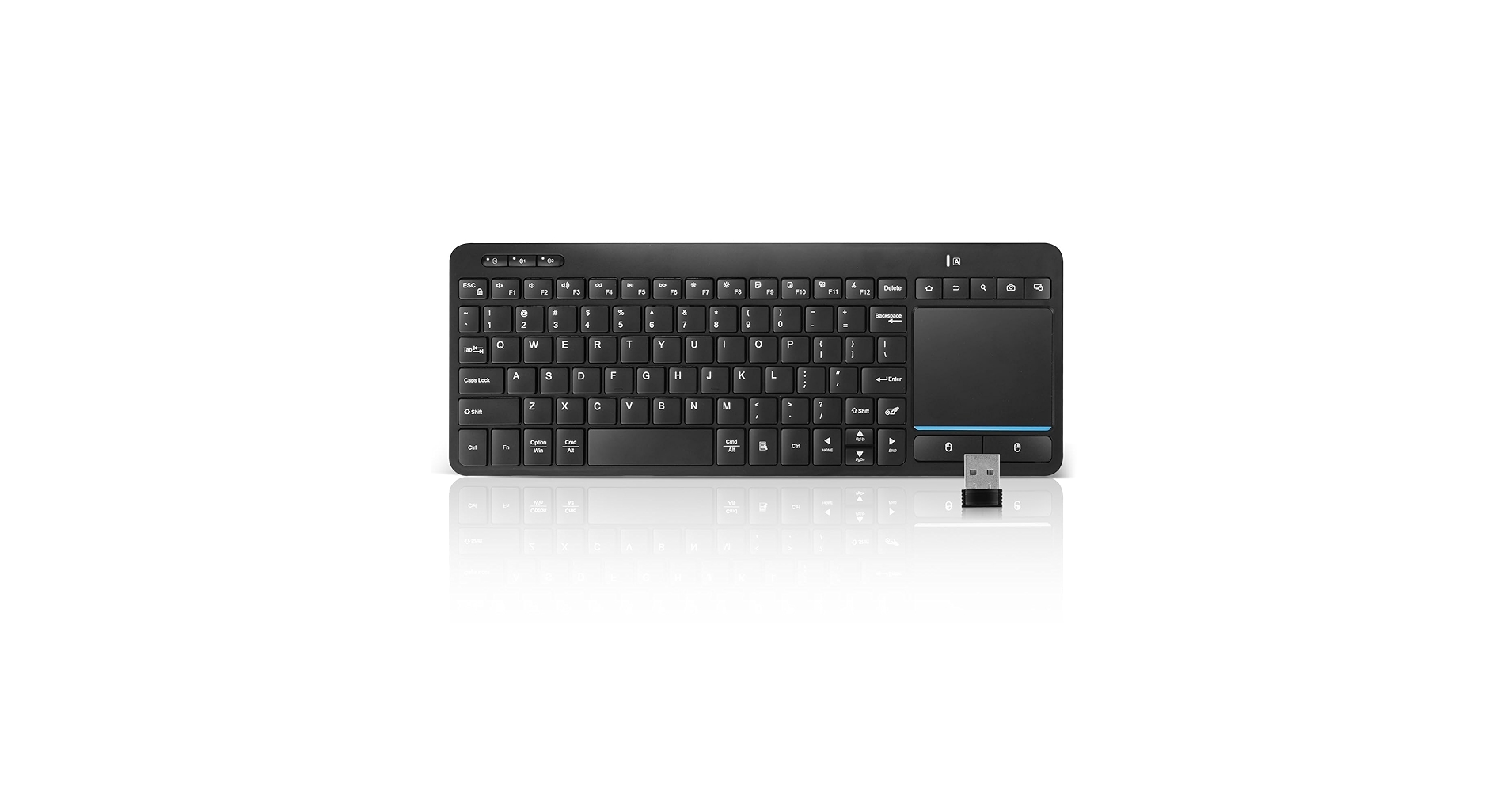
4. Bnnwa Multi-Device Wireless Bluetooth Keyboard
Pros
- Connects to up to 3 devices via Bluetooth
- Rechargeable battery (USB-C)
Cons
- Not a true ‘USB keyboard’ – requires charging
- Bluetooth can have occasional pairing hiccups
The Breakdown: While not a traditional USB-wired device, the Bnnwa keyboard earns its spot as a modern wireless alternative. Its standout feature is multi-device Bluetooth pairing, allowing seamless switching between a computer, tablet, and smartphone with a keypress. The design is compact and portable, and it recharges via a modern USB-C port.
Key Specs:
- Connectivity: Bluetooth (Multi-device)
- Keyboard Profile: Compact
- Trackpad Functionality: Multi-touch Gestures
- Power: Internal Rechargeable Battery
The Community Verdict: Owners love the convenience of controlling all their gadgets with a single keyboard. The quick-switching capability is the most lauded feature. Some users, however, report occasional Bluetooth re-connection delays after the keyboard goes to sleep, a common trait of wireless peripherals that a dedicated keyboard with trackpad wired connection avoids.
Dealbreaker: Skip this if you need the unwavering stability of a wired connection or don’t want to manage battery life.
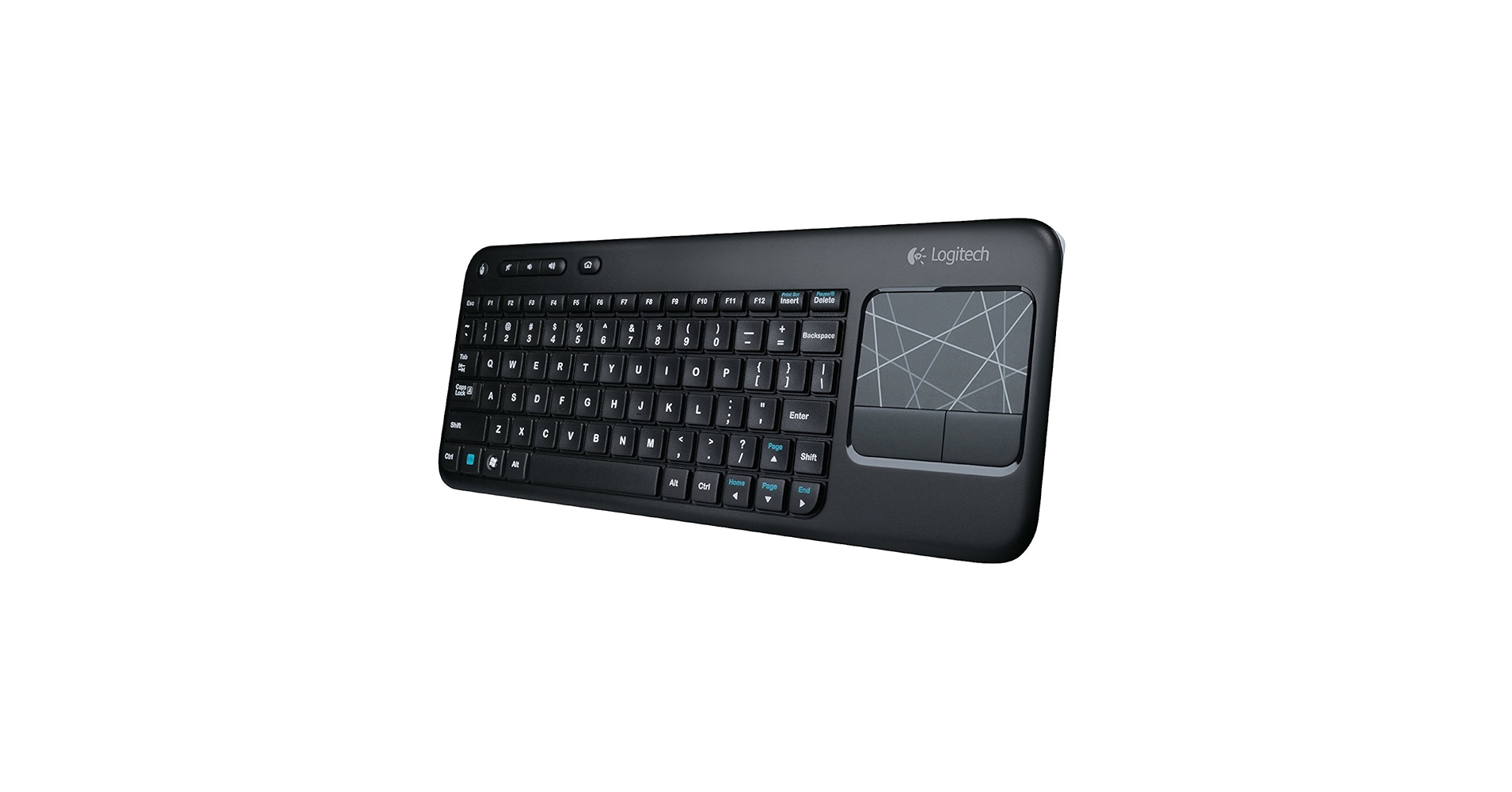
5. Logitech Wireless Touch Keyboard K400
Pros
- Excellent wireless range and reliability
- Incredibly long battery life (months)
Cons
- Typing experience feels mushy
- Design looks dated by current year’s standards
The Breakdown: The Logitech K400 is a classic for a reason. For years, it has been the go-to solution for living room media control, offering a rock-solid wireless connection via its USB Unifying Receiver. It’s lightweight, durable enough to survive couch life, and runs for what seems like an eternity on a pair of AA batteries.
Key Specs:
- Connectivity: Wireless 2.4GHz (USB Receiver)
- Keyboard Profile: Compact, Media-focused
- Trackpad Functionality: Basic Point & Click, with some gesture support via software
- Power: 2x AA Batteries
The Community Verdict: Market research indicates this keyboard is beloved for its ‘it just works’ reliability and impressive range. Owners frequently state they’ve owned one for years without issue. The most common complaints revolve around the soft, unresponsive key feel and a trackpad that feels basic compared to modern laptop touchpads.
Dealbreaker: Skip this if you’re looking for a primary keyboard for your desk; the typing experience is not suited for long-form writing.
Buying Guide: How to Choose
Selecting the right keyboard with an integrated trackpad comes down to your specific use case. Here are the key factors to consider:
Wired vs. Wireless
A wired keyboard and trackpad offers the ultimate in reliability. There are no batteries to charge, no signal dropouts, and zero input lag, making it the preferred choice for stationary setups, server rooms, and mission-critical workstations. Wireless models, like the Logitech K400 or Bnnwa, offer freedom of movement, which is essential for controlling a presentation or a living room media center.
Size and Layout (Keyboard Profile)
Consider your workspace. An ultra-compact model like the Serounder is a space-saver but compromises on typing comfort. A full-size layout with a number pad, like our top pick, is ideal for productivity and data entry. While most of these combo units use membrane or scissor-switch keys, enthusiasts coming from a high-end mechanical board like the Bridge75 Keyboard may need to adjust their expectations on key feel.
Trackpad Functionality
Are you just pointing and clicking, or do you rely on multi-touch gestures? Basic models offer simple cursor control, which is fine for occasional use. For daily desktop navigation, a trackpad that supports two-finger scrolling and pinch-to-zoom is a massive quality-of-life improvement. For a truly ergonomic setup, consider pairing your new keyboard with a monitor riser with drawer for paper, which helps maintain proper posture and keeps your essentials organized.
Frequently Asked Questions
1. Why choose a wired model over a wireless one?
A wired connection provides three main benefits: reliability (no signal interference), simplicity (no batteries or charging), and security (no wireless signals to intercept). This makes them ideal for business, industrial, and permanent desk setups where mobility isn’t a factor.
2. Can I use a USB keyboard with a trackpad for gaming?
While technically possible for casual games, it’s generally not recommended. The trackpad is a poor substitute for a mouse in terms of speed and precision for most gaming genres. Additionally, these keyboards typically lack the high-performance switches and features (like N-key rollover) found in dedicated gaming keyboards.
3. Is a wired keyboard with trackpad a good choice for a server room?
Absolutely. A wired keyboard with trackpad is an excellent choice for server rooms or IT closets. The single, reliable USB connection minimizes hassle, the integrated trackpad means you don’t need a separate mouse surface, and its compact nature makes it easy to store or use on a rack-mounted console.




