
🚀 Quick Verdict / Top Pick
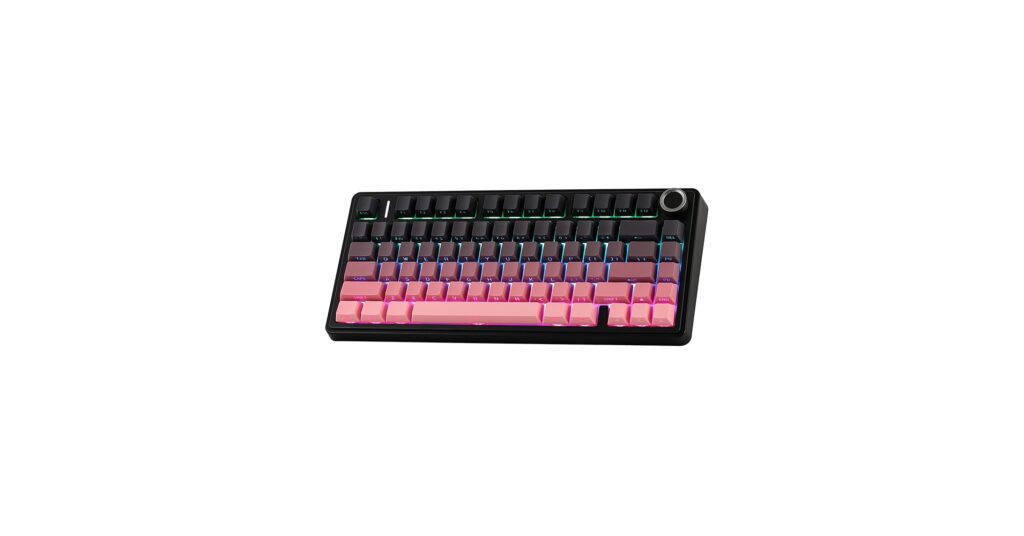
EPOMAKER X Aula F75
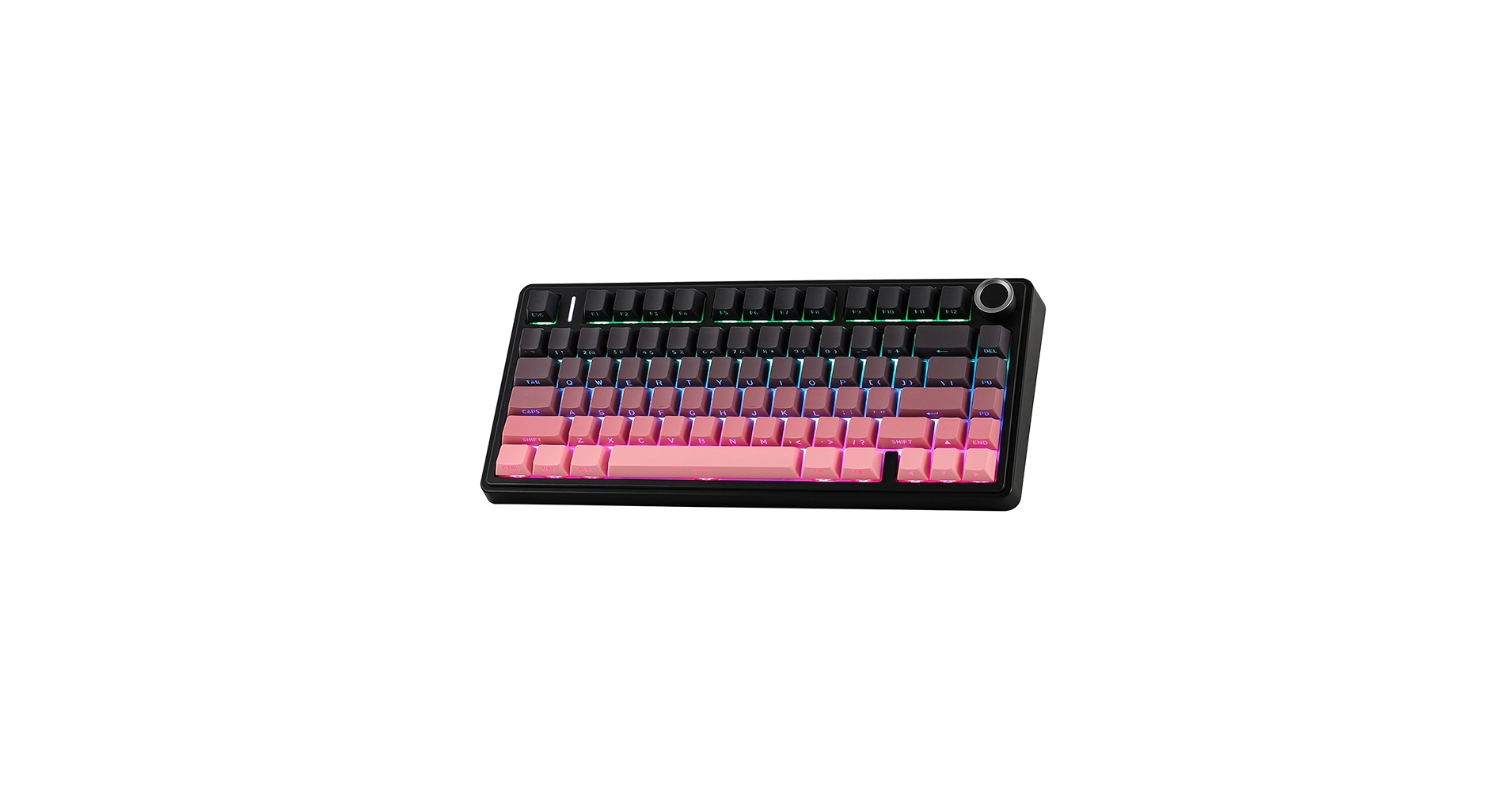
It delivers the best overall package, combining a premium gasket-mount feel, versatile tri-mode connectivity, and a gamer-friendly 75% layout that outshines the competition for most users.
The desk setup is as much about personal expression as it is about productivity. The search for the perfect black and pink keyboard reflects this trend, blending bold aesthetics with high-performance technology. This isn’t just about color; it’s about finding a centerpiece for your workspace that offers a satisfying typing experience, seamless connectivity, and a design that complements a modern, minimalist vibe. Our market analysis covers the top contenders, from compact wireless models for gaming to full-sized silent keyboards for the focused professional.
| Product | Switch Type | Connectivity | Best For |
|---|---|---|---|
| EPOMAKER X Aula F75 | Tactile (Leobog Graywood V4) | Tri-Mode (BT, 2.4GHz, USB-C) | Aesthetic Gaming |
| CC MALL M75 Mechanical Keyboard | Linear | Tri-Mode (BT, 2.4GHz, USB-C) | Thocky Sound & Feel |
| AUSDOM 98Pro Silent Wireless | Silent Tactile | Tri-Mode (BT, 2.4GHz, USB-C) | Quiet Office Environments |
| Pink and Black Keycaps Set | N/A | N/A | Customization & DIY |
| AULA S99 Pro Keyboard | Linear (Leobog Reaper) | Tri-Mode (BT, 2.4GHz, USB-C) | Compact Full-Size Users |
EPOMAKER X Aula F75 75% Wireless Gaming
Pros
- Excellent out-of-the-box typing feel due to gasket mount
- Reliable tri-mode connectivity for any setup
Cons
- Software can be less intuitive than mainstream brands
- 75% layout lacks a numpad
The Breakdown: The EPOMAKER X Aula F75 is a dominant force in the 75% keyboard market for good reason. It blends enthusiast-grade features like a gasket-mounted structure and hot-swappable switches with a striking black and pink design. The build quality is consistently praised, offering a substantial feel without being overly heavy.
Key Specs:
- Layout: 75% Compact
- Switch Type: Leobog Graywood V4 (Tactile)
- Connectivity: Bluetooth, 2.4GHz Wireless, USB-C
- Keycaps: Double-shot PBT
- Features: Gasket mount, hot-swappable, south-facing RGB
The Community Verdict: Owners report an impressive ‘thocky’ sound profile straight out of the box, minimizing the need for immediate modifications. The Leobog Graywood switches are highlighted as a satisfying tactile option suitable for both typing and gaming. Some users note that the customization software is a bit clunky, but the hardware’s performance makes it a worthwhile trade-off for this pink black keyboard.
Dealbreaker: Skip this if you absolutely require a dedicated number pad for data entry or productivity tasks.
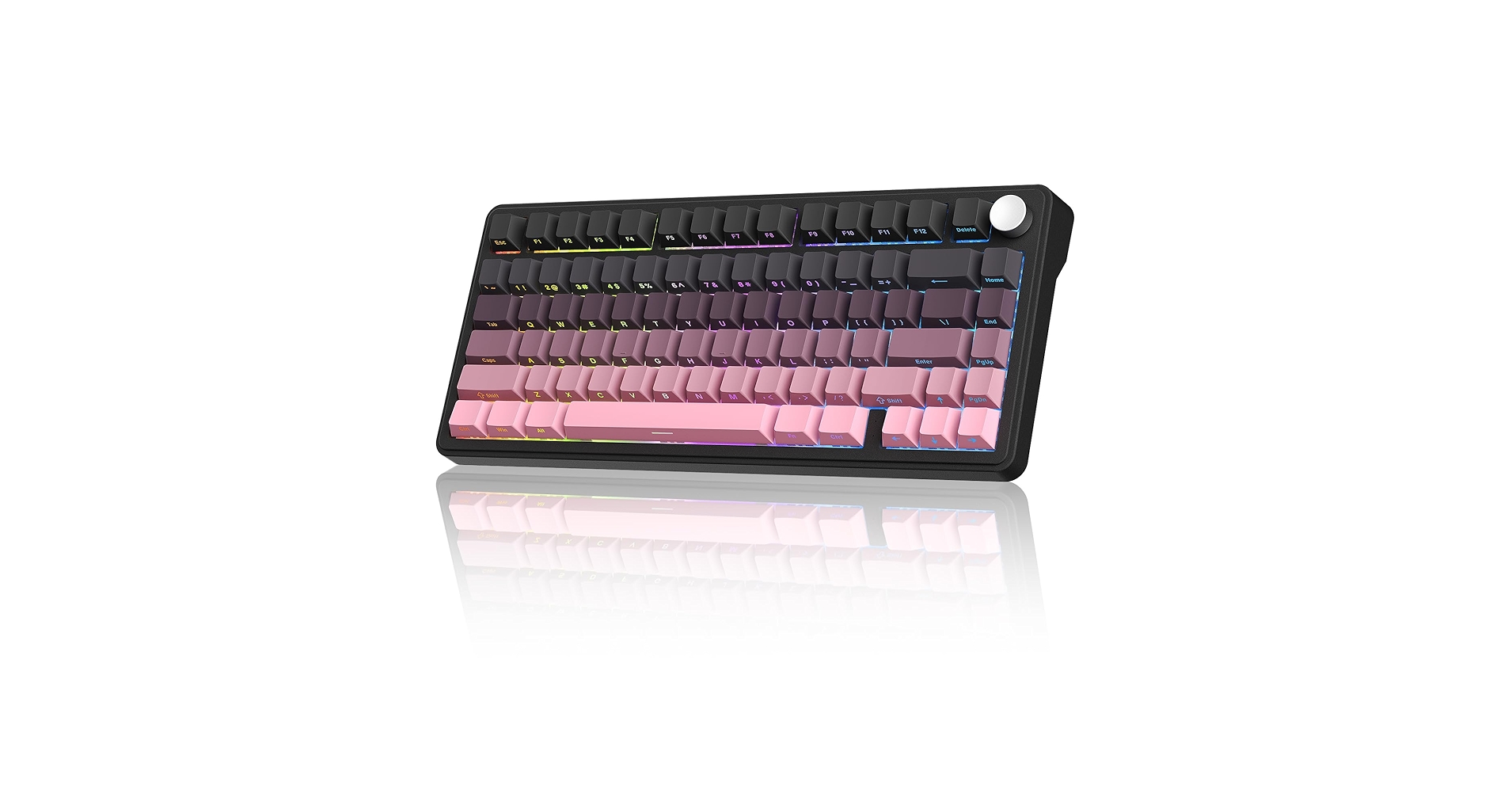
CC MALL M75 Mechanical Keyboard, 75% Gasket Hot Swappable
Pros
- Exceptional value for a gasket-mount board
- Hot-swappable PCB allows for easy switch customization
Cons
- Lesser-known brand may be a concern for some
- Keycap quality is decent but not top-tier
The Breakdown: The CC MALL M75 enters the market as a strong value proposition, delivering features typically found in more expensive keyboards. Its primary draw is the gasket-mounted design paired with hot-swappable sockets, making it an excellent base for future customization. The aesthetic is clean, with the black and pink theme presented in a slightly more understated way.
Key Specs:
- Layout: 75% Compact
- Switch Type: Unspecified Linear
- Connectivity: Bluetooth, 2.4GHz Wireless, USB-C
- Keycaps: PBT
- Features: Gasket mount, hot-swappable, multimedia knob
The Community Verdict: The consensus is that the M75 provides a surprisingly deep and satisfying sound for its price point. Users consistently report that the linear switches are smooth, though some enthusiasts recommend swapping them out to unlock the board’s full potential. The included multimedia knob is a frequently praised convenience feature.
Dealbreaker: Skip this if you prefer the peace of mind and support that comes with purchasing from an established, well-known keyboard brand.
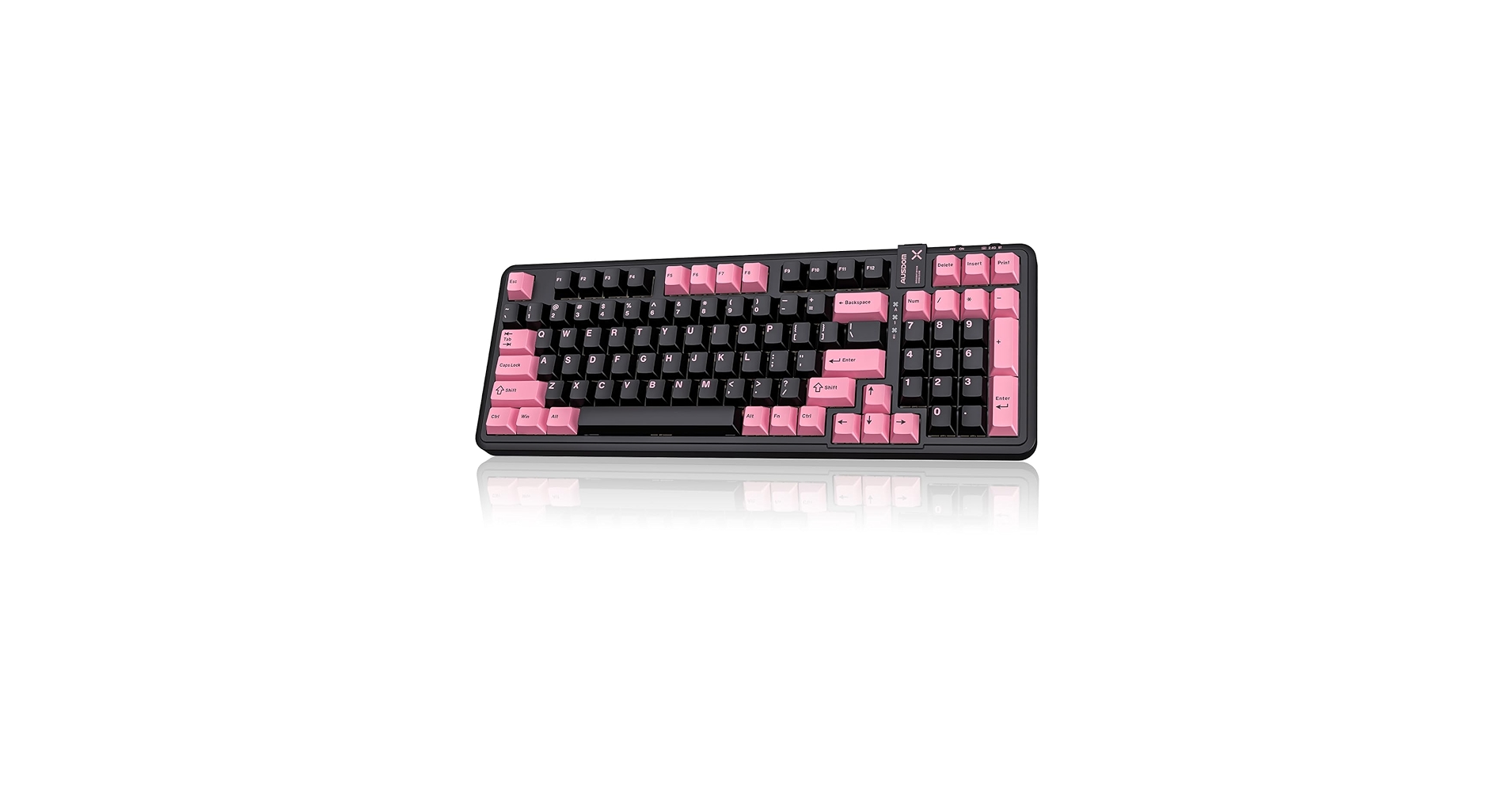
AUSDOM 98Pro Silent Wireless Mechanical Keyboard
Pros
- Very quiet operation suitable for shared spaces
- 98% layout retains the numpad in a compact footprint
Cons
- Silent switches can feel ‘mushy’ to some mechanical purists
- The larger size is less portable than 75% options
The Breakdown: The AUSDOM 98Pro carves a niche for itself by focusing on silent operation. This black and pink keyboard uses custom silent tactile switches to deliver a mechanical feel with minimal noise, making it ideal for office environments or late-night gaming sessions. The 98% layout is a smart compromise, providing full numpad functionality while saving valuable desk space.
Key Specs:
- Layout: 98% (100 keys)
- Switch Type: Custom Silent Tactile
- Connectivity: Bluetooth, 2.4GHz Wireless, USB-C
- Keycaps: Double-shot PBT
- Features: Sound-dampening foam, hot-swappable
The Community Verdict: User feedback overwhelmingly confirms the keyboard’s quietness, with many comparing the sound level to a standard membrane keyboard. The tactile bump is present but subtle, which is a plus for some and a negative for others. Build quality is generally considered solid, and the multi-device Bluetooth pairing is a reported convenience.
Dealbreaker: Skip this if you crave the audible feedback and sharp ‘clack’ of traditional tactile or clicky mechanical switches.
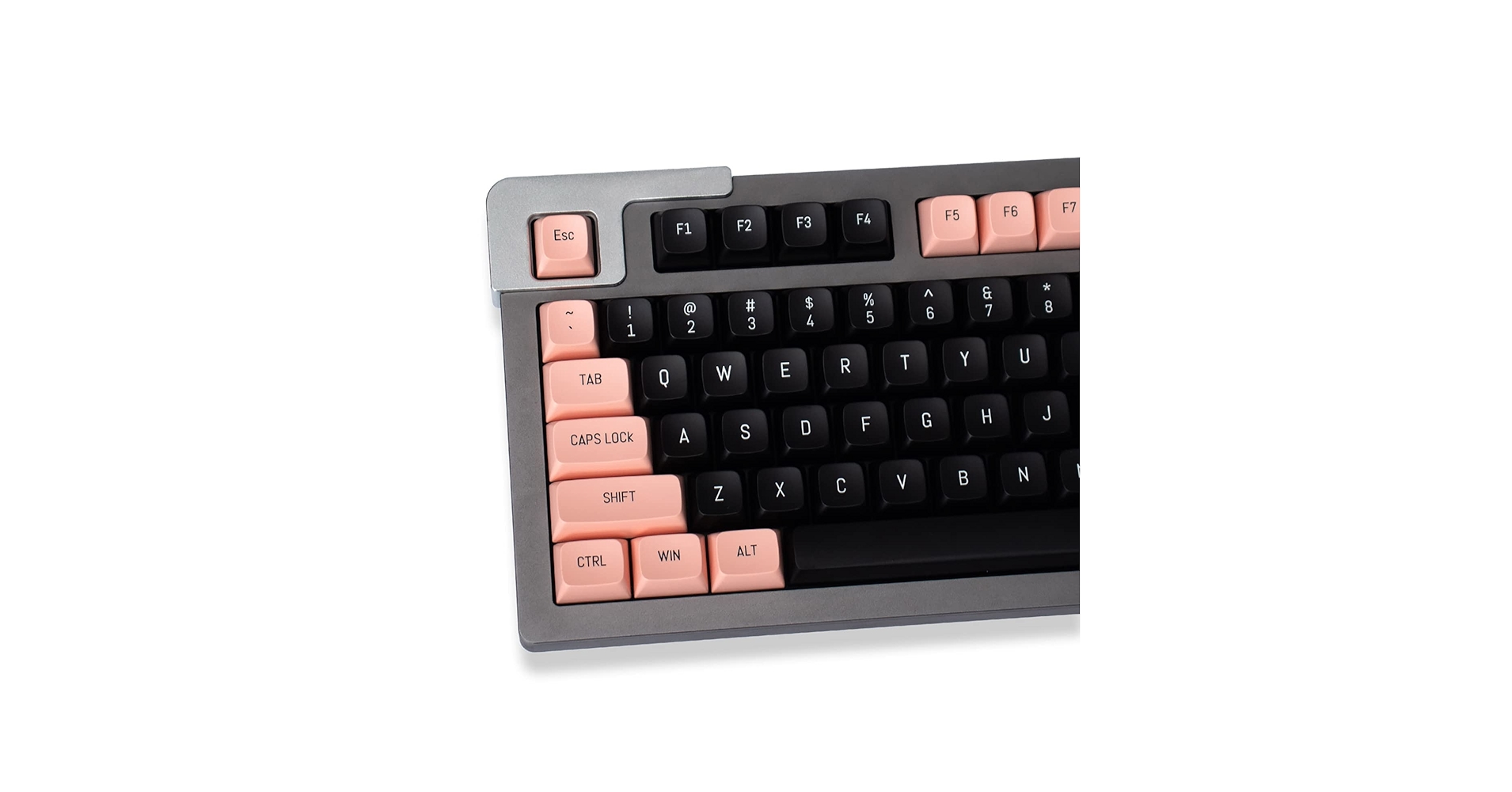
Pink and Black Keycaps 150 Keys Doubleshot MSA
Pros
- High compatibility with 150 keys to fit various layouts
- Durable doubleshot PBT construction prevents fading
Cons
- Requires an existing compatible (MX-style stem) keyboard
- MSA profile is slightly taller and more spherical than standard profiles
The Breakdown: This isn’t a keyboard, but rather the key to unlocking a custom look for your existing one. This 150-key set is designed for wide compatibility, featuring the popular black and pink colorway. The doubleshot PBT plastic ensures the legends will never fade, and the MSA profile offers a unique, slightly retro typing feel with sculpted, spherical tops.
Key Specs:
- Product Type: Keycap Set
- Material: Doubleshot PBT
- Profile: MSA (similar to SA)
- Key Count: 150
- Compatibility: MX-style switches (Cherry, Gateron, Kailh, etc.)
The Community Verdict: Users are generally impressed with the thickness and quality of the keycaps for the price. The colors are reported to be vibrant and true to the product images. The primary point of discussion is the MSA profile; those who enjoy taller, sculpted keycaps love it, while users accustomed to flat Cherry or OEM profiles may need an adjustment period.
Dealbreaker: Skip this if you don’t already own a mechanical keyboard with MX-style switches or if you dislike tall, spherical keycap profiles.
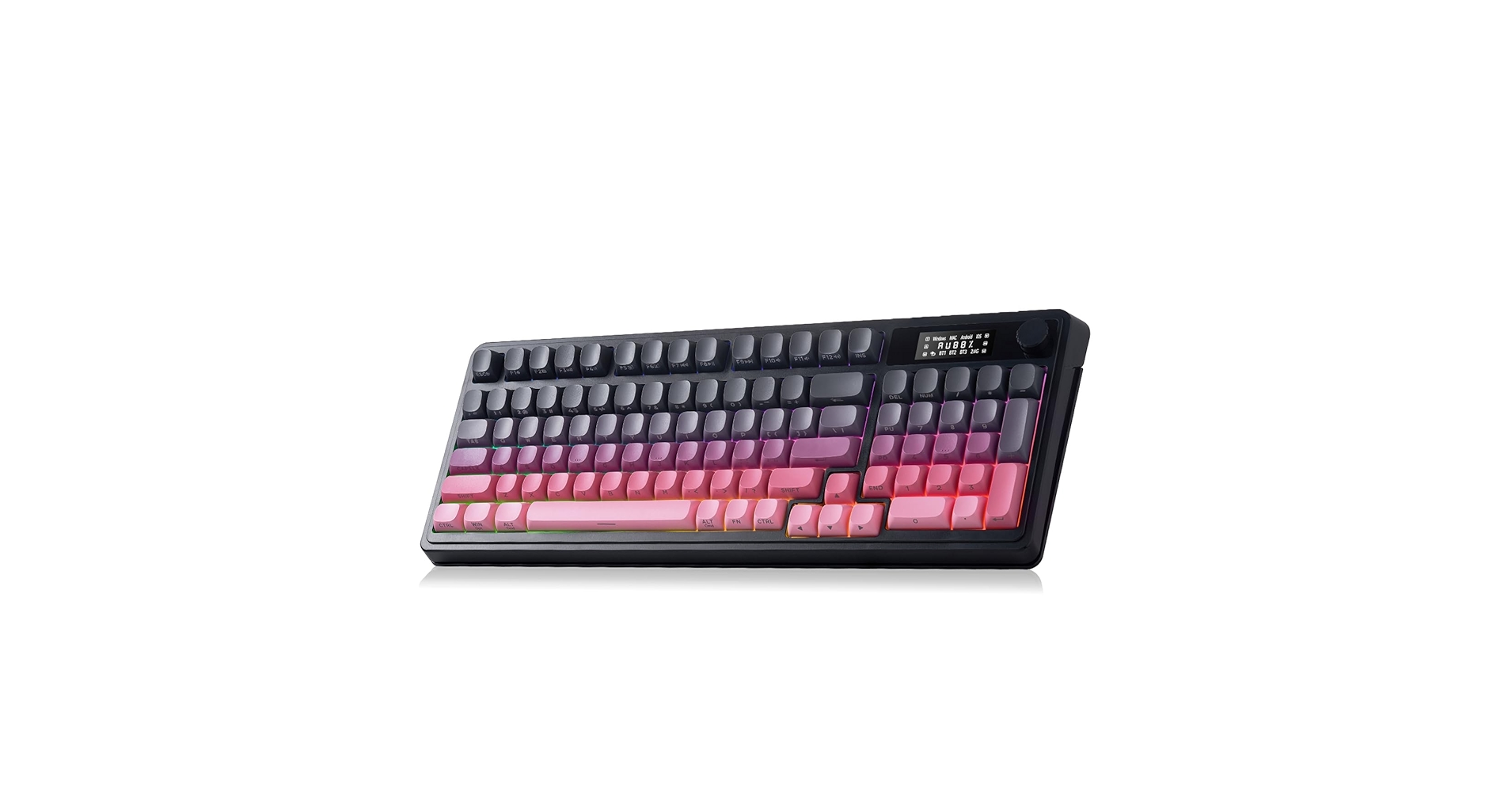
AULA S99 Pro Keyboard, Wireless Keyboards with
Pros
- Smooth linear switches are great for fast typing and gaming
- Gasket structure provides a comfortable typing experience
Cons
- 96% layout can have a learning curve for some keys
- Stock keycaps are functional but less premium than the board itself
The Breakdown: The AULA S99 Pro is another excellent option in the compact-full-size category, competing directly with the AUSDOM 98Pro but with a different focus. It utilizes smooth Leobog Reaper linear switches, making it a faster, more gaming-oriented choice. Its 96% layout squeezes the numpad and function row together, offering maximum key-count in a minimal footprint.
Key Specs:
- Layout: 96% (99 keys)
- Switch Type: Leobog Reaper (Linear)
- Connectivity: Bluetooth, 2.4GHz Wireless, USB-C
- Keycaps: PBT
- Features: Gasket mount, hot-swappable, large battery
The Community Verdict: Market research indicates that users appreciate the S99 Pro for its smooth, fast typing feel and pleasing sound profile. The gasket implementation is well-regarded, providing a flex that reduces typing fatigue. While the layout is praised for its efficiency, new users frequently mention needing time to adjust to the placement of keys like ‘Delete’ and the right-side modifiers.
Dealbreaker: Skip this if you rely heavily on muscle memory for a traditional full-size layout with clear separation between key clusters.
Buying Guide: Choosing Your Black and Pink Keyboard
Selecting the right pink black keyboard goes beyond just color. It’s about matching the hardware to your workflow, desk space, and acoustic preferences. Here’s what to consider.
1. Layout: Form Meets Function
The keyboard’s physical size, or form factor, is your first major decision. A 75% layout (like the EPOMAKER F75) is a popular choice, offering function keys and arrows in a compact frame perfect for gamers or those with limited desk space. A 96% or 98% layout (like the AULA S99 or AUSDOM 98Pro) is a more efficient take on a full-size board, retaining the number pad for productivity while trimming excess space. Consider how you use your keyboard daily to decide if a numpad is a necessity.
2. The Feel and Sound: Switches & Mount
The switches under the keycaps define the typing experience. Linear switches (AULA S99) offer a smooth, consistent press, ideal for rapid key presses in gaming. Tactile switches (EPOMAKER F75) have a small bump you can feel on actuation, which is great for typing accuracy. If you work in a shared space, a dedicated silent option like the AUSDOM 98Pro might be the best quiet keyboard for gaming and work. Furthermore, the internal mounting style matters. A ‘gasket mount’ provides a softer, deeper sound, a feature explored in our guide to the best stock sounding mechanical keyboard.
3. Complete Your Aesthetic
A keyboard is the centerpiece of your desk, but it doesn’t stand alone. The black and pink theme pairs exceptionally well with minimalist accessories. Integrating your new keyboard with a sleek black metal and wood desk shelf can elevate the entire look, creating a cohesive and visually striking workspace that is both functional and a reflection of your personal style.
Frequently Asked Questions
1. Are black and pink keyboards good for gaming?
Absolutely. The color scheme has no impact on performance. Models like the EPOMAKER X Aula F75 are specifically designed for gaming, featuring low-latency wireless, responsive switches (tactile or linear), and a compact 75% layout that provides more room for mouse movement.
2. What’s the main difference between a 75% and a 98% keyboard?
The primary difference is the presence of a number pad. A 75% keyboard omits the numpad entirely for a very compact footprint. A 98% keyboard includes the numpad but compresses the navigation cluster (like Page Up, Down, etc.) and arrow keys to save space compared to a traditional 100% full-size board.
3. Can I build my own custom pink black keyboard?
Yes. The easiest way is to start with a ‘hot-swappable’ keyboard you like and purchase a custom keycap set, like the one reviewed above. This allows you to change the look and feel without any soldering. For a deeper customization, you can also buy a barebones kit and choose your own switches and keycaps to assemble from scratch.




