
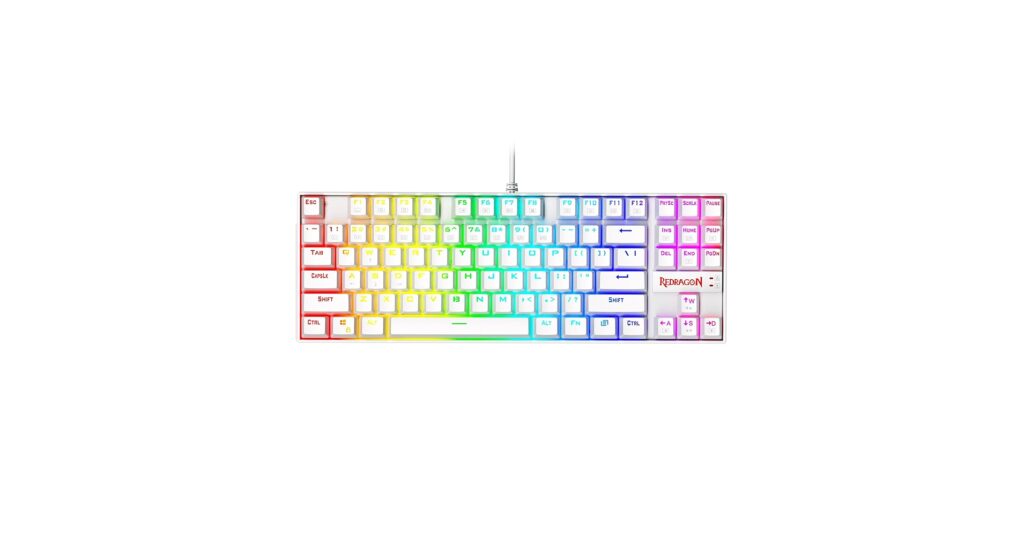
A clean, minimalist desk setup is more than just an aesthetic; it’s a statement. At the heart of this setup is the keyboard, and finding the perfect redragon keyboard white model can elevate your entire workspace. Redragon has carved out a niche for offering feature-packed mechanical keyboards without the premium price tag. They deliver on both performance and style, making them a go-to for gamers and typists aiming for a clean, high-tech look.
Based on extensive market research, we’ve analyzed the most popular white models to help you decide which one fits your desk and your needs. From the ultra-compact 60% layouts to the versatile TKL, here are the top contenders.
🚀 Quick Verdict / Top Pick
Redragon K552P Kumara TKL
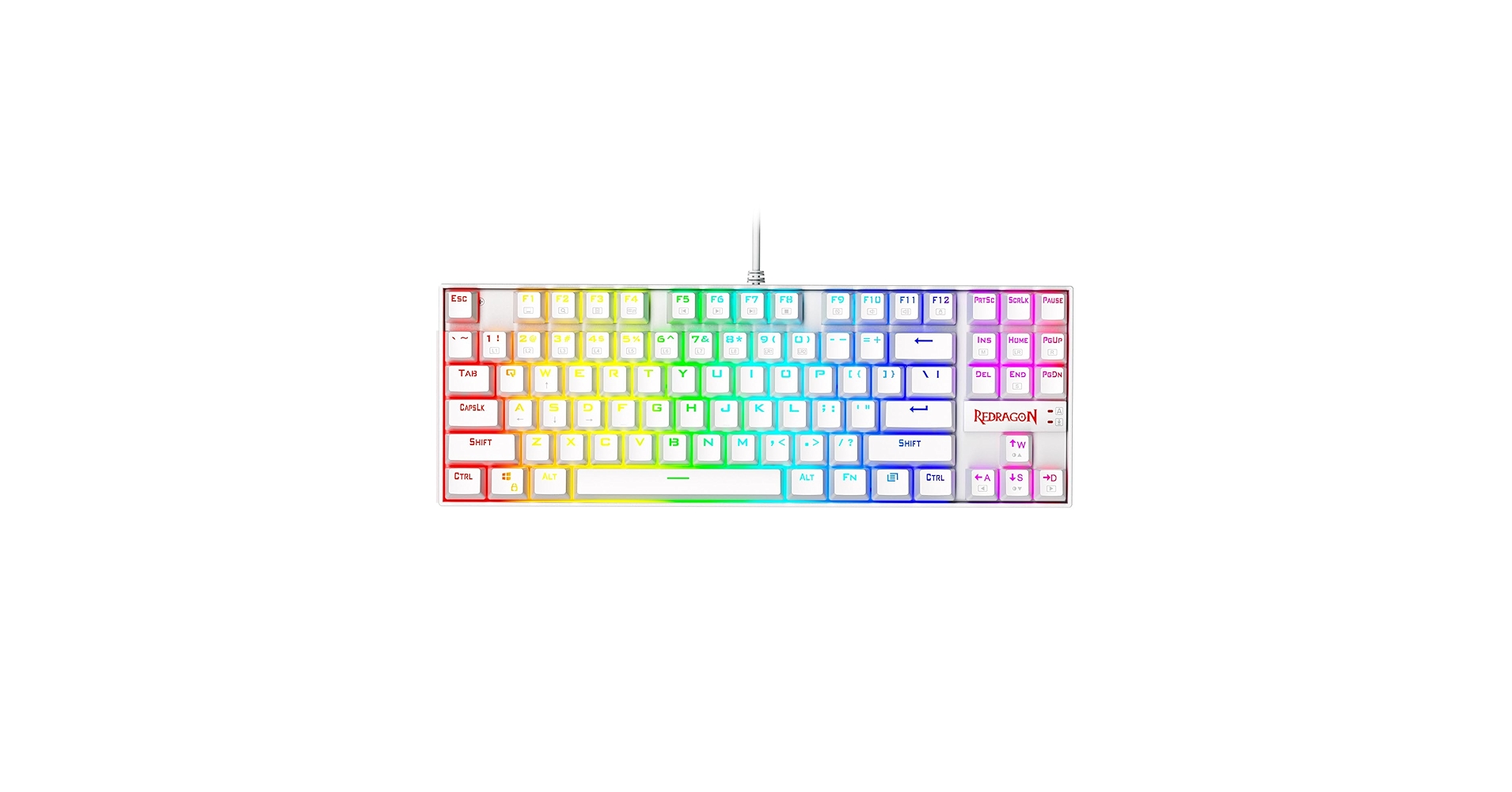
The K552P Kumara hits the sweet spot, offering a compact TKL layout that saves desk space without sacrificing essential keys like the function row and arrows, making it the most versatile choice for both gaming and productivity.
White Redragon Keyboard Comparison
| Product | Form Factor | Switch Type | Best For |
|---|---|---|---|
| Redragon K552P Kumara | TKL (87-Key) | Clicky Blue | All-Around Use |
| Redragon K617 Fizz | 60% (61-Key) | Linear Red | Maximum Desk Space |
| Redragon K550 Yama | Full-Size (104-Key) | Tactile Purple | Productivity & Macros |
| Redragon K630 Dragonborn | 60% (61-Key) | Tactile Brown | Budget 60% & Portability |
Detailed Redragon Keyboard Reviews
1. Redragon K552P Kumara Mechanical Gaming Keyboard TKL
Pros
- Balanced TKL layout is great for typing and gaming
- Durable metal and ABS construction
Cons
- Non-detachable cable
- Stock keycaps can feel basic
The Breakdown: The K552 Kumara is a titan in the budget mechanical keyboard space for a reason. Its tenkeyless (TKL) design removes the number pad, freeing up significant mouse room while keeping all other standard keys intact. This white version features crisp white keycaps and a silver backplate, creating a clean look that fits perfectly in a minimalist setup.
Key Specs:
- Form Factor: TKL (Tenkeyless, 87-Key)
- Switch Type: Outemu Blue (Clicky)
- Key Feature: Splash-proof design with durable metal-ABS construction
The Community Verdict: The consensus is that the K552 offers unbeatable value. Users praise its sturdy build and satisfyingly loud clicky switches. A common critique is that the Redragon K552 keycaps feel cheap to some, but this is often seen as an easy and affordable future upgrade.
Dealbreaker: The attached, non-detachable cable feels dated and can be a hassle for cable management or portability.
2. Redragon K617 Fizz 60% Wired RGB Gaming Keyboard
Pros
- Hot-swappable switches for easy customization
- Extremely compact and lightweight design
Cons
- Steep learning curve without dedicated arrow keys
- Linear switches are not ideal for heavy typists
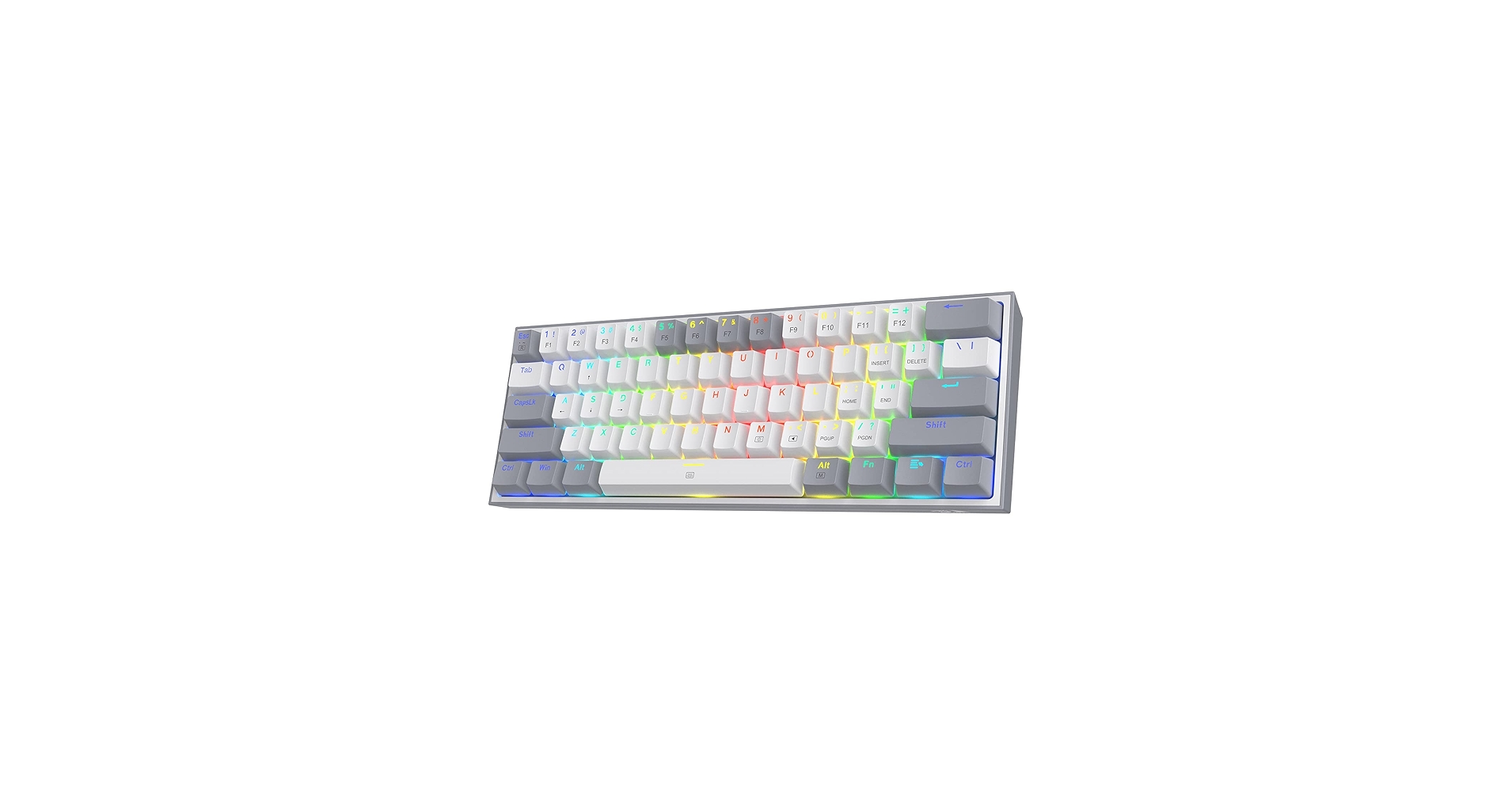
The Breakdown: The K617 Fizz is Redragon’s answer to the 60% keyboard craze, and it delivers. This model strips the keyboard down to the bare essentials, offering a tiny footprint and a striking two-tone design (available in White/Grey and White/Pink). Its biggest selling point is the hot-swappable PCB, allowing you to change switches without any soldering.
Key Specs:
- Form Factor: 60% (61-Key)
- Switch Type: Outemu Red (Linear)
- Key Feature: Hot-swappable with other Outemu switches
The Community Verdict: Enthusiasts on a budget love the Fizz for its customizability. When debating the Redragon Fizz K617 vs Dragonborn K630, the Fizz often wins for its cleaner aesthetic and more accessible hot-swap feature. The smooth linear Outemu Red switches are praised for gaming, but some users wish for a tactile option out of the box.
Dealbreaker: The 60% layout completely omits arrow, function, and navigation keys, pushing them to a secondary function layer. This can be a major workflow disruption for anyone who isn’t a dedicated gamer.
3. Redragon K550 Yama Programmable Gaming Keyboard
Pros
- 12 programmable macro keys and dedicated media controls
- Includes a detachable wrist rest for ergonomics
Cons
- Very large footprint, not for small desks
- Design is more ‘gamer’ than minimalist
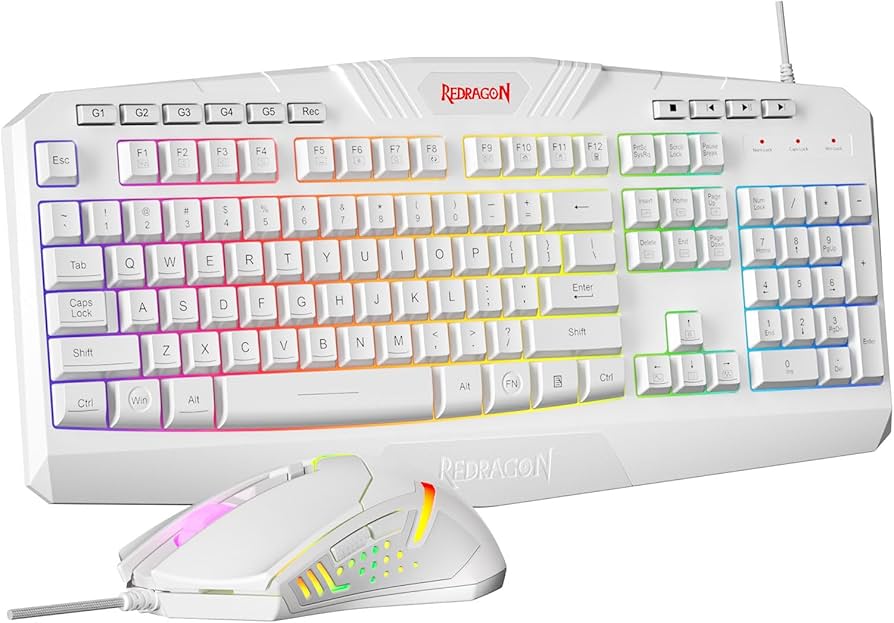
The Breakdown: The K550 Yama stands apart from the others with its full-size, feature-heavy design. It’s built for maximum functionality, boasting a full number pad, dedicated media controls, a volume scroll wheel, and a bank of programmable macro keys. While its aesthetic is less minimalist, the white version provides a bold, high-tech look.
Key Specs:
- Form Factor: Full-Size (104-Key + Macros)
- Switch Type: Outemu Purple (Tactile, similar to Brown)
- Key Feature: 12 dedicated macro keys & media controls
The Community Verdict: Market research indicates this model is a favorite among streamers and content creators who rely on macros for shortcuts. The included wrist rest is a commonly praised feature for long sessions. The main drawback cited is its sheer size, which can dominate a desk.
Dealbreaker: If your goal is a clean, minimalist setup, this keyboard’s large size and aggressive styling might be the opposite of what you’re looking for.
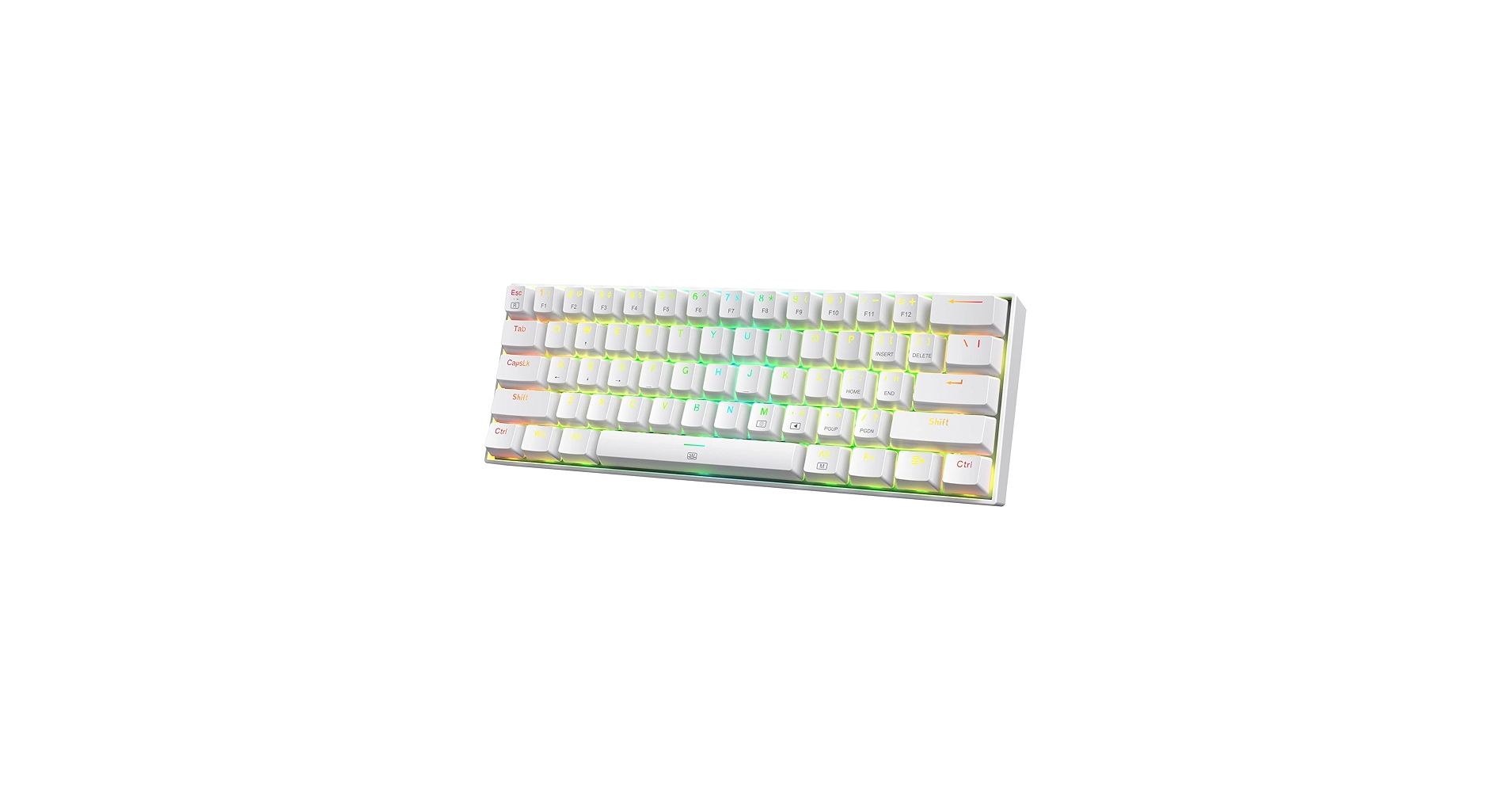
4. Redragon K630 Dragonborn 60% Wired RGB Gaming Keyboard
Pros
- Detachable USB-C cable is great for portability
- Available with tactile Brown switches for better typing feel
Cons
- Build is primarily plastic and can feel less substantial
- Software is functional but not very intuitive
The Breakdown: The K630 Dragonborn is another strong contender in the 60% category, often seen as a direct rival to the K617 Fizz. Its key advantage is the inclusion of a detachable USB-C cable, a modern touch that many users value for custom cables and easy transport. It’s a no-frills, compact board that focuses on delivering the core 60% experience at an aggressive price.
Key Specs:
- Form Factor: 60% (61-Key)
- Switch Type: Outemu Brown (Tactile)
- Key Feature: Detachable USB-C Cable
The Community Verdict: Users often choose the Dragonborn for its tactile Brown switch option, which offers a satisfying bump without the loud click of Blues. The USB-C port is a huge plus. Criticisms are usually aimed at the Redragon keyboard software customization, which is reported to be clunky and less user-friendly than competitor software.
Dealbreaker: The all-plastic construction, while lightweight, lacks the premium, hefty feel found in boards with metal top plates like the K552.
Buying Guide: How to Choose the Right White Redragon Keyboard
Selecting the right keyboard comes down to how you plan to use it and the aesthetic you’re aiming for. Here are the key factors to consider for achieving that clean gaming aesthetic.
Form Factor: 60% vs TKL vs Full-Size
The debate of 60% vs TKL keyboard for gaming is a big one. A 60% board like the Fizz or Dragonborn offers maximum mouse space, which is critical for low-DPI FPS gamers. A TKL keyboard like the Kumara is the perfect middle ground, retaining arrow keys and the function row for better productivity without the bulk of a numpad. A full-size board like the Yama is for those who cannot live without the numpad or who need extensive macro support.
Switch Type: Linear, Tactile, or Clicky?
This is purely personal preference. Linear (Red) switches are smooth and quiet, ideal for rapid key presses in gaming. Tactile (Brown/Purple) switches provide a noticeable bump on actuation, which is great for typing accuracy. Clicky (Blue) switches offer that same bump plus an audible click for the ultimate feedback. If you’re new to mechanical keyboards, understanding what are linear switches good for (gaming) versus tactile switches (typing) is a great starting point.
Completing the Look
A white keyboard is a fantastic centerpiece, but creating a truly minimalist desk setup often involves other minimalist desk setup accessories. For instance, elevating your monitor not only improves ergonomics but also clears up workspace. A quality Desk Shelf With Keyboard Storage Underneath can complete the look and keep your space tidy. And while these Redragon models are modern, if you appreciate a different kind of typing aesthetic, you might find inspiration in the unique design of a Retro Typewriter Keyboard.
Frequently Asked Questions
Q: Are Redragon keyboards good?
A: Yes, Redragon is widely considered one of the best budget brands for mechanical keyboards. They offer solid build quality, reliable switches (typically Outemu), and features like RGB and hot-swappability at a fraction of the cost of mainstream brands. They are an excellent entry point into the mechanical keyboard hobby.
Q: Are Redragon keyboards hot-swappable?
A: Some of them are. Models like the K617 Fizz are specifically designed to be hot-swappable, meaning you can easily pull out the switches and replace them with compatible ones (usually other 3-pin Outemu switches) without soldering. Always check the product description, as this feature is not standard on all models.
Q: How to change Redragon keyboard color?
A: Most Redragon RGB keyboards have built-in lighting controls. You can typically cycle through modes, colors, and brightness levels using a combination of the ‘Fn’ (Function) key and another key, often the arrow keys, INS, DEL, or number keys. For more advanced customization, you will need to download the specific software for your keyboard model from the official Redragon website.




