
A cluttered desk is a cluttered mind. Tangled cables and devices strewn about your workspace or nightstand can be a constant source of distraction. The right charging phone dock is more than just a power source; it’s a command center for your digital life, bringing order and a sense of calm to your environment. We’ve researched the market to find the best options that prioritize organization, from minimalist single-device stands to comprehensive family-sized stations.
🚀 Quick Verdict / Top Pick
Pezin & Hulin Cell Phone Charging Station, Bamboo
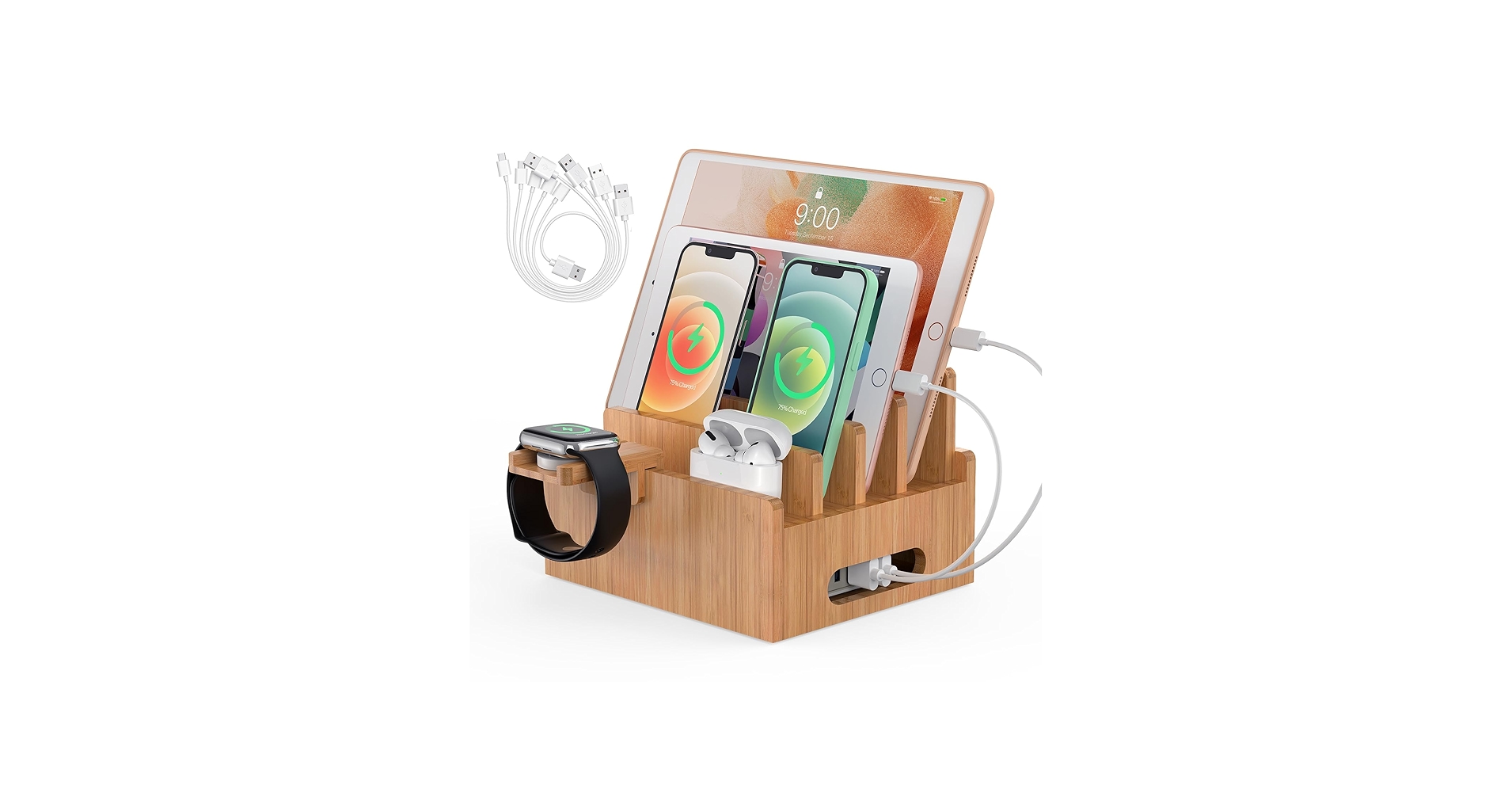
For pure organizational power, the Pezin & Hulin station excels by elegantly holding up to six devices and completely concealing the cable mess inside its bamboo base.
The Contenders: At a Glance
| Product | Charging Method | Device Capacity | Best For |
|---|---|---|---|
| Pezin & Hulin Bamboo Station | Organizer (BYO Charger) | Up to 6 Devices | Multi-Device Families |
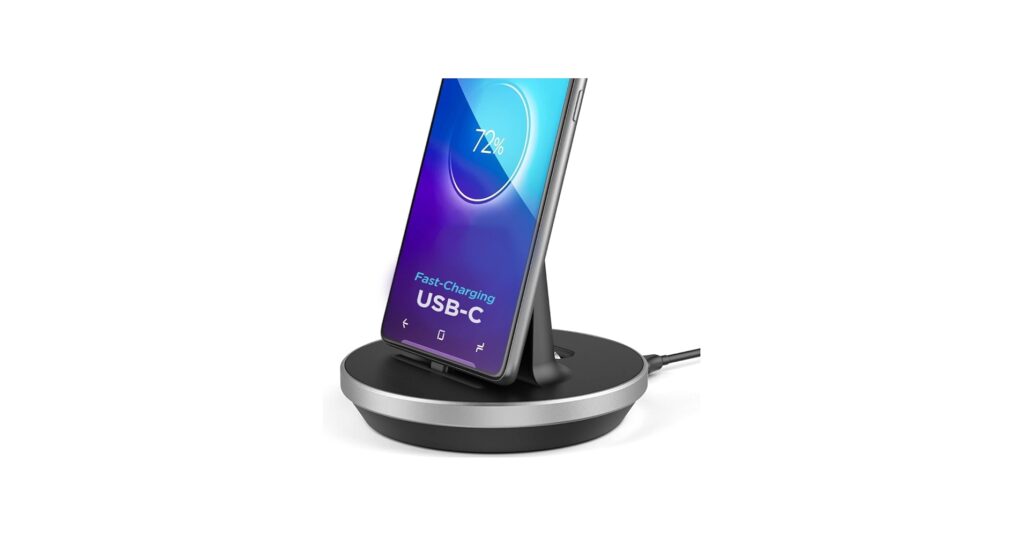
| Encased Desktop Charging Stand | Wired (USB-C) | Single Device | Minimalist Desks |
| Smart Dock Plus Car Mount | Wireless (Qi) | Single Device | In-Car Use |
| Swordfish Warcraft Lothar Statue | Wired (USB) | Single Device | Gamers & Collectors |
| Swordfish Warcraft Durotan Statue | Wired (USB) | Single Device | Gamers & Collectors |
Detailed Product Reviews
Pezin & Hulin Cell Phone Charging Station, Bamboo
Pros
- Holds and organizes up to six devices
- Magnetic base hides all cables and a power strip
- Includes 5 charging cables (Apple, Android, USB-C)
- Dedicated stand for Apple Watch and AirPods
Cons
- Does not include the USB power supply charger
- Larger footprint than single-device docks
The Breakdown: This is less a charger and more an organizational hub. Its main strength is the large base compartment, which is designed to house a multi-port USB charger or power strip, keeping the entire apparatus hidden from view. The bamboo construction provides a natural, minimalist aesthetic suitable for kitchens, living rooms, or office common areas.
Key Specs:
- Material: Bamboo
- Device Capacity: 6 (4 slots, 1 watch stand, 1 earbuds stand)
- Included Accessories: 2x iOS cables, 1x Micro-USB cable, 2x USB-C cables
- Special Feature: Magnetic base for cable concealment
The Community Verdict: User reviews widely praise its ability to tidy up messy charging areas. The consensus is that it’s a game-changer for families with multiple phones and tablets, finally giving every device a designated ‘home’. Many point out its sturdy build and the convenience of the included, varied cable set.
Dealbreaker: The most critical point to understand is that this is a non-powered stand. You must supply your own multi-port USB wall charger to place inside the base; it’s a brilliant organizer, but not an out-of-the-box charging solution.
Encased Desktop Charging Stand for USB-C
Pros
- Supports fast charging
- Adjustable connector works with most phone cases
- Allows data sync with a computer
- Low-profile, minimalist design
Cons
- Only compatible with USB-C devices
- Only charges one device at a time
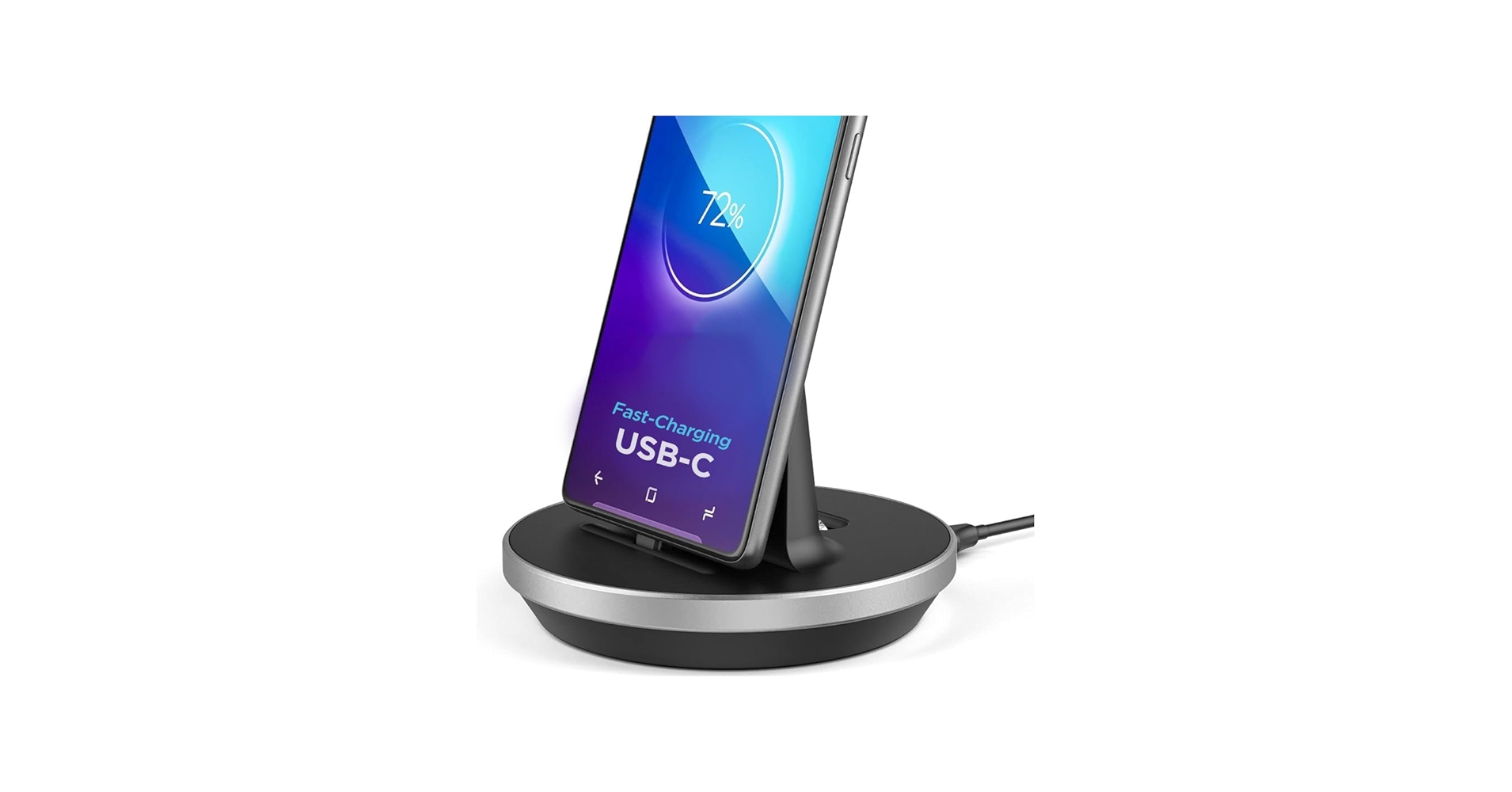
The Breakdown: This Encased dock is a straightforward, no-frills solution for any USB-C phone or tablet. Its key feature is the adjustable connector, which can be raised or lowered to ensure a secure connection even with a thick protective case on your device. The ability to sync data through the dock is a welcome bonus, reducing the need to unplug it and find another cable.
Key Specs:
- Connector Type: USB-C
- Device Capacity: 1
- Key Feature: Adjustable connector height
- Functionality: Charging & Data Sync
The Community Verdict: Tech community discussions often highlight the importance of well-made USB-C accessories. While some users express caution about generic magnetic cables, a sturdy, wired dock like this is generally seen as a more reliable option. Users appreciate its simplicity and the case-friendly design, which solves a common frustration with fixed docks.
Dealbreaker: Its single-minded focus on USB-C is its greatest strength and weakness. If you have devices with other port types (like Apple’s Lightning) or want to charge multiple items, this isn’t the dock for you.
Smart Dock Plus – Car Phone Mount Wireless Charger
Pros
- Combines phone mount and wireless charger
- Offers Qi fast wireless charging
- Motion-sensor powered automatic clamps
- High-quality build
Cons
- Exclusively for in-car use
- Requires a compatible car charger for power
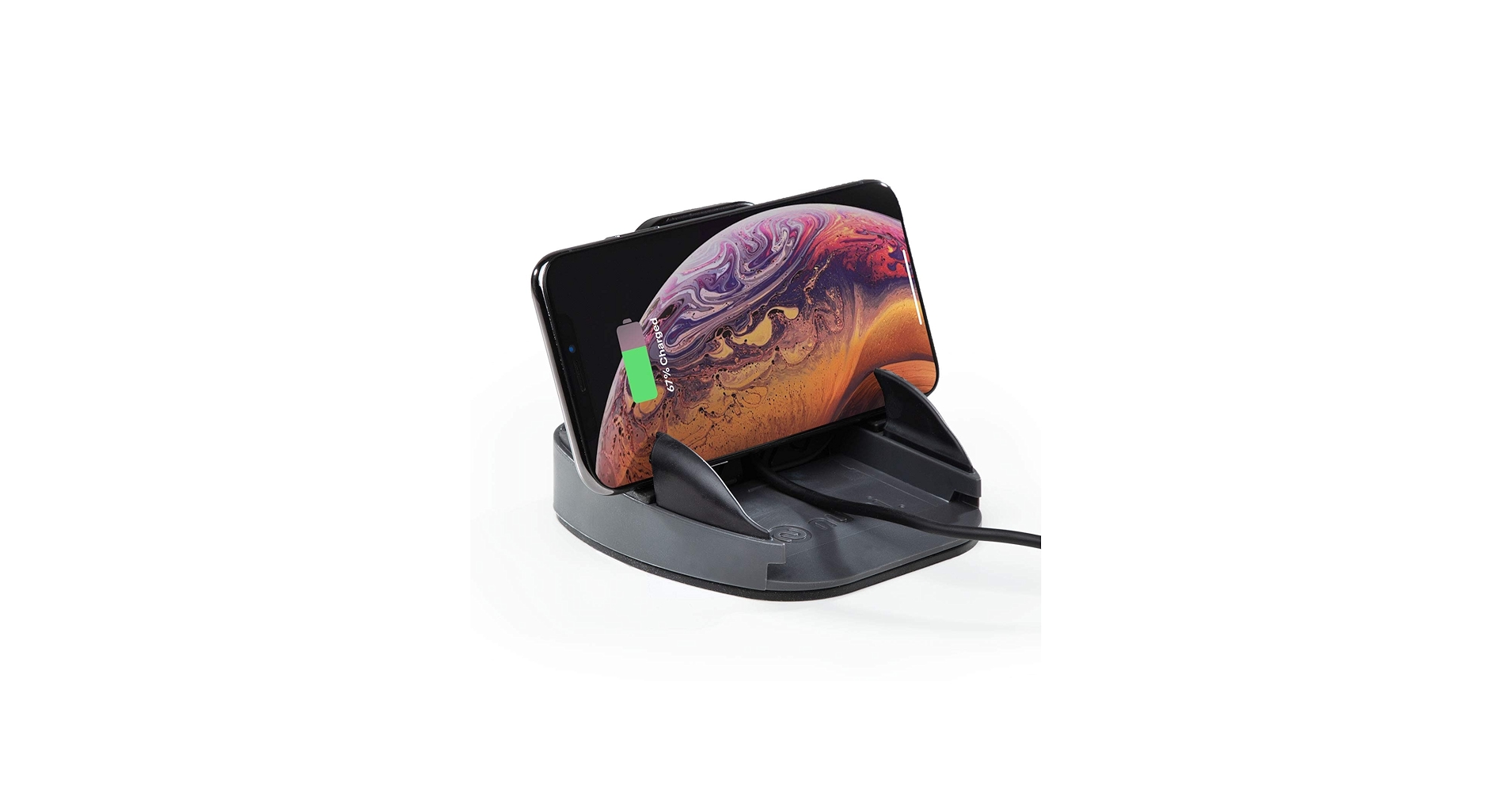
The Breakdown: This device tackles a different kind of organization: keeping your phone secure, charged, and accessible in your car. It’s a high-tech mount that uses sensors to automatically grip your phone when you place it in the cradle. It supports Qi wireless charging up to 15W, making it a convenient solution for navigation and hands-free calls on the go.
Key Specs:
- Use Case: In-Car Mounting & Charging
- Charging Type: Qi Wireless
- Max Power: 15W (Android), 7.5W (iPhone)
- Key Feature: Automatic clamping arms
The Community Verdict: Market research indicates a preference for active mounts like this over simple flat charging pads in cars. Drivers find that a secure mount is safer and more practical than a spot where the phone can slide around. Tech reviews confirm its fast-charging capabilities, placing it among the top choices for car wireless chargers.
Dealbreaker: This is a single-purpose device. If your goal is to organize a desk or nightstand, this is not the product you’re looking for.
Best Multi Phone Charger
For those who value flexibility over a fixed dock, a multi-headed cable is the ultimate minimalist solution. These single cables feature multiple connector types (Lightning, USB-C, Micro-USB), allowing you to charge nearly any device from one USB port. They are perfect for travel or for households with a mix of Apple and Android devices.
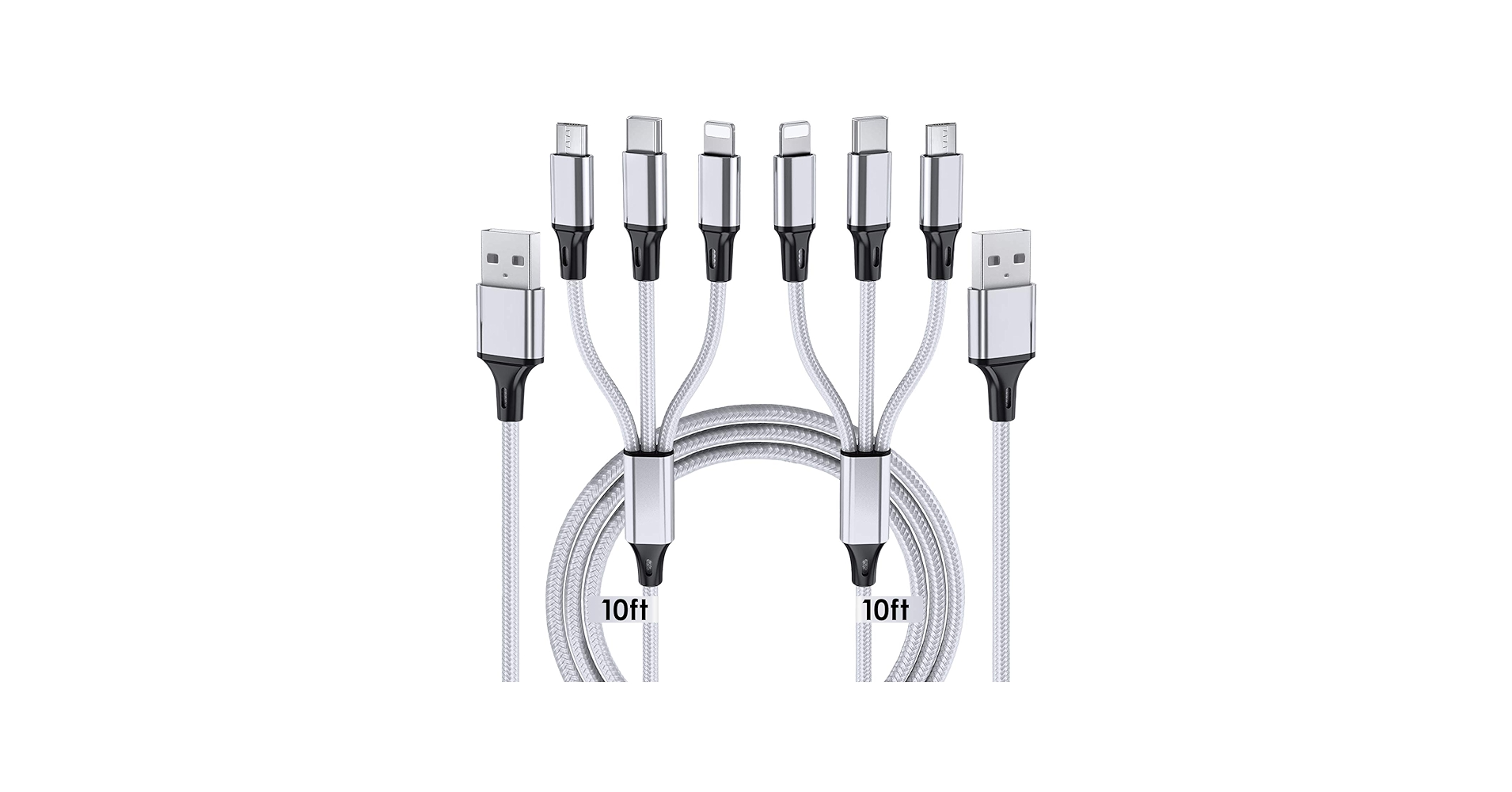
Multi Charging Cable, 10ft 2Pack
Cons: Does not support data transfer
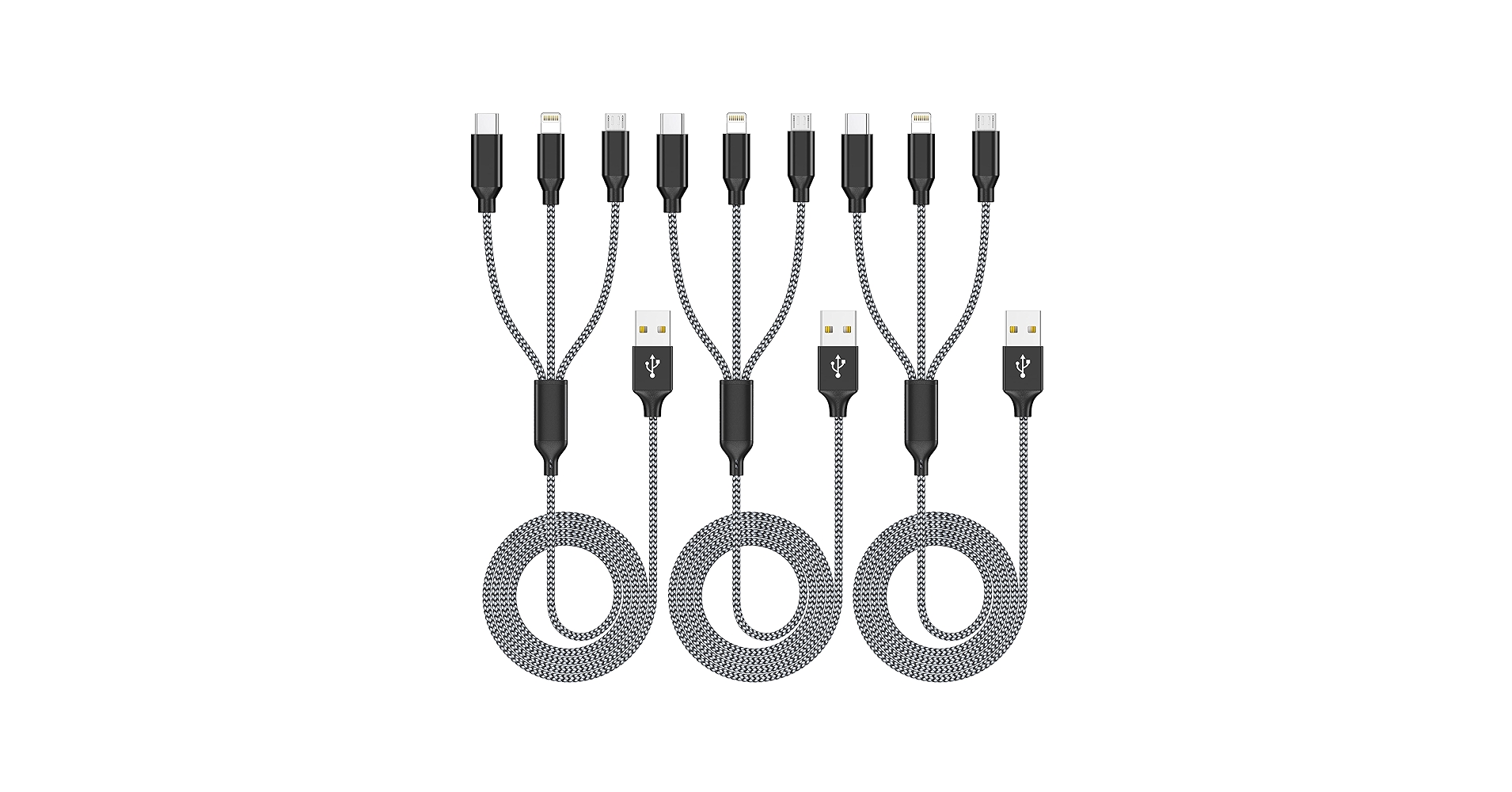
Multi Charging Cable 4ft 3Pack (MFi Certified)
Cons: Shorter 4ft length
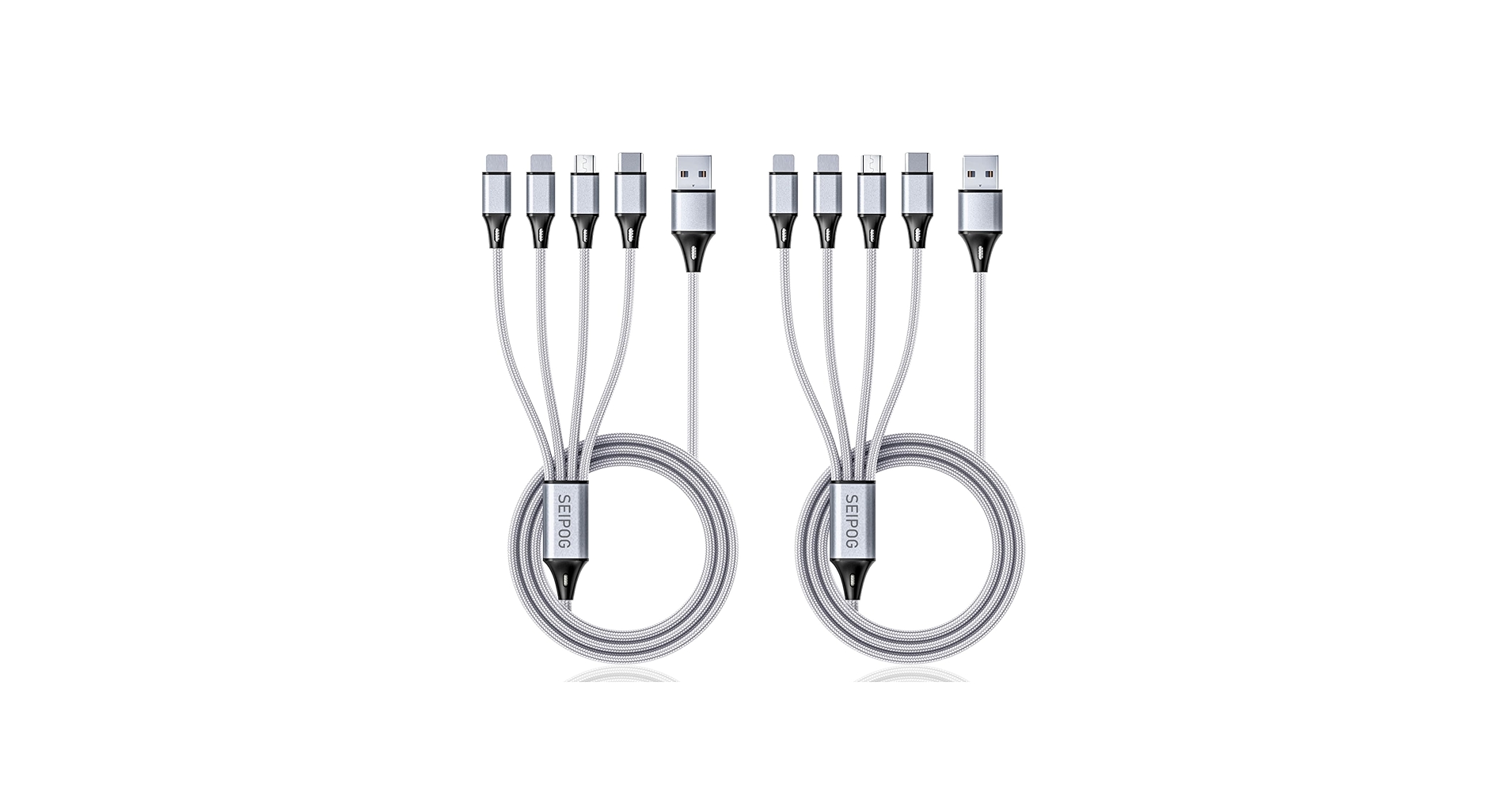
Universal 4 in 1 Multi Charging Cable
Cons: Charging speed is shared between devices
Best Aesthetic Charging Station
For some, a charging station must do more than just power up devices; it must blend seamlessly with their decor. These aesthetic charging stations prioritize design, materials, and a clean look, often catering to a specific ecosystem of products like Apple or PlayStation. They turn a utility into a statement piece.
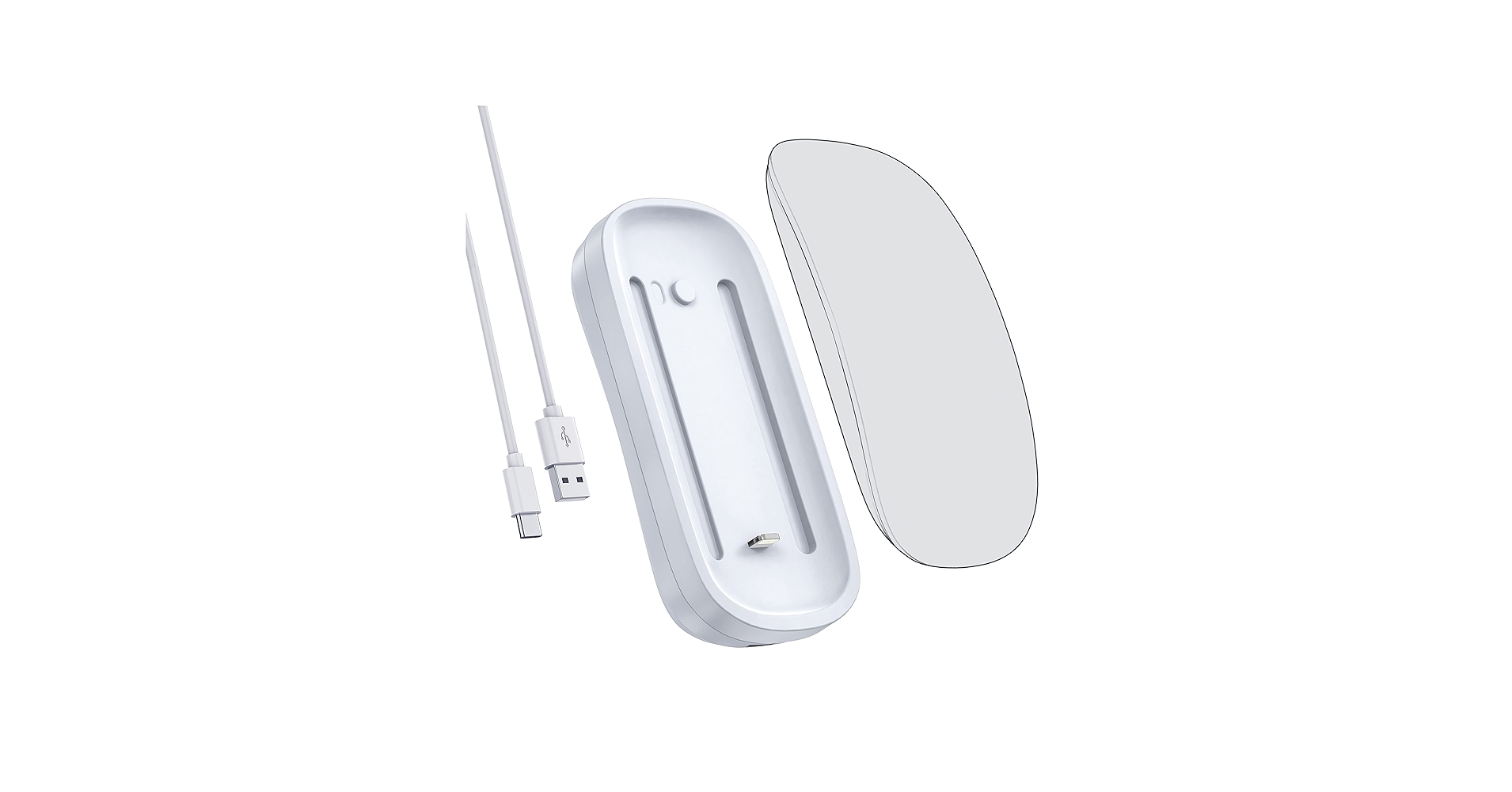
HONKID Wireless Charger for Magic Mouse 2
Cons: Highly specific use case
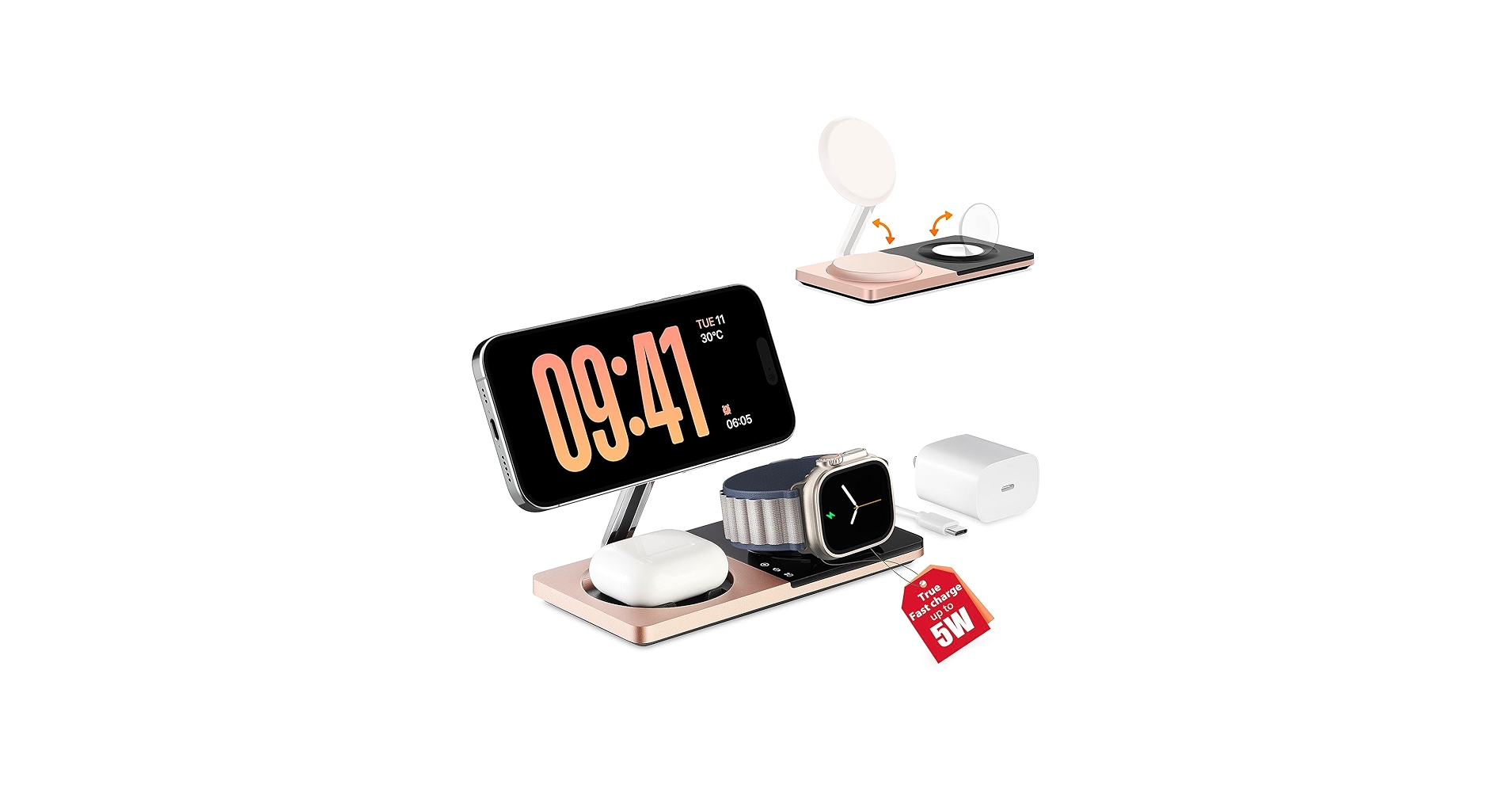
3 in 1 Charging Station for Apple Devices
Cons: Only for Apple ecosystem users

Upgraded for PS5 Controller Charger
Cons: Limited to PlayStation 5 controllers
Buying Guide: How to Choose a Charging Phone Dock
Choosing the right charging phone dock comes down to understanding your specific organizational needs. Consider these key factors before you buy:
Number of Devices: Are you charging a single phone on your nightstand, or are you wrangling two phones, a tablet, and a smartwatch for your entire family? For solo users, a simple stand like the Encased dock is perfect. For multiple devices, a station like the Pezin & Hulin is essential to maintain order.
Location and Space: Where will the dock live? A car requires a specialized mount, while a minimalist desk benefits from a small-footprint stand. For a central kitchen counter or living room table, a larger organizational station that can hide its own wiring is ideal. If tidying wires is your primary goal, consider pairing your dock with a dedicated Cable Management Box for ultimate cleanliness.
Material and Aesthetics: Your tech accessories are part of your decor. Do you prefer the warm, natural look of bamboo to match a Bamboo Computer Keyboard, or the sleek, modern look of black plastic or metal? If you’re a collector, a decorative statue dock might even be the perfect functional art piece for your setup.
Frequently Asked Questions
Q: What’s the difference between a charging dock and a charging station?
A: Generally, a ‘dock’ refers to a stand designed for a single device, like a phone or tablet. A ‘station’ is typically a larger organizer designed to hold and charge multiple devices at once, often with built-in cable management.
Q: Do charging docks work with phone cases?
A: It depends on the dock. Many older or fixed-connector docks struggle with cases. Look for models specifically advertised as ‘case-compatible’ or those with adjustable connectors, like the Encased stand, which are designed to accommodate the extra thickness of a case.
Q: Is it better to have a wired or wireless charging dock?
A: Wired charging is typically faster and more efficient. Wireless (Qi) charging offers greater convenience—just drop your phone on the pad and go. The best choice depends on your priority: speed (wired) or ease of use (wireless).




