
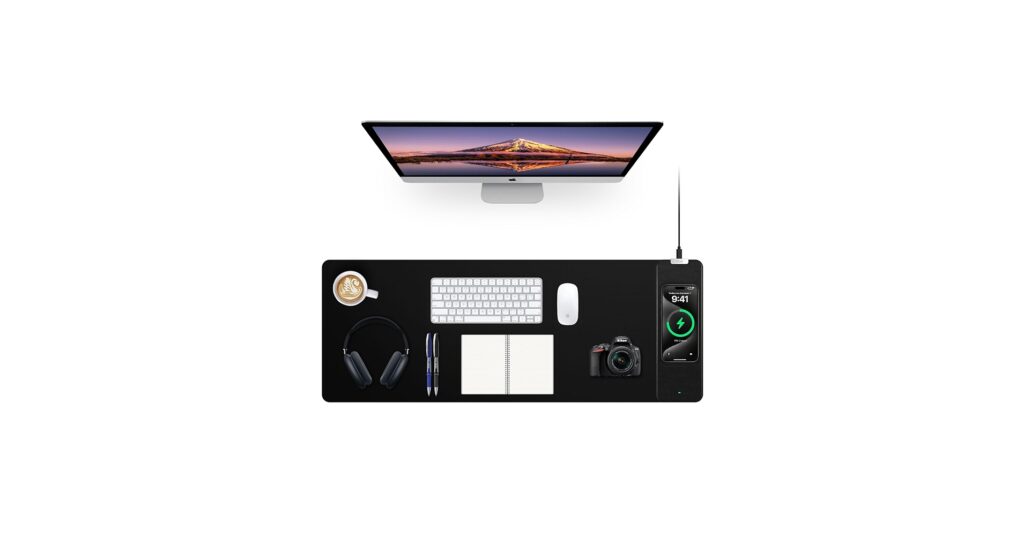
In the pursuit of a minimalist, organized desk, cables are the primary enemy. A true wire-free setup requires more than just a Bluetooth connection; it demands a smarter way to power your devices. The ideal wireless charging keyboard and mouse ecosystem eliminates clutter by integrating charging directly into your workspace. Whether it’s a desk mat that powers your phone or a keyboard that recharges on a Qi pad, these solutions are key to achieving ultimate desk organization. Our market research dives into the top contenders, focusing on decluttering your space without sacrificing performance.
🚀 Quick Verdict / Top Pick
Mouse Pad with Phone Holder, Wireless Charging Desk Mat, RGB
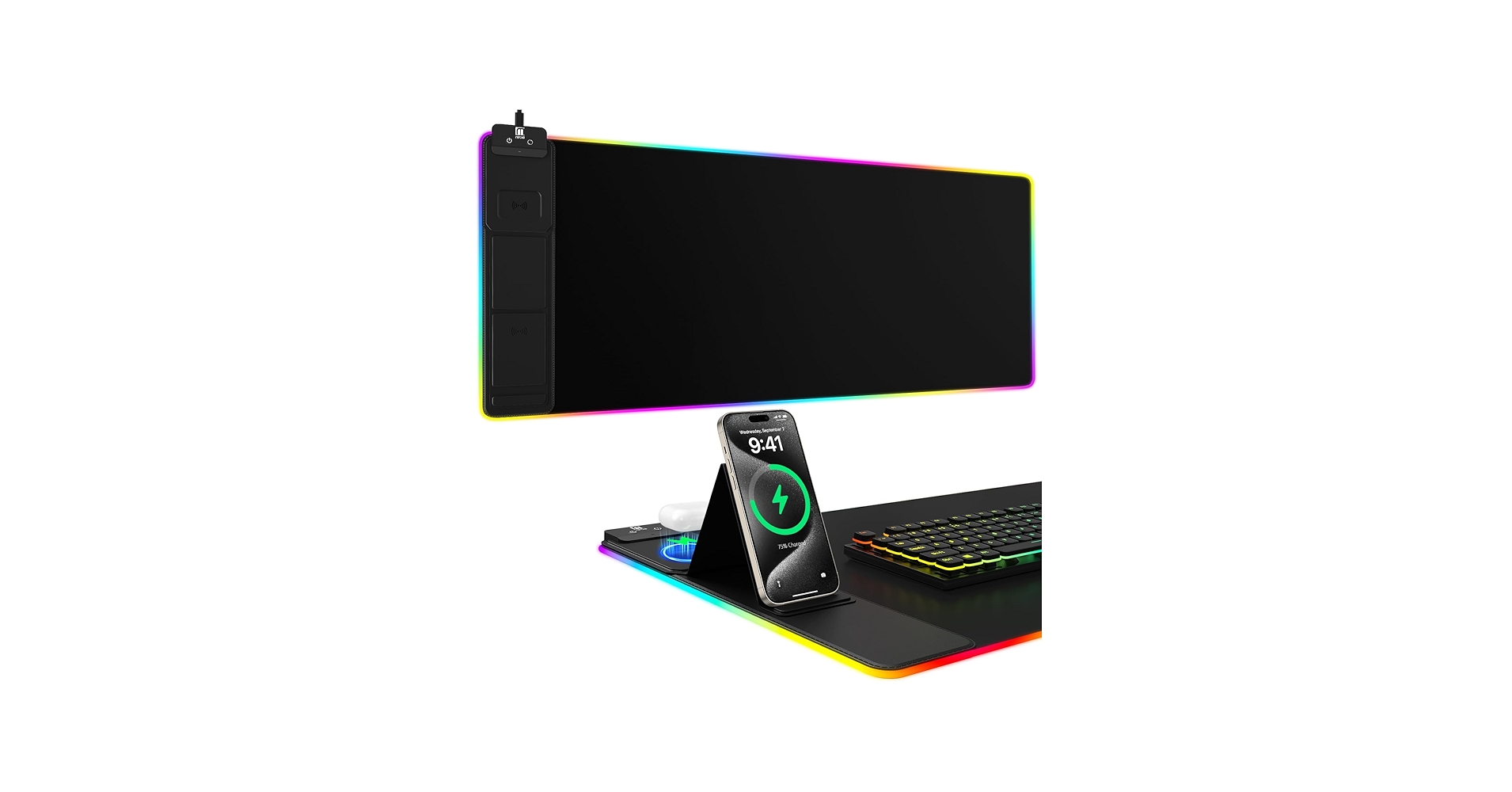
This desk mat wins for its superior combination of 15W fast charging, an expansive surface area, and a dedicated phone holder, making it the ultimate all-in-one solution for desk consolidation.
Comparison Table
| Product | Wireless Charging Speed | Primary Function | Best For |
|---|---|---|---|
| Mouse Pad with Phone Holder, RGB | 15W (Fast Charging) | Desk Mat + Phone Charger | Maximum Desk Consolidation |
| Mouse Pad with Wireless Charging, Black | 10W | Desk Mat + Phone Charger | Minimalist Setups |
| Mouse Pad with Wireless Charging, RGB | 10W | Desk Mat + Phone Charger | Gamers & RGB Enthusiasts |
| ZAGG Pro Keyboard 17 | Qi-Compatible (Input) | Wireless Keyboard | Users Needing a Full-Size Keyboard |
| ZAGG Pro Keyboard 15 | Qi-Compatible (Input) | Wireless Keyboard | Compact & Multi-Device Workflows |
Detailed Product Reviews
Mouse Pad with Wireless Charging, Black Mousepad Long Desk
Pros
- Expansive surface area fits a full-size keyboard and mouse
- Ultra-smooth, waterproof surface for precise tracking
- Non-slip rubber base prevents movement
Cons
- Standard 10W charging is slower than some competitors
- Power adapter is not included
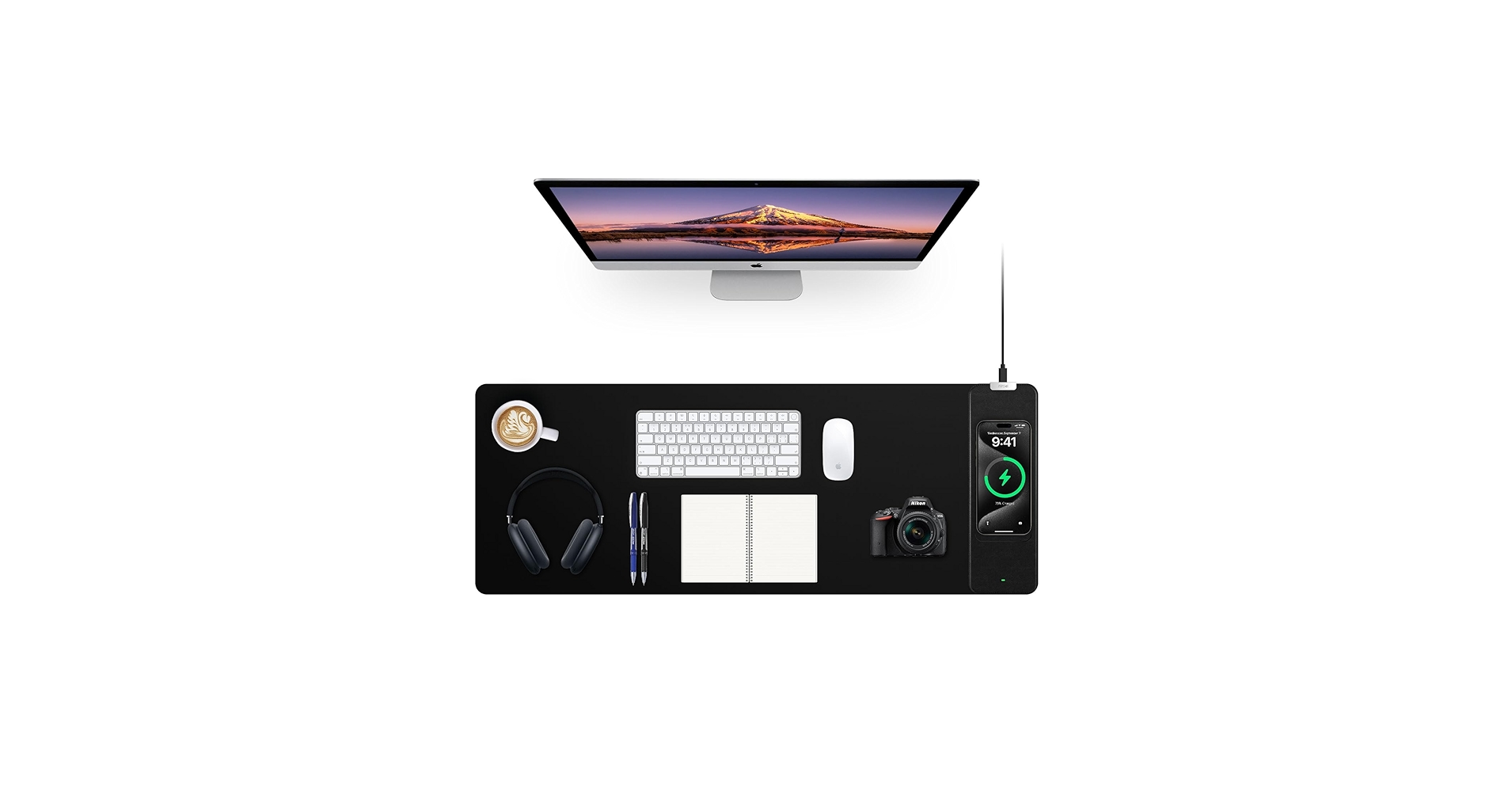
The Breakdown: This desk mat embodies simplicity and function, offering a massive workspace that doubles as a 10W wireless charger for Qi-enabled devices. Its clean, black design fits perfectly into a minimalist aesthetic without distracting RGB lights. Market research indicates its primary appeal is consolidating two desk items—a mousepad and a charger—into one sleek unit.
Key Specs:
- Dimensions: 31.49 x 11.81 x 0.12 inches
- Charging Speed: 10W
- Surface: Ultra-smooth, waterproof cloth
- Base: Non-skid rubber
The Community Verdict: User feedback frequently highlights the convenience of integrated charging. As one Reddit user looking at a similar product noted, the appeal is having a desk pad with charging built-in, simplifying the daily routine of topping up a phone. The consensus is that while it’s not the fastest charger, the organizational benefit is the main draw.
Dealbreaker: If you need the fastest possible wireless charging for your modern smartphone, the 10W output might feel sluggish. Additionally, the lack of an included power adapter means you’ll need to supply your own, preferably one that can properly power the mat.
Mouse Pad with Phone Holder, Wireless Charging Desk Mat, RGB
Pros
- 15W fast wireless charging capability
- Includes a convenient phone holder
- 11-mode RGB lighting with memory function
- Extra-large size for more desk coverage
Cons
- Requires a 9V 3A adapter (not included) for 15W charging
- RGB lighting adds another cable to the setup
The Breakdown: This model is a significant upgrade, boosting the charging speed to a much faster 15W and adding thoughtful features like a phone holder and dynamic RGB lighting. It’s designed for those who want their desk to be both highly functional and visually striking. The large 31.5 x 15.7-inch surface ensures there’s plenty of room for all your gear, making it a true centerpiece for your workspace.
Key Specs:
- Dimensions: 31.5 x 15.7 inches
- Charging Speed: 15W
- Surface: Micro-weave cloth
- Features: 11-mode RGB, Phone Holder, Nylon Stitched Edges
The Community Verdict: The sentiment online echoes the desire for this exact kind of integration. Users often state they want to simply drop their phone on their desk where it passively charges throughout the day. This mat delivers on that future, with the added bonus of RGB for those who appreciate a customized aesthetic.
Dealbreaker: To unlock the 15W fast charging, you must provide a specific 9V 3A power adapter, which is a more powerful brick than what many people have on hand. Without it, the charging speed will be significantly reduced, undermining one of its key features.
Mouse Pad with Wireless Charging, Large Desk Mat RGB Gaming
Pros
- 10 customizable RGB lighting modes
- Nano-textured surface for precise mouse control
- Durable, long-lasting stitched edges
Cons
- Standard 10W charging speed
- Power adapter not included
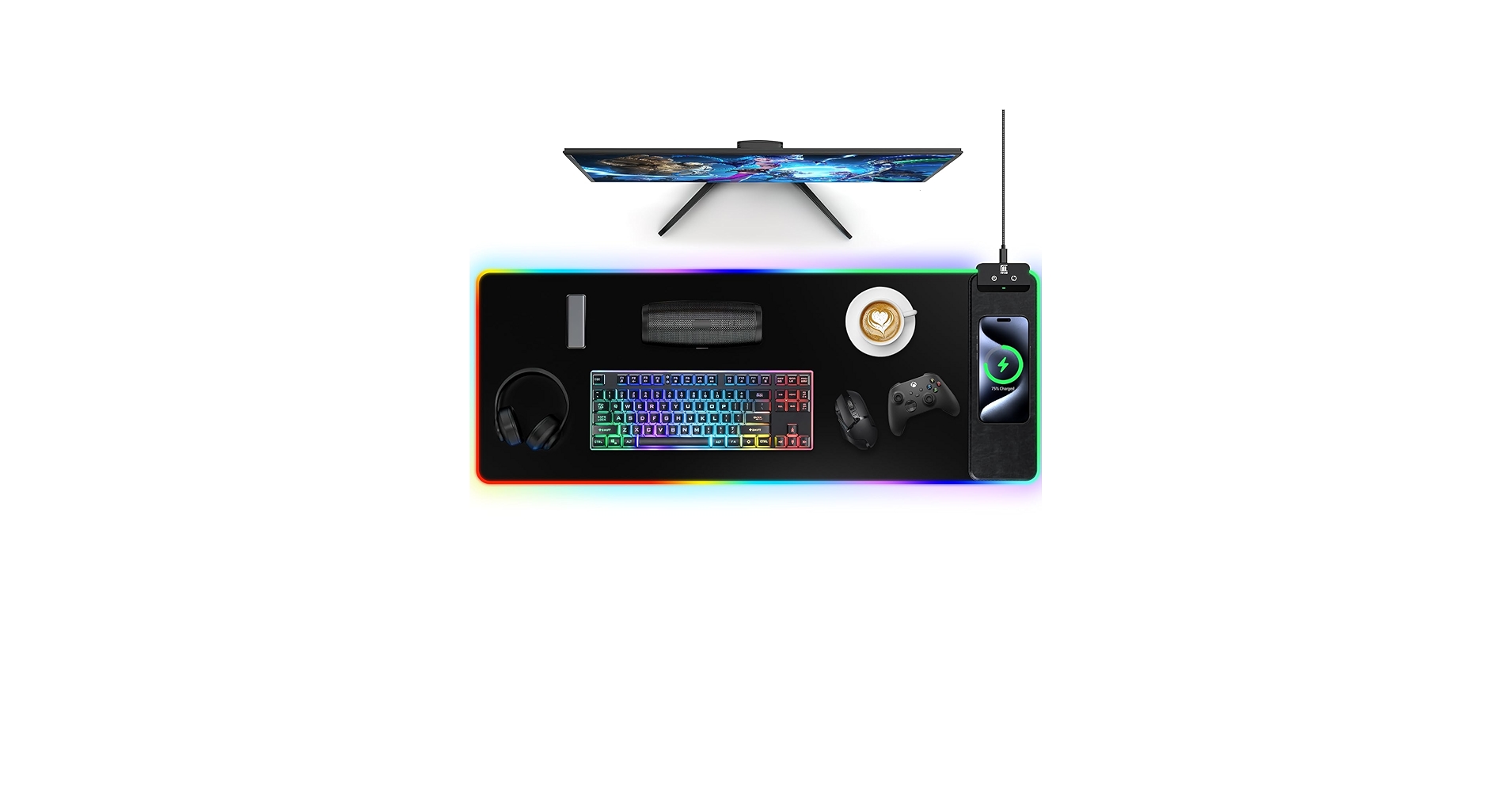
The Breakdown: This desk mat is squarely aimed at the gaming community, blending a high-performance, nano-textured surface with vibrant, 10-mode RGB lighting. The addition of a 10W Qi charger makes it a practical choice for gamers who want to keep their phone powered up during long sessions. It offers a solid balance of aesthetic appeal and organizational utility.
Key Specs:
- Dimensions: 31.49 x 11.81 inches
- Charging Speed: 10W
- Surface: Nano-textured cloth
- Features: 10-mode RGB, Waterproof surface, Memory function
The Community Verdict: Forum discussions often show users asking for this exact product—a large, extended RGB mouse pad that incorporates a Qi charger. Many have expressed frustration that major brands haven’t widely adopted this combination. This product directly fills that niche, providing the desired aesthetic and functionality in one package.
Dealbreaker: While it excels in looks, its 10W charging speed is standard and won’t impress those accustomed to fast charging. Like the others, it requires you to bring your own USB power adapter to the party.
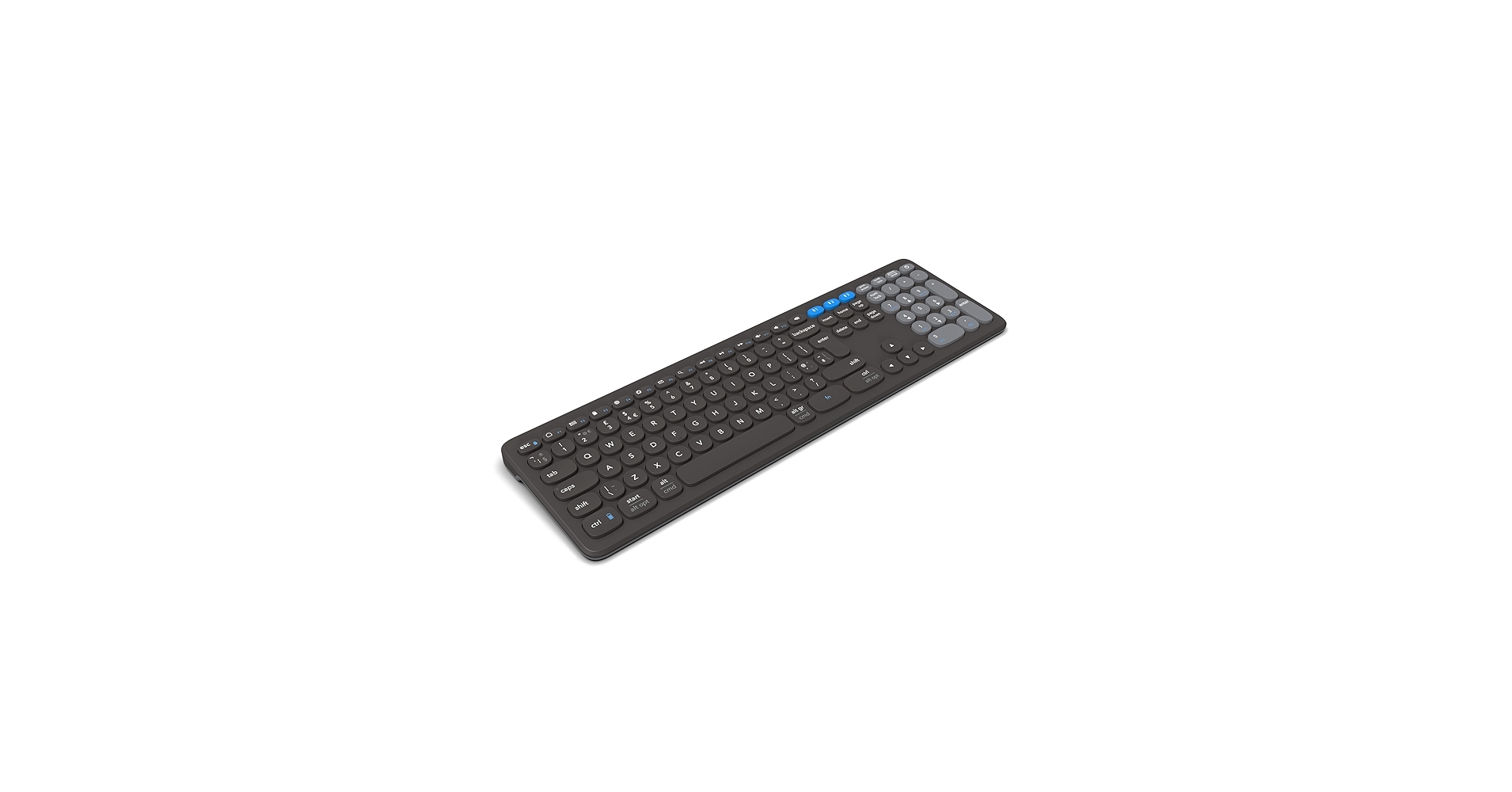
ZAGG Pro Keyboard 17 – Full-Size Wireless Charging
Pros
- Can be charged wirelessly on any Qi pad
- Full-size layout is ideal for data entry and productivity
- Pairs with up to three devices simultaneously
Cons
- Requires a separate Qi charging pad or mat to charge wirelessly
- Not a mechanical keyboard, which some users prefer
The Breakdown: The ZAGG Pro 17 shifts the focus from a mat that charges your phone to a peripheral that can itself be charged wirelessly. This full-size keyboard can be placed on any Qi-compatible charger (like the desk mats above) to top up its battery, eliminating the need to ever plug in a USB-C cable. It’s a premium, well-built keyboard designed for a seamless, multi-device workflow.
Key Specs:
- Size: Full-Size (17-inch)
- Charging Method: Qi Wireless Input / USB-C
- Connectivity: Bluetooth (up to 3 devices)
- Compatibility: Windows, macOS, iOS, Android, ChromeOS
The Community Verdict: Reviews praise the typing experience and the sheer convenience of wireless charging. The ability to pair with and switch between a laptop, tablet, and phone is a highly valued feature. While some users express concern about potential heat during wireless charging, the consensus is that the cable-free convenience is a major step forward for keyboard design.
Dealbreaker: This is not an all-in-one solution. You must own or purchase a separate Qi charging mat or pad to take advantage of its signature feature, adding to the overall cost and footprint.
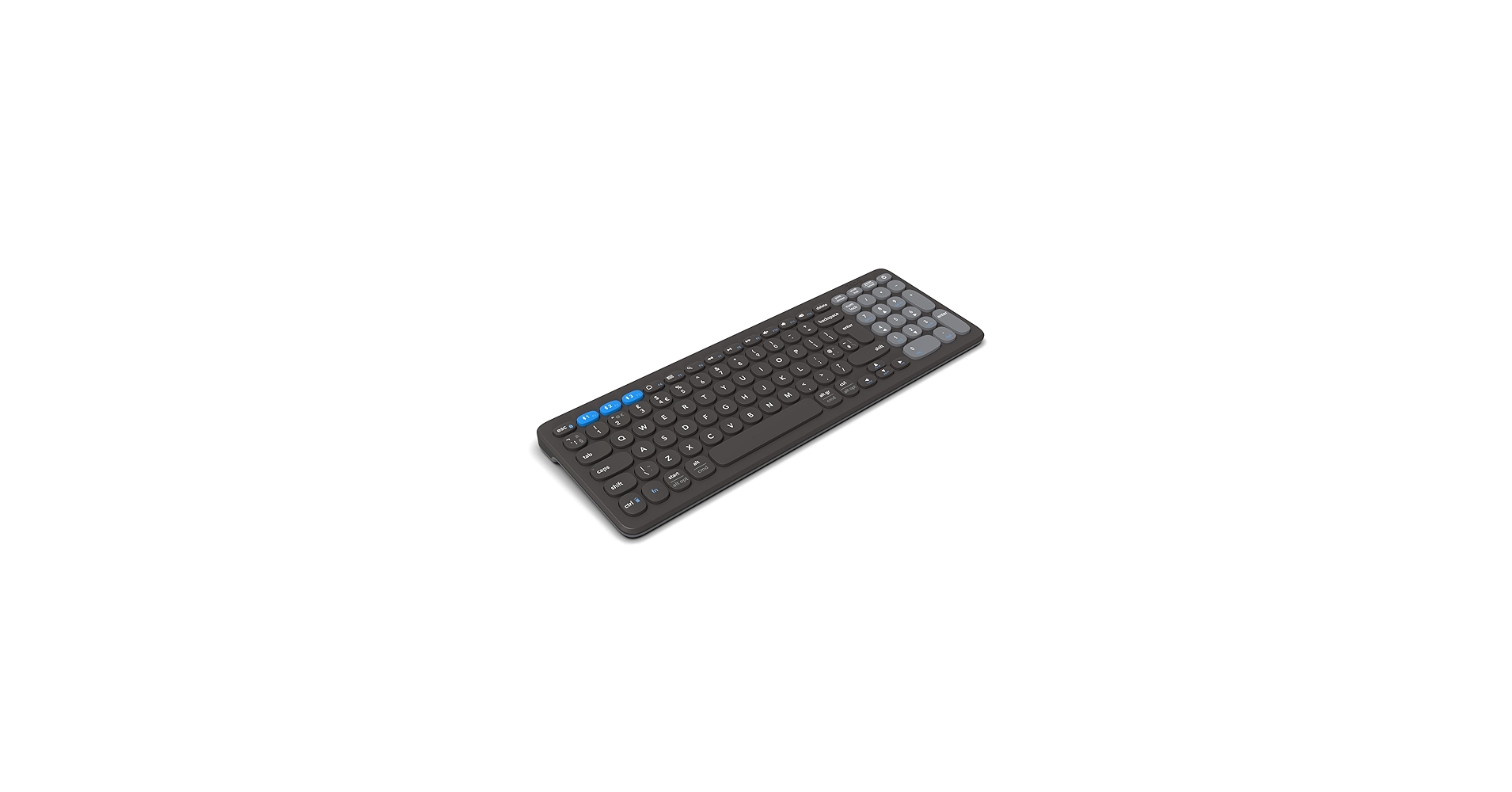
ZAGG Pro Keyboard 15 – Mid-Size Wireless Charging
Pros
- Compact, mid-size design saves desk space
- Charges wirelessly on any Qi-compatible pad
- Excellent multi-device pairing and compatibility
- Long battery life (up to 3 months)
Cons
- No number pad
- Requires a separate wireless charging pad
The Breakdown: The ZAGG Pro 15 offers all the innovative features of its larger sibling—Qi charging, multi-device pairing—in a more compact, tenkeyless form factor. This makes it an excellent choice for smaller desks or for users who travel and want a consistent typing experience across devices. Its impressive battery life means you’ll rarely need to charge it, but when you do, you can simply place it on a charging mat.
Key Specs:
- Size: Mid-Size / Tenkeyless (15-inch)
- Charging Method: Qi Wireless Input / USB-C
- Connectivity: Bluetooth (up to 3 devices)
- Battery Life: Up to 3 months per charge
The Community Verdict: Users appreciate the build quality and ergonomic typing experience. The mid-size form factor is a major plus for those who prefer a minimalist setup and don’t require a numpad. The consensus points to this being a strong contender against other premium wireless keyboards, with the Qi charging feature setting it apart from the competition.
Dealbreaker: As with the Pro 17, its primary value proposition depends on you having a Qi charger. If you don’t, it functions like any other USB-C rechargeable keyboard, and you might find better value elsewhere.
Best wireless charging keyboard and mouse Desk Mats
For those seeking an all-in-one solution to declutter their desk, these charging mats are the answer. They combine a full-size mousepad with a dedicated Qi charging spot for your phone. Here are our top picks for integrated desk organization.
Mouse Pad with Wireless Charging, Black Mousepad Long Desk
Cons: 10W charging
Mouse Pad with Phone Holder, Wireless Charging Desk Mat, RGB
Cons: Requires specific adapter for 15W
Mouse Pad with Wireless Charging, Large Desk Mat RGB Gaming
Cons: 10W charging
Buying Guide: How to Choose Your Wireless Charging Setup
Choosing the right setup is about understanding your primary goal. Are you looking to consolidate your desk with an all-in-one charging mat, or build a system of individual components? A desk mat with integrated Qi charging is the simplest way to declutter, combining your mousepad and phone charger. Alternatively, pairing a high-quality, Qi-chargeable peripheral like a wireless charging keyboard with a standard charging pad gives you more flexibility to choose the best Macbook mechanical keyboard or mouse for your needs.
Pay close attention to charging speeds. A 15W charger will power up your phone significantly faster than a 10W or 5W one, but often requires a more powerful USB adapter (sold separately) to reach its peak output. Also, consider the size and material. An extended mat provides a unified look and feel, while a smaller pad saves space. Whether you need a simple cloth surface or one optimized for gaming, the texture will impact your mouse’s performance, much like choosing between a standard keyboard and a USB keyboard with trackpad is a matter of workflow.
Frequently Asked Questions (FAQ)
Q: Do these charging desk mats also charge a wireless mouse?
A: Generally, no. These mats use the universal Qi charging standard, which is compatible with phones and earbuds. Most high-performance wireless mice (like those from Logitech or Razer) use proprietary charging technologies and cannot be charged by these mats. Always check for Qi compatibility on your specific mouse model.
Q: Do I need a special wall adapter for fast wireless charging?
A: Yes. To achieve faster charging speeds like 15W, you typically need a power adapter that supports standards like Quick Charge 3.0 (often labeled as 9V/2A or 9V/3A). Using a standard 5V/1A phone charger will result in much slower charging speeds.
Q: Can the RGB lighting on the gaming mats be turned off?
A: Yes, on all the models we reviewed, the lighting can be cycled through different modes, including an ‘off’ state. The lighting function is usually controlled by a separate button and can operate independently of the wireless charging feature.




