
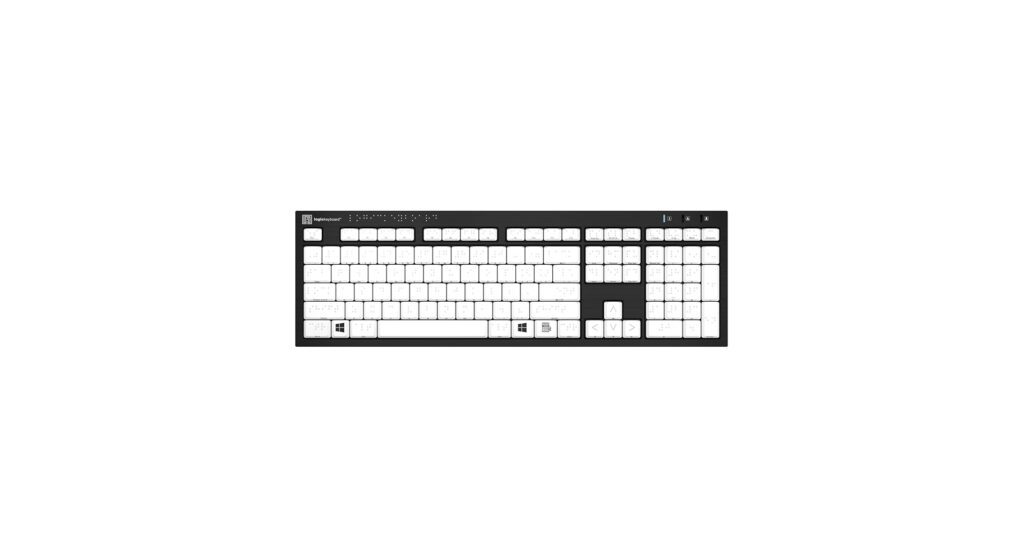
Finding the right braille keyboard for computer use is essential for a seamless and productive workflow. In 2026, the market offers a refined selection of tools designed for tactile feedback, durability, and enhanced accessibility. Whether you’re a touch typist who relies on Braille, a user with low vision needing large print, or someone looking for a wireless solution to declutter your desk, this guide breaks down the best options available. We’ve analyzed the market to identify the top keyboards that deliver on performance and user-centric design, helping you make an informed choice.
🚀 Quick Verdict / Top Pick
Logickeyboard with Braille 6 dot Alphabet • Wireless
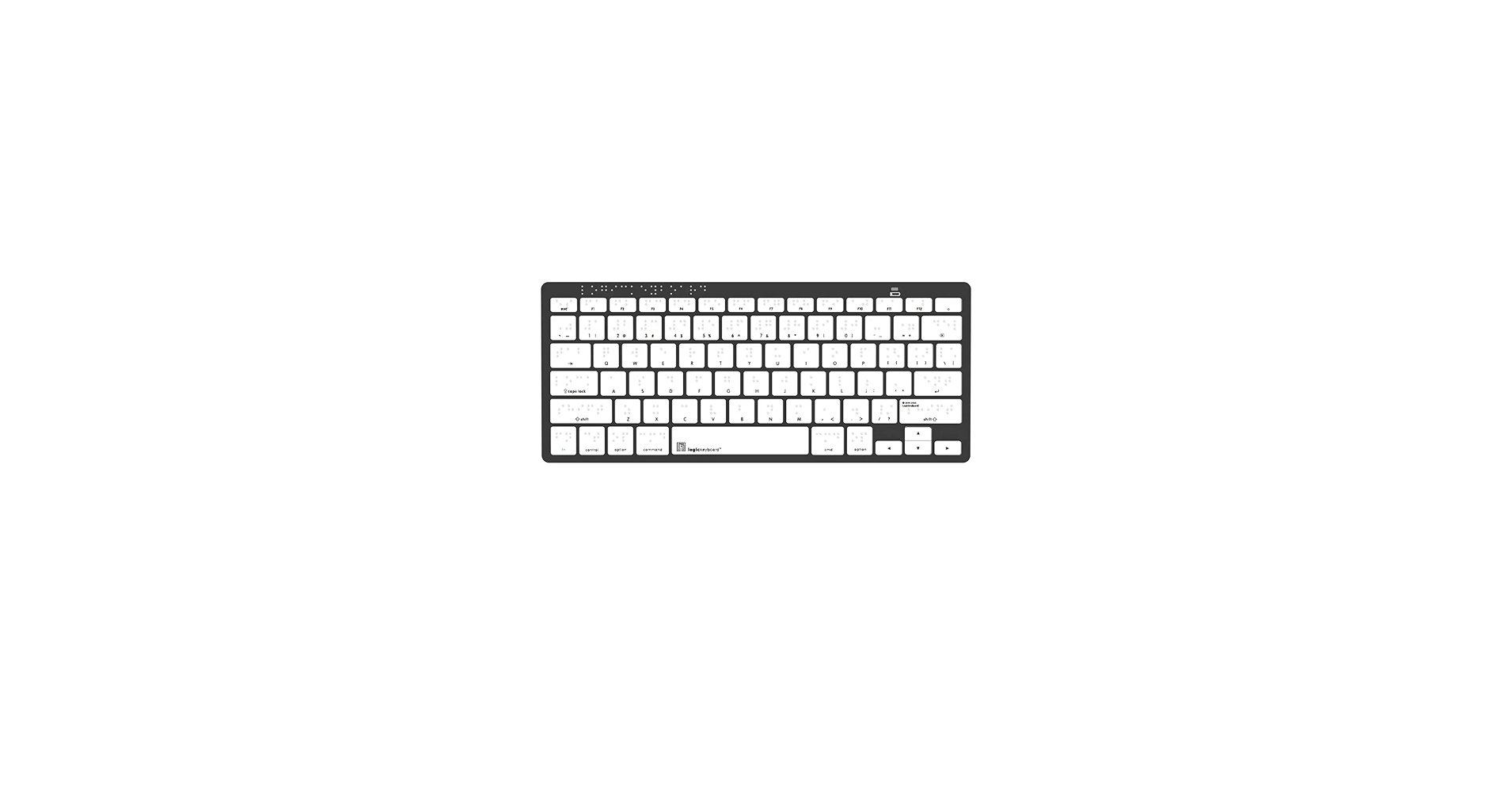
This keyboard wins for its modern, clutter-free design, offering the tactile precision of 6-dot Braille with the freedom of Bluetooth connectivity.
Braille Keyboard Comparison 2026
| Product | Braille Implementation | Visual Aid | Best For |
|---|---|---|---|
| Logickeyboard Braille • Wireless | Integrated 6-Dot | Braille Only | Minimalist & Modern Desks |
| Logickeyboard Braille 6 dot | Integrated 6-Dot | Braille Only | Reliable, Everyday Use |
| Logickeyboard Braille & Large Print | Integrated 6-Dot | Large Print | Low Vision & Braille Users |
| Braille and Large Print English | Integrated Braille | Large Print | High-Contrast Visibility |
| Braille Keyboard Stickers | Adhesive Stickers | Large Print | Budget-Friendly Retrofit |
Detailed Product Reviews
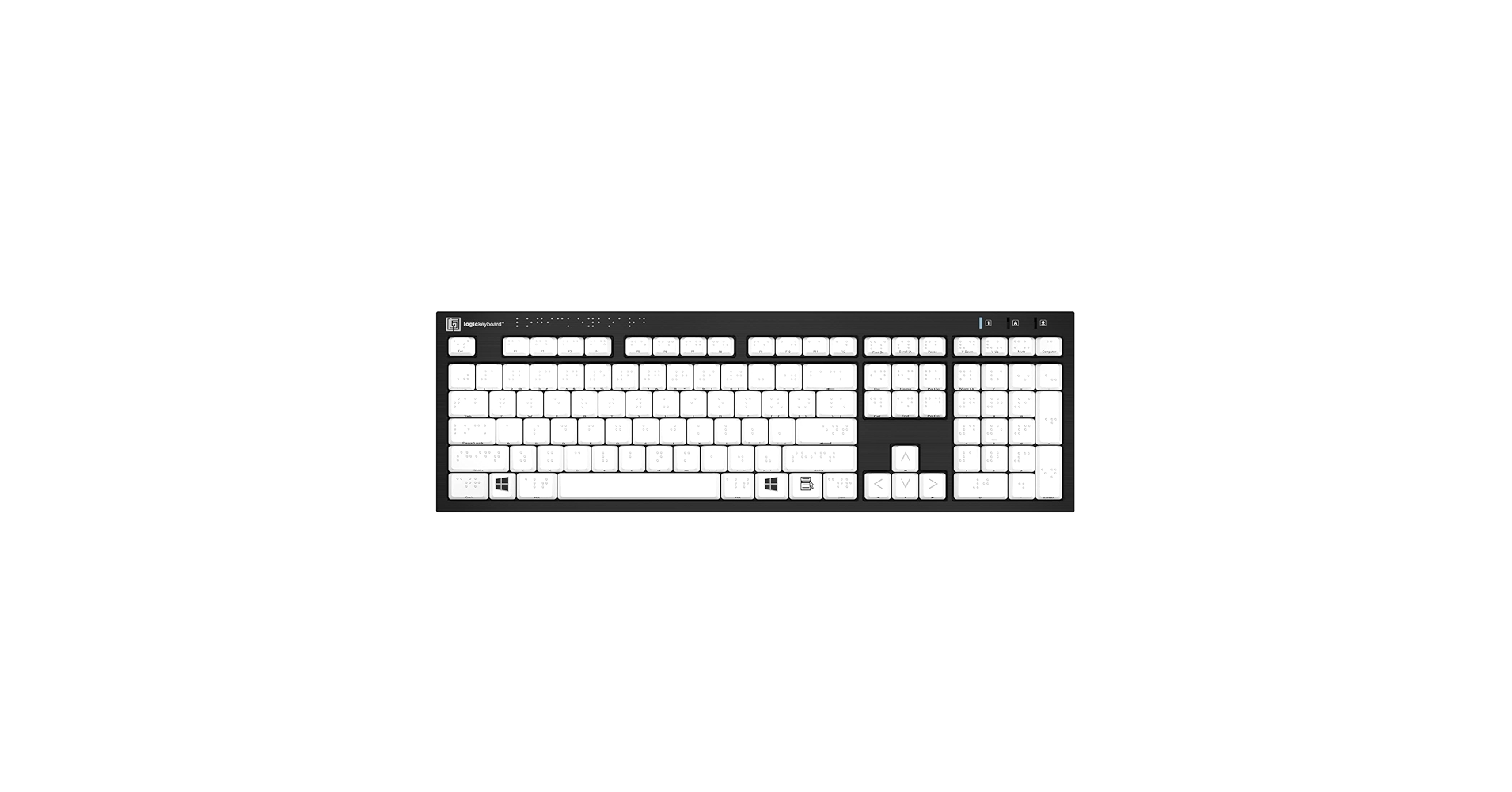
1. Logickeyboard with Braille 6 dot Alphabet
Pros
- Durable, well-spaced keys
- Clear, tactile 6-dot Braille
Cons
- Wired connection limits placement
- Lacks large print for low-vision users
The Breakdown: This is a foundational workhorse keyboard for Braille typists. It focuses on one thing and does it well: providing crisp, tactile Braille on a standard full-size layout. Market research indicates its construction is solid, designed to withstand the rigors of daily use without the complexity of extra features.
Key Specs:
- Braille Implementation: Integrated 6-Dot Braille
- Visual Aid: None (Standard print only)
- Connectivity: USB-A (Wired)
- Layout: Full-size with Numpad
The Community Verdict: Users consistently report that the tactile feedback is excellent and the Braille dots are resilient to wear. The primary critique is its wired-only nature, which can feel dated in a modern setup. It’s praised for its plug-and-play simplicity on both Windows and macOS.
Dealbreaker: Skip this if you need a wireless setup or require large print for low-vision assistance.
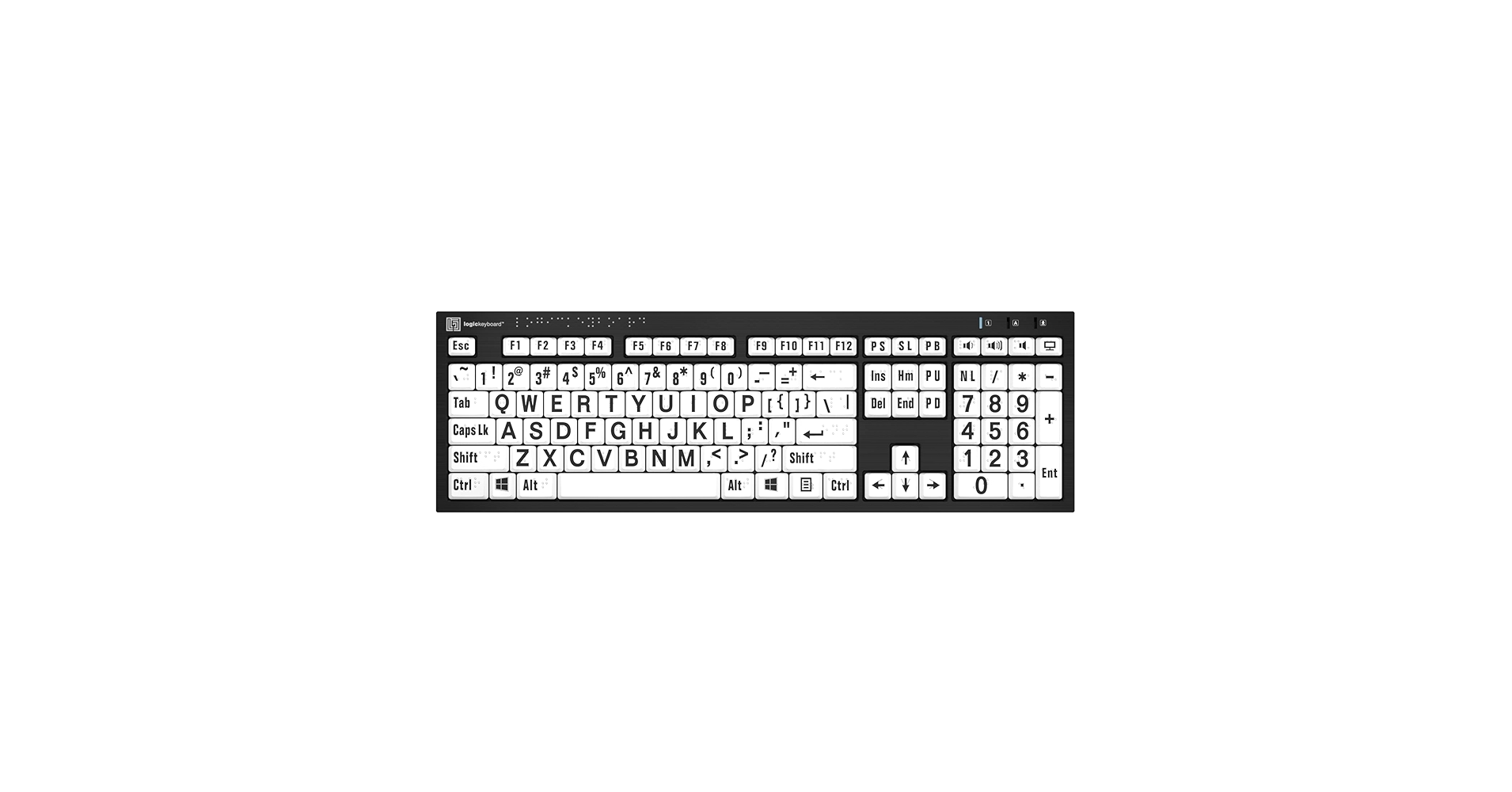
2. Logickeyboard with Braille 6 dot Alphabet & Large Print
Pros
- Dual-mode accessibility (Braille + Large Print)
- High-contrast keys for improved visibility
Cons
- Wired connection only
- Keytops are busy for users who don’t need print
The Breakdown: This model takes the solid foundation of the standard Logickeyboard and adds a crucial layer of accessibility. The large, bold print makes it an ideal solution for multi-user environments or individuals with deteriorating vision. It provides a bridge, ensuring usability for both tactile and visual-assistive needs without compromise.
Key Specs:
- Braille Implementation: Integrated 6-Dot Braille
- Visual Aid: Large Print
- Connectivity: USB-A (Wired)
- Layout: Full-size with Numpad
The Community Verdict: The consensus is that this keyboard is a fantastic tool for shared spaces like libraries, schools, and offices. Users appreciate not having to choose between Braille and large print. Some find the combination of print and dots on a single key slightly crowded, but most agree it’s a worthwhile trade-off for the added functionality.
Dealbreaker: Skip this if you exclusively use Braille and prefer a cleaner, less visually distracting keycap.
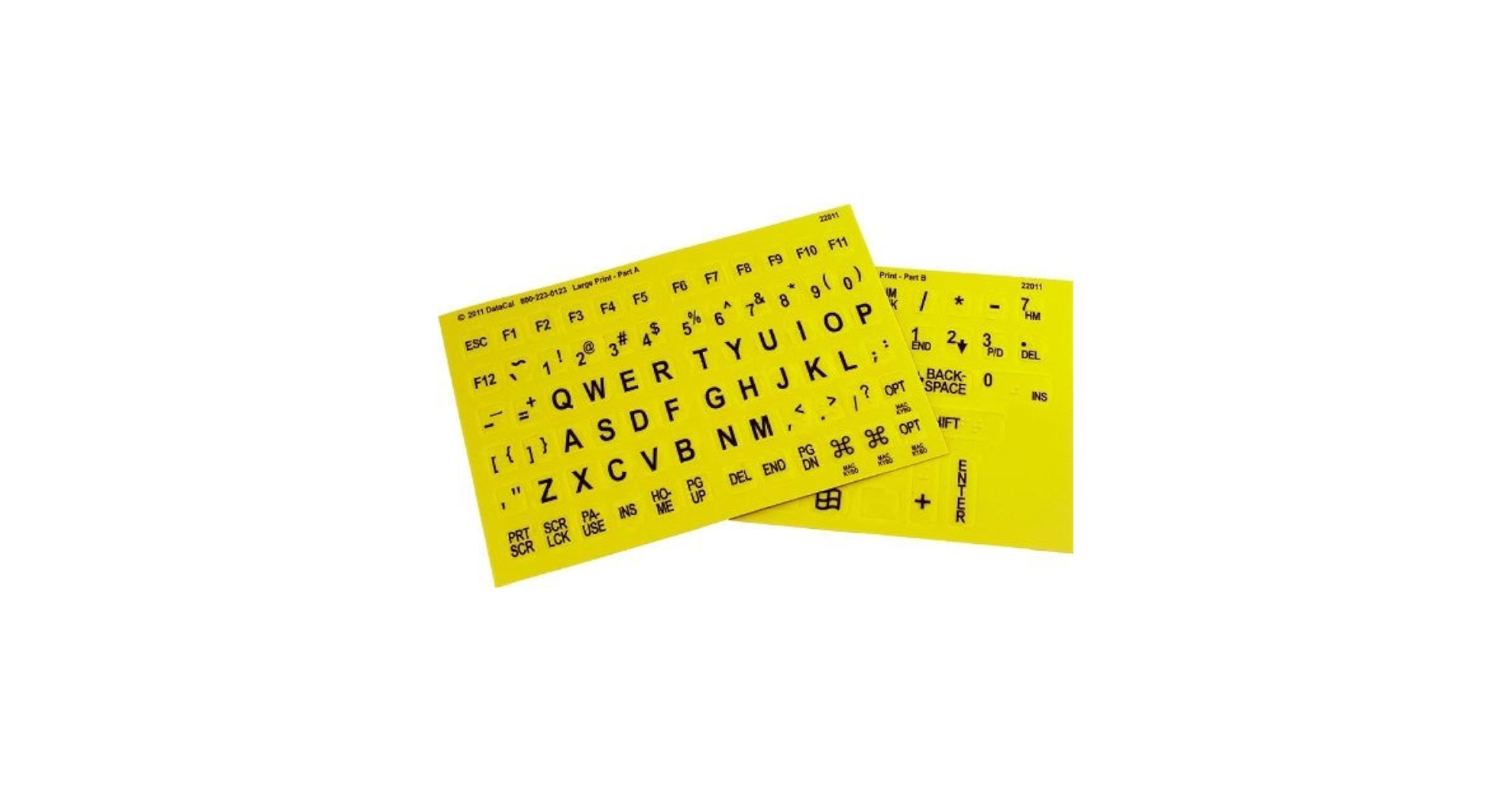
3. Braille and Large Print English Letters Computer Keyboard
Pros
- Combines large print and Braille
- Often more affordable than competitors
Cons
- Build quality can feel less premium
- Braille dots may be less defined than Logickeyboard
The Breakdown: This keyboard serves as a direct competitor to the Logickeyboard dual-mode model, often at a more accessible price point. It delivers the core functionality of large print and tactile Braille on a standard PC layout. It’s a pragmatic choice for users who need these features but are not focused on premium materials or brand recognition.
Key Specs:
- Braille Implementation: Integrated Braille
- Visual Aid: Large Print
- Connectivity: USB-A (Wired)
- Layout: Full-size PC layout
The Community Verdict: Owners report that it gets the job done effectively, with the large print being particularly clear and helpful. Some long-term users have noted that the Braille dots can show wear faster than on more expensive models. The general sentiment is that it’s a solid product for its price bracket.
Dealbreaker: Skip this if you are a heavy daily user and require maximum long-term durability for the Braille dots.
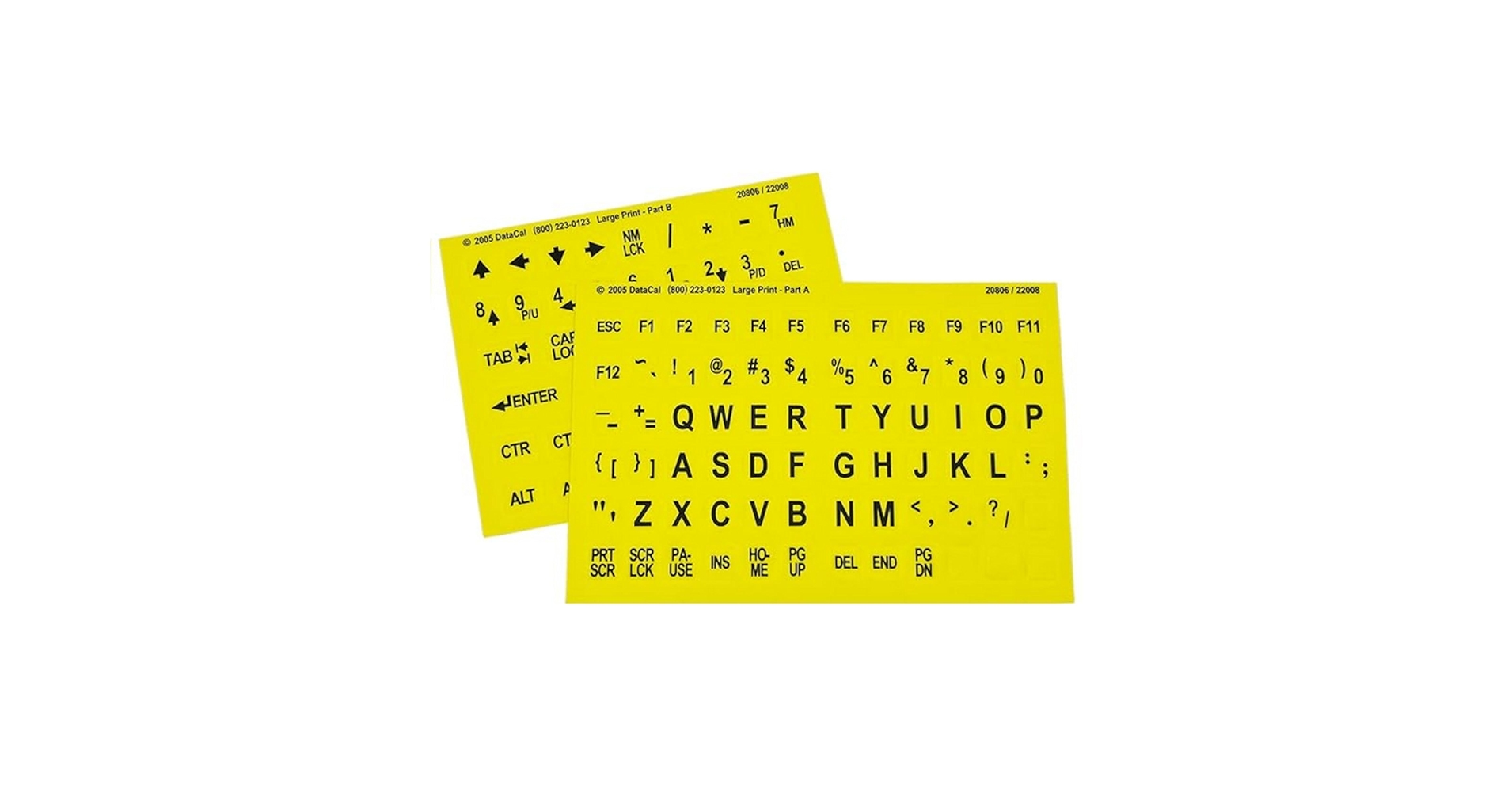
4. Braille with Large Print Keyboard Stickers Combined
Pros
- Extremely affordable solution
- Works with any keyboard (laptop or desktop)
Cons
- Durability depends on adhesive quality
- Can peel or shift with heavy use
The Breakdown: This isn’t a keyboard, but a clever and highly effective alternative for many. These adhesive overlays allow you to convert any standard keyboard into an accessible one. This is perfect for users who love their current mechanical or ergonomic keyboard and don’t want to switch, or for adapting laptops on the go.
Key Specs:
- Braille Implementation: Adhesive Stickers
- Visual Aid: Large Print
- Connectivity: N/A
- Layout: Universal (for standard QWERTY)
The Community Verdict: Market research indicates high satisfaction for the cost. Users love the flexibility, but caution that application requires care and patience. The biggest variable is longevity; while many report they last for years, some find the edges can begin to peel over time, especially on heavily used keys like the spacebar.
Dealbreaker: Skip this if you need a plug-and-play solution and don’t want to spend time applying stickers.
5. Logickeyboard with Braille 6 dot Alphabet • Wireless
Pros
- Bluetooth connectivity for a cable-free desk
- Premium build quality and scissor-switch keys
Cons
- Requires charging/battery management
- Higher price point
The Breakdown: This is the premium, modern choice for the dedicated Braille typist. It combines Logickeyboard’s proven tactile Braille implementation with the convenience and aesthetic of a wireless connection. The scissor-switch mechanism offers a quiet, low-profile typing experience that many users prefer for long sessions.
Key Specs:
- Braille Implementation: Integrated 6-Dot Braille
- Visual Aid: None (Standard print only)
- Connectivity: Bluetooth 5.2
- Layout: Full-size with Numpad
The Community Verdict: Owners rave about the freedom from cables and the sleek design. The consensus is that the connection is stable and the battery life is solid. The main drawback cited by users is the premium price, but most who invest in it feel the quality and convenience justify the cost.
Dealbreaker: Skip this if you prefer the steadfast reliability of a wired connection and never want to think about charging a keyboard.
Buying Guide: How to Choose a Braille Keyboard
Selecting the right braille keyboard for your computer involves more than just tactile dots. Consider these key factors to ensure your choice enhances your productivity and comfort.
1. Integrated Keyboard vs. Stickers
Your first decision is between a dedicated keyboard with built-in Braille and adhesive stickers. An integrated keyboard offers superior durability and a more professional feel, as the Braille is part of the keycap itself. Stickers are a fantastic, low-cost way to adapt a keyboard you already own and love, but they may wear out or peel over time.
2. Braille-Only vs. Braille + Large Print
If you are a proficient Braille user and do not require visual aids, a Braille-only keyboard offers a cleaner, less distracting layout. However, for users with low vision or in shared environments, a dual-purpose keyboard with large, high-contrast print is invaluable. This hybrid approach provides maximum accessibility for a wider range of needs.
3. Connectivity: Wired vs. Wireless
A wired keyboard offers a simple, reliable connection that never needs charging. A wireless Bluetooth model provides a clean, modern aesthetic perfect for a minimalist setup. A clutter-free desk promotes focus, and pairing a wireless keyboard with a minimalist cable organizer for your remaining charging cables can create a truly streamlined environment.
4. Creating an Ergonomic Workspace
An accessible keyboard is just one component of a productive desk. Creating an ergonomic and comfortable workspace is crucial. For maximum comfort during long work sessions, consider your posture and invest in a quality lumbar support pillow for your office chair to promote proper spine alignment. Furthermore, ensuring your monitor is at the correct eye level with a monitor riser for a 32 inch screen can significantly reduce neck strain and complete your ergonomic setup.
Frequently Asked Questions
Are braille keyboards compatible with both Mac and Windows?
Yes, virtually all modern Braille keyboards are designed to be plug-and-play compatible with both Windows and macOS operating systems. They use standard USB or Bluetooth connections and require no special drivers.
How do you clean a keyboard with raised Braille dots?
It’s best to use a can of compressed air to remove debris from between the keys. For cleaning the keycaps themselves, use a soft, lightly dampened microfiber cloth. Avoid harsh chemical cleaners or excessive moisture, which could damage the Braille dots or the key switches.
Do I need special software to use a braille keyboard?
No. A Braille keyboard functions as a standard input device. The Braille is a physical, tactile aid for the user to locate the correct keys. However, you will still need screen reader software (like JAWS, NVDA, or VoiceOver) to have the computer’s output read aloud or sent to a Braille display.
Read More on TechForDesk
- The 5 Best Adjustable Height Desk Shelf for iMac in 2026
- The 5 Best Monitor Riser with Laptop Tray Options for Peak Productivity in 2026
- The 5 Best Desk Shelf with Keyboard Storage Underneath Options (2026)
- The 5 Best Monitor Stand with USB C Hubs in 2026
- The 5 Best Desk Shelf with Built-in Wireless Charging for 2026




