
Welcome to the guide for the modern professional and discerning typist. If you’re seeking the perfect blend of satisfying feedback and office-friendly acoustics, the brown mechanical keyboard is your ideal tool. Unlike their loud, clicky cousins or mushy membrane counterparts, keyboards with brown switches offer a subtle tactile bump that confirms each keystroke without the distracting noise. This roundup cuts through the noise to bring you the top-tier options that deliver on performance, build quality, and minimalist aesthetics.
🚀 Quick Verdict / Top Pick
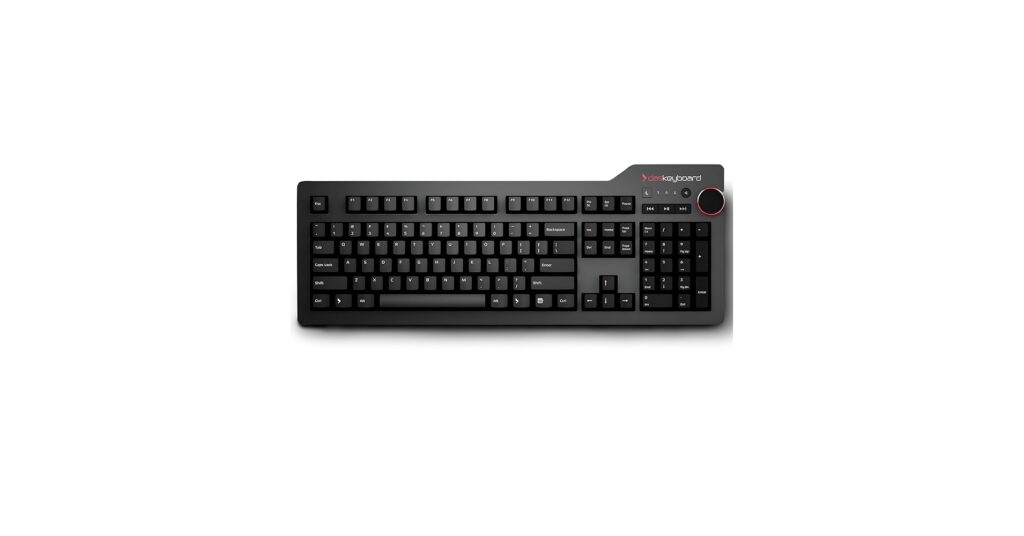
Das Keyboard 4 Professional

The Das Keyboard 4 Professional earns our top spot for its uncompromising build quality, premium German-engineered Cherry MX Brown switches, and professional feature set that outclasses the competition.
Comparison Table
| Product | Switch Type | Connectivity | Best For |
|---|---|---|---|
| Das Keyboard 4 Professional | Cherry MX Brown | Wired (USB 3.0) | Productivity & Professionals |
| Das Keyboard Model S | Cherry MX Brown | Wired (USB 2.0) | Purists & Budget Premium |
| Glorious Kailh Box Brown | Kailh Box Brown | Wired (USB-C) | Gamers & Customizers |
| Merdia Wireless Keyboard | Outemu Brown | Triple Mode (BT, 2.4GHz, Wired) | Multi-Device Users |
| ELUTENG Brown Switches (100) | ELUTENG Brown | N/A (Component) | DIY & Keyboard Modders |
Detailed Reviews
1. Das Keyboard 4 Professional Wired Mechanical
Pros
- Exceptional build quality with an aluminum top panel
- Genuine Cherry MX Brown switches for reliability
- Dedicated media controls and oversized volume knob
- Two-port USB 3.0 hub for convenient connectivity
Cons
- Premium price point
- No backlighting
The Breakdown: The Das Keyboard 4 Professional is an icon in the productivity space for good reason. Its anodized aluminum top panel provides a rigid, flex-free typing experience that few competitors can match. Combined with German-engineered Cherry MX Brown switches and full n-key rollover, it delivers precision and comfort for all-day use.
Key Specs:
- Switches: Cherry MX Brown
- Connectivity: Wired (USB 3.0)
- Form Factor: Full-size (104-key)
- Keycaps: UV Coated ABS
- Features: Dedicated media controls, 2-port USB 3.0 hub, detachable footbar ruler
The Community Verdict: Owners consistently praise the tank-like build quality and the satisfying, non-fatiguing typing experience. The oversized volume knob and USB hub are cited as genuinely useful features that enhance workflow. The main critique is the lack of backlighting, which can be a drawback for those who work in low-light environments.
Dealbreaker: Skip this if you need wireless connectivity or backlighting for your setup.
2. Das Keyboard Model S Professional Wired
Pros
- Proven, reliable design
- Gold-plated Cherry MX Brown switches
- More affordable than the Das Keyboard 4
Cons
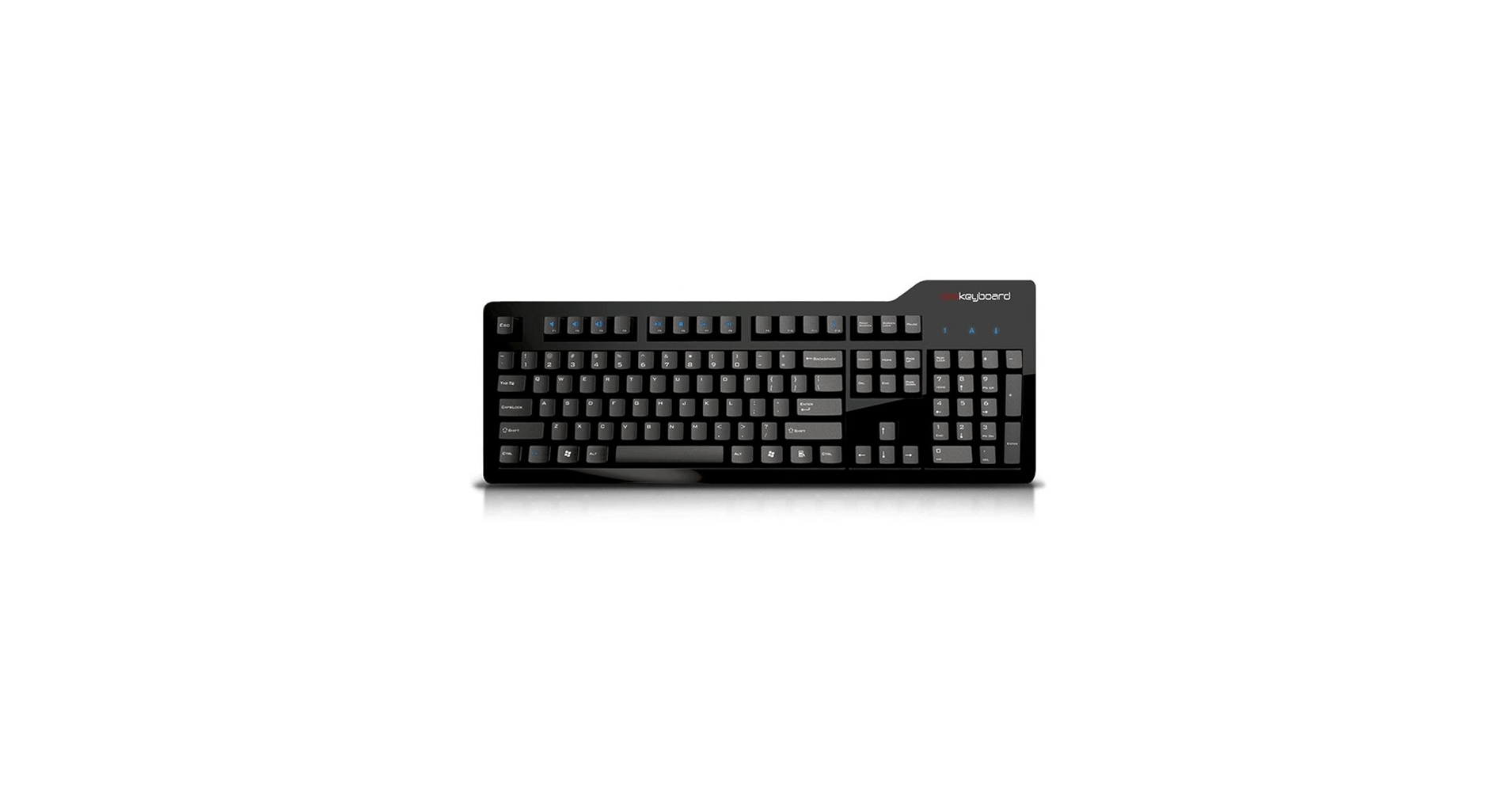
- Dated glossy plastic finish
- Lacks dedicated media keys and USB 3.0 hub
The Breakdown: The Model S is the keyboard that put Das Keyboard on the map. While its design feels a bit dated, the core experience remains excellent thanks to the high-quality Cherry MX switches. It’s a no-nonsense workhorse that focuses purely on the typing feel.
Key Specs:
- Switches: Cherry MX Brown
- Connectivity: Wired (USB 2.0)
- Form Factor: Full-size (104-key)
- Keycaps: Laser-etched ABS
- Features: 2-port USB 2.0 hub, PS/2 adapter for full n-key rollover
The Community Verdict: User consensus is that the Model S is a legendary keyboard that still holds up, but its glossy finish is a fingerprint magnet and feels less premium than its successor. It’s often recommended for those who want the Das Keyboard typing feel on a tighter budget. Its longevity is a major selling point, with many users reporting years of flawless service.
Dealbreaker: Skip this if you prefer a modern aesthetic or need features like dedicated media keys.
3. Glorious Kailh Box Brown Mechanical Keyboard
Pros
- Hot-swappable switch sockets for easy customization
- Vibrant, fully customizable RGB backlighting
- Minimalist floating key design
Cons
- Stock ABS keycaps can develop shine over time
- Software can be less intuitive than competitors
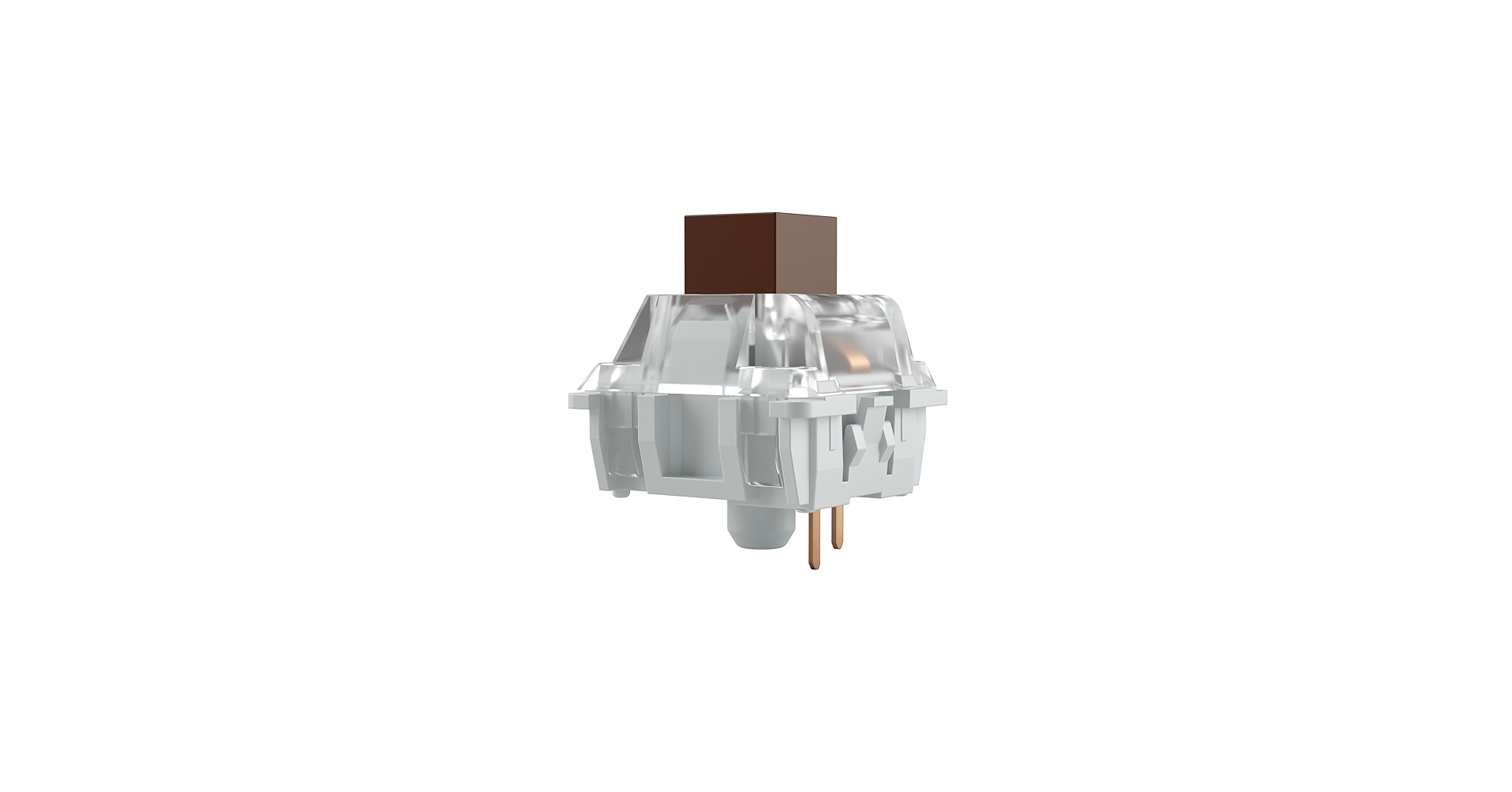
The Breakdown: The Glorious Modular Mechanical Keyboard (GMMK) brings custom enthusiast features to the mainstream. This model comes pre-built with Kailh Box Brown switches, which are praised for their stability and crisp tactility. Its key selling point is the hot-swap capability, allowing you to change switches without any soldering.
Key Specs:
- Switches: Kailh Box Brown (Hot-swappable)
- Connectivity: Wired (USB-C)
- Form Factor: Full-size, TKL, and Compact (60%) options available
- Keycaps: Doubleshot ABS
- Features: Full per-key RGB, sandblasted aluminum faceplate, software customization
The Community Verdict: Market research indicates this is a gateway product for many entering the custom keyboard hobby. Users love the flexibility it offers and the quality of the Kailh Box switches. For those who want a versatile keyboard brown rgb setup, this is a top contender, offering vibrant lighting effects that can be controlled via software.
Dealbreaker: Skip this if you need wireless functionality or want a plug-and-play experience without the temptation to endlessly customize.
4. Merdia Wireless Mechanical Keyboard, Triple Mode

Pros
- Versatile Triple Mode connectivity
- Compact and portable 68-key layout
- Affordable entry into wireless mechanicals
Cons
- Outemu switches may feel less refined than Cherry/Kailh
- Build quality is primarily plastic
The Breakdown: This keyboard from Merdia focuses on one thing: connectivity. With options for low-latency 2.4GHz wireless, Bluetooth for multiple devices, and a wired USB-C connection, it’s built for the modern multi-device workflow. The compact 65% layout saves significant desk space while retaining crucial arrow keys.
Key Specs:
- Switches: Outemu Brown
- Connectivity: Triple Mode (2.4GHz, Bluetooth 5.0, Wired USB-C)
- Form Factor: 65% (68-key)
- Keycaps: ABS
- Features: Ice blue backlighting, multi-device pairing
The Community Verdict: Users report that the triple-mode functionality works seamlessly, making it easy to switch between a desktop, laptop, and tablet. The value proposition is high for those needing this specific feature set. Some experienced typists note that the Outemu switches, while good for the price, lack the smoothness of more premium alternatives.
Dealbreaker: Skip this if you need a number pad or prefer the robust feel of a metal-chassis keyboard.
5. ELUTENG Brown Mechanical Keyboard Switches (100 pack)
Pros
- Extremely cost-effective for a full build
- Allows for complete personalization of a keyboard’s feel
- Compatible with MX-style PCBs and keycaps
Cons
- Not a finished product; requires a keyboard body
- Budget switches may have minor inconsistencies
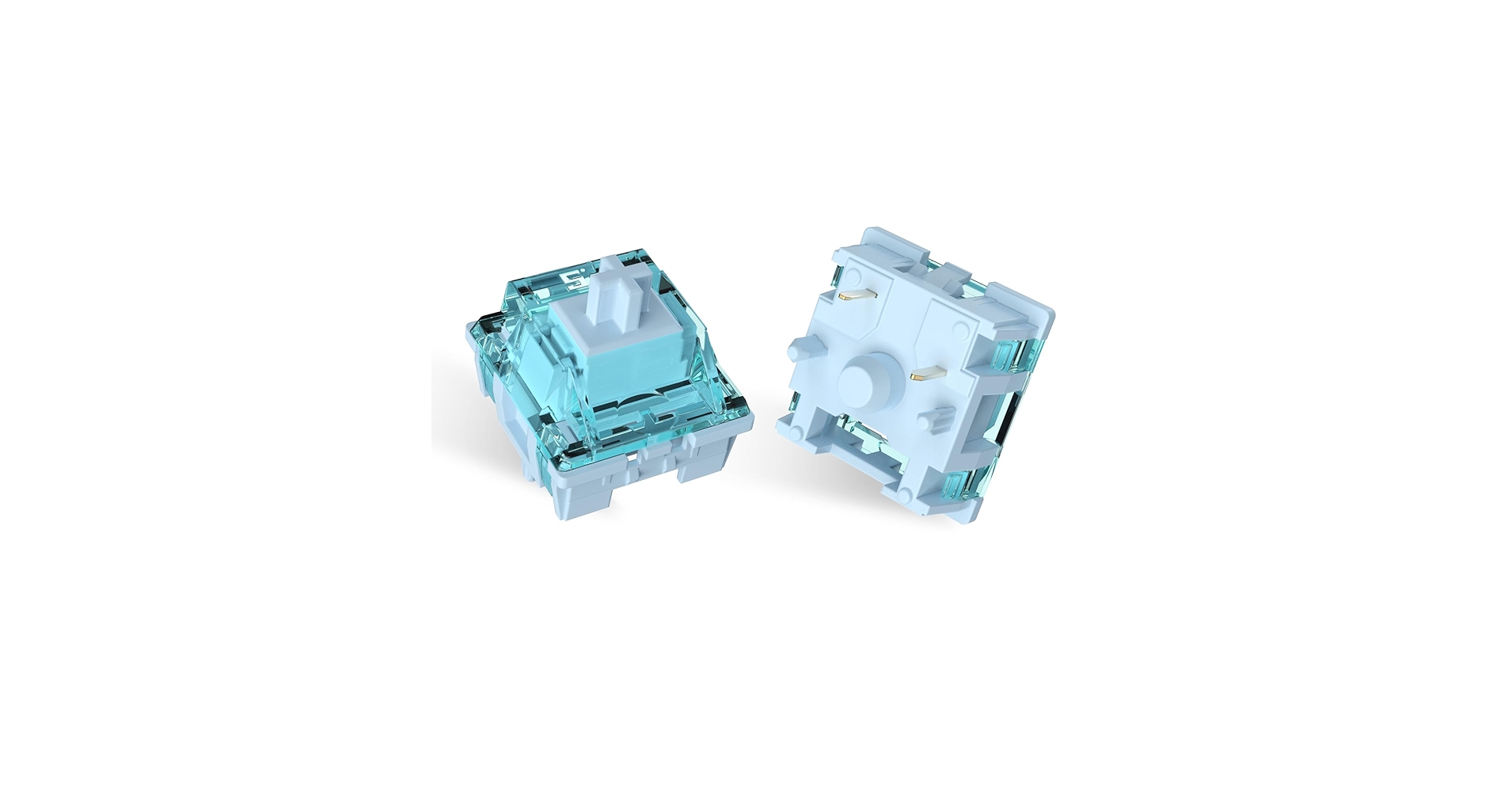
The Breakdown: This entry is for the builders. ELUTENG offers a bulk pack of 100 tactile brown switches, providing more than enough for a full-size custom keyboard project. These are a great budget-friendly option for those who have a hot-swappable board and want to experiment with a tactile feel, or for a first-time custom build.
Key Specs:
- Switch Type: Tactile Brown
- Actuation Force: ~45g
- Travel Distance: 4.0mm
- Mount: 3-pin Plate Mount
- Quantity: 100 pieces
The Community Verdict: Reports from the DIY community suggest these are solid budget switches that perform well for their price. They are often compared to Outemu Browns in terms of feel and sound. They are a popular choice for those looking to convert a keyboard with linear or clicky switches to a tactile brown setup without a major investment.
Dealbreaker: Skip this if you are looking for a pre-built, ready-to-use keyboard.
Buying Guide: Choosing Your Brown Mechanical Keyboard
Navigating the world of mechanical keyboards can be complex. Here’s what to focus on.
Keyboard Mechanical vs Membrane: What’s the Difference?
The core difference lies beneath the keycaps. Membrane keyboards use a single rubber sheet that provides a soft, mushy feel with limited feedback. Mechanical keyboards use individual physical switches for each key, resulting in greater precision, durability, and a more satisfying typing experience. This fundamental distinction is why so many people see the benefits of mechanical keyboard use for both work and play.
Why Brown Switches?
Brown switches are the versatile middle ground. They offer a small, tactile bump you can feel when the key is pressed, confirming the actuation. Unlike Blue switches, they don’t have an audible ‘click’, making them perfect for shared office spaces or late-night gaming sessions where noise is a concern. They provide more feedback than linear Red switches, which can help reduce typos for many users.
Connectivity and Form Factor
Consider your workspace. A full-size board is great for data entry, but a compact 75% or 65% model frees up valuable desk space, much like the customizability seen in boards like the Zoom 75 Keyboard. For those who value a clutter-free desk with wireless peripherals, you can see other recommendations in our Top 5 Triple Mode Keyboard 2023 guide. A quality keyboard deserves a quality workspace, which can be enhanced with a black metal and wood desk shelf to organize your setup.
Frequently Asked Questions (FAQ)
Q1: What are brown mechanical keyboard switches best for?
A: Brown mechanical keyboard switches are considered a ‘jack of all trades’. Their tactile bump makes them excellent for long typing sessions as it provides feedback without being fatiguing. They are also very popular for gaming, offering a discernible actuation point without the loud noise of clicky switches, making them ideal for hybrid work/play use.
Q2: Are brown switches good for gaming?
A: Yes, they are a fantastic choice for gaming. While some competitive FPS players prefer the smooth, uninterrupted travel of linear (Red) switches, many gamers appreciate the tactile feedback of Browns. This bump can help prevent accidental key presses and confirm that a command, like an ability activation, has been registered.
Q3: Is a brown mechanical keyboard loud?
A: Compared to clicky (Blue) switches, brown switches are significantly quieter. They do not have an intentional clicking mechanism. The only sound produced is from the keycap ‘bottoming out’ (hitting the switch housing), which is much more subdued and results in a deeper ‘thock’ rather than a high-pitched ‘click’.




