
🚀 Quick Verdict / Top Pick
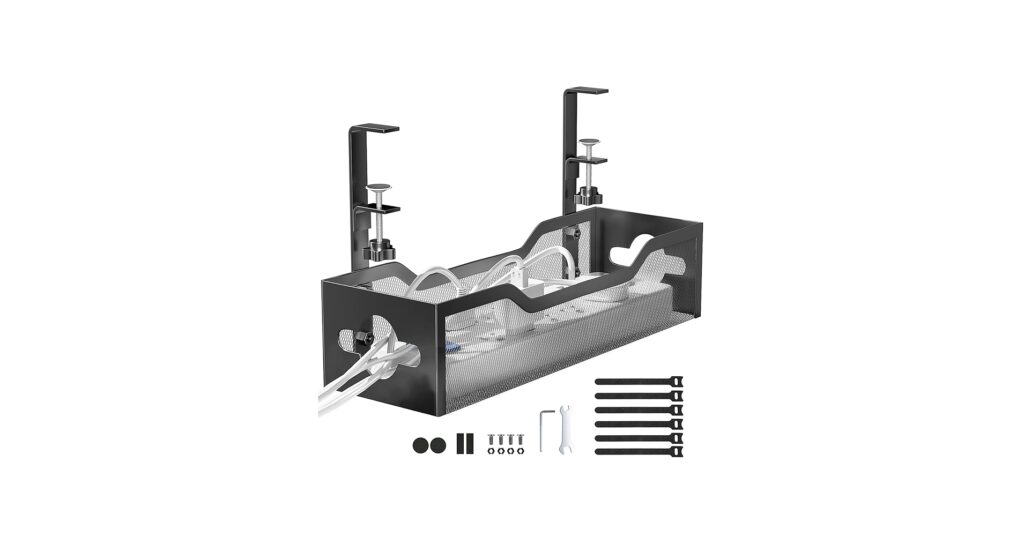
Under Desk Cable Management Tray No Drill, Metal
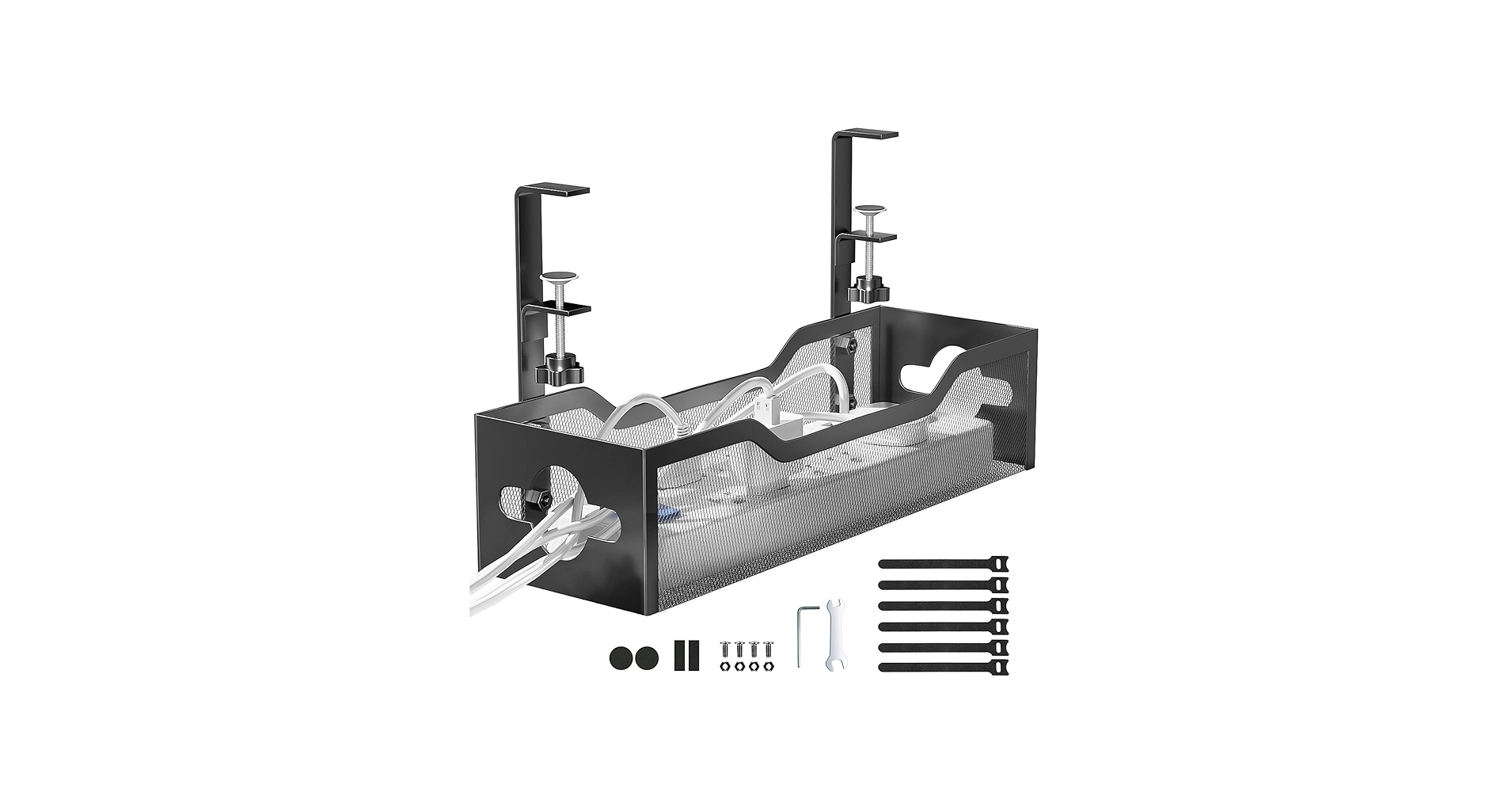
This tray wins for its brilliant no-drill clamp system and sturdy steel build, making it the most versatile and desk-friendly cable management rack for any modern workspace.
A clean desk is a clean mind. But beneath the minimalist surface often lies a chaotic tangle of wires. A high-quality cable management rack is the unsung hero of an organized workspace, lifting power strips, adapters, and cords off the floor and out of sight. Whether you’re streamlining a home office or organizing a professional server setup, finding the right solution is key. We’ve analyzed the market to identify the best options that blend robust construction with intelligent design, ensuring your desk remains as functional as it is beautiful.
Comparison Table
| Product | Installation Type | Material | Best For |
|---|---|---|---|
| Under Desk Cable Tray No Drill | No-Drill Clamp | Carbon Steel | Most Desks (Sit/Stand) |
| Raising Electronics 1U Rack Mount | 19″ Rack Mount | Plastic / Metal | Server Racks & Home Labs |
| Lancher 19 Inch 1U Cable Management | 19″ Rack Mount | Cold Rolled Steel | Professional AV/IT Setups |
| 15.7″ Under Desk Cable Tray, No Drill | No-Drill Clamp | Steel | Standard Home Offices |
| Xpatee 2 Pack Under Desk Tray | No-Drill Clamp | Metal | Long Desks & Multi-Device Setups |
Detailed Product Reviews
Under Desk Cable Management Tray No Drill, Metal
Pros
- Completely drill-free installation saves your desk surface
- Soft rubber pads on clamps prevent scratches
- High-quality carbon steel holds up to 15 lbs
- Mesh design prevents dust accumulation
Cons
- Clamps only fit desks between 0.4″ and 2″ thick
- Open mesh design is less concealed than solid trays
The Breakdown: This cable tray stands out for its thoughtful, user-friendly design. The ability to install it facing inward or outward provides flexibility for desks against a wall or in an open space. Its construction from carbon steel gives it a premium feel and reliable strength for holding hefty power bricks and outlet strips without sagging.
Key Specs:
- Installation Type: No-Drill Clamp
- Material: Carbon Steel
- Capacity/Size: 16.5″L X 4.7″W, supports ~15 lbs
- Desk Compatibility: 0.4″ to 2″ thickness
The Community Verdict: Across various forums, users repeatedly praise the ‘clamp-on’ mechanism as a game-changer, especially for those with expensive or rented furniture. The consensus is that it’s ‘very solid’ and the versatility to mount on wood, glass, or metal desks without any drilling is its strongest feature. Many note the quick, 3-minute assembly as a significant plus.
Dealbreaker: If your desk has a beveled edge or is thicker than 2 inches, the clamping system will not work, making this a non-starter for certain desk designs.
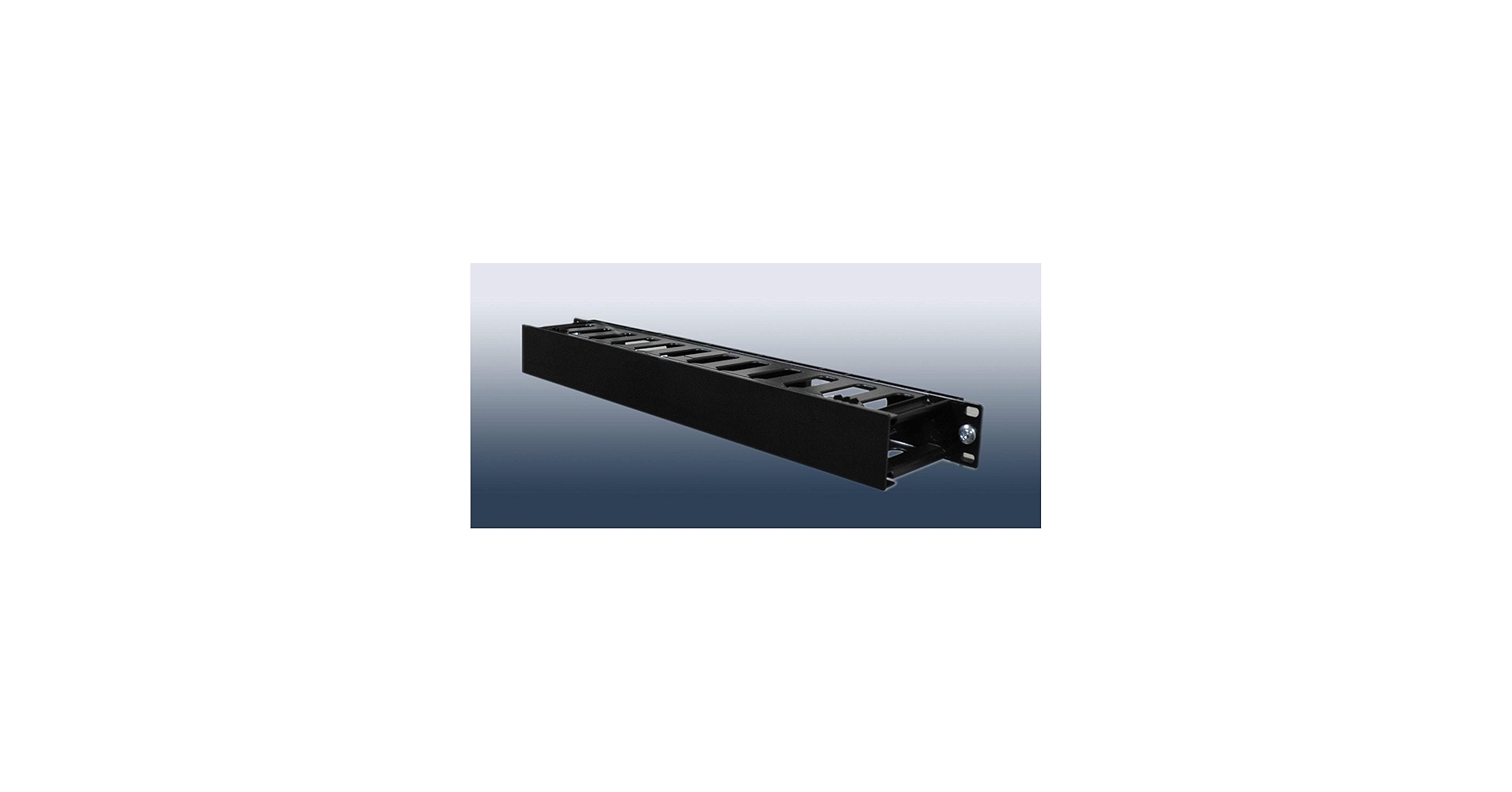
Raising Electronics 1U Horizontal Rack Mount Cable Management
Pros
- Fits standard 19-inch equipment racks perfectly
- Included panel cover provides a very clean, organized look
- Lightweight and easy to install with included screws
- 12 slots offer good flexibility for cable routing
Cons
- Panel cover is plastic, which may feel less premium
- Completely unsuitable for standard desk use
The Breakdown: This is a purpose-built tool for a specific job: organizing patch cables in a network or server rack. It occupies 1U (one unit) of rack space and provides pass-through slots to guide ethernet, power, or other cables neatly from one component to another. The plastic cover snaps on to hide the cable runs, which is a major aesthetic advantage over open-ring managers.
Key Specs:
- Installation Type: 19″ Rack Mount
- Material: Plastic Panel, Metal Frame
- Capacity/Size: 1U Height, 19″ Width
- Desk Compatibility: None; Server Racks Only
The Community Verdict: Market research indicates this is a go-to product for the r/homelab and networking communities. Users find it to be a solid, versatile, and premium-quality option for its price point. The general sentiment is that managing cables within a rack is ‘so much simpler’ with a dedicated unit like this, and it’s considered essential for preventing a ‘spaghetti’ mess.
Dealbreaker: If you don’t own or plan to own a 19-inch equipment rack, this product serves no purpose for you. The plastic material of the front panel might also deter those looking for an all-metal build for maximum durability.
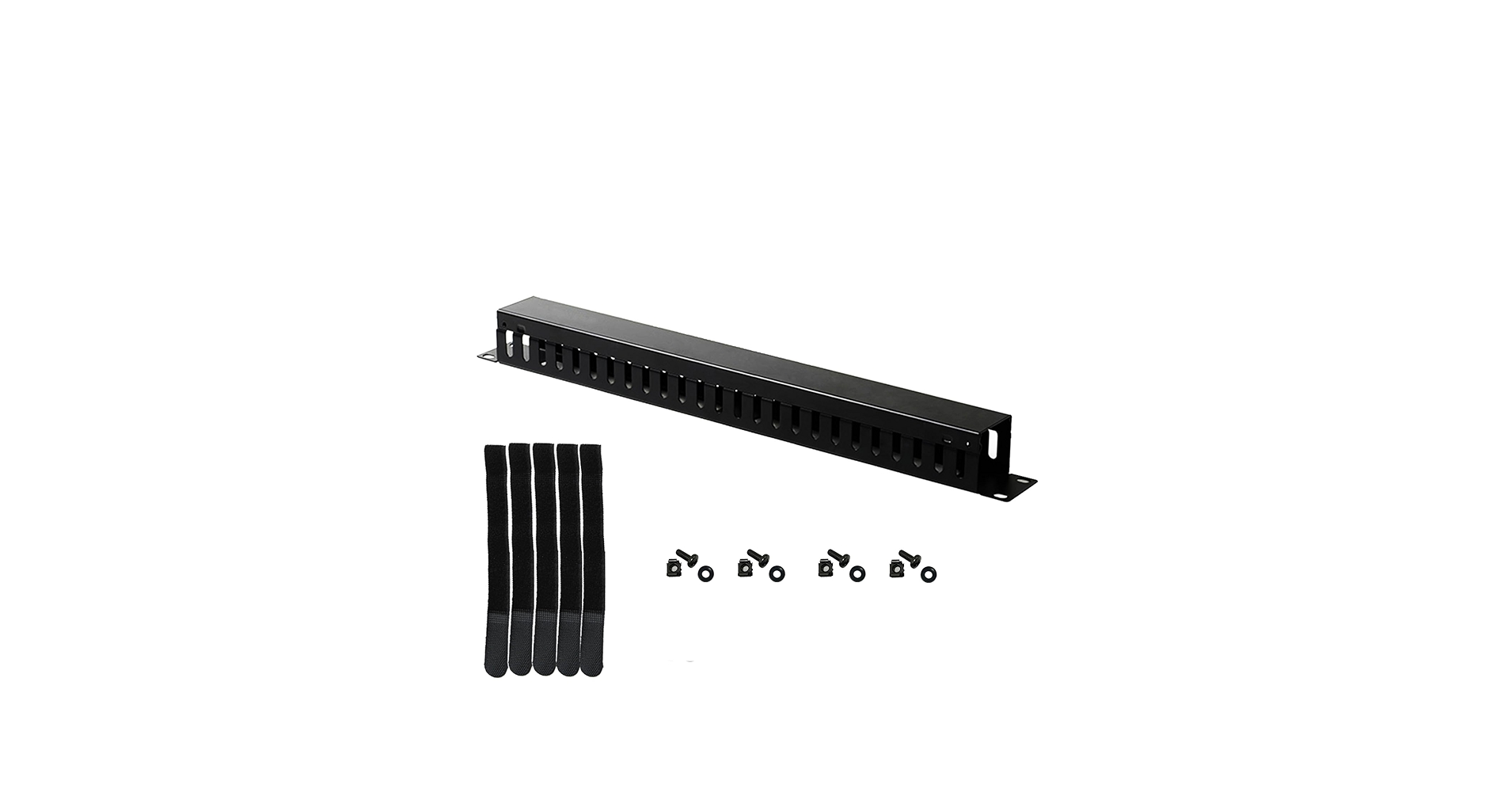
Lancher 19 Inch 1U Cable Management Horizontal
Pros
- Extremely durable cold rolled steel construction
- Rounded edges on finger ducts prevent cable damage
- Comes with mounting screws and cable ties
- Excellent value, especially in multi-packs
Cons
- Finger duct design is more complex than a simple pass-through
- Strictly for 19-inch rack applications
The Breakdown: The Lancher cable manager is a step up in robustness, crafted from cold rolled steel that will never rust or bend. Its ‘finger duct’ design allows for precise routing of individual cables to specific ports, reducing strain and improving organization. The thoughtful inclusion of rounded edges is a professional touch that protects expensive cables from being cut or frayed over time.
Key Specs:
- Installation Type: 19″ Rack Mount
- Material: Cold Rolled Steel
- Capacity/Size: 1U Height, 19″ Width, 24 Slots
- Desk Compatibility: None; Server Racks Only
The Community Verdict: Reviewers consistently highlight this product as a ‘great item for the money.’ The all-metal build is a huge selling point, with users in professional settings relying on it for its durability in server cabinets. It’s frequently recommended for building out network closets and is praised for maintaining organization and preventing accidental disconnections.
Dealbreaker: This is professional-grade hardware. If your cable management needs are for a simple desk with a laptop and monitor, this is complete overkill and physically incompatible with your setup.
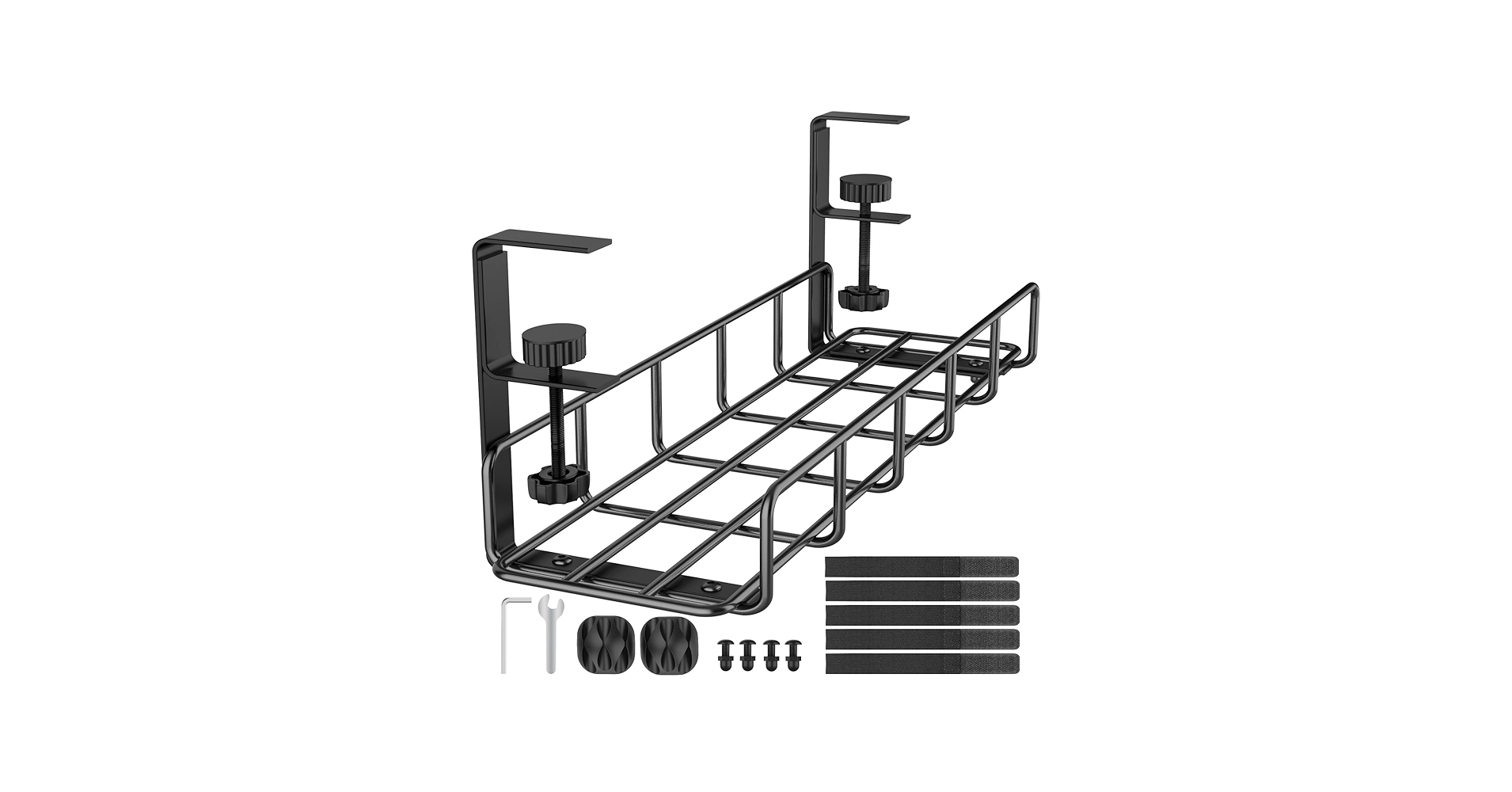
15.7″ Under Desk Cable Management Tray, No Drill
Pros
- Simple no-drill clamp mount installation
- Durable powder-coated steel construction
- Open design provides easy access to cables
- Popular and well-regarded category choice
Cons
- Standard 15.7″ length may be short for larger desks
- Clamp mechanism has desk thickness limitations
The Breakdown: This is a quintessential example of the modern under-desk cable tray. It uses a screw-clamp system that attaches to the edge of your desk without any drilling, making it ideal for renters or users with high-end desktops. The powder-coated steel tray is built to last and provides ample space for a power strip and several adapters, cleaning up floor clutter instantly.
Key Specs:
- Installation Type: No-Drill Clamp
- Material: Steel
- Capacity/Size: 15.7″ Length
- Desk Compatibility: Standard thickness desks (check manufacturer specs)
The Community Verdict: User feedback often centers on the ‘set it and forget it’ nature of this type of tray. It’s seen as a one-time solution that permanently solves the problem of messy under-desk wires. The ability to simply rotate a knob to clamp the rack tightly is a frequently mentioned convenience, and its sturdy build provides confidence that it won’t fail.
Dealbreaker: Like other clamp-based systems, this won’t fit all desks. It’s crucial to measure your desk’s thickness before purchasing to ensure compatibility and avoid the hassle of a return.
Xpatee 2 Pack Cable Management Under Desk Tray
Pros
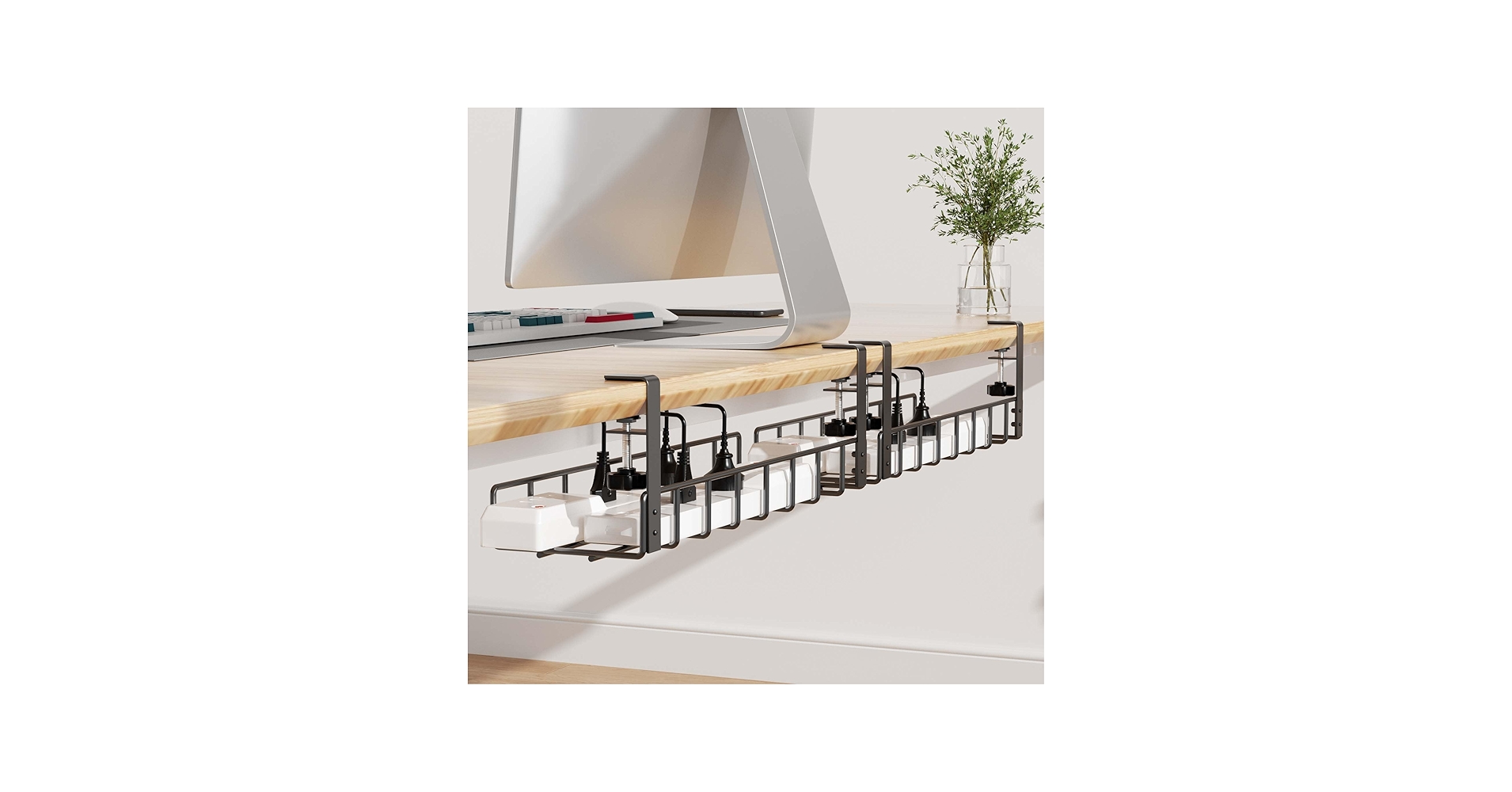
- 2-pack provides an extra-long 31.4″ total length
- No-drill design with anti-scratch mats
- Open sides make placing large power strips easy
- Includes a value kit with cable clips and ties
Cons
- Two separate trays may not look as clean as one solid tray
- 10 lbs weight limit per tray is slightly lower than some competitors
The Breakdown: The Xpatee kit’s main advantage is its modularity. By providing two 15.7″ trays, it offers coverage for large desks or can be used on two separate, smaller desks. The unique open-sided design is a clever feature, allowing you to slide in a fully-loaded power strip without needing to unplug everything first, which is a significant time-saver during setup.
Key Specs:
- Installation Type: No-Drill Clamp
- Material: Metal
- Capacity/Size: Two 15.7″L x 4.7″W trays, 10 lbs each
- Desk Compatibility: 0.4″ to 2.4″ thickness
The Community Verdict: Online shoppers see great value in the 2-pack kit, which includes useful accessories like cable clips and ties. The modular design is praised for its ability to transform a workspace and keep it clutter-free. The powder-coated metal build receives positive marks for being sturdy and resistant to dust accumulation.
Dealbreaker: While the combined length is great, the visual line between the two trays might bother aesthetic purists who prefer a single, seamless look. The slightly lower weight capacity per tray should also be a consideration for those with exceptionally heavy power adapters.
Best cable management shelf
For those who prefer an open, shelf-like design for maximum airflow and easy access, a cable management shelf or tray is the perfect solution. These are typically wider and more basket-like, ideal for containing bulky power adapters and loosely coiled cables without complex routing. Here are some top-tier options in this category.
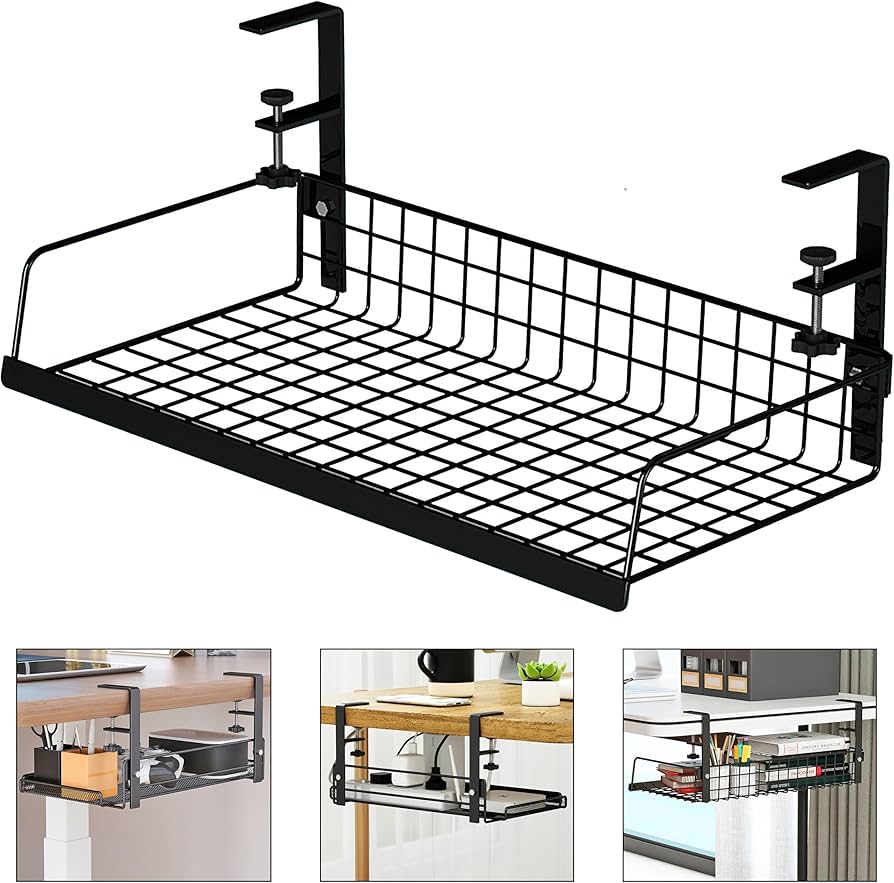
LIFEFAN Under Desk Cable Management Tray Cord
Cons: Standard length may not suit all desks
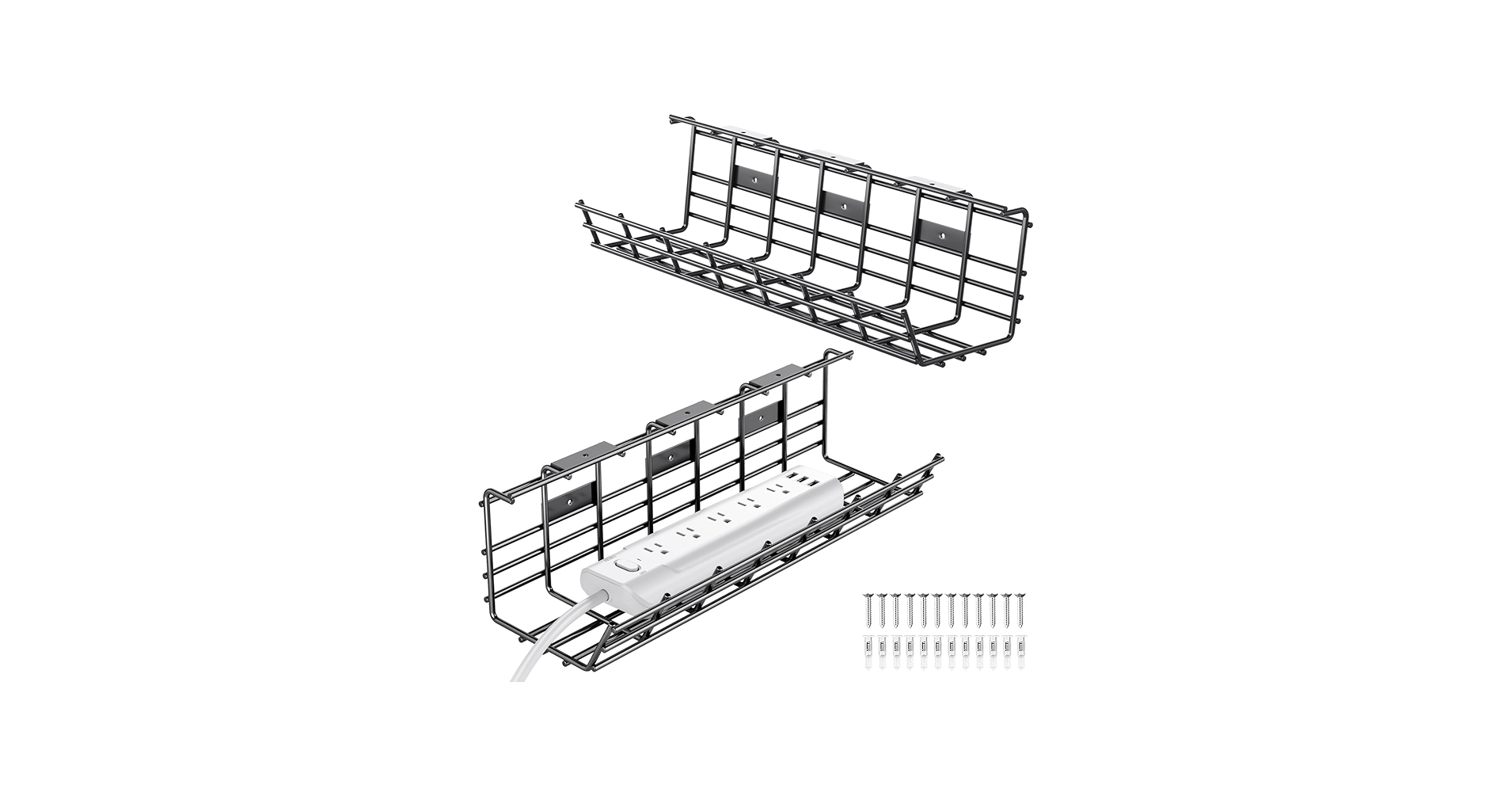
2 Pack DELAMU Under Desk Cable Management
Cons: Requires drilling for installation
Raising Electronics 1U Horizontal Rack Mount Cable Management
Cons: Only for server racks, not desks
Buying Guide: How to Choose Your Cable Management Rack
Selecting the right cable management rack depends entirely on your setup. The primary consideration is application: are you cleaning up a desk or organizing a server cabinet? For most users, an under-desk tray is the answer. Look for no-drill clamp systems to protect your furniture, a feature that is especially critical for standing desk cable management where wires need to move freely.
Material is the next factor. A steel or metal wire organizer rack offers superior durability and weight capacity compared to plastic alternatives. For those with complex IT or AV gear, a 19-inch rack cable organizer is non-negotiable. These units are standardized to fit server racks and provide structured, high-density routing to keep your setup professional and serviceable. The goal for any office desk with cord management is to create a clean, safe, and functional environment, and the right cable storage rack is the foundation of that system.
Frequently Asked Questions
1. How do I choose between a clamp-on tray and a rack mount manager?
It’s simple: choose a clamp-on tray for any computer desk (home office, gaming setup, etc.). Choose a rack mount manager only if you have a 19-inch server rack for networking equipment, servers, or AV gear.
2. What’s the advantage of a metal cable management rack over a plastic one?
Metal (typically steel) offers significantly higher durability and weight capacity. It won’t sag over time when loaded with heavy power bricks and adapters. Plastic is lighter and can be cheaper, but may not feel as robust or last as long under heavy use.
3. How much weight can an under-desk cable tray typically hold?
Most high-quality clamp-on trays are rated to hold between 10 to 15 pounds. This is more than enough for a large power strip, several power adapters, and bundled cables. Always check the manufacturer’s specifications before purchasing.




