
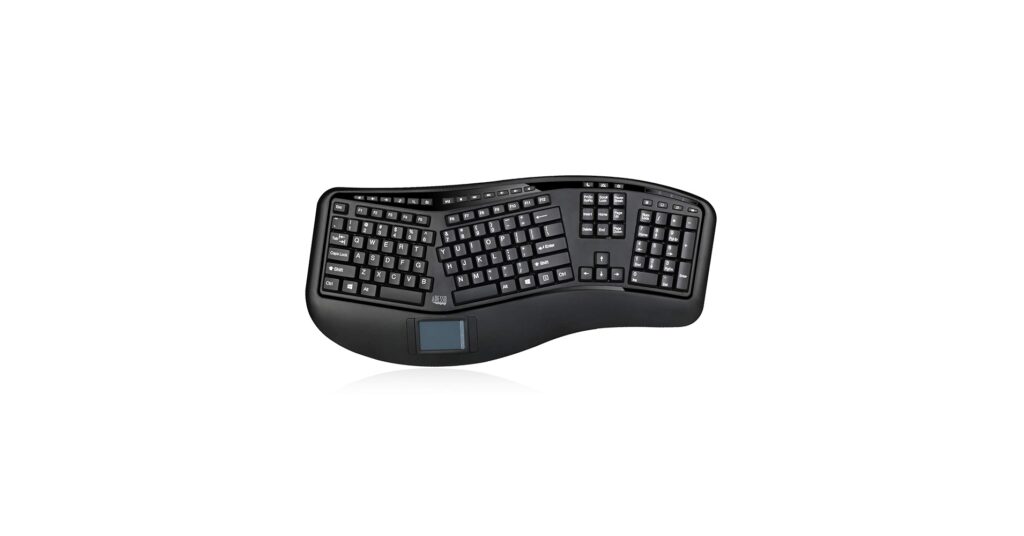
Finding the right ergonomic keyboard with touchpad is a game-changer for desk comfort and efficiency. By combining a natural typing posture with an integrated pointing device, you reclaim desk space and reduce the repetitive strain of reaching for a mouse. In this guide, we break down the top models on the market, from wireless workhorses to reliable wired alternatives. We’ve analyzed market data and user feedback to help you find the perfect all-in-one solution for a healthier, more productive workspace.
🚀 Quick Verdict / Top Pick
Adesso WKB-4500UB – Wireless Ergonomic Desktop
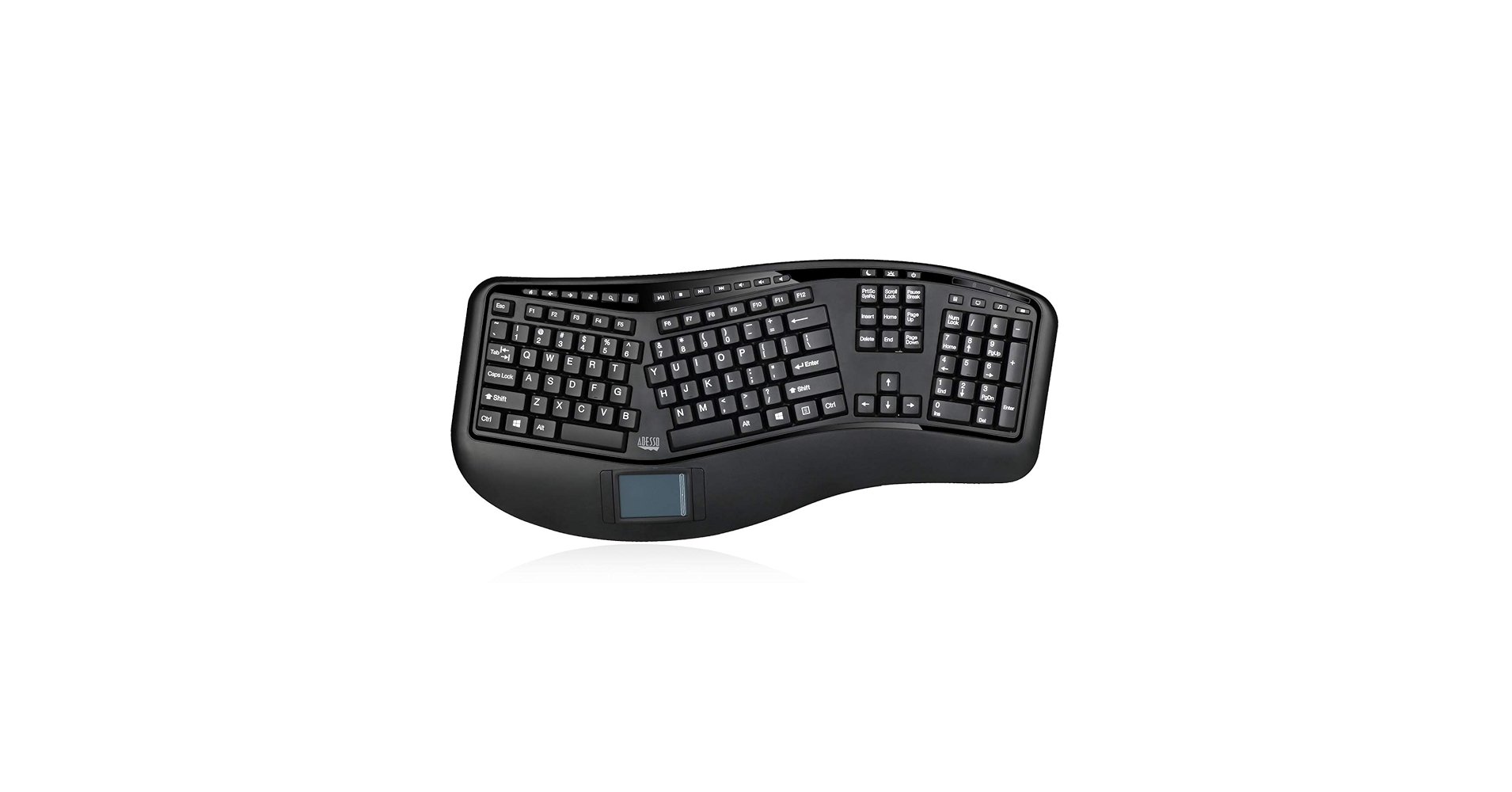
It stands out with its true split-key, contoured design and reliable 2.4GHz wireless connectivity, offering the best overall balance of ergonomic comfort and cord-free convenience.
Product Comparison
| Product | Connectivity | Ergonomic Design | Best For |
|---|---|---|---|
| Adesso WKB-4500UB | Wireless 2.4GHz | Split, Contoured | Overall Wireless Use |
| ADESSO AKB-450UB | Wired USB-A | Split, Contoured | Maximum Reliability |
| SANWA Multi Device | Bluetooth & 2.4GHz | Compact Split | Multi-Device Power Users |
| Serounder Wired USB-A | Wired USB-A | Slight Angle | Budget-Conscious Users |
| BTC 8140M | Wired PS/2 & Serial | Split, Contoured (Vintage) | Legacy & Industrial Systems |
Detailed Reviews
1. Adesso WKB-4500UB – Wireless Ergonomic Desktop
Pros
- True split-key, 3D contoured design
- Reliable 2.4GHz wireless connection
- Integrated wrist rest provides good support
Cons
- Lacks backlighting
- Membrane keys may feel soft to some
The Breakdown: The Adesso WKB-4500UB is a market leader for good reason. Its design encourages a natural hand, wrist, and forearm position to reduce long-term strain. The centrally located touchpad with GlidePoint technology is responsive and supports basic gestures, making it a complete replacement for a traditional mouse.
Key Specs:
- Connectivity: Wireless 2.4GHz (USB Dongle)
- Ergonomic Design: Split Keyboard with Contoured Shape
- Touchpad Functionality: GlidePoint Touchpad with Left/Right Buttons
- Dimensions: 20.5″ x 10.25″ x 2″
- Keys: 105-Key US Layout, Membrane Switches
The Community Verdict: Users consistently praise the immediate comfort and reduced wrist pain after switching. The wireless setup is reported as plug-and-play and stable. Some users note that the touchpad can feel small compared to a modern laptop, and the absence of a ‘wireless backlit keyboard with touchpad’ feature is a common point of critique for use in low-light environments.
Dealbreaker: Skip this if you require Bluetooth connectivity for multiple devices or absolutely need backlit keys for your workflow.
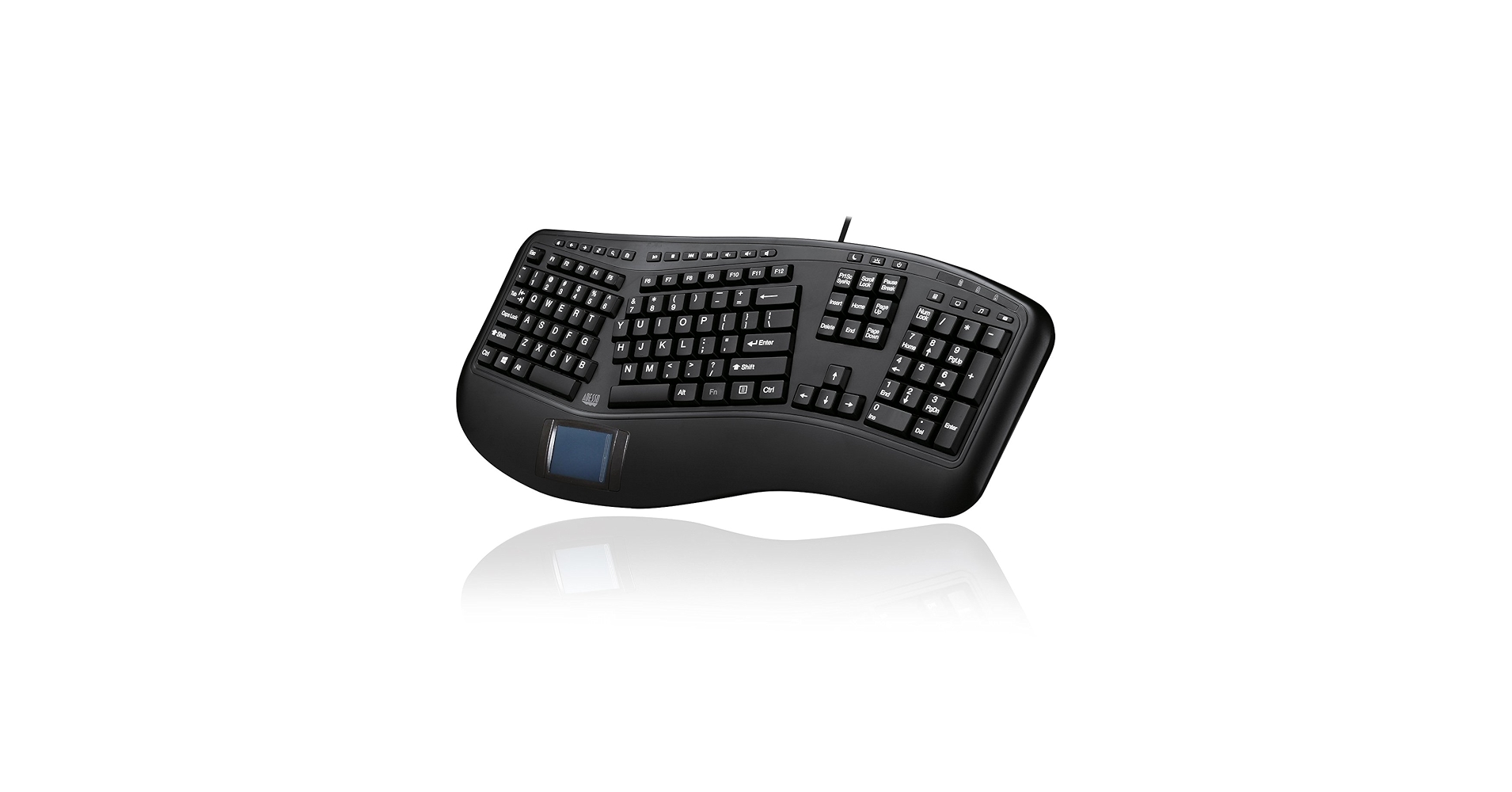
2. ADESSO AKB-450UB – Ergonomic Keyboard with Touchpad
Pros
- Identical ergonomic design to the wireless model
- No batteries or connection drops to worry about
- Often more affordable than its wireless counterpart
Cons
- USB cable adds to desk clutter
- No backlighting
The Breakdown: The AKB-450UB is essentially the wired twin of our top pick. It delivers the same excellent split-key layout and integrated touchpad for a seamless workflow. This model is ideal for permanent desk setups where wireless mobility isn’t a priority and maximum reliability is.
Key Specs:
- Connectivity: Wired USB-A
- Ergonomic Design: Split Keyboard with Contoured Shape
- Touchpad Functionality: GlidePoint Touchpad with Left/Right Buttons
- Dimensions: 20.5″ x 10.25″ x 2″
- Keys: 105-Key US Layout, Membrane Switches
The Community Verdict: Consensus is that this is a robust and dependable ‘ergo keyboard with touchpad’. Owners appreciate the simplicity of the ‘usb keyboard and touchpad’ setup—no drivers, no batteries, it just works. The primary complaint, as expected, is the cable management and the somewhat dated feel of the membrane keys.
Dealbreaker: Skip this if your setup demands a clean, wireless aesthetic or if you frequently move your keyboard between different locations.
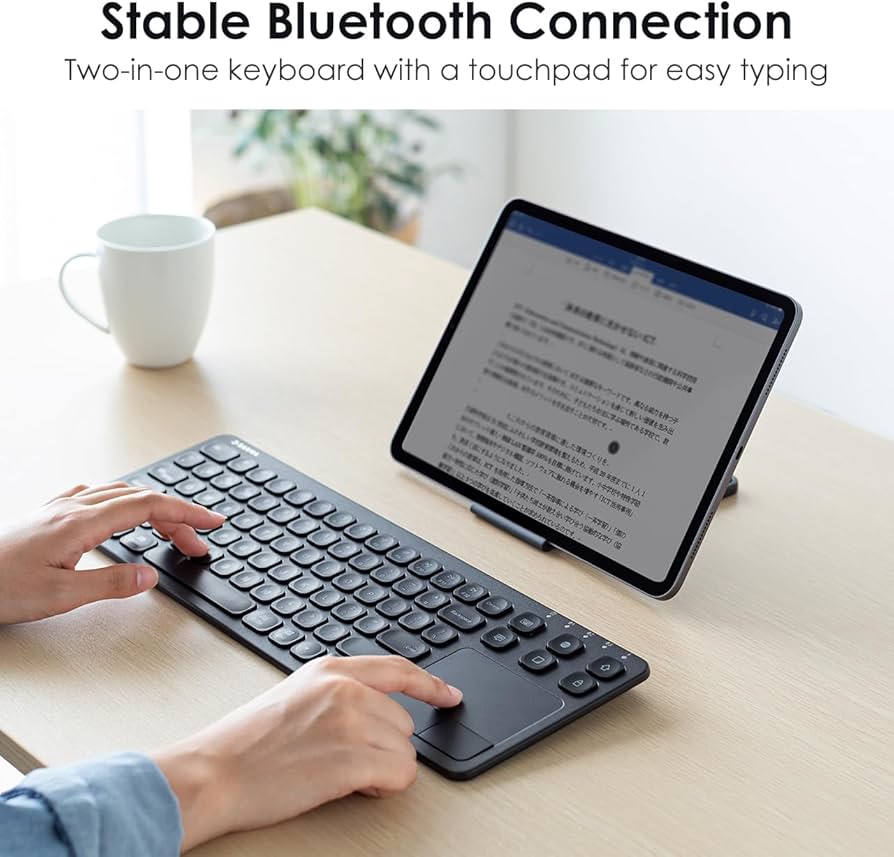
3. SANWA Multi Device Bluetooth Keyboard
Pros
- Connects up to 3 devices (2 Bluetooth, 1 RF)
- Compact, V-shape ergonomic design
- Rechargeable via USB-C
Cons
- Scissor-switch keys have less travel
- Ergonomic benefit is less pronounced than a full split
The Breakdown: The SANWA keyboard brings modern connectivity to the ergonomic space. Its ability to switch between devices seamlessly makes it a productivity powerhouse for those juggling multiple systems. The design is more of a gentle V-shape than a full split, offering a good compromise between ergonomics and a smaller footprint.
Key Specs:
- Connectivity: Bluetooth (2 channels) & Wireless 2.4GHz
- Ergonomic Design: Compact V-Shape Split
- Touchpad Functionality: Multi-touch Capable with Left/Right Buttons
- Dimensions: 14.4″ x 7.8″ x 1.3″
- Keys: Scissor-Switch Keys
The Community Verdict: Market research indicates that users love the multi-device functionality and the modern, rechargeable design. The compact size is a huge plus for smaller desks. However, those accustomed to deeply contoured ergonomic keyboards may find the V-shape less supportive, and some report the touchpad requires a bit of a learning curve.
Dealbreaker: Skip this if you need a full, deep-split keyboard for maximum wrist relief or prefer the tactile feel of full-travel keys.
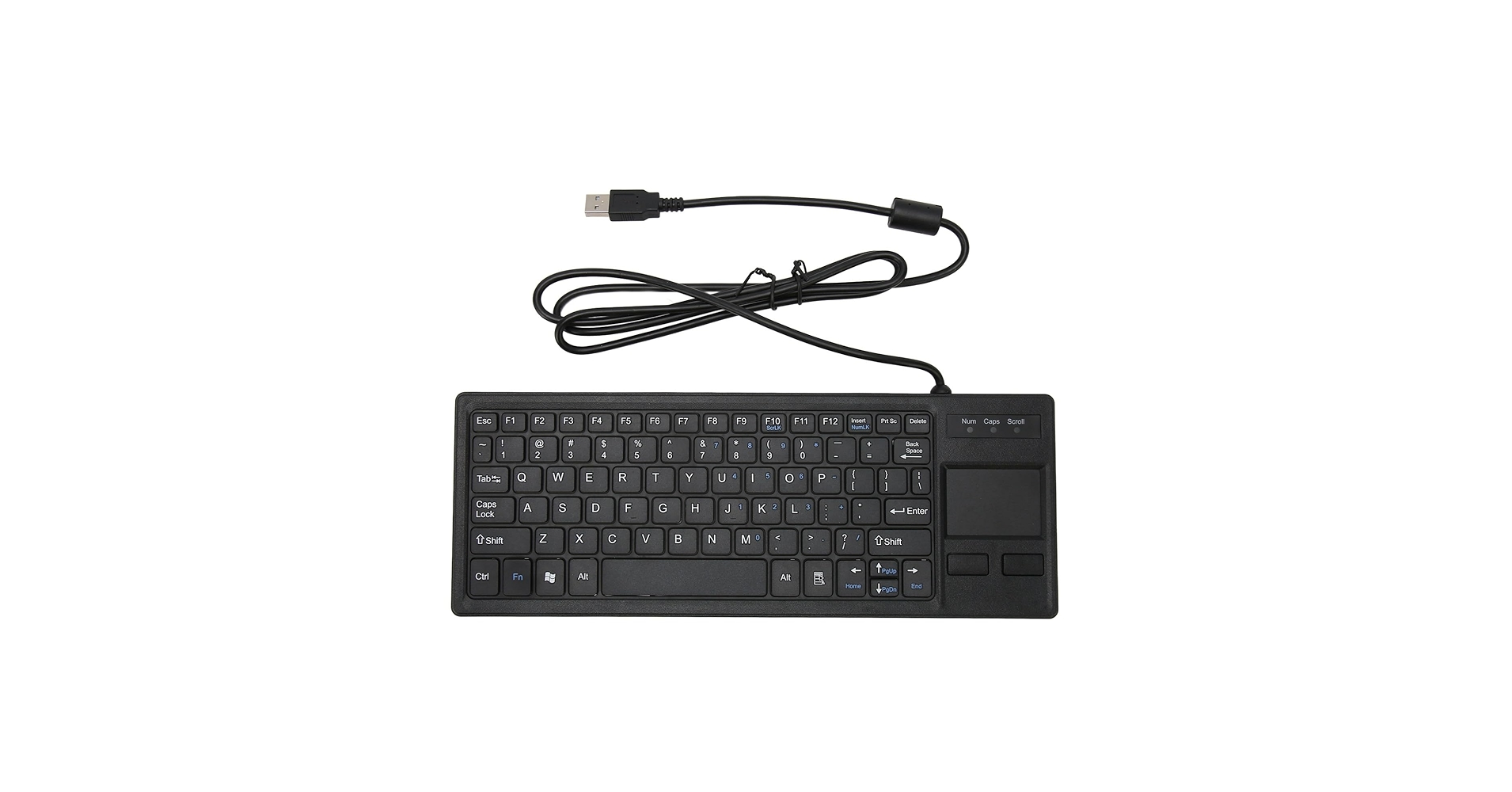
4. Serounder Wired USB-A Keyboard with Touchpad
Pros
- Extremely affordable price point
- Compact and lightweight design
- Simple plug-and-play USB connection
Cons
- Minimal ergonomic benefit (slight curve)
- Build quality reflects the low price
The Breakdown: This Serounder model is a utilitarian choice where function and cost are the only considerations. It combines a keyboard and touchpad into a single unit, saving space and fulfilling the basic requirements of an input device. While marketed with ergonomic features, the actual benefit is minimal compared to true split designs.
Key Specs:
- Connectivity: Wired USB-A
- Ergonomic Design: Slightly Angled Key Layout
- Touchpad Functionality: Basic Touchpad with Left/Right Buttons
- Dimensions: Approx. 18″ x 6.5″ x 1″
- Keys: Standard Membrane
The Community Verdict: Feedback suggests this is a functional ‘usb keyboard with touchpad’ that gets the job done for basic tasks. Users purchase it for its low cost and compact form factor. However, reports frequently mention a flimsy feel, a less-than-responsive touchpad, and a typing experience that is not suitable for all-day use.
Dealbreaker: Skip this if you are a professional typist or are seeking genuine, significant ergonomic relief for daily, prolonged use.
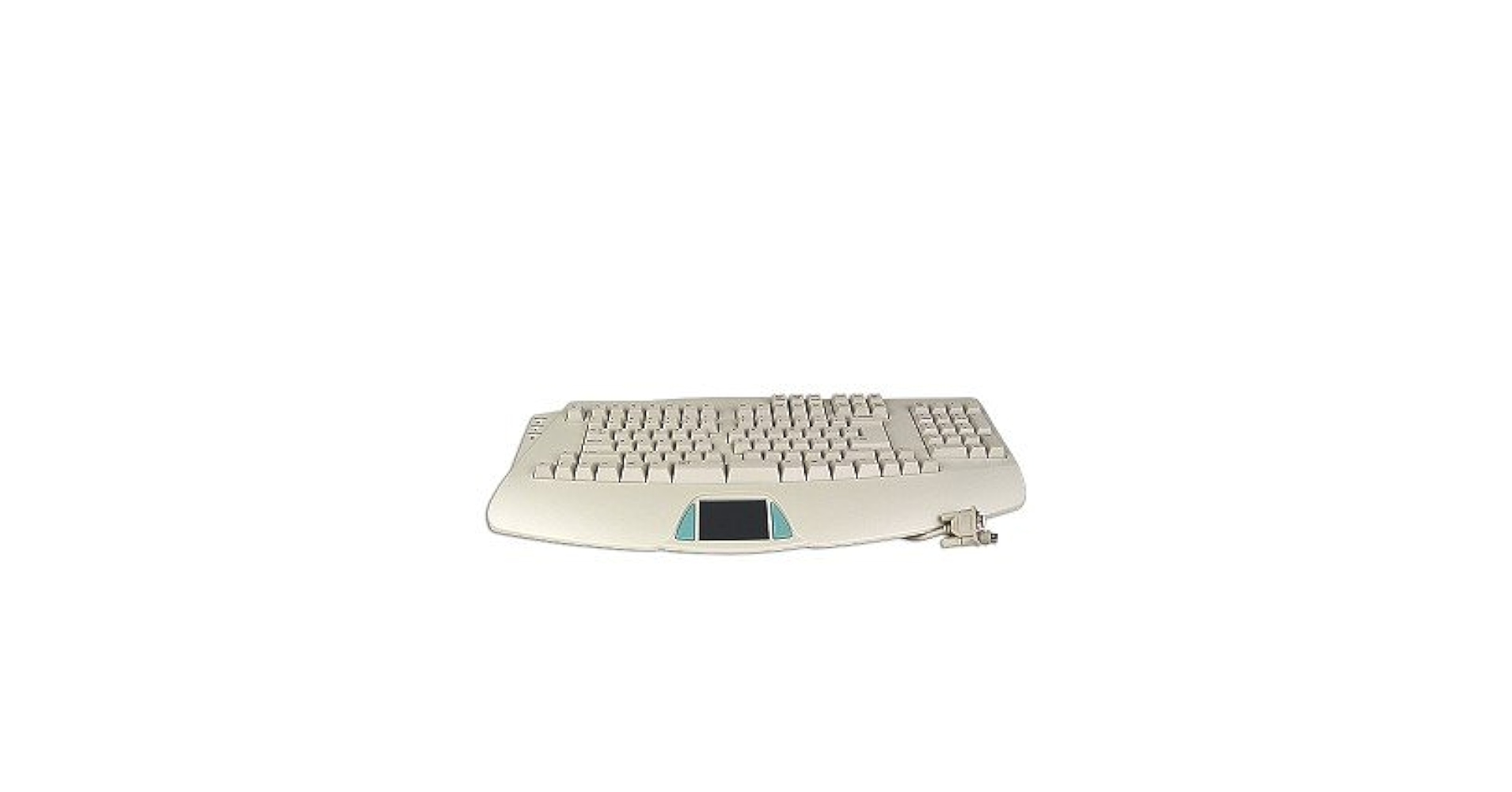
5. BTC 8140M 109-Key PS/2 & Serial Natural Ergonomic
Pros
- Rare PS/2 and Serial connectivity
- Classic, durable build quality
- Full-size, robust ergonomic design
Cons
- Incompatible with most modern PCs without adapters
- Outdated touchpad technology
The Breakdown: The BTC 8140M is a throwback to a different era of computing. This ‘ergonomic keyboard with trackpad’ is built like a tank and designed for computers that pre-date the dominance of USB. It is a highly specialized tool for maintaining or operating older machinery, not for the modern office.
Key Specs:
- Connectivity: Wired PS/2 & Serial Port
- Ergonomic Design: Split Keyboard with Contoured Shape
- Touchpad Functionality: Basic Touchpad (Serial Port)
- Dimensions: Large, heavy-duty footprint
- Keys: Membrane Switches (often with a more tactile feel)
The Community Verdict: The very small user base for this product values it for its specific, legacy purpose. Reports confirm its durability and compatibility with old systems where a ‘usb keyboard and trackpad’ is not an option. For anyone outside this niche, it’s considered a museum piece.
Dealbreaker: Skip this unless you specifically need to connect a keyboard to a computer using a PS/2 or Serial port.
Buying Guide: Choosing Your Ergonomic Keyboard with Touchpad
The main benefit of a keyboard with a touchpad is the fusion of typing and navigation. This design minimizes hand travel, which can reduce shoulder and wrist fatigue over time. When choosing, consider these key factors:
Connectivity: Wired vs. Wireless
Your first decision is how you want to connect. A usb keyboard with touchpad like the Adesso AKB-450UB offers a stable, zero-latency connection that never needs charging. In contrast, the best wireless keyboard with touchpad models offer a clean, cable-free desk. Look for 2.4GHz for a dedicated, stable connection (good for crowded Wi-Fi environments) or Bluetooth for versatile pairing with laptops and tablets. Creating a streamlined workspace is key; pairing your keyboard with an alarm clock with wireless charging can further reduce cable clutter on your desk.
Ergonomic Design
Not all ergonomic keyboards are created equal. A ‘split’ design separates the keys into two angled groups, while a ‘contoured’ or ‘tented’ design raises the center. These features promote a more natural wrist posture. A model with a `keyboard integrated touchpad` is a great two-in-one solution, but some users with specific accessibility needs might still prefer a dedicated setup like a one handed keyboard and mouse.
Key Type and Extra Features
Most keyboards in this category use membrane or scissor switches, which are quiet but can feel ‘mushy’. This is a different experience from mechanical keyboards. For environments requiring extreme durability or silent operation, a specialized rubber keyboard might be a viable alternative, though they typically lack advanced ergonomic features. Also, look for extras like backlighting, dedicated media keys, and wrist rests to match your specific needs.
Frequently Asked Questions
1. Are ergonomic keyboards with touchpads good for gaming?
Generally, no. Market consensus is that the membrane keys found in most models lack the responsiveness and durability required for serious gaming. Furthermore, the integrated touchpads are not precise enough for the fast-paced cursor movements needed in most games. Gamers are better served by a dedicated mechanical keyboard and a high-DPI gaming mouse.
2. What is the best Bluetooth keyboard with a touchpad for multiple devices?
Based on market analysis, the SANWA Multi Device keyboard is a top contender. Its ability to store pairings for two Bluetooth devices and one 2.4GHz RF device, combined with easy switching, makes it ideal for users who control a desktop, laptop, and tablet from a single workstation.
3. How long does it take to get used to a split ergonomic keyboard?
The adjustment period varies, but most users report a learning curve of one to two weeks. Initially, your typing speed may decrease as you retrain your muscle memory to find the keys without looking. However, after this initial period, most people find they can type faster and with significantly less strain than on a traditional keyboard.




