
🚀 Quick Verdict / Top Pick
j5create USB-C Multi-Port Hub with Power Delivery
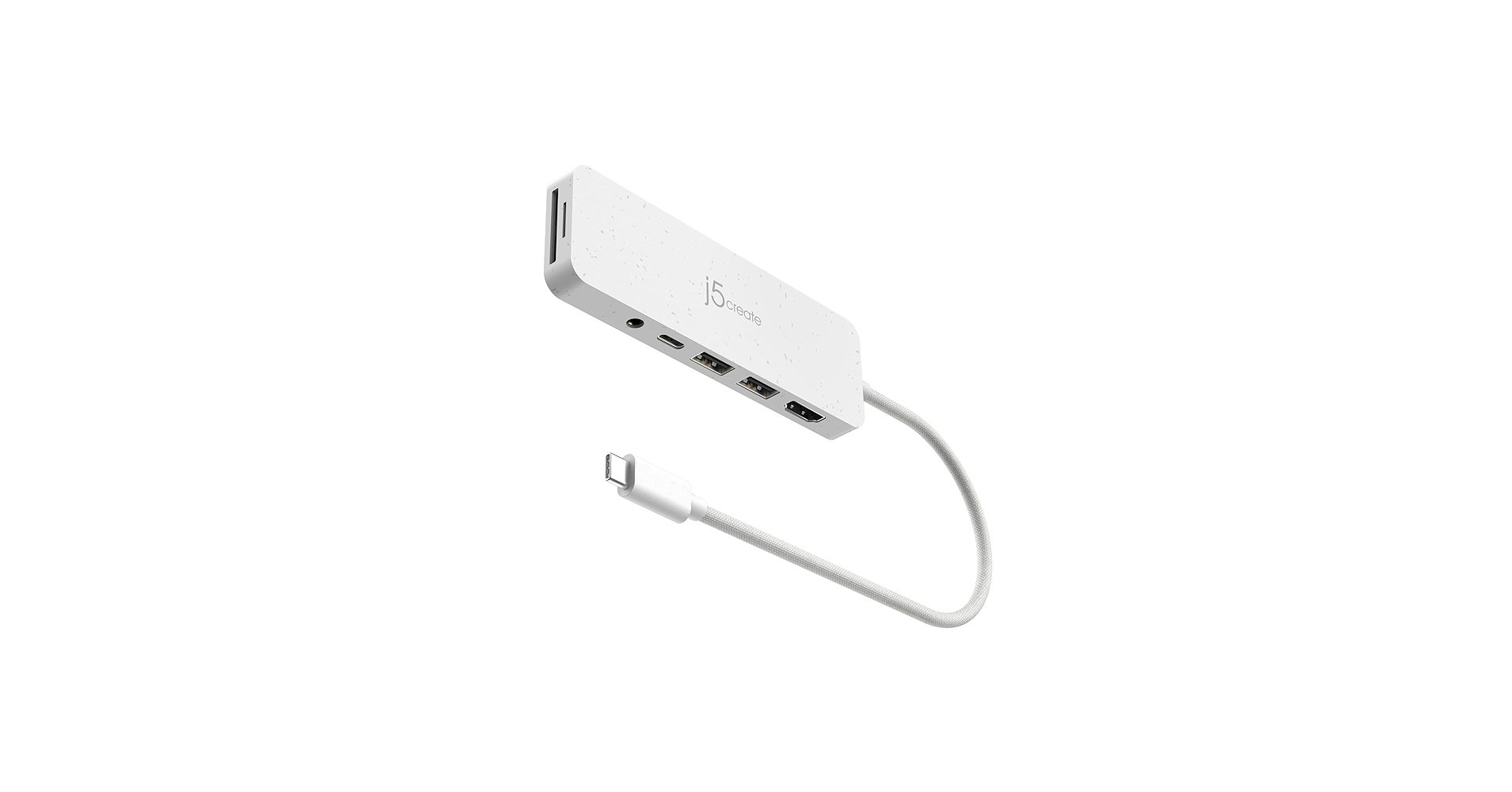
It stands out with its comprehensive port selection, including an SD card reader and 100W Power Delivery, making it the most versatile and future-proof j5create usb hub for modern workflows.
In a streamlined workspace, dongles are the enemy. A high-quality j5create usb hub is the ultimate solution, consolidating your connectivity needs into a single, minimalist device. Whether you’re expanding ports on a new MacBook, adding functionality to an iPad, or simply tidying up your desktop, j5create offers a hub tailored for the task. This guide breaks down the top models to help you find the perfect match for your gear.
j5create USB Hub: Comparison
| Product | Ports | Host Connection | Power Delivery | Best For |
|---|---|---|---|---|
| j5create 7-Port Powered USB 3.0 | 7x USB-A 3.0 | USB-A | N/A (Powered Hub) | Legacy Port Expansion |
| j5create USB C Multi-Adapter | 2x USB-A, 1x USB-C, HDMI, Ethernet | USB-C | 60W | Basic Laptop Docking |
| j5create USB-C Multi-Port Hub | 2x USB-A, 2x USB-C, HDMI, SD/MicroSD | USB-C | 100W | All-in-One Connectivity |
| j5create iPad Pro 6-in-1 Dock | USB-A, USB-C, HDMI, Audio, SD/MicroSD | USB-C | 100W | iPad Pro & Tablets |
| j5create USB-C Mini Dock (Dual HDMI) | 2x USB-A, 1x USB-C, 2x HDMI | USB-C | 100W | Dual Monitor Setups |
The j5create Hub Roundup
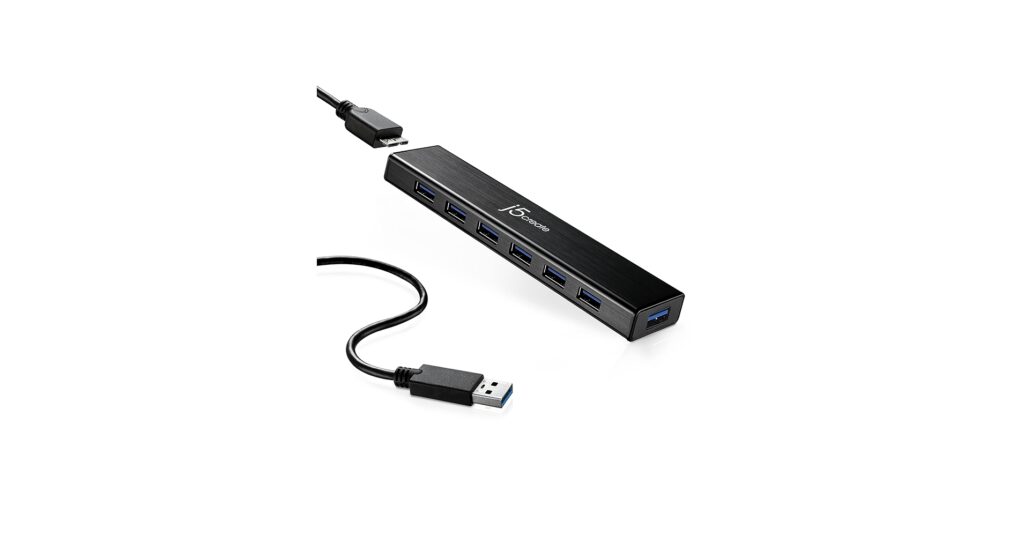
j5create 7-Port Powered USB 3.0 Data Hub
Pros
- Massive expansion with 7 USB-A ports
- AC adapter ensures stable power for all devices
Cons
- No USB-C ports or video output
- Requires a separate power outlet
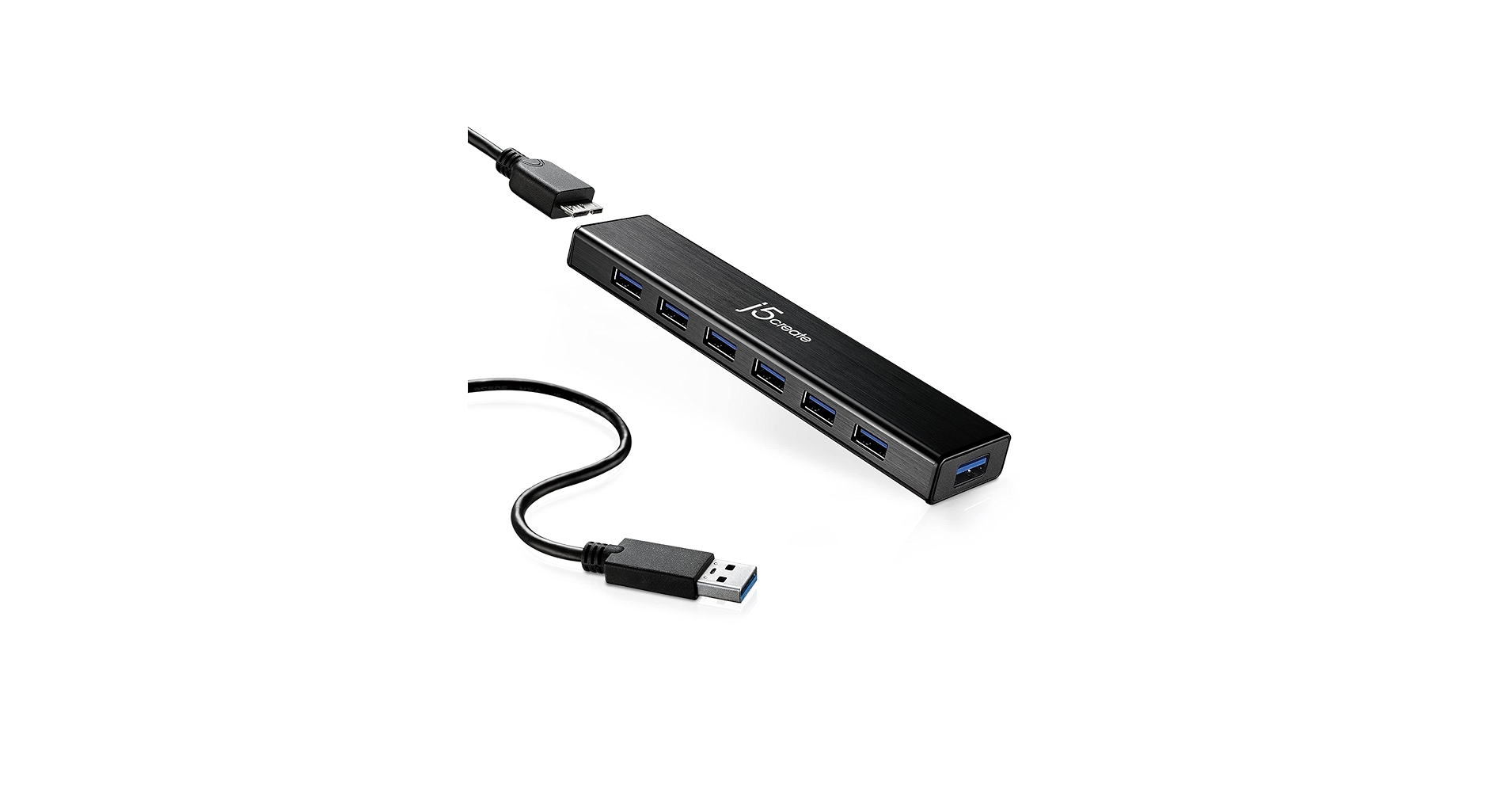
The Breakdown: This is a classic, no-frills data expander for those still heavily invested in the USB-A ecosystem. It’s a workhorse designed to connect multiple hard drives, webcams, and peripherals without power drops. The included power adapter is key to its stability, providing consistent energy that bus-powered hubs can’t match.
Key Specs:
- Ports: 7x USB 3.0 Type-A
- Host Connection: USB 3.0 Type-A
- Power Delivery: N/A (AC Powered for peripherals)
The Community Verdict: Users praise its reliability and the sheer number of ports. It’s frequently cited as a solution for complex desktop setups involving music production gear or multiple external drives. The build quality is consistently highlighted as sturdy and durable.
Dealbreaker: If your workflow involves a modern laptop, the lack of USB-C connectivity and video output makes this a non-starter. It’s purely for expanding legacy ports.
j5create USB C Hub Multi-Adapter Docking Station
Pros
- Includes Gigabit Ethernet for stable internet
- Compact and portable design
Cons
- Power Delivery is limited to 60W
- Lacks an SD card reader
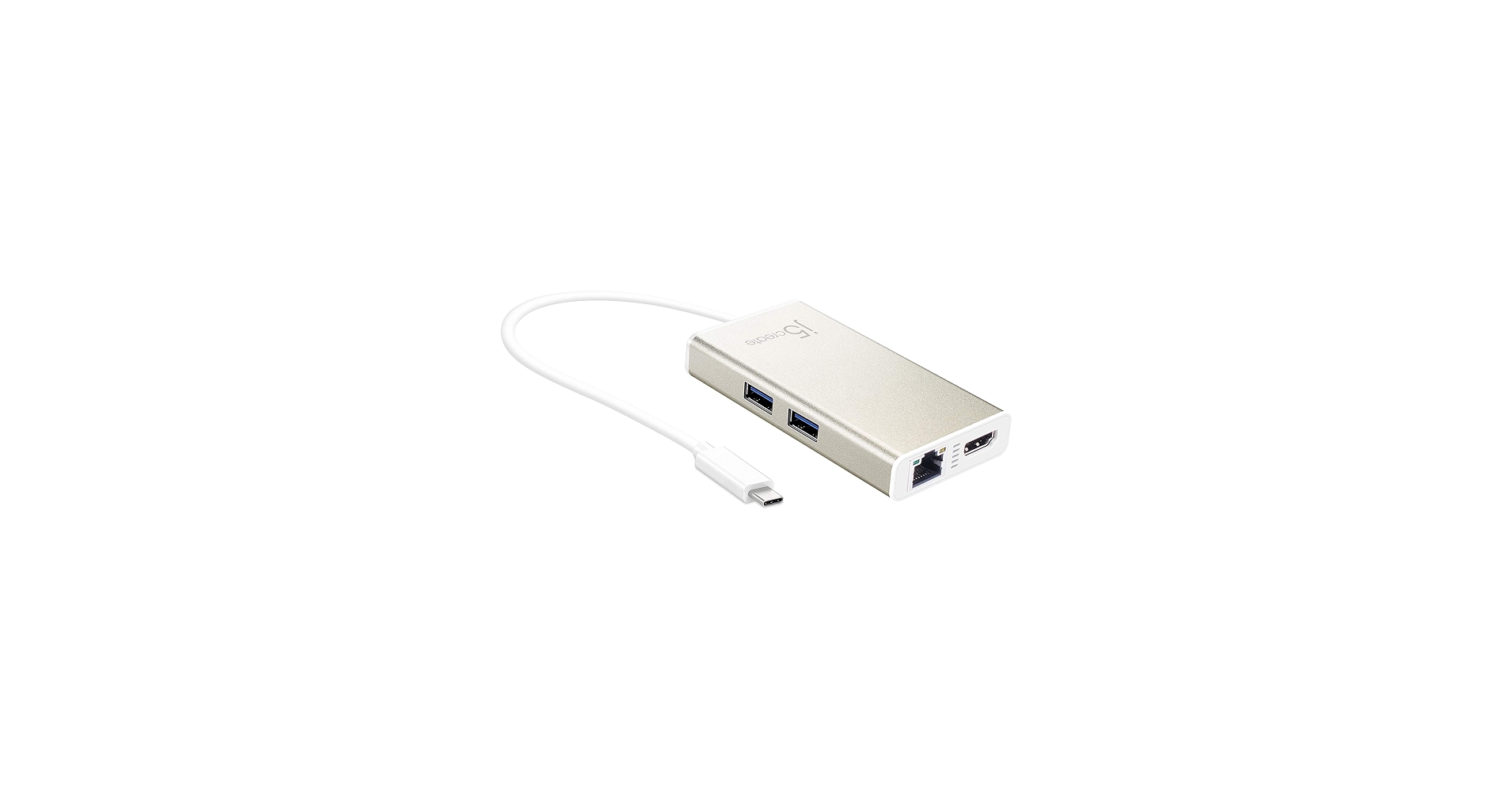
The Breakdown: This model is a fantastic entry-level docking station for turning a USB-C laptop into a capable workstation. The inclusion of Gigabit Ethernet is a major plus for those who need a more reliable connection than Wi-Fi. Its aluminum housing is both sleek and effective at dissipating heat during use.
Key Specs:
- Ports: 2x USB 3.0 Type-A, 1x USB-C (for PD), 1x 4K HDMI, 1x Gigabit Ethernet
- Host Connection: USB-C
- Power Delivery: Up to 60W
The Community Verdict: Market research indicates this is a popular choice for its ‘plug-and-play’ simplicity. Many users buy it for travel or to create a simple hot-desk setup at home. The reliability of the Ethernet and HDMI ports is a common point of positive feedback.
Dealbreaker: The 60W Power Delivery might not be enough to charge more power-hungry laptops (like a 16-inch MacBook Pro) under heavy load. Check your laptop’s power requirements before buying.
j5create USB-C Multi-Port Hub with Power Delivery
Pros
- 100W Power Delivery for demanding laptops
- Includes both USB-A and USB-C data ports
Cons
- No Ethernet port
- Pricier than more basic models
The Breakdown: Our top pick balances modern needs perfectly. With 100W pass-through charging, it can handle nearly any USB-C laptop, while its mix of ports caters to both legacy and current devices. This is an excellent usb hub and card reader combination, eliminating the need for a separate dongle for photographers and videographers.
Key Specs:
- Ports: 2x USB 3.2 Type-A, 1x USB 3.2 Type-C, 1x USB-C (for PD), 1x 4K HDMI, 1x SD/MicroSD Card Reader
- Host Connection: USB-C
- Power Delivery: Up to 100W
The Community Verdict: Consensus is that this hub hits the sweet spot for functionality. Users love the fast data transfer speeds and the convenience of the integrated card reader. It’s often praised for its sleek design and how well it complements modern ultrabooks.
Dealbreaker: The only notable omission is a Gigabit Ethernet port. If you require a wired internet connection, you’ll need to look at a different model or use a separate adapter.
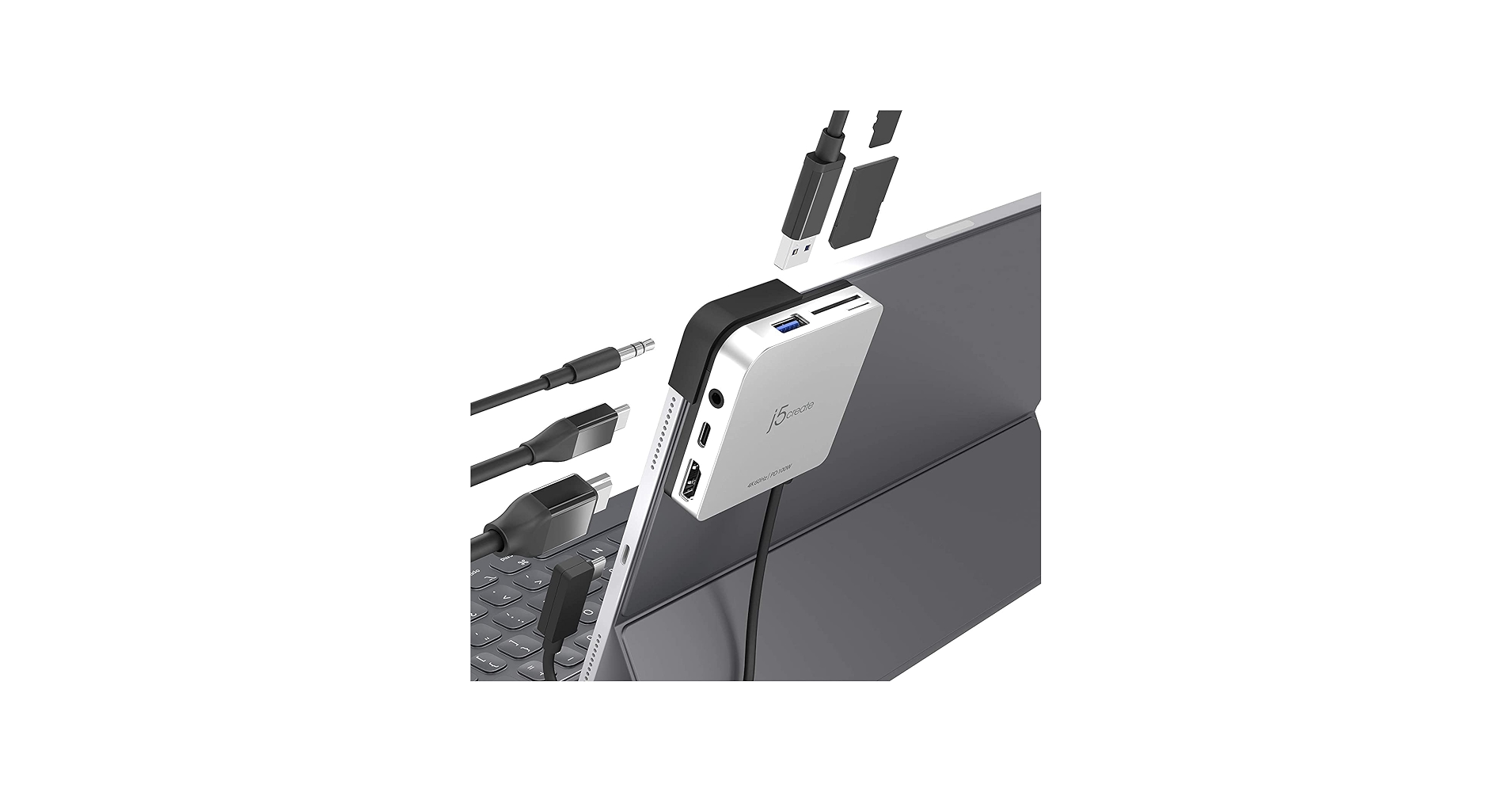
j5create iPad Pro USB C Hub- 6-in-1 Travel Dock
Pros
- Designed to sit flush with an iPad Pro
- Includes a 3.5mm audio jack
Cons
- Only one USB-A port
- Form factor may block ports on some laptops
The Breakdown: This is a specialty hub engineered to perfection for the iPad Pro and other thin USB-C devices. It transforms a tablet into a mini-workstation by adding back essential ports, most notably an audio jack for wired headphones. The magnetic grip ensures a secure, seamless connection that feels like a natural extension of the device.
Key Specs:
- Ports: 1x USB 3.0 Type-A, 1x USB-C (for PD), 1x 4K HDMI, 1x SD/MicroSD Card Reader, 1x 3.5mm Audio Jack
- Host Connection: USB-C
- Power Delivery: Up to 100W
The Community Verdict: iPad Pro users almost universally love this device. Reports confirm it works flawlessly for connecting external monitors, offloading photos from an SD card, and charging the device simultaneously. Its small size and perfect fit are its biggest selling points.
Dealbreaker: While it works with laptops, its design is so specific to tablets that it can feel awkward or even block adjacent ports on a thicker machine.
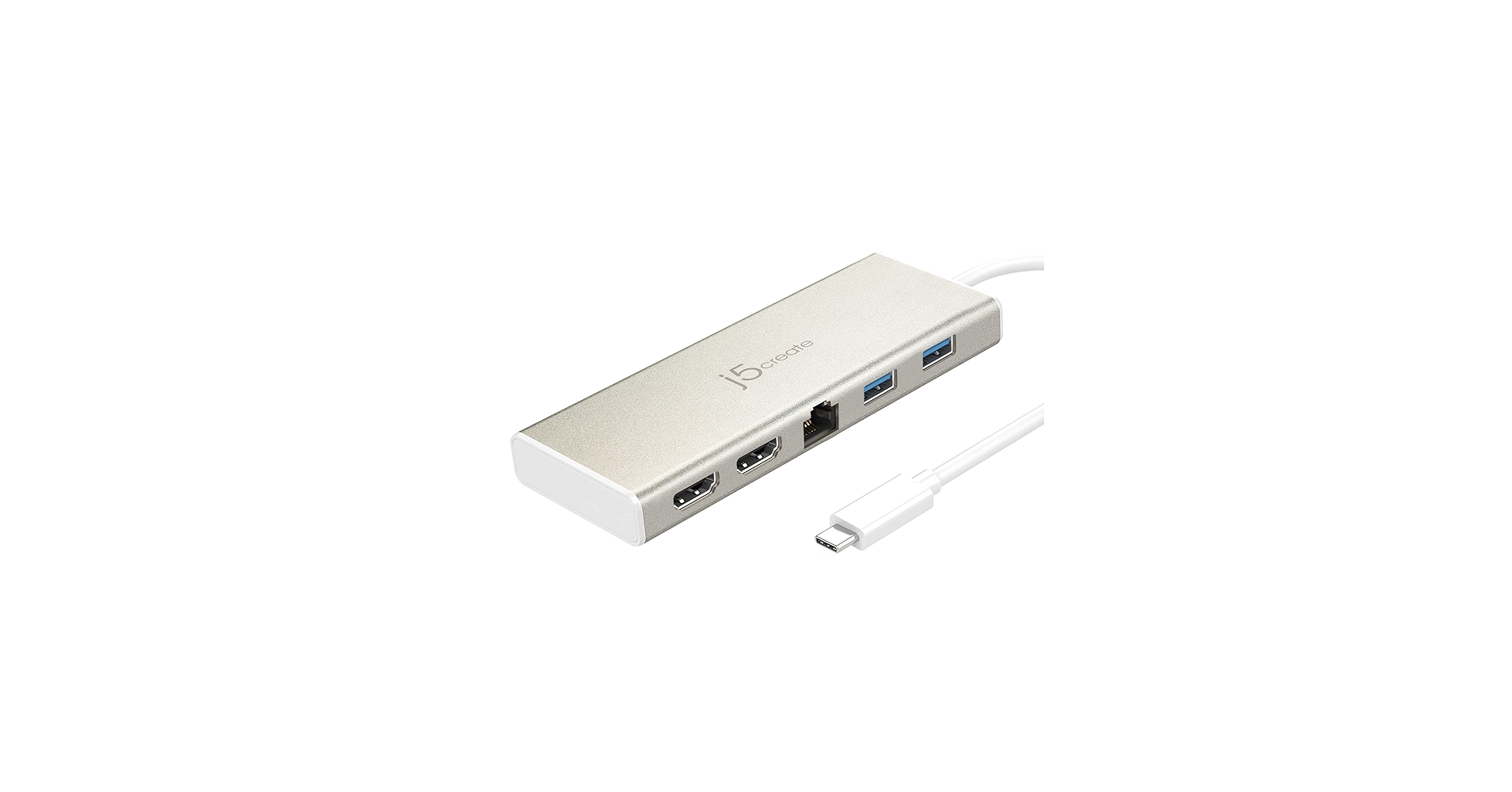
j5create USB-C Mini Dock- Type C Hub with 2X HDMI
Pros
- Drives two 4K HDMI displays simultaneously
- Powerful 100W Power Delivery
Cons
- Extended display on Mac requires a driver
- No SD card reader or Ethernet port
The Breakdown: This hub is built for one primary purpose: powering a dual monitor setup from a single USB-C port. It’s a powerful tool for developers, analysts, and traders who need maximum screen real estate. The hub feels premium and robust, capable of handling the bandwidth required for two 4K displays without issue.
Key Specs:
- Ports: 2x 4K HDMI, 2x USB 3.0 Type-A, 1x USB-C (for PD)
- Host Connection: USB-C
- Power Delivery: Up to 100W
The Community Verdict: Windows users report a seamless experience, with the hub delivering true extended displays across two monitors. Mac users note that a simple driver installation is required for extended mode (otherwise the displays are mirrored), but once installed, it works as advertised. The overall sentiment is highly positive for its core function.
Dealbreaker: If you don’t need a dual-monitor setup, this hub is overkill and lacks the port variety of other models (like a card reader or Ethernet).
Buying Guide: How to Choose a j5create Hub
Selecting the right j5create usb hub comes down to analyzing your specific needs. Here are the key factors to consider:
1. Port Selection
What devices do you need to connect? Make a list. If you’re a photographer, a model with a built-in usb hub and card reader is a must. If you rely on wired internet, prioritize a hub with a Gigabit Ethernet port. For users with multiple monitors, a dual-HDMI model is the only choice. Don’t pay for ports you won’t use.
2. Power Delivery (PD)
Power Delivery allows a hub to charge your laptop through the same USB-C cable it uses for data. Check your laptop’s charger to see its wattage (e.g., 65W, 96W). Choose a hub with equal or greater PD wattage to ensure it can charge your device effectively, even under heavy use. Hubs without PD are fine for desktops or if you plan to use your laptop’s original charger separately.
3. Form Factor & Portability
Consider where you’ll use the hub. For a permanent desktop setup, a larger, powered hub or one with a longer cable might be ideal. For more on this, see our guide on finding a usb hub with long cable for desktop. For travel or use with a tablet, a compact, bus-powered model is more convenient. If you’re deciding between a simple hub and a more powerful solution, it’s worth understanding the differences in our Thunderbolt 4 dock vs USB C hub comparison.
Frequently Asked Questions
Q: Do I need to install drivers for a j5create USB hub?
A: For most models and functions (USB ports, basic HDMI, Ethernet), they are plug-and-play on both Windows and macOS. However, specific advanced features, like enabling dual extended displays on macOS, may require a simple driver installation from the j5create website to function correctly.
Q: Can I charge my phone through a j5create hub?
A: Yes, the USB-A and USB-C ports on these hubs can charge smaller devices like phones and accessories. However, the charging speed will be slower than a dedicated wall charger, as the power is shared across the hub’s functions.
Q: Does j5create offer a usb hub and card reader in one device?
A: Absolutely. Several of their multi-port hubs, like our top pick (B0CJV5S4FD) and the iPad Pro hub (B08TM9QVLS), integrate SD and microSD card readers. This is a highly convenient feature for creative professionals who want to reduce the number of accessories they carry.




