
🚀 Quick Verdict / Top Pick
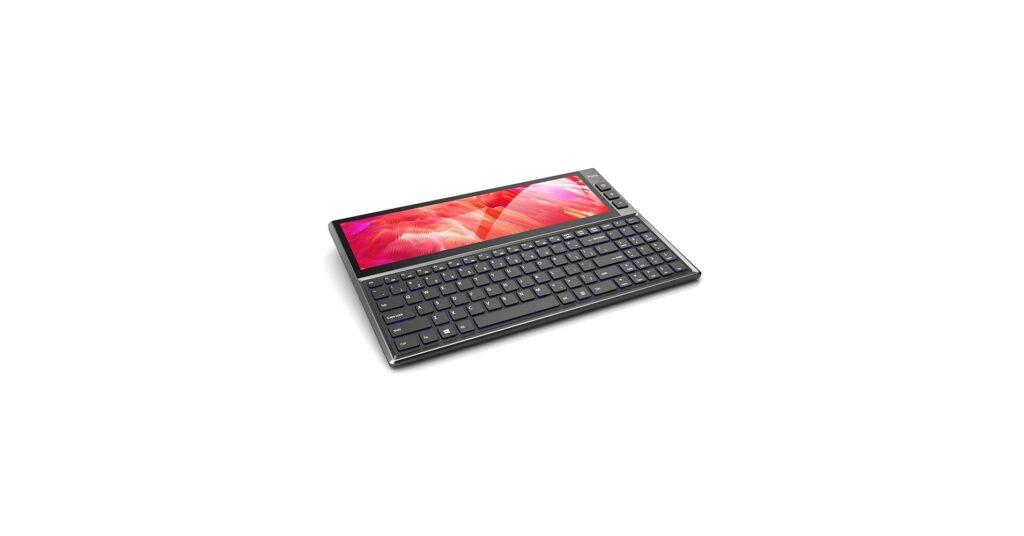
BQAA RGB Keyboard, Built-in 12.6 inches
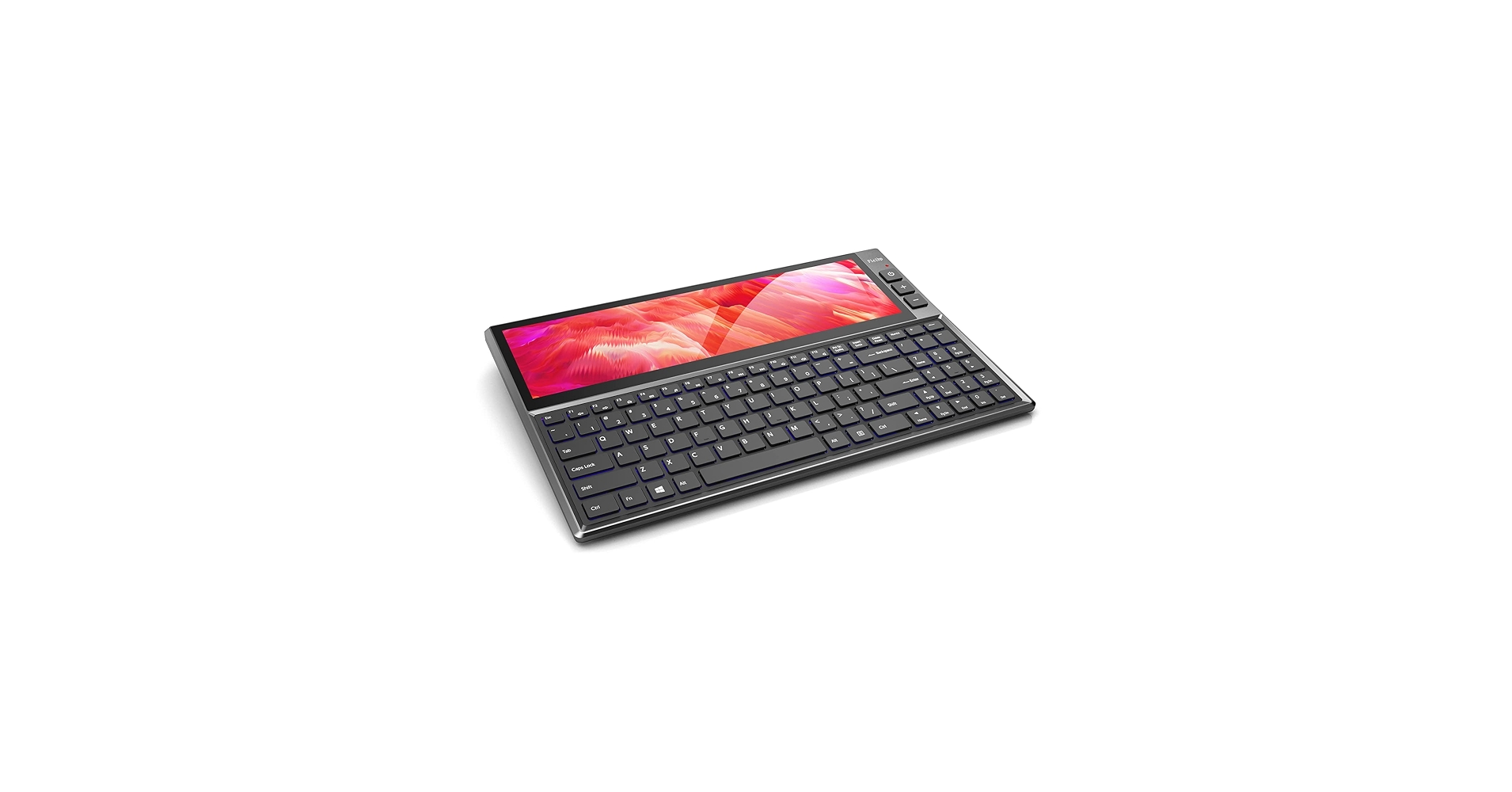
The BQAA keyboard stands out by offering a massive, integrated ultrawide screen for desktop users, a stark contrast to the portable-focused lapdocks on our list.
The concept of a keyboard with built in screen has evolved from a niche gadget to a powerful productivity tool. Whether you’re a streamer needing a dashboard, a remote worker seeking a second screen, or a mobile user wanting a laptop experience from your phone, these devices merge input and output in a uniquely streamlined package. This guide breaks down the top options, from stationary command centers to portable powerhouses, helping you find the perfect fit for your workflow.
Comparison At-a-Glance
| Product | Screen Size / Resolution | Connectivity | Best For |
|---|---|---|---|
| BQAA RGB Keyboard | 12.6″ Ultrawide (1920×515) | USB-C, HDMI | Desktop Multitasking & Streaming |
| ELECROW 14 Inch Portable Monitor | 14″ FHD (1920×1080) | USB-C, HDMI | On-the-Go Laptop Extension |
| ELECROW 14 Inch Lapdock Display | 14″ FHD (1920×1080) | USB-C, HDMI | Gaming (Steam Deck/Switch) |
Detailed Product Reviews
1. BQAA RGB Keyboard, Built-in 12.6 inches
Pros
- Huge 12.6-inch ultrawide display
- Excellent for monitoring stats, chat, or tools
- Full-sized keyboard layout
Cons
- Large desk footprint
- Not a mechanical keyboard
The Breakdown
The BQAA is a unique beast, integrating a massive ultrawide touch screen directly above a full-sized keyboard. It acts as a secondary monitor for your PC, ideal for keeping Discord, Spotify, or performance metrics in constant view. While it’s not one of the typical mechanical keyboards with screen that enthusiasts might build, its membrane keys are quiet and functional for general use.
Key Specs
- Screen: 12.6-inch (1920×515) IPS Touchscreen
- Layout: 104-Key Full Size
- Connectivity: USB-C (for power/touch), HDMI (for video)
- Features: RGB Backlighting, Volume Knob
The Community Verdict
Market research indicates users are impressed by the sheer utility of the screen for specific workflows like video editing timelines or streaming management. Some wish for a higher-end build quality or a true mechanical switch option. The consensus is that it’s a brilliant, if niche, solution to a common multitasking problem.
Dealbreaker
This is a stationary, desktop-only device. If you need portability, this isn’t for you. Furthermore, audiophiles and gamers hoping for a premium keyboard with oled display will find the IPS panel functional, but not as vibrant as OLED technology.
2. ELECROW 14 Inch Portable Monitor with Keyboard
Pros
- Lightweight and easy to pack
- Good quality 1080p IPS panel
- Versatile connectivity options
Cons
- Requires a flat, stable surface to use
- No built-in battery
The Breakdown
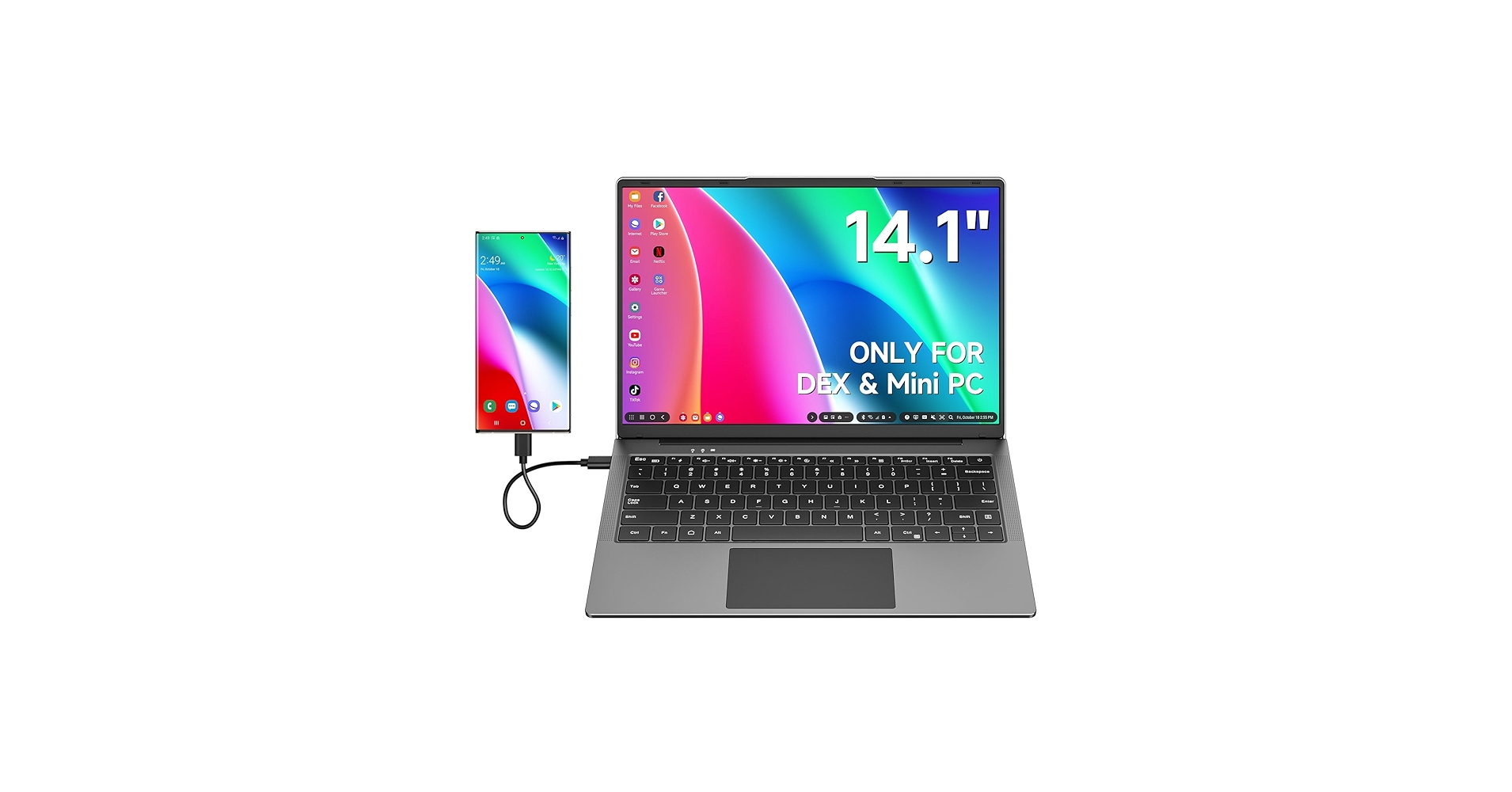
The ELECROW lapdock offers a reliable and streamlined package for extending your digital workspace. It serves perfectly as a second screen for a MacBook or Windows laptop, mirroring the form factor and providing a familiar typing experience. It’s one of the most straightforward keyboards with screen designed for pure portability and extension.
Key Specs
- Screen: 14-inch (1920×1080) IPS
- Layout: Compact Tenkeyless (TKL)
- Connectivity: USB-C, Mini HDMI
- Features: Magnetic kickstand design
The Community Verdict
Analysis of user feedback shows an appreciation for its build quality and the brightness of the display. Many report it’s an ideal travel companion for getting work done in hotel rooms or cafes. A common point of feedback is the desire for a more robust kickstand mechanism.
Dealbreaker
This model lacks an internal battery, meaning it must be powered either by the source device via USB-C or a separate power adapter. This can be a limitation for devices that don’t output enough power, like a Nintendo Switch in handheld mode.
3. ELECROW 14 Inch Lapdock Display with Keyboard
Pros
- Low latency display suitable for gaming
- Includes a built-in battery for true portability
- Sturdy hinge design
Cons
- Heavier than non-battery models
- Standard 60Hz refresh rate
The Breakdown
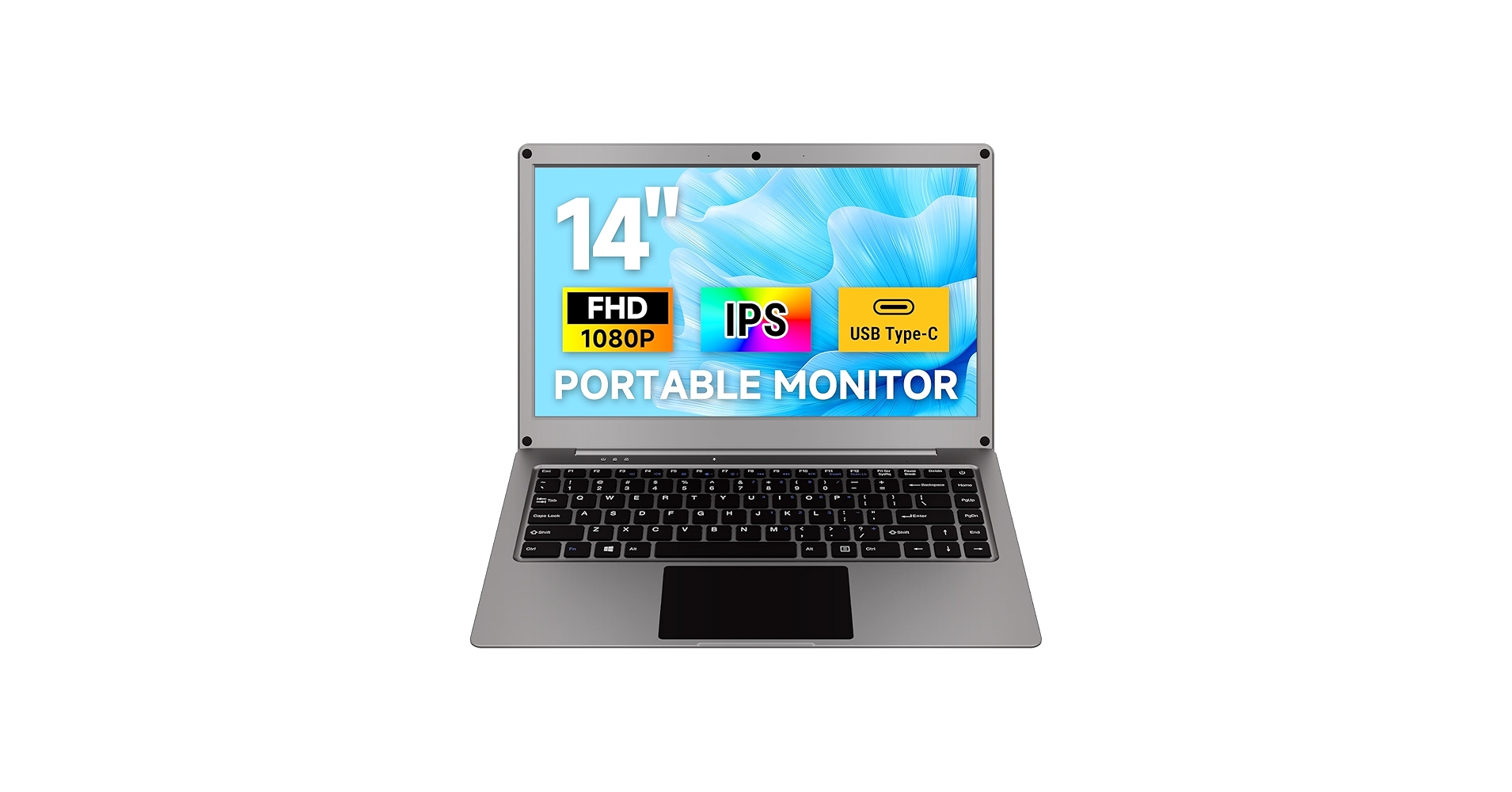
This ELECROW variant distinguishes itself with a key feature: an integrated battery. This makes it a truly independent unit, capable of running for several hours without draining your connected device. This is a game-changer for portable consoles, turning them into a full-fledged laptop-style gaming experience on a much larger screen.
Key Specs
- Screen: 14-inch (1920×1080) IPS
- Layout: Compact Tenkeyless (TKL)
- Connectivity: USB-C, Mini HDMI, Micro USB OTG
- Features: 10,000mAh built-in battery
The Community Verdict
Consensus is that this is one of the best accessories you can buy for a Steam Deck. The battery life is a huge plus, allowing for extended gaming sessions. While not one of the high-refresh rate mechanical keyboards with screen that PC gamers covet, it provides a massive upgrade over the Deck’s built-in display for a reasonable price.
Dealbreaker
The addition of the battery adds noticeable weight and bulk compared to other lapdocks. If your absolute priority is the lightest possible travel setup for work, a model without the battery might be a better choice.
Buying Guide: Choosing the Right Keyboard with a Screen
Selecting the right keyboard with display screen depends entirely on your primary use case. These devices aren’t one-size-fits-all, so consider these key factors before you decide.
Use Case: Desktop Command Center vs. Portable Workstation
First, decide where you’ll be using it. Are you looking for a tool to enhance your main desk? The BQAA keyboard is a unique solution for adding screen real estate without a second monitor, perfect for building out the ultimate WFH desk setup. Conversely, if your goal is to work from anywhere using your phone or to extend your laptop’s screen on the road, one of the lapdock models is the obvious choice.
Screen & Keyboard Quality
While all the models on this list feature functional keyboards with lcd screens, the quality can vary. The lapdocks are designed for portability, often featuring chiclet-style keys with short travel. They are great for emails and documents but might not satisfy a writer or coder used to a mechanical feel. If typing experience is a priority, consider pairing a lapdock with a separate compact ergonomic keyboard for longer sessions.
Power and Connectivity
How your device connects is critical. Most modern lapdocks use a single USB-C cable for power, video, and data with compatible phones and laptops, which is incredibly convenient. However, for devices like a Nintendo Switch or a Raspberry Pi, you’ll need to use HDMI for video and a separate USB-C for power. If you need true untethered use, look for a model with a built-in battery, but be prepared for the extra weight.
Frequently Asked Questions (FAQ)
What is the main benefit of a keyboard built in screen?
The primary benefit is efficiency and portability. For lapdocks, it turns a single device (like your phone) into a complete workstation. For desktop models, it provides a dedicated space for secondary information (like monitoring tools, chat apps, or media controls) directly in your line of sight, reducing the need to switch windows or use a separate, larger monitor.
Do these keyboards work with any device?
Mostly, yes. A keyboard with screen built in will typically work with any device that outputs video via USB-C (with DisplayPort Alt Mode) or HDMI. This includes most modern laptops, many Android phones (especially Samsung and Huawei), single-board computers like the Raspberry Pi, and gaming consoles like the Steam Deck and Nintendo Switch.
Are the keyboards on these devices good for typing?
The keyboards are generally functional but prioritize thinness and portability over a premium typing experience. They are comparable to standard laptop keyboards. If you’re accustomed to high-end mechanical keyboards, you will notice a significant difference in key travel and feel. They are perfectly adequate for mobile work, emails, and light coding.




