
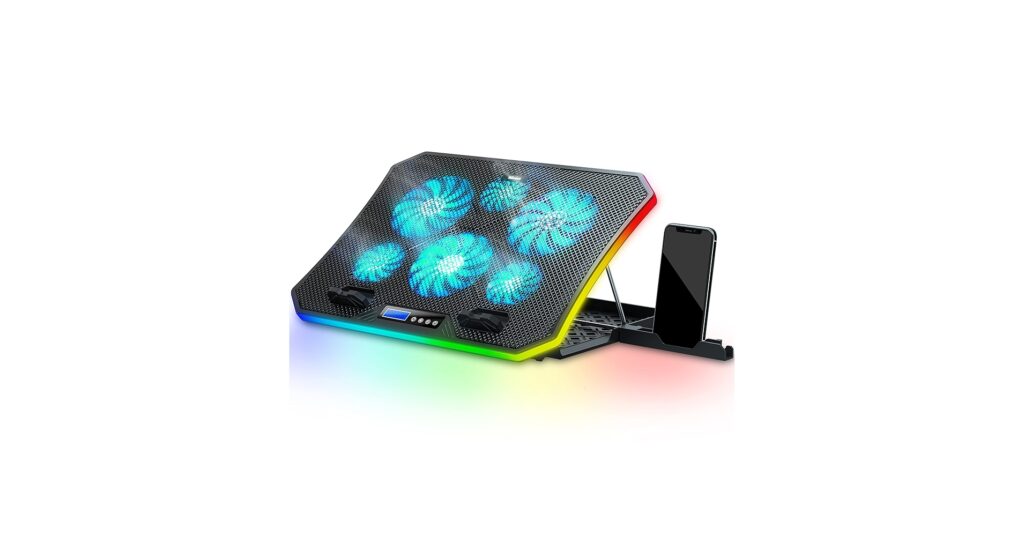
🚀 Quick Verdict / Top Pick
TopMate C12 Laptop Cooling Pad
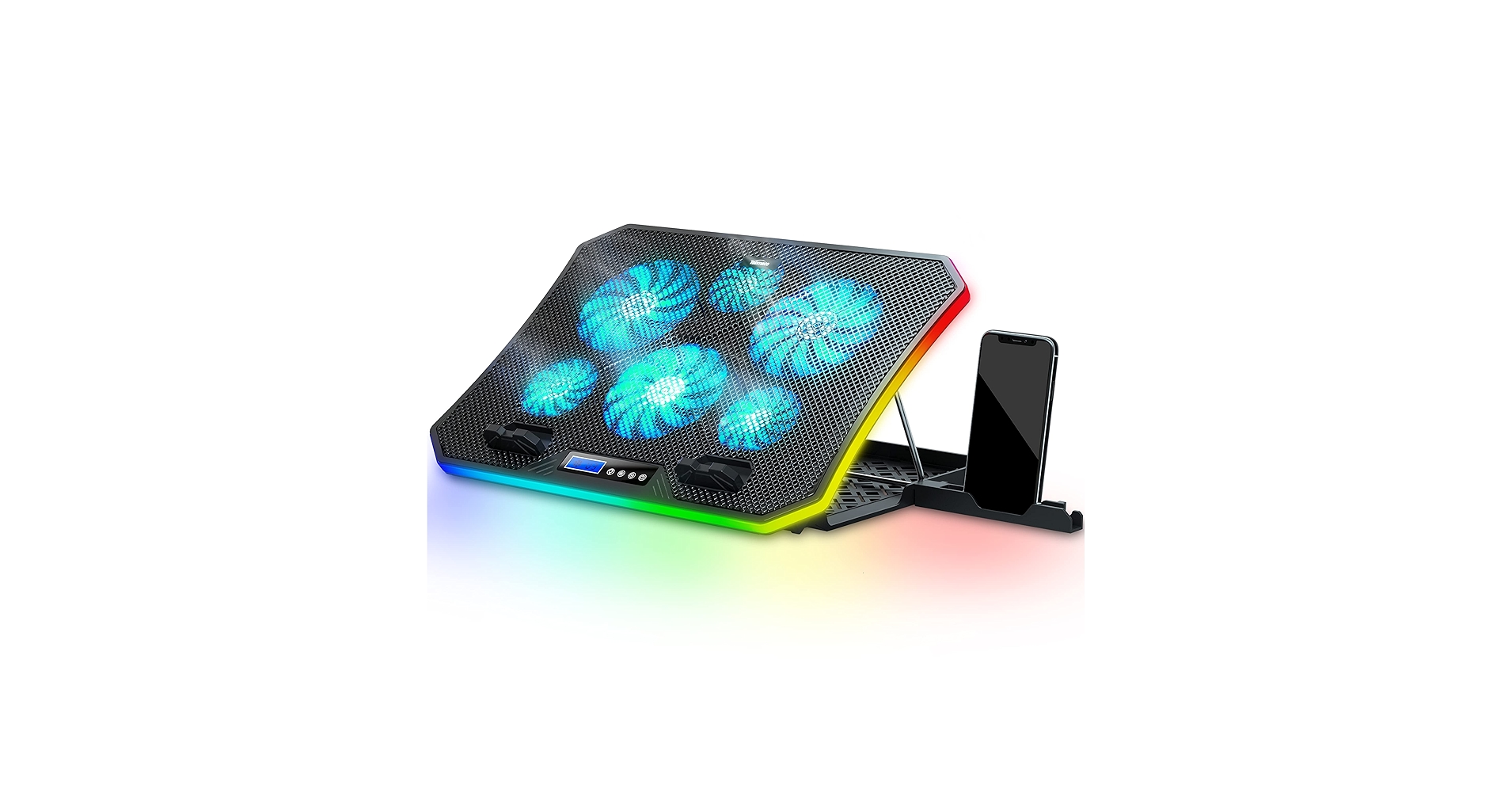
It delivers superior active cooling with six high-speed fans, which is non-negotiable for preventing thermal throttling during intense gaming sessions in bed.
Gaming laptops generate immense heat, and using one on a soft surface like a duvet is a recipe for disaster, choking air vents and causing performance drops. Finding the right laptop cooling pad for gaming in bed is crucial. It’s a delicate balance between raw cooling power and ergonomic stability. After extensive market research, we’ve analyzed the top contenders for 2026 to help you keep your framerates high and your lap cool.
Comparison Matrix: 2026
| Product | Cooling Performance | Base Stability | Best For |
|---|---|---|---|
| TopMate C12 | Excellent (6 Fans) | Good (Adjustable Legs) | Maximum Performance |
| MAX SMART Lap Pad | Fair (1 Fan) | Excellent (Cushioned Base) | Comfort & Stability |
Detailed Reviews
1. TopMate C12 Laptop Cooling Pad
Pros
- Powerful six-fan array for aggressive heat dissipation.
- Adjustable height settings for improved ergonomics.
Cons
- Leg-based stand can be less stable on very soft bedding.
- RGB lighting may not appeal to minimalist aesthetics.
The Breakdown
The TopMate C12 is engineered for one primary purpose: to move a massive volume of air. Market research indicates its six-fan configuration is highly effective at reducing surface and internal temperatures on gaming laptops under heavy load. Its open-frame design with adjustable legs provides a solid air gap, which is a major improvement over placing a laptop directly on fabric.
Key Specs
- Cooling Performance: 6 Fans (3 large, 3 small) with adjustable speed
- Base Stability: Adjustable leg stand with 8 height levels
- Max Laptop Size: Up to 17.3 inches
- Power: USB-A Powered (with 2 ports)
The Community Verdict
Users consistently report significant temperature drops, often citing 10-15°C reductions during gaming. The primary point of contention is its use on uneven surfaces; the consensus is that it performs best when placed on a firm pillow or a small tray in bed to create a stable foundation. The fan noise is generally considered acceptable for the performance it delivers.
Dealbreaker?
Skip this if you require a perfectly stable, solid base for your laptop without any setup. If you tend to shift position frequently, the leg-based design might become a minor annoyance.
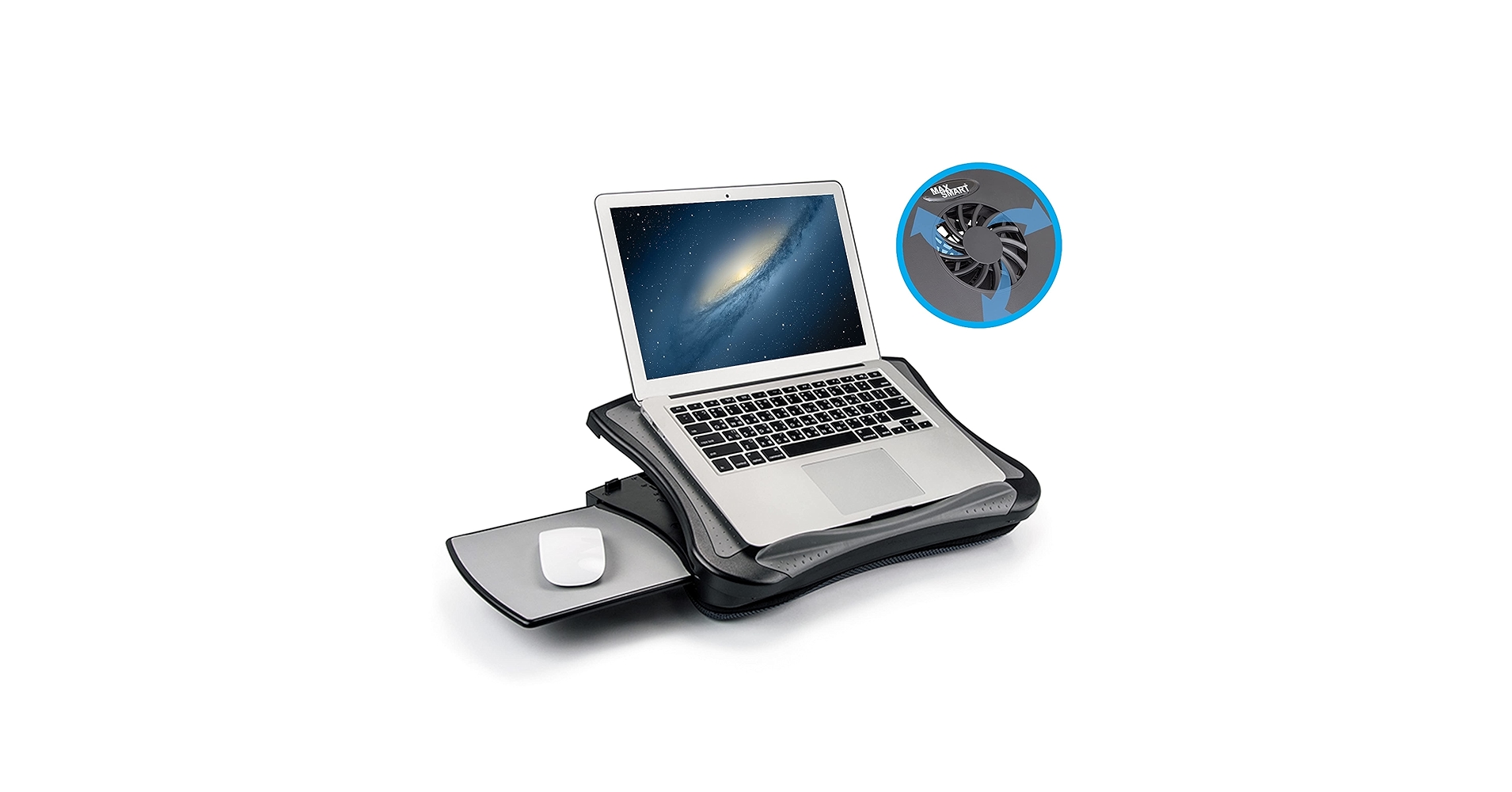
2. MAX SMART Laptop Lap Pad
Pros
- Extremely stable cushioned base is perfect for soft surfaces.
- Lightweight and provides a comfortable typing angle.
Cons
- Single fan offers limited cooling for high-TDP gaming laptops.
- No height or angle adjustment.
The Breakdown
The MAX SMART lap pad is fundamentally a lap desk with an integrated fan. Its strength lies in its design for use on a lap or bed, featuring a cushioned bottom that remains stable regardless of the surface beneath it. This design also ensures the laptop’s own intake vents are never blocked, providing a baseline level of passive cooling improvement.
Key Specs
- Cooling Performance: 1 Fan, USB powered
- Base Stability: Excellent (Flat, cushioned base)
- Max Laptop Size: Up to 17 inches
- Power: USB-A Powered
The Community Verdict
Owners praise this product for its comfort and stability above all else. Reports suggest it’s highly effective for general use and light gaming, preventing the laptop from getting hot to the touch. For graphically intense, AAA titles, however, many users agree the single fan struggles to make a dramatic impact on internal CPU/GPU temperatures.
Dealbreaker?
Skip this if you play demanding games on high settings. The single fan simply won’t provide the level of active cooling required to prevent potential thermal throttling in high-performance laptops.
Buying Guide: How to Choose
When selecting a laptop cooling pad for gaming in bed, you’re trading off between two key features:
1. Cooling Performance: For serious gaming, more fans and higher RPMs are always better. A powerful cooling pad like the TopMate C12 actively draws heat away from the chassis, directly impacting internal component temperatures. This is the priority if your primary goal is to maximize performance and prevent throttling.
2. Base Stability & Comfort: Gaming in bed requires a stable platform. A lap desk with a cushioned bottom, like the MAX SMART, will never wobble. It provides a consistent, flat surface that’s comfortable on your lap and won’t sink into your comforter. This is the priority if you value a comfortable, hassle-free setup over maximum cooling.
For the specific intent of ‘gaming’, performance usually wins. Therefore, we recommend a high-performance pad, even if it requires a little more care in positioning for stability.
Frequently Asked Questions
1. Is it bad to use a gaming laptop in bed?
Yes, placing a gaming laptop directly on soft bedding is very bad. It blocks crucial air intake vents on the bottom of the laptop, causing it to overheat, which can lead to performance degradation (thermal throttling) and potentially shorten the lifespan of components. A cooling pad or lap desk is essential.
2. Do laptop cooling pads actually improve gaming performance?
Yes, indirectly. They don’t boost your CPU or GPU’s raw power, but they prevent them from slowing down due to excessive heat. By maintaining lower temperatures, a good cooling pad allows your components to run at their maximum boost clocks for longer, resulting in smoother, more consistent framerates.
3. Are cooling pads noisy?
They can be, especially multi-fan models at full speed. However, market consensus is that the noise is typically less intrusive than the laptop’s own fans running at maximum RPM. Most users wearing a gaming headset will not notice the sound from the cooling pad at all.




