
🚀 Quick Verdict / Top Pick
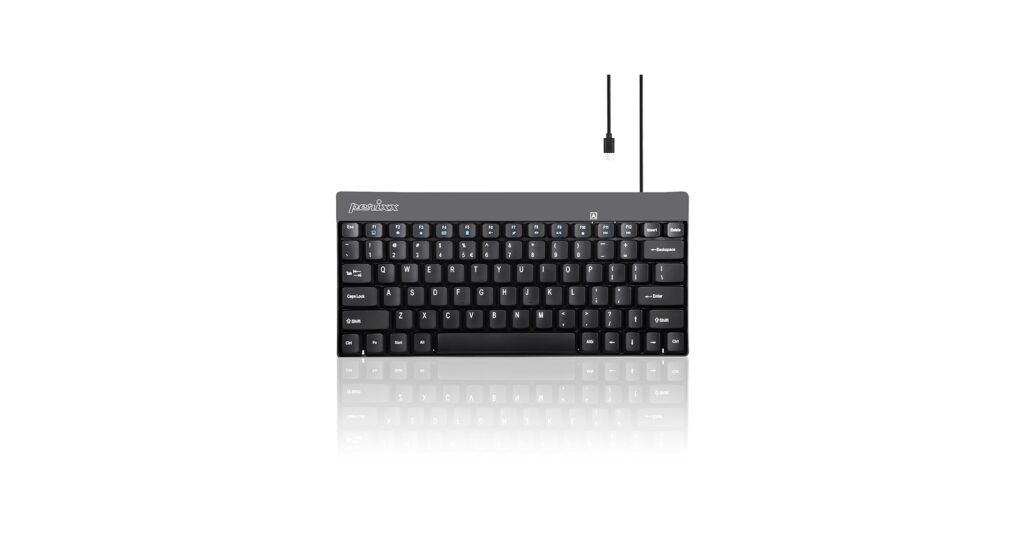
Perixx PERIBOARD-422 Wired USB-C Mini Keyboard
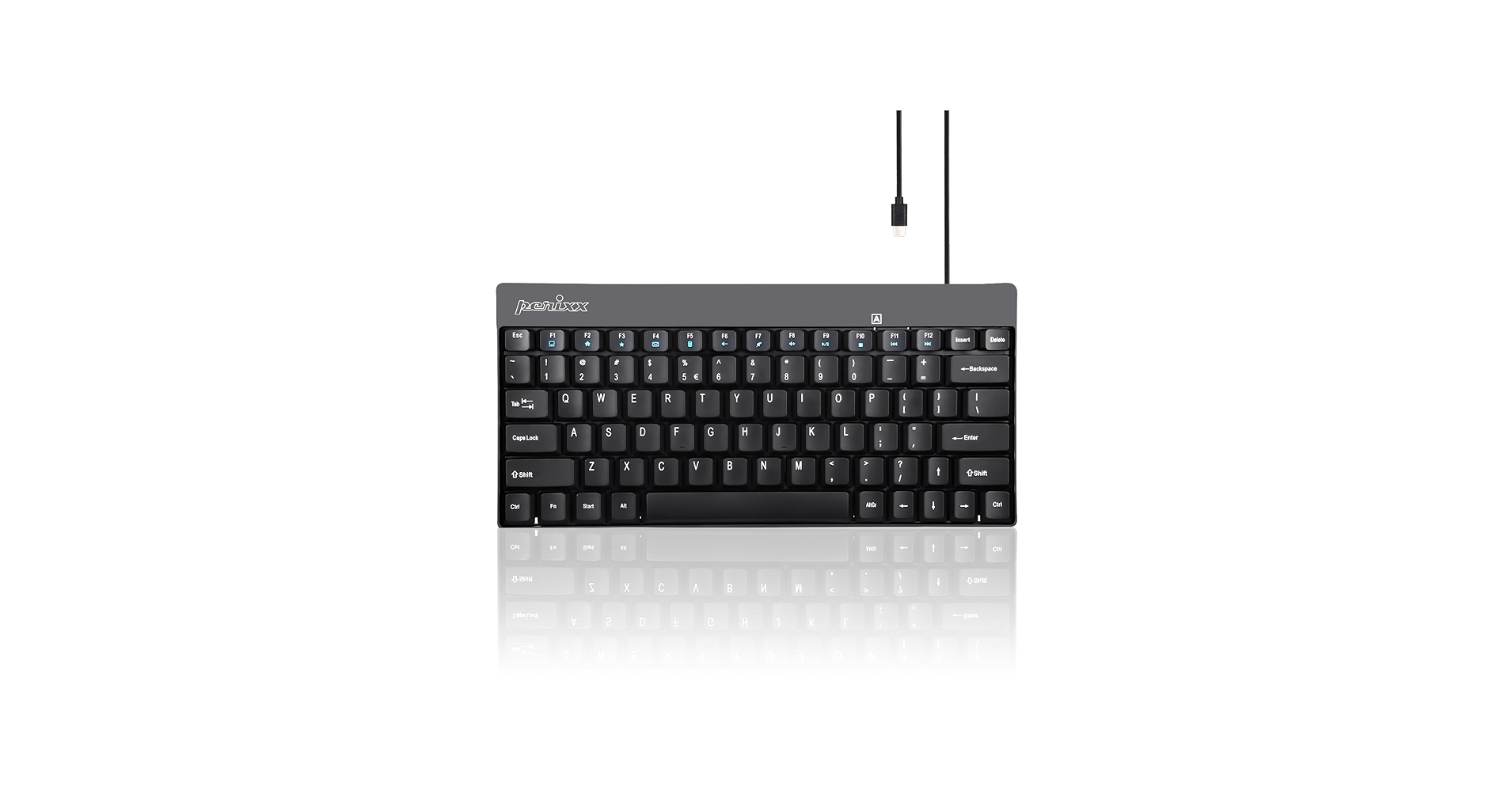
The Perixx PERIBOARD-422 wins for its sleek, modern design, quiet scissor-switch keys, and future-proof USB-C connection, making it the most versatile and professional choice for any minimalist setup.
A cluttered desk can lead to a cluttered mind. The easiest way to reclaim your workspace is by downsizing your peripherals, and the perfect place to start is with a mini keyboard usb. These compact powerhouses offer the full functionality you need without the sprawling footprint of a traditional keyboard, giving you more room for your mouse, notebook, or just the clean, open space your minimalist aesthetic craves. Whether you’re a traveling professional, a competitive gamer, or a design enthusiast, there’s a compact keyboard built for your specific needs. Our market research dives into the top options available, breaking down the specs and user feedback to help you find the ideal match for your desk.
Mini USB Keyboard Comparison
| Product | Connectivity | Layout (Key Count) | Best For |
|---|---|---|---|
| Perixx PERIBOARD-422 | Wired (USB-C) | 75% Compact (83 Keys) | Modern Minimalist Setups |
| CORBOBO 60% Gaming Keyboard | Wired (USB-C) | 60% (61 Keys) | Gamers & RGB Fans |
| Adesso AKB-110B Mini | Wired (USB-A) | TKL (87 Keys) | Budget-Conscious Users |
| Rii i4 Mini Bluetooth Keyboard | Wireless (USB-A Dongle) | Multi-Device (72 Keys + Trackpad) | Media Centers & Tablets |
| abucow Backlit Mini Keyboard | Wired (USB-A) | 60% (61 Keys) | Portable Work & Travel |
The Best Mini USB Keyboards Reviewed
1. Perixx PERIBOARD-422 Wired USB-C Mini Keyboard
Pros
- Modern USB-C connectivity
- Low-profile, quiet scissor-switch keys
- Slim and elegant design
Cons
- No backlighting
- Not ideal for mechanical keyboard purists
The Breakdown: The PERIBOARD-422 strikes an excellent balance between aesthetics and function. Its chiclet-style keys provide a satisfying and quiet typing experience, similar to high-end laptops, making it ideal for office environments. The modern USB-C port ensures a stable, plug-and-play connection with current-generation laptops and docks without needing an adapter.
Key Specs:
- Connectivity: Wired (USB-C)
- Layout: 75% Compact (83 keys)
- Key Type: Scissor-Switch
- Backlighting: No
The Community Verdict: Users consistently praise its build quality and the comfortable, low-profile keys which allow for fast and quiet typing. The compact footprint is a major highlight, freeing up significant desk real estate. It’s often recommended for those who appreciate Apple’s Magic Keyboard design but want a reliable wired alternative for a PC setup.
Dealbreaker: The lack of backlighting can be a significant drawback for users who frequently work in dimly lit conditions. Additionally, those accustomed to the deep travel and tactile feedback of mechanical switches may find the scissor-switches unsatisfying.
2. CORBOBO 60% Gaming Keyboard
Pros
- Extremely compact 60% layout
- Customizable RGB lighting
- Detachable USB-C cable
Cons
- Steep learning curve for function keys
- Membrane keys with a ‘mechanical feel’ may not satisfy purists
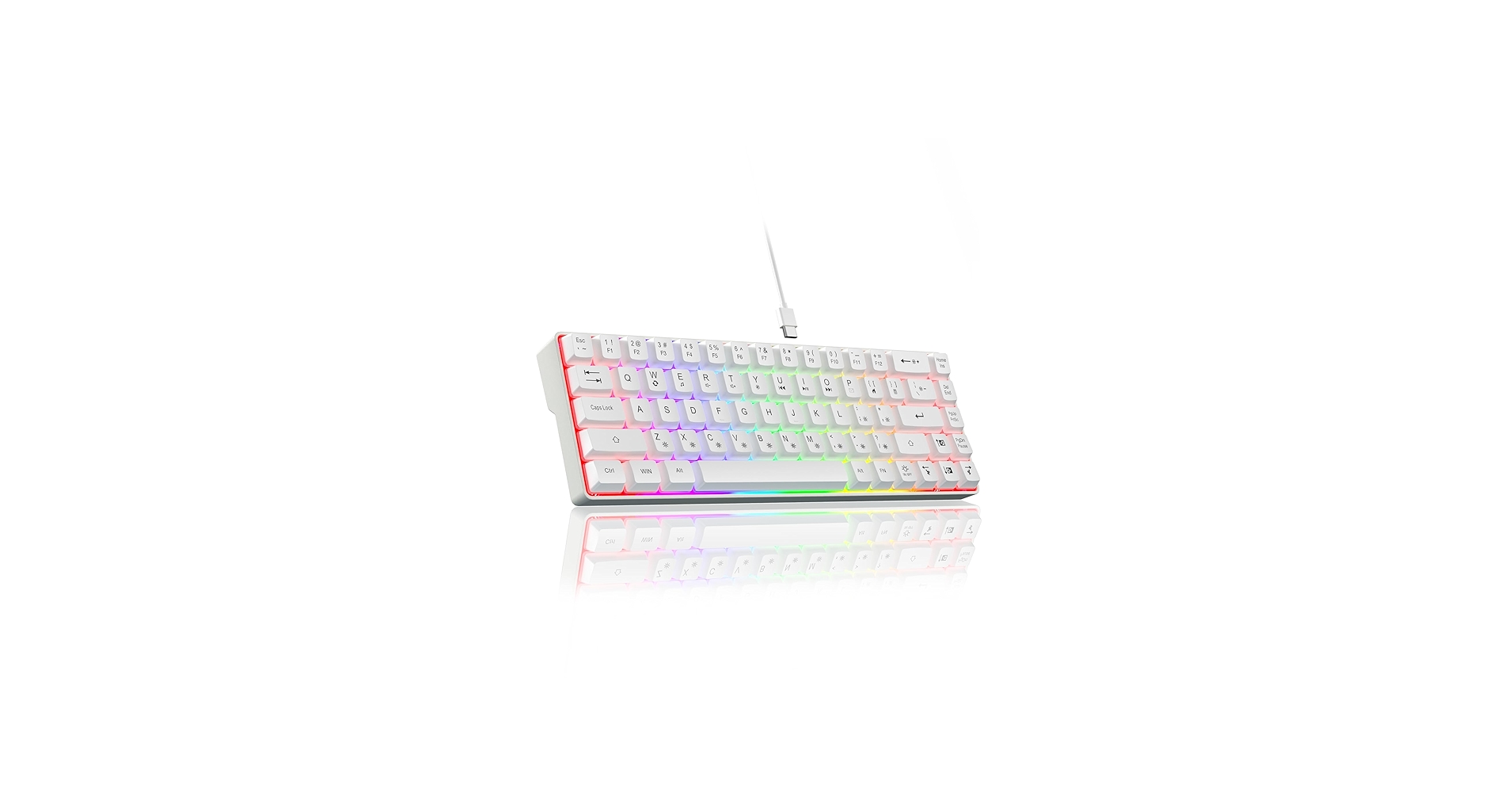
The Breakdown: The CORBOBO keyboard is designed for gamers first. Its 60% layout removes the function row, arrow keys, and numpad, maximizing desk space for sweeping mouse movements. The vibrant rgb lighting is its main visual draw, offering multiple modes and colors to match any gaming rig’s aesthetic.
Key Specs:
- Connectivity: Wired (USB-C, Detachable)
- Layout: 60% (61 keys)
- Key Type: Membrane (Mechanical-Feel)
- Backlighting: Yes (RGB)
The Community Verdict: Market research indicates that buyers are impressed with the brightness and variety of the RGB effects for its price point. The compact design is highly praised by FPS gamers for the ergonomic benefits of increased mouse room. The detachable cable also adds to its portability and durability.
Dealbreaker: The biggest hurdle is the reliance on the ‘Fn’ key for essential functions like arrow keys and F-keys. This can be frustrating for productivity tasks and takes significant getting used to. While it’s marketed as having a mechanical feel, it is a membrane keyboard, and the tactile feedback is not comparable to true mechanical switches.
3. Adesso AKB-110B Mini Keyboard
Pros
- Affordable price point
- Standard TKL layout is easy to adapt to
- Lightweight and portable
Cons
- Basic membrane keys can feel mushy
- Dated USB-A connector
- Build quality feels lightweight
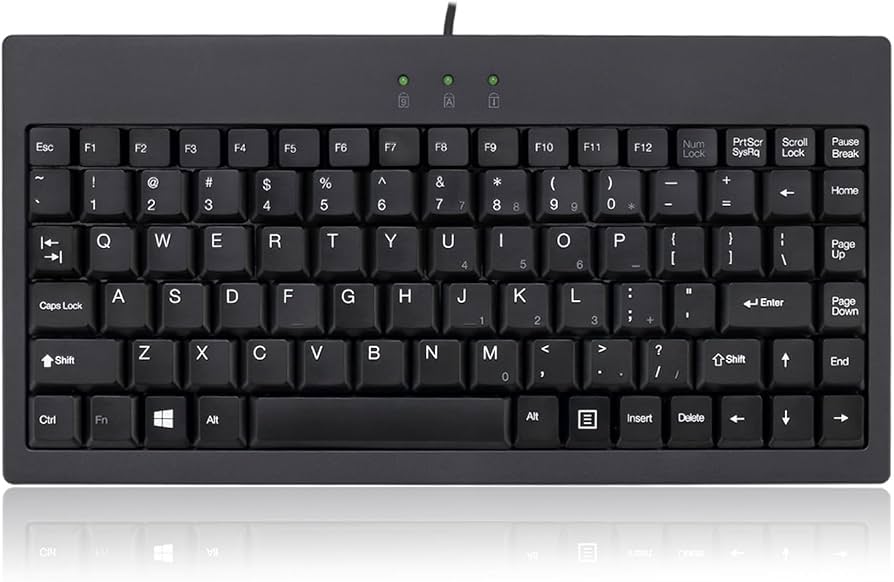
The Breakdown: The Adesso AKB-110B is a straightforward workhorse. It adopts the familiar tenkeyless (TKL) layout, which simply removes the numpad, making the transition from a full-size keyboard seamless. There are no flashy lights or advanced features; it’s a simple, reliable plug-and-play device for basic typing needs.
Key Specs:
- Connectivity: Wired (USB-A)
- Layout: TKL (87 keys)
- Key Type: Membrane
- Backlighting: No
The Community Verdict: The consensus is that this keyboard is a great value proposition. It’s often purchased for use in server rooms, as a travel keyboard, or for point-of-sale systems where space is tight and cost is a primary concern. Users appreciate its simple, durable build and the fact that it just works without any fuss.
Dealbreaker: The typing experience is its weakest point. The membrane keys lack crispness and can feel soft or mushy, which may lead to fatigue during long typing sessions. Its plastic construction and older USB-A connector clearly mark it as a budget option.
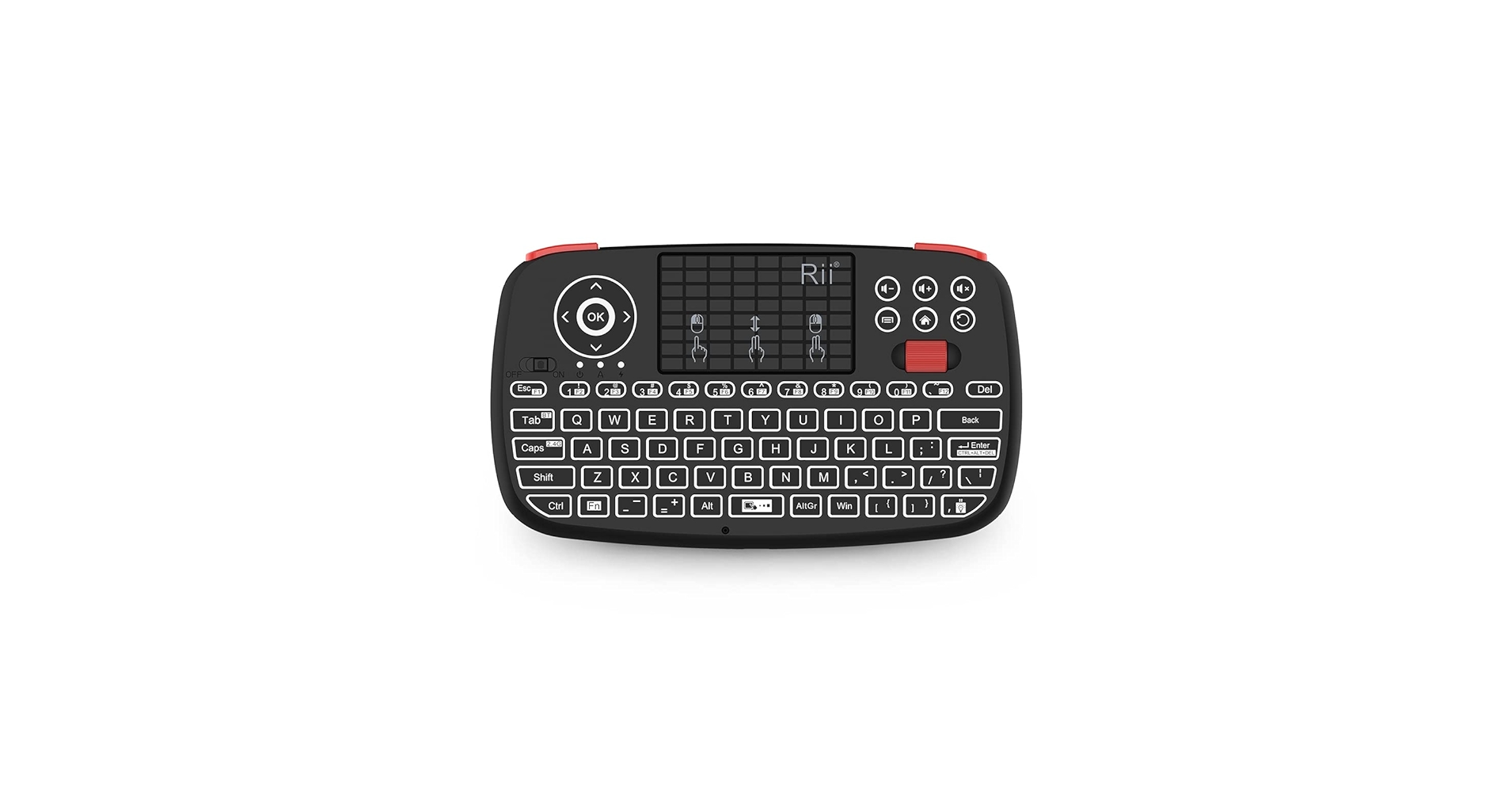
4. Rii i4 Mini Bluetooth Keyboard with Trackpad
Pros
- Integrated trackpad and scroll wheel
- Wireless via Bluetooth or USB dongle
- Backlit keys for visibility
Cons
- Not designed for touch typing
- Smaller keys can be hard to use
The Breakdown: The Rii i4 is less of a traditional desk keyboard and more of a handheld remote control. It combines a compact QWERTY layout with a surprisingly functional trackpad, scroll wheel, and media keys. Connection is flexible, offering both Bluetooth and a 2.4GHz USB dongle for wide compatibility.
Key Specs:
- Connectivity: Wireless (Bluetooth + 2.4GHz USB-A Dongle)
- Layout: Handheld (72 keys + Trackpad)
- Key Type: Rubber Dome
- Backlighting: Yes (White)
The Community Verdict: This device is a favorite among home theater PC (HTPC) builders and those who connect a computer to their TV. It eliminates the need for a separate keyboard and mouse, making it easy to browse media from the couch. The backlit keys are a critical feature for use in a dark living room.
Dealbreaker: This is not a primary typing device. The small, rubbery keys are designed for thumb-typing, not touch-typing, and attempting to write a long document on it would be an exercise in frustration. It’s a specialized tool for control, not creation.
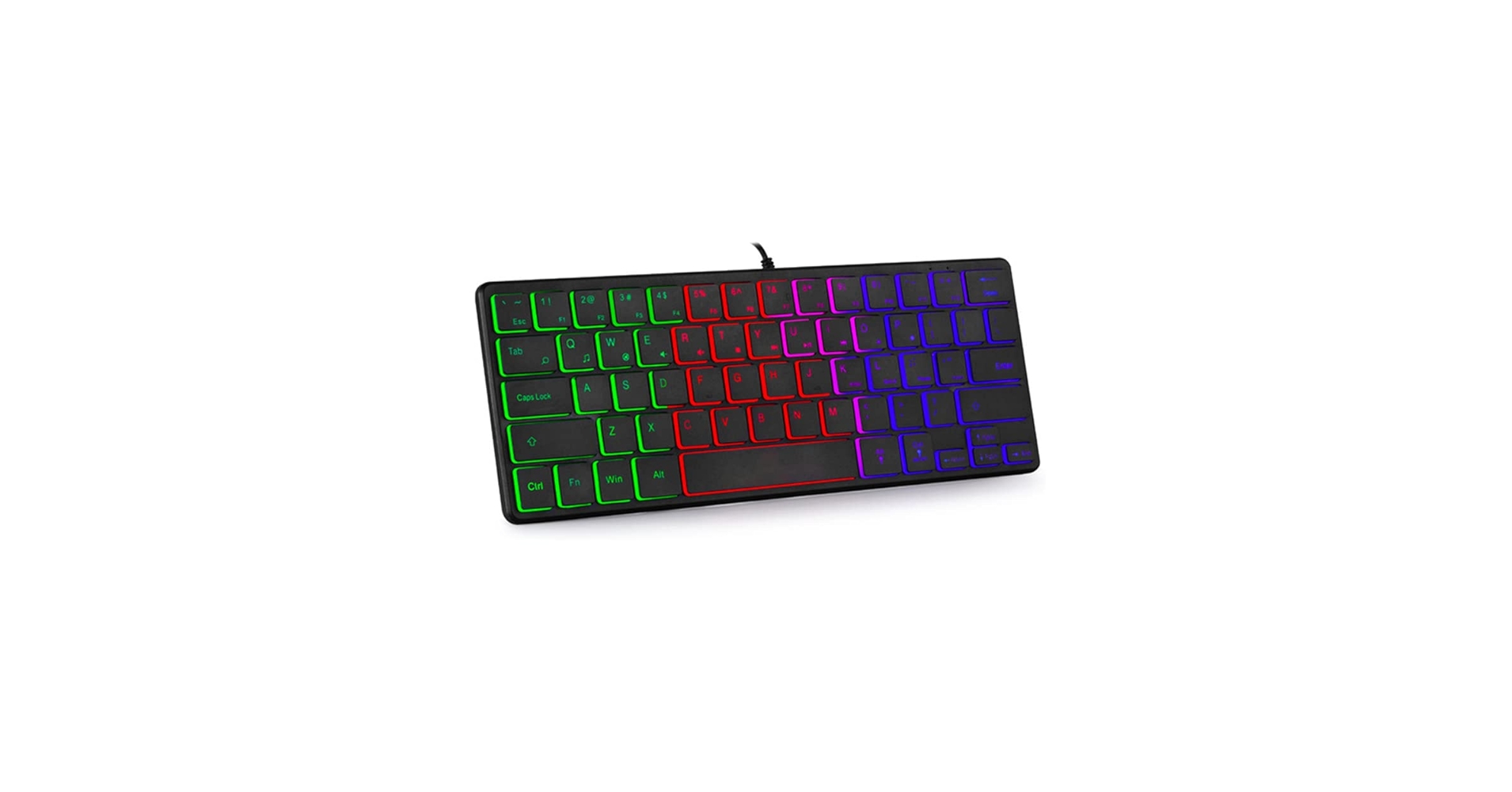
5. abucow Backlit Mini Keyboard USB Wired Portable
Pros
- Very small and lightweight
- Bright, rainbow backlighting
- Affordable and simple to use
Cons
- 60% layout requires Fn key combinations
- Non-customizable ‘rainbow’ backlight
The Breakdown: The abucow mini keyboard is built for ultimate portability. Its 60% layout and featherlight construction mean it can be tossed into a backpack without a second thought. The static rainbow backlight ensures key visibility in any lighting, making it a great companion for late-night study sessions or working on a plane.
Key Specs:
- Connectivity: Wired (USB-A)
- Layout: 60% (61 keys)
- Key Type: Membrane
- Backlighting: Yes (Rainbow)
The Community Verdict: Feedback often highlights its convenience as a portable keyboard for laptops or tablets (with an adapter). The backlighting is consistently noted as being bright and effective, even if the color scheme isn’t for everyone. It’s considered a solid, budget-friendly portable keyboard.
Dealbreaker: Like the CORBOBO, its 60% layout presents a learning curve for accessing arrows and function keys, which can slow down workflow. The rainbow backlighting is not customizable to a single color, which can be distracting for users who prefer a more minimalist aesthetic.
Buying Guide: How to Choose a Mini USB Keyboard
Choosing the right small form factor keyboard depends entirely on how you plan to use it. The primary benefit is reclaiming valuable desk space, which is essential for a clean setup. Pairing a mini keyboard with a Desk Organizer Shelf With Pen Holder can completely transform a cluttered workspace into a zone of productivity. Here are the key factors to consider:
Keyboard Layout: 60% vs. Tenkeyless (TKL)
The most important decision is the layout. A Tenkeyless (TKL) keyboard is the easiest to adapt to, as it’s a full-size keyboard with the number pad chopped off. You retain your dedicated arrow keys and function row. A 60% keyboard goes further, removing the function row and arrow keys, integrating them into other keys accessible via a function (Fn) layer. This offers the smallest footprint but requires you to re-learn some muscle memory.
Key Switch Type
The feel of the keys is critical to your typing experience. Membrane keys are quiet and soft, common in budget options. Scissor-switches, found in many laptops and the Perixx model, offer a low-profile, stable, and slightly more tactile feel than membrane. Mechanical switches (or ‘mechanical-feel’) are preferred by gamers and enthusiasts for their distinct tactile feedback and audible click, but they are louder and more expensive.
Ergonomics and Comfort
While a smaller keyboard provides more room for your mouse, potentially improving shoulder posture, long sessions can still cause strain. Some users may find that the compact layout causes wrist tension. If you’ve ever experienced discomfort, investing in an Orthopedic Keyboard For Wrist Pain might be a better long-term solution. For any mini keyboard, consider a separate wrist rest to maintain a neutral wrist position.
Frequently Asked Questions
What is a 60% keyboard?
A 60% keyboard is an ultra-compact layout that omits the number pad, function row (F1-F12), navigation cluster (Home, End, etc.), and dedicated arrow keys. These functions are accessible through a secondary layer, by holding down an ‘Fn’ or ‘Function’ key. They are prized by gamers and minimalists for their tiny footprint.
Are mini keyboards good for gaming?
Yes, for many types of games, they are excellent. By removing the number pad, a mini keyboard allows for a much larger area for mouse movement. This is a significant ergonomic and performance advantage in fast-paced games like first-person shooters, as it allows for a more natural arm position.
How do you use arrow keys on a mini keyboard?
On most 60% or 75% mini keyboards that lack dedicated arrow keys, you use them by holding down the ‘Fn’ key and pressing other keys that are marked with arrow symbols. Commonly, the I, J, K, and L keys or the W, A, S, and D keys serve as the arrows when the function layer is active. This can take some time to get used to.




