
🚀 Quick Verdict / Top Pick
Univivi No Drill Under Desk Cable Management Tray
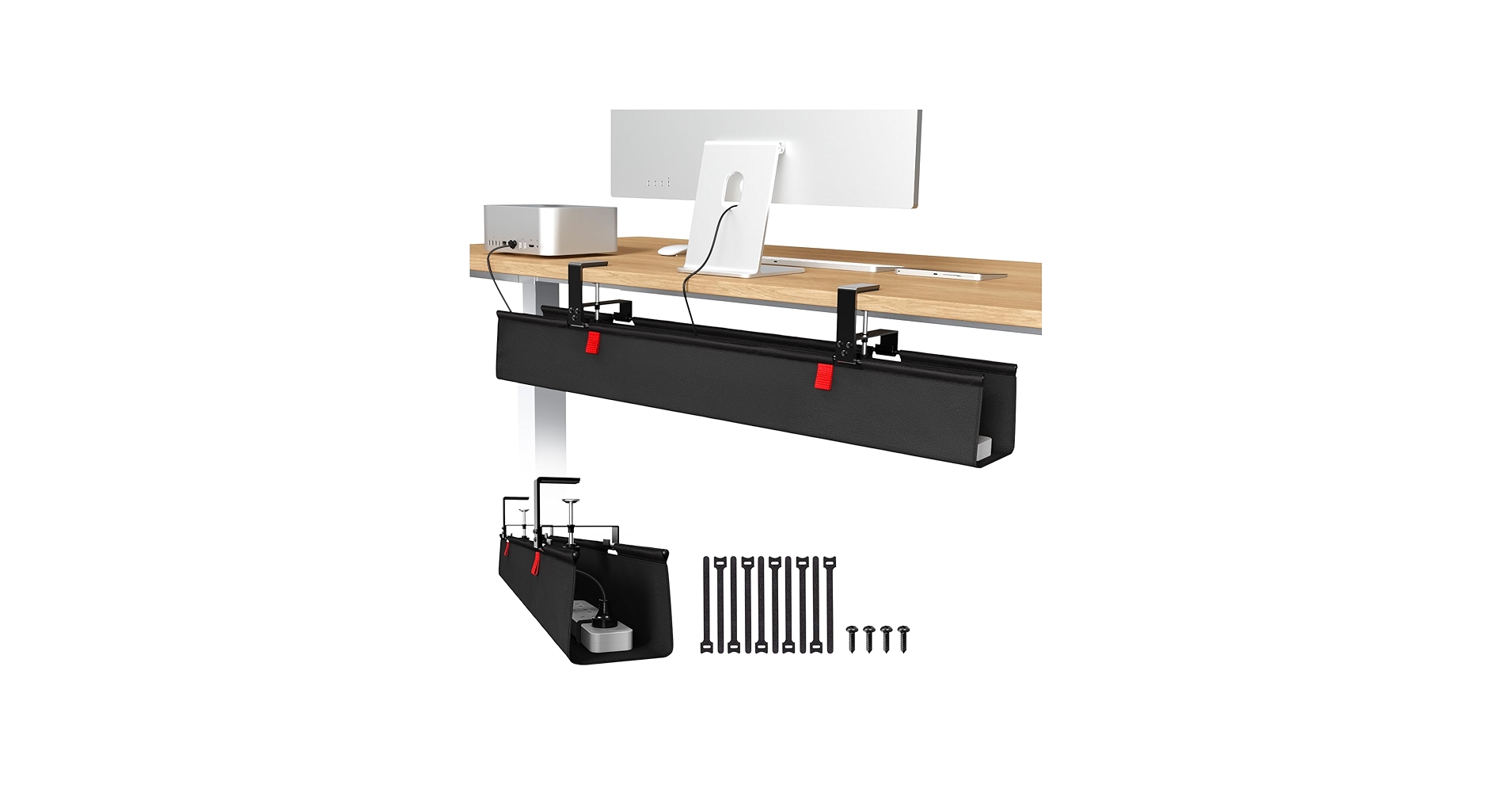
The Univivi tray wins for its unmatched versatility, offering both a damage-free clamp install and a screw-in option, combined with a unique unfoldable fabric design for incredibly easy access.
A clean desk fosters a clear mind, but the tangle of cables from monitors, chargers, and peripherals can quickly turn a minimalist setup into a chaotic mess. The right office desk with cord management is not just an accessory; it’s a fundamental upgrade for organization and focus. Whether you need to hide a bulky power strip or simply guide a few charging cables, we’ve analyzed the market to find the most effective and easy-to-install solutions that restore order to your workspace.
| Product | Installation Method | Material | Best For |
|---|---|---|---|
| YECAYE J-Channel Organizer | Adhesive Tape | PVC | Linear Cable Routing |
| Univivi No Drill Tray | Clamp & Screw | Oxford Fabric | Maximum Versatility |
| Cinati Under Desk Tray | Clamp | Metal | No-Drill Simplicity |
| Metal Under Desk Tray | Clamp | Steel | Heavy-Duty Use |
| Self Adhesive Cord Organizer | Adhesive Tape | Silicone/Plastic | Single Cable Management |
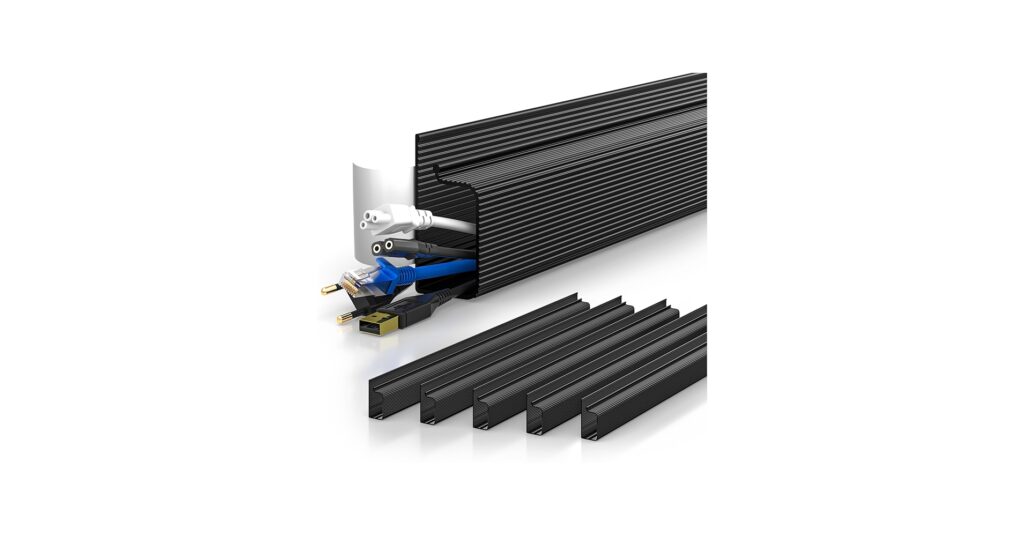
YECAYE 94.2in J-Channel Cable Management
Pros
- Extremely easy peel-and-stick installation
- Generous 94.2-inch total length provides great coverage
- Outward-facing opening for easy cable placement
- Flame-retardant PVC material for safety
Cons
- Adhesive may not stick well to textured or porous surfaces
- Not ideal for bulky power adapters or bricks
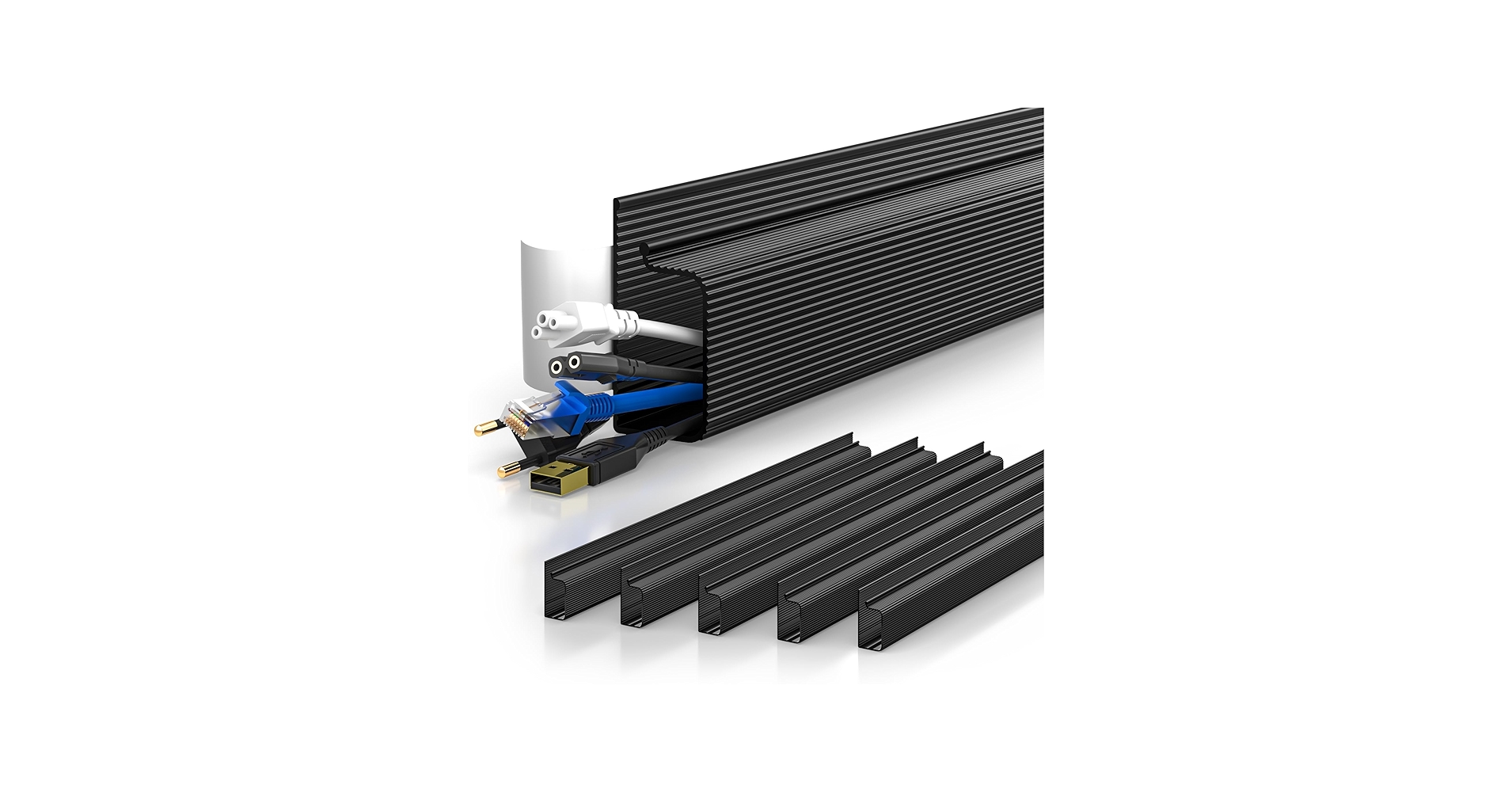
The Breakdown: The YECAYE J-channel system is a streamlined solution for routing cables discreetly. Its strength lies in its simplicity; the adhesive backing and segmented design allow for flexible placement under desks or along baseboards. The outward-facing J-shape makes adding or removing a single cable less cumbersome than enclosed raceways.
Key Specs:
- Installation Method: Adhesive Tape
- Material: PVC
- Type: J-Channel Raceway
- Total Length: 94.2 inches (6 x 15.7-inch pieces)
The Community Verdict: Online listings and reviews highlight the no-drill aspect as a major selling point. Users appreciate the ease of installation for achieving a clean look quickly. The consensus is that it’s a practical and effective solution for standard computer and power cords.
Dealbreaker: The reliance on adhesive means this isn’t suitable for all surfaces, and it lacks the capacity to hold large power bricks, which are common in many setups.
Univivi No Drill Under Desk Cable Management Tray
Pros
- Dual installation: No-drill clamp or traditional screws
- Unfoldable tray design for easy cable access
- Large capacity for power bricks and sockets
- Durable, flame-retardant 600D Oxford fabric
Cons
- Clamps require desk edge clearance and are visible on top
- Fabric design may not feel as rigid as metal
The Breakdown: The Univivi tray is a thoughtfully designed product that addresses the common pain points of cable management. Its biggest advantage is the choice of installation; the heavy-duty clamps are perfect for glass tops or renters, while screws offer a permanent fix. This is one of the best home office desks with cable management add-ons because the fabric basket unfolds, eliminating the frustration of threading cables through tight spaces.
Key Specs:
- Installation Method: Clamp or Screw
- Material: 600D Oxford Fabric
- Type: Open Tray/Basket
- Size: 36″L x 5.5″W x 5.5″H
The Community Verdict: Reddit users and reviewers frequently praise clamp-on trays like this for their effectiveness on standing desks and for avoiding desk damage. The sentiment is that no-drill solutions are a game-changer for renters or those with expensive desktops. The large capacity is consistently mentioned as a key benefit for hiding entire power strips.
Dealbreaker: If your desk has a thick frame or built-in drawers right at the edge, you may not have the 5.3 inches of clearance required for the clamps to attach properly.
Cinati Under Desk Cable Management Tray White
Pros
- No-drill clamp-on installation protects desk surface
- Available in white to match modern desk aesthetics
- Sturdy build quality holds power supplies securely
- Open wire design for easy cable routing and ventilation
Cons
- Only offers clamp installation, no screw option
- Smaller capacity than fabric basket models
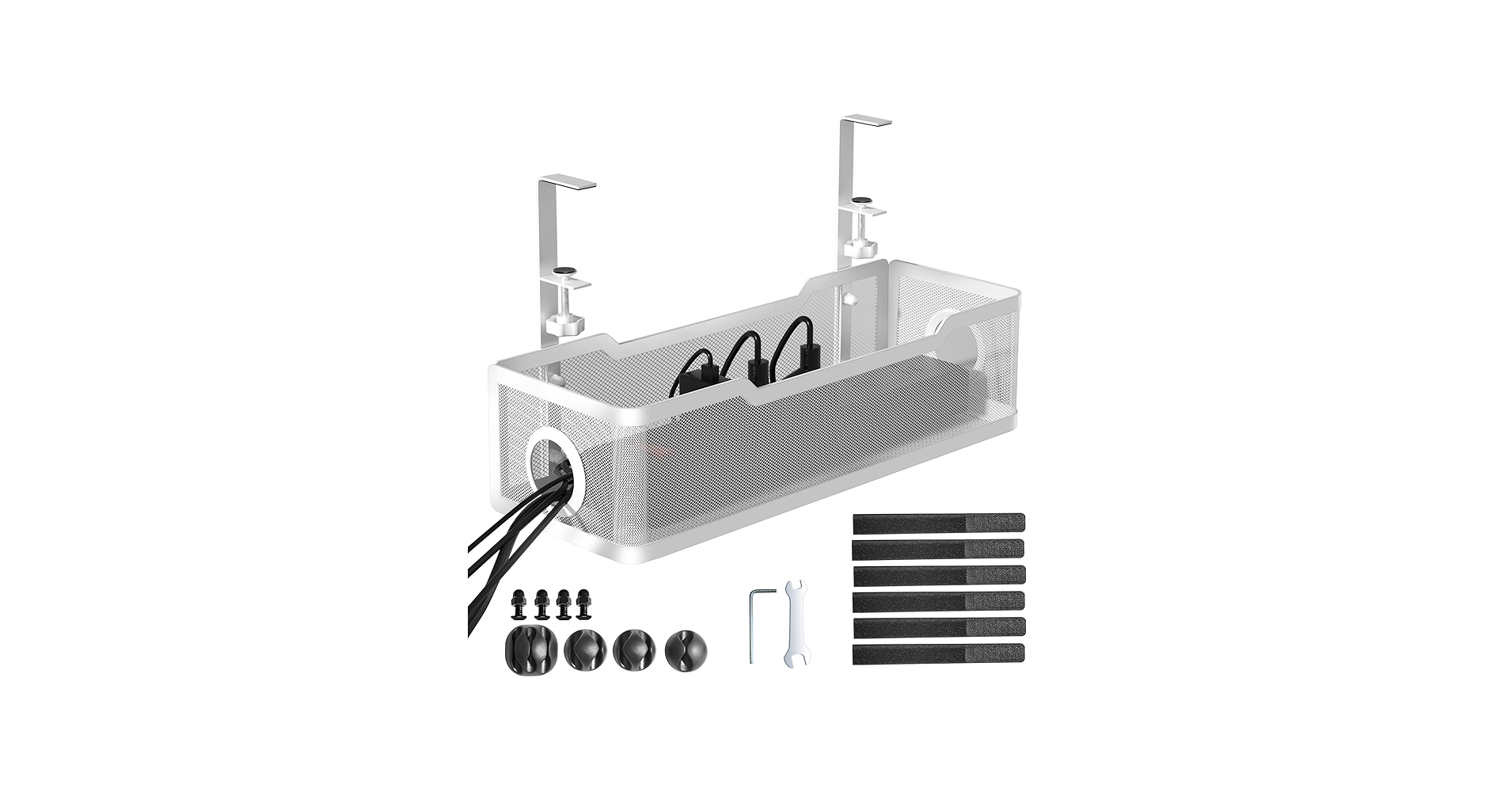
The Breakdown: The Cinati tray offers a classic and popular approach to under-desk organization. Its metal wire construction is robust and allows air to circulate around hot power adapters. The clamp-on mechanism is straightforward and, crucially, avoids any permanent modification to your desk, making it an excellent choice for any workspace.
Key Specs:
- Installation Method: Clamp
- Material: Metal
- Type: Open Tray/Basket
- Size: 15.7 inches (standard)
The Community Verdict: Market research indicates that users pick the Cinati tray for its aesthetic appeal, particularly the white option which blends seamlessly with popular desk choices. The no-drill feature is consistently praised as the main reason for purchase. It’s considered a reliable, set-and-forget solution for moderate cable clutter.
Dealbreaker: The fixed 15.7-inch length may be insufficient for users with extensive setups requiring more than one power strip.
Under Desk Cable Management Tray No Drill, Metal
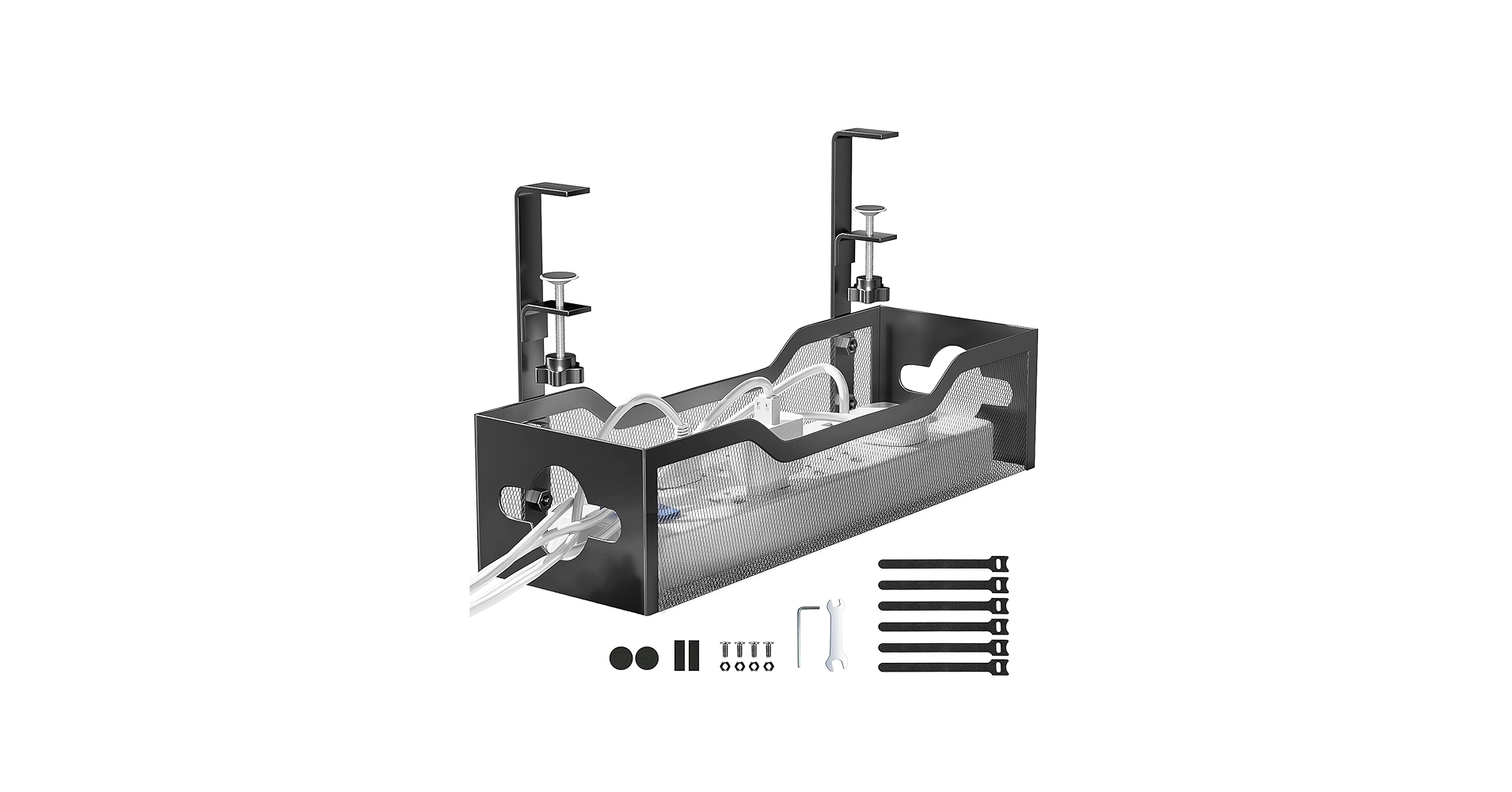
Pros
- Heavy-duty steel construction for maximum durability
- Damage-free clamp installation
- Powder-coated finish for longevity
- Spacious design for large power adapters
Cons
- Can be heavier and bulkier than other options
- Metal design might require cable ties for neatness
The Breakdown: When durability is non-negotiable, this steel cable tray is the answer. It’s built to withstand the weight of multiple power bricks, surge protectors, and dense cable bundles without sagging. The simple clamp mechanism makes it easy to install on most desks, providing an industrial-strength solution to cable management.
Key Specs:
- Installation Method: Clamp
- Material: Steel
- Type: Open Tray/Basket
- Special Feature: Extendable/Adjustable options available
The Community Verdict: Across forums and reviews, the sentiment for heavy-duty metal trays is clear: they are the go-to for serious setups. Users confirm they work great and are a simple, robust fix for tangled cords. The phrase “heavy-duty” appears frequently, reassuring buyers of its build quality.
Dealbreaker: Its utilitarian, industrial aesthetic might not appeal to those curating a very specific, minimalist desk setup.
Self Adhesive Cord Organizer for Desk
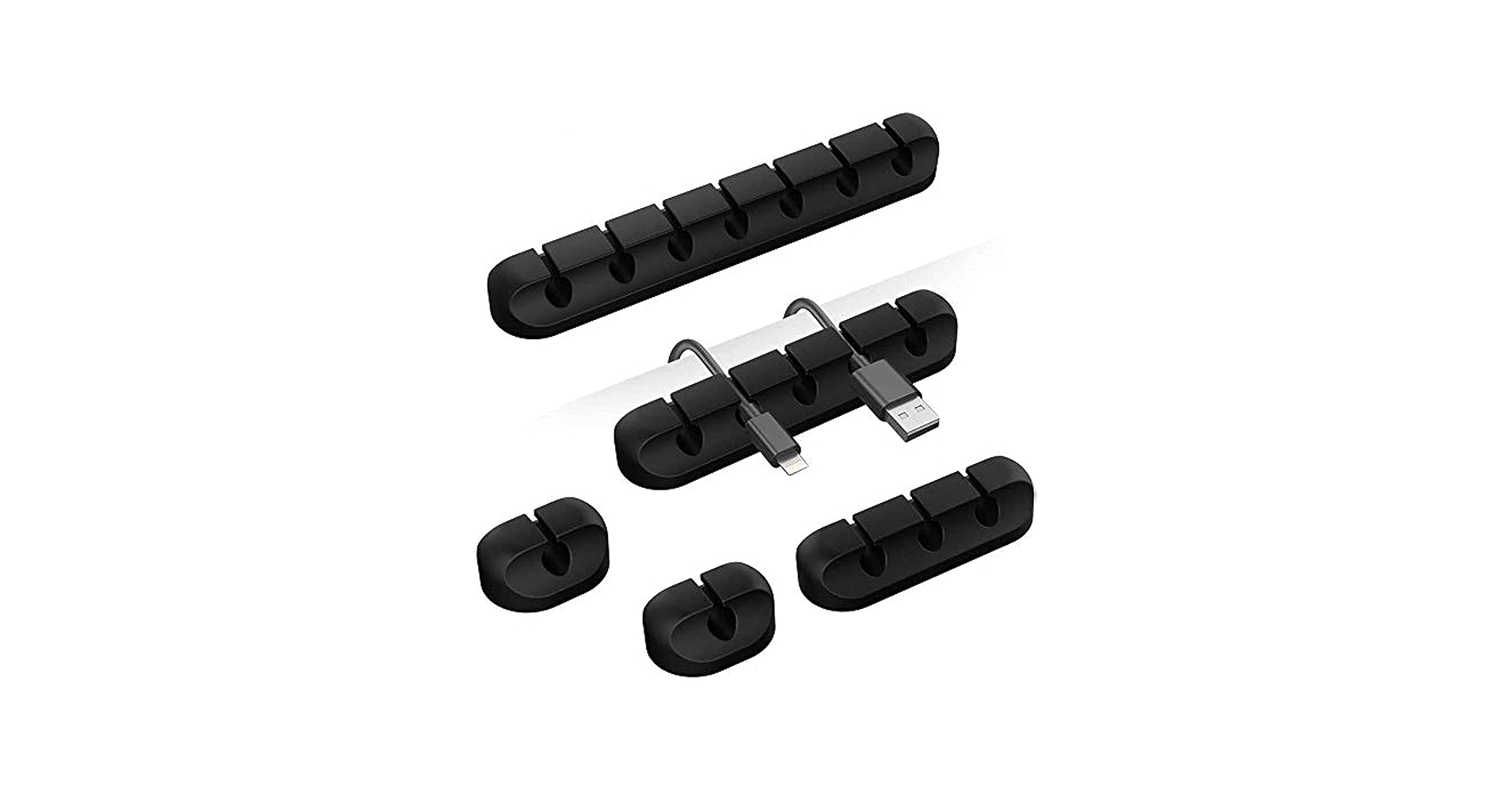
Pros
- Keeps frequently used cables from falling off the desk
- Simple peel-and-stick application
- Minimal footprint for clean aesthetics
- Multi-pack offers great value
Cons
- Not suitable for hiding multiple cables or power bricks
- Adhesive can fail in extreme temperatures or on some surfaces
The Breakdown: Sometimes, the goal isn’t to hide cables, but to control them. These small, self-adhesive clips are designed to do just that. They stick to the edge of your desk, nightstand, or even your car’s dashboard to hold charging and data cables in place, preventing them from slipping away when unplugged.
Key Specs:
- Installation Method: Adhesive Tape
- Material: Silicone/Plastic
- Type: Individual Cable Clips
- Capacity: 1-5 cables per clip depending on design
The Community Verdict: Users find these clips to be incredibly useful gadgets for staying away from the trouble of mixed-up wires. While some Reddit users note that adhesives can fail in hot cars, for a stable office environment, they are praised as a fantastic and simple solution. Magnetic versions are also a popular alternative for added convenience.
Dealbreaker: This is a targeted solution for cable *wrangling*, not cable *hiding*. It will not conceal a surge protector or a tangle of wires under your desk.
Buying Guide: Choosing Your Cord Management Solution
Finding the perfect office desk with cord management system depends on your specific needs, your desk type, and how much clutter you’re trying to conceal. Consider these key factors before you buy.
Installation Method: To Drill or Not to Drill?
Your desk’s material and your willingness to make permanent alterations are the biggest considerations. Clamp-on trays are the most versatile, working on wood, glass, or metal without leaving a mark. Adhesive solutions, like J-channels or an adhesive cord holder, are great for their simplicity but require a smooth, clean surface and may not hold as much weight. Traditional screw-in trays offer the most secure and permanent hold but require drilling into your desk.
Capacity and Type: Trays vs. Raceways vs. Clips
Assess your cable situation. Do you have a large surge protector with multiple bulky power bricks? You’ll need a high-capacity tray or basket. Are you just routing a few cables from point A to point B along the desk edge? A J-channel raceway is a cleaner, more minimalist option. If you only need to stop your phone charger from falling on the floor, simple clips are all you need.
Material and Aesthetics
The final piece is how it integrates with your space. Metal trays offer unmatched durability and an industrial look. Fabric baskets can be more forgiving and flexible when stuffing in cables. PVC or plastic raceways are often paintable and can blend into the background seamlessly. A well-organized desk contributes to better ergonomics, much like a good posture corrector for desk workers helps align your body.
Frequently Asked Questions
Q: How do you hide cords on a desk?
A: The most effective method is to use an under-desk cable management tray or raceway. These products attach to the underside of your desk, providing a dedicated space to house power strips, adapters, and excess cable length, keeping them completely out of sight.
Q: Are no-drill cable management trays sturdy?
A: Yes, high-quality clamp-on trays are very sturdy. They are engineered with strong C-clamps and padded pressure points to grip the desk securely without causing damage. They can easily support the weight of multiple power bricks and a fully loaded surge protector.
Q: What’s the difference between a cable tray and a cable raceway?
A: A cable tray (or basket) is typically a wide, open container designed to hold bulky items like power strips and adapters. A cable raceway (like a J-channel) is a narrow, enclosed or semi-enclosed channel designed to route and conceal a line of cables along a flat surface like the back of a desk or a wall.




