
🚀 Quick Verdict / Top Pick
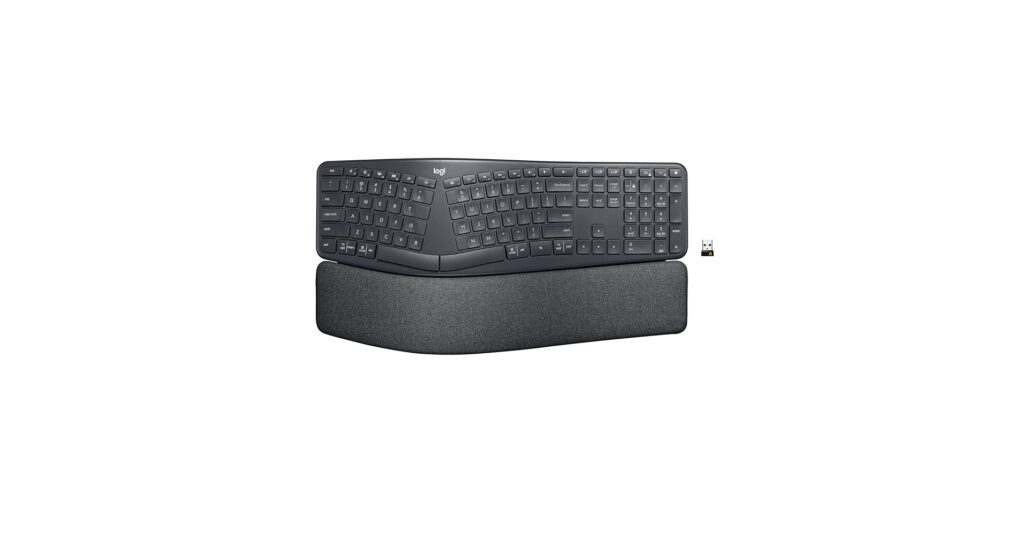
Logitech Ergo K860 Wireless Ergonomic Keyboard
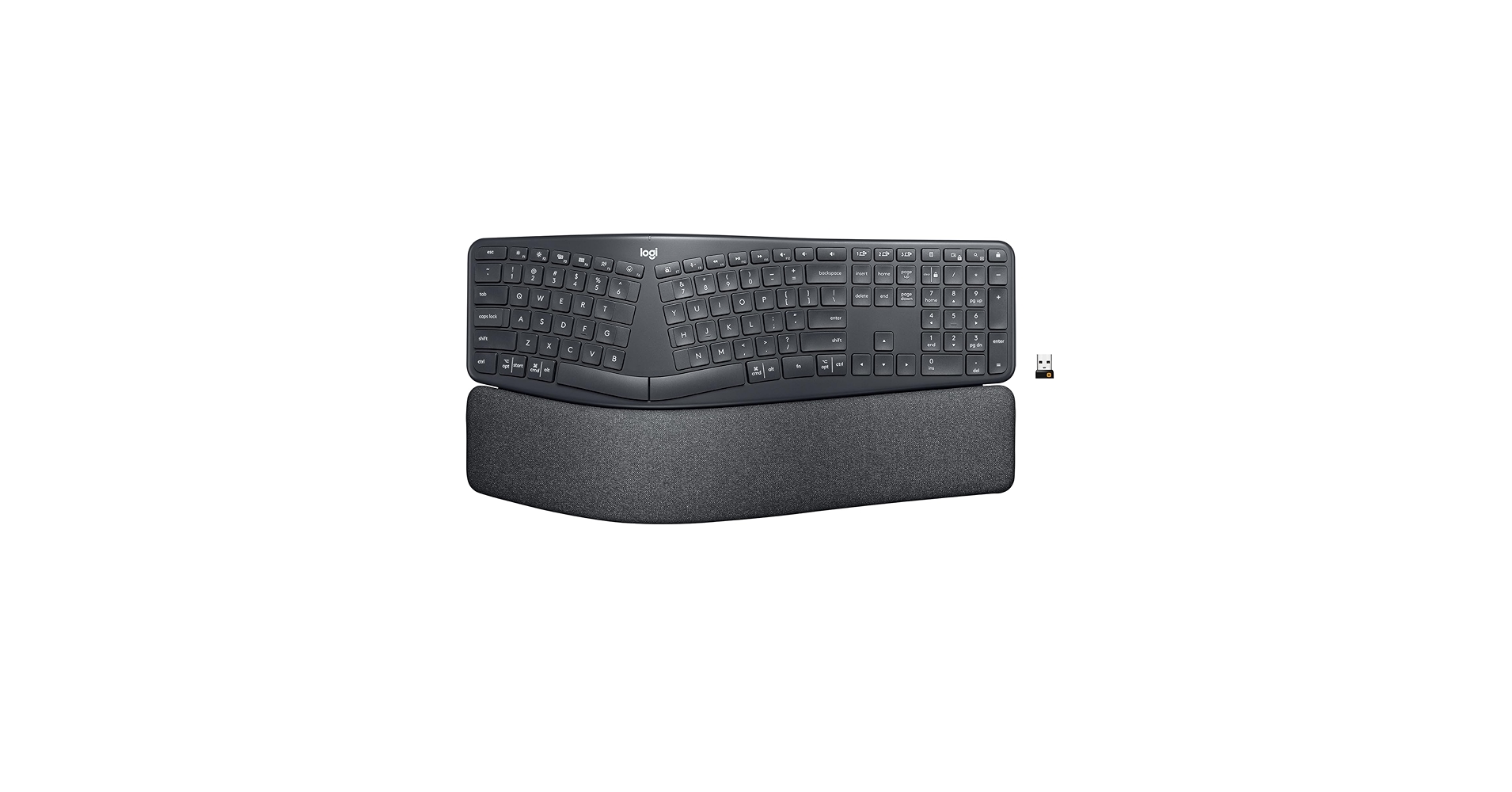
The Logitech Ergo K860 stands out as the best all-in-one orthopedic keyboard for wrist pain due to its science-backed split, curved design and integrated, cushioned wrist rest that provides comprehensive support out of the box.
Finding the right orthopedic keyboard for wrist pain is no longer a luxury—it’s a necessity for anyone spending hours at a desk. In 2026, the market is filled with options designed to reduce strain, improve posture, and keep you typing comfortably. From fully integrated ergonomic keyboards to essential wrist rest accessories, we’ve analyzed the top contenders to help you create a pain-free workspace. Our research focuses on designs that promote a natural hand and wrist position, a key factor in preventing and alleviating Repetitive Strain Injury (RSI) and carpal tunnel syndrome.
Comparison Table: Top Picks for 2026
| Product | Product Type | Ergonomic Feature | Best For |
|---|---|---|---|
| Logitech Ergo K860 | Full Keyboard | Split, Curved, Tented Design | All-in-One Ergonomic Solution |
| Contour Balance Keyboard | Compact Keyboard | Negative Tilt & Compact Layout | Users with Limited Desk Space |
| iCasso Ergonomic Wrist Rest | Accessory Set | Memory Foam Cushioning | Upgrading a Standard Keyboard |
| Hoewina Keyboard Wrist Rest | Accessory | Slow Rebound Memory Foam | Plush, Budget-Friendly Support |
| TECKNET Keyboard Wrist Rest | Accessory Set | Gel-Infused Cushion | Cooling Comfort & Firm Support |
Detailed Product Reviews 2026
1. Logitech Ergo K860 Wireless Ergonomic Keyboard
Pros
- Fully integrated design with split layout and wrist rest
- Adjustable negative tilt promotes neutral wrist posture
- Dual Bluetooth and USB receiver connectivity
Cons
- Large footprint requires significant desk space
- Non-removable wrist rest may not suit all preferences
The Breakdown: The Logitech Ergo K860 is widely considered a benchmark for ergonomic keyboards. Its defining feature is the curved, split keyframe which is engineered to reduce muscle strain in your wrists and forearms. The integrated pillowed wrist rest provides support from the moment you start typing, and the adjustable front legs create a negative tilt for a more natural hand position.
Key Specs:
- Product Type: Full Keyboard
- Ergonomic Feature: Split, curved keyframe with tenting
- Primary Material: High-density foam & durable plastic
- Connectivity: Bluetooth, USB Receiver
- Dimensions: 9.17 x 17.95 x 1.89 inches
The Community Verdict: Users consistently report a noticeable reduction in wrist discomfort after an initial adjustment period. The typing experience is praised for being quiet and comfortable, though some users wish the keys had a more mechanical feel. The consensus is that it’s a game-changer for office work and prolonged typing sessions.
Dealbreaker: Skip this if you have a very small desk or prefer the tactile feedback of mechanical switches.
2. Contour Balance Keyboard – Compact Ergonomic
Pros
- Compact design brings mouse closer to the body
- Adjustable legs for neutral and negative tilt
- Media keys for easy function access
Cons
- Lacks the split-key design of more advanced models
- No integrated wrist rest included
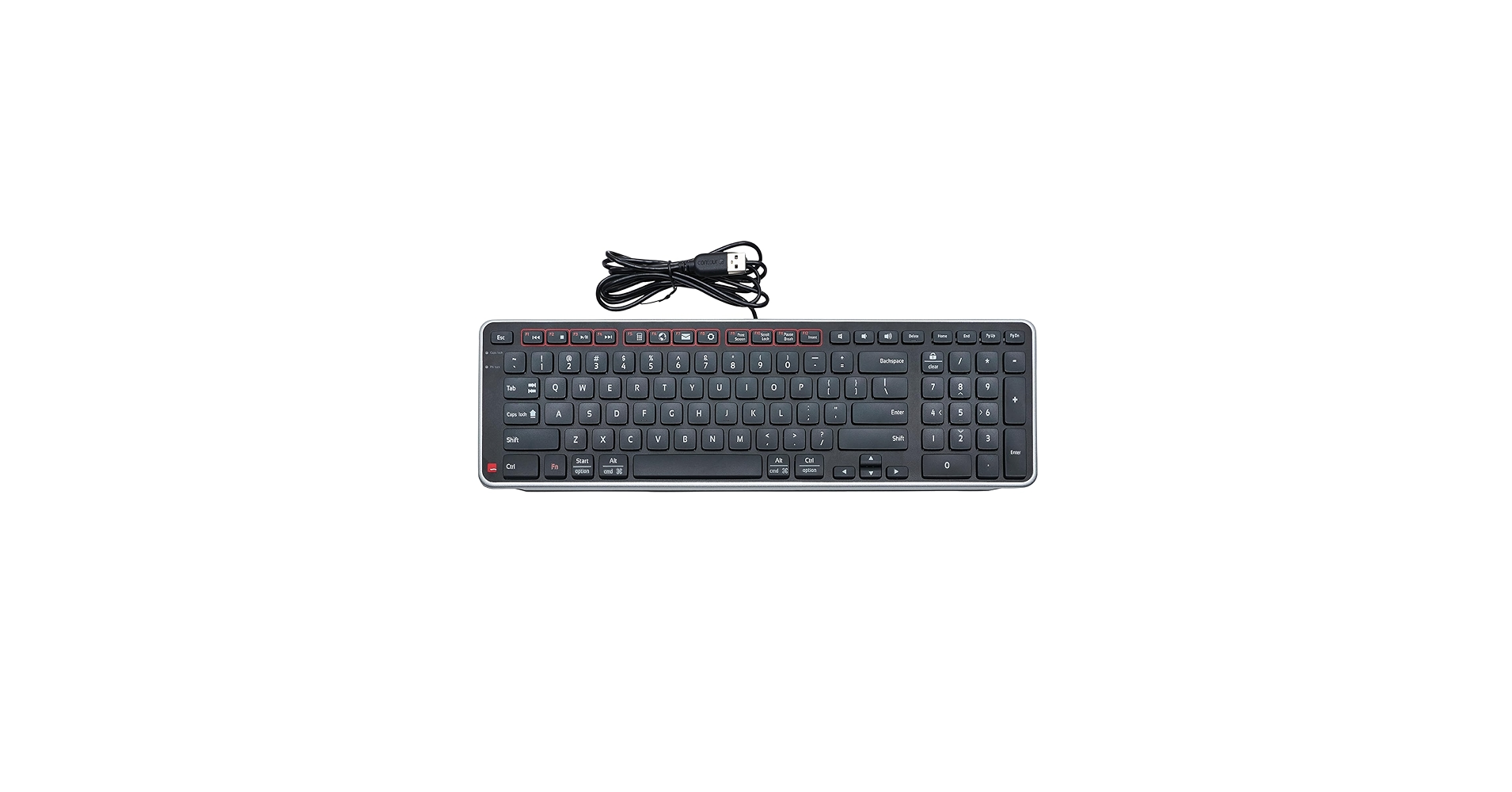
The Breakdown: The Contour Balance Keyboard focuses on a different aspect of ergonomics: reducing shoulder strain. By eliminating the traditional number pad, it allows your mouse to be positioned more centrally, preventing over-reaching. Its main orthopedic feature is the adjustable legs that can create a negative tilt, which helps keep wrists straight.
Key Specs:
- Product Type: Compact Keyboard
- Ergonomic Feature: Negative tilt adjustment, compact layout
- Primary Material: Recycled plastic
- Connectivity: USB Receiver, Bluetooth
- Dimensions: 15.4 x 4.7 x 0.8 inches
The Community Verdict: Market research indicates that users who value a minimalist setup and want to improve their shoulder posture are highly satisfied. The key feel is often described as a pleasant, low-profile scissor-switch action. However, those with severe wrist pain often note that it lacks the advanced support of a split-key design.
Dealbreaker: Skip this if you need a dedicated number pad or the primary source of your pain requires a split-key layout.
3. iCasso Ergonomic Mouse Pad, Keyboard Wrist Rest
Pros
- Cost-effective ergonomic upgrade
- Soft and supportive memory foam material
- Non-slip rubber base keeps rests in place
Cons
- Does not alter the keyboard’s angle or key layout
- Surface material may wear out over time
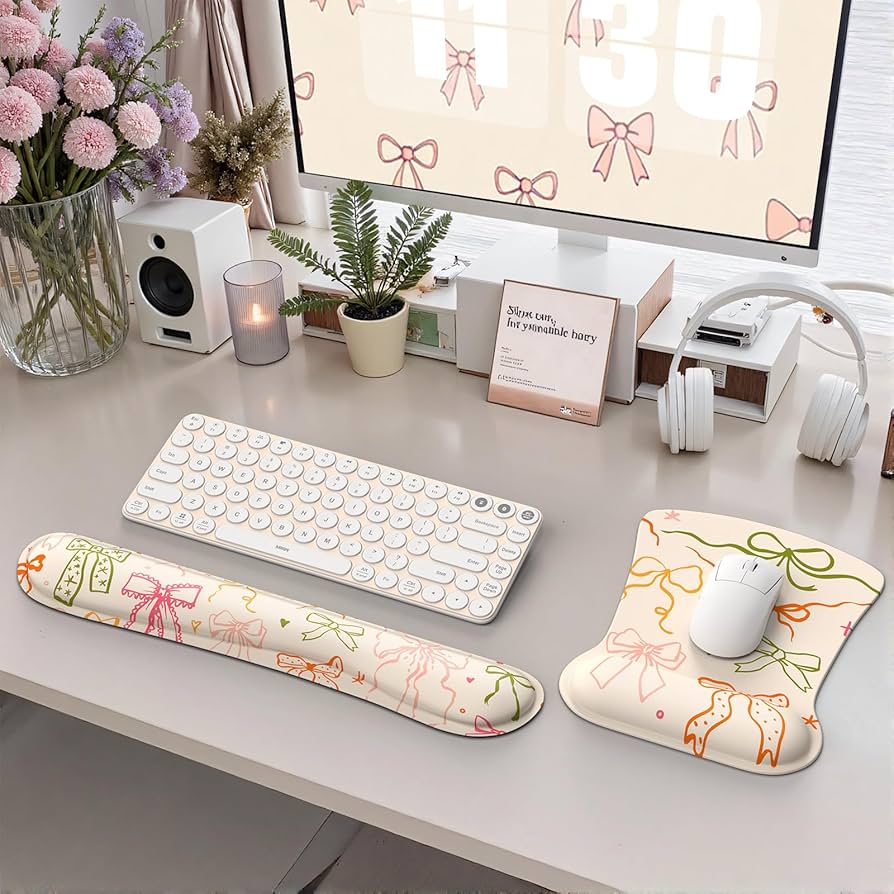
The Breakdown: This iCasso set is not a keyboard, but an essential accessory for making a traditional setup more ergonomic. The package includes a long wrist rest for your keyboard and a smaller one integrated into a mouse pad. The goal is to elevate your wrists to align with the keyboard, preventing the harmful upward bending that causes strain.
Key Specs:
- Product Type: Accessory Set
- Ergonomic Feature: Memory foam cushioning
- Primary Material: Memory Foam, Rubber Base
- Compatibility: Universal for most keyboards and mice
The Community Verdict: The general consensus is that this set offers excellent value for the price. Users report immediate comfort and appreciation for the soft memory foam and non-slip base. It’s a popular first step for those just beginning to address their wrist pain without investing in a new keyboard.
Dealbreaker: Skip this if your wrist pain is severe and requires the fundamental posture correction of a split or tented keyboard.
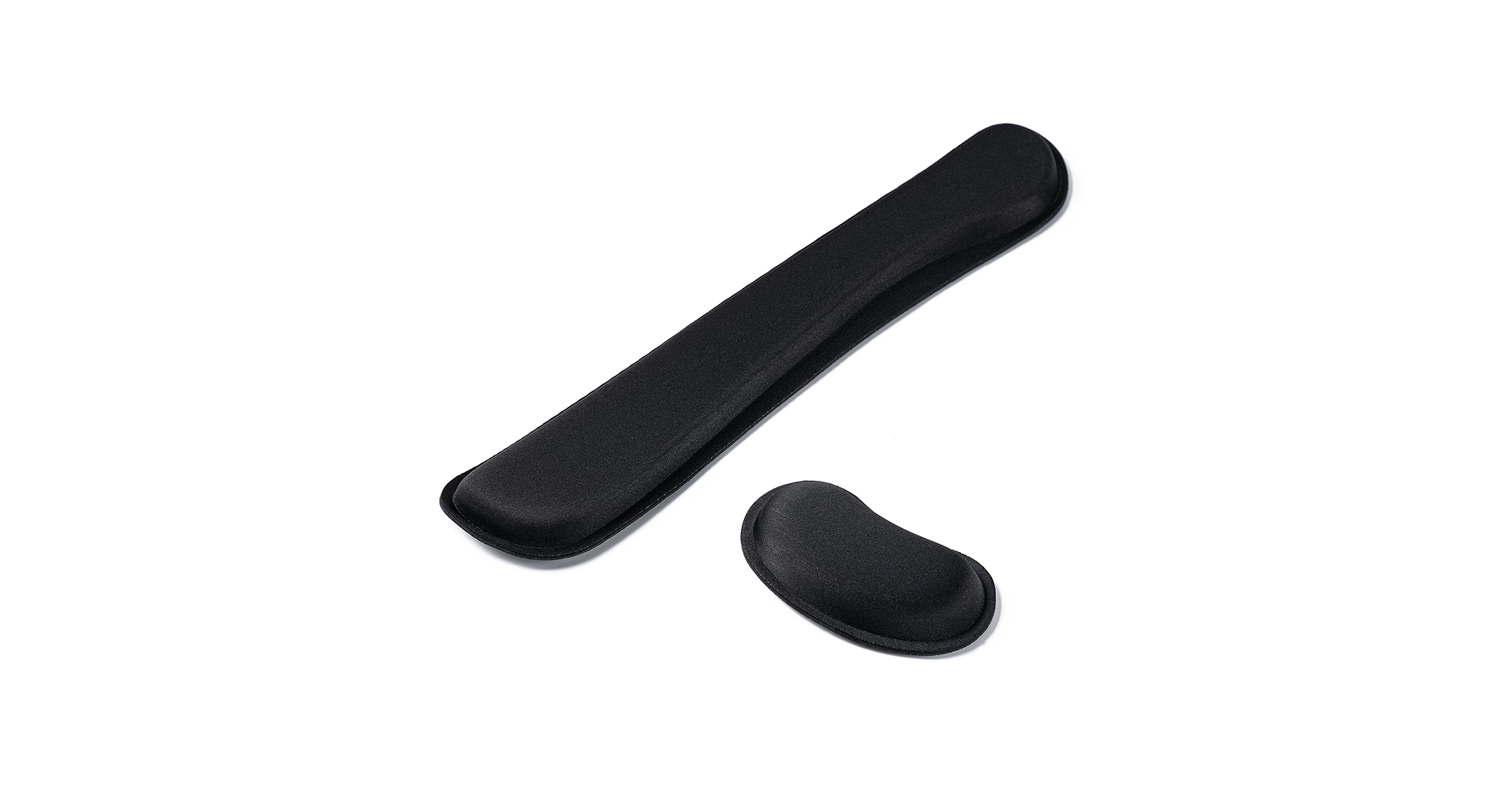
4. Hoewina Keyboard Wrist Rest
Pros
- Highly affordable
- Slow-rebound memory foam is very soft
- Grooved design may improve breathability
Cons
- May be too soft for users needing firm support
- Durability of the outer fabric can be a concern with heavy use
The Breakdown: The Hoewina wrist rest is a straightforward, no-frills accessory focused on one thing: providing a soft cushion for your wrists. Made from slow-rebound memory foam, it conforms to your specific hand shape over time. Its simple, black design fits into any desk setup and provides an immediate upgrade in comfort for any standard keyboard user.
Key Specs:
- Product Type: Accessory
- Ergonomic Feature: Slow-rebound memory foam cushioning
- Primary Material: Memory Foam, Lycra Fabric
- Compatibility: Sized for full-size keyboards
The Community Verdict: Owners often highlight the ‘cloud-like’ softness and excellent price point. It’s a popular choice for home offices and casual use. Some user reviews mention that it can compress too much over a long day, suggesting it’s better for those who need comfort more than rigid orthopedic support.
Dealbreaker: Skip this if you need firm, unyielding support to keep your wrists perfectly straight.
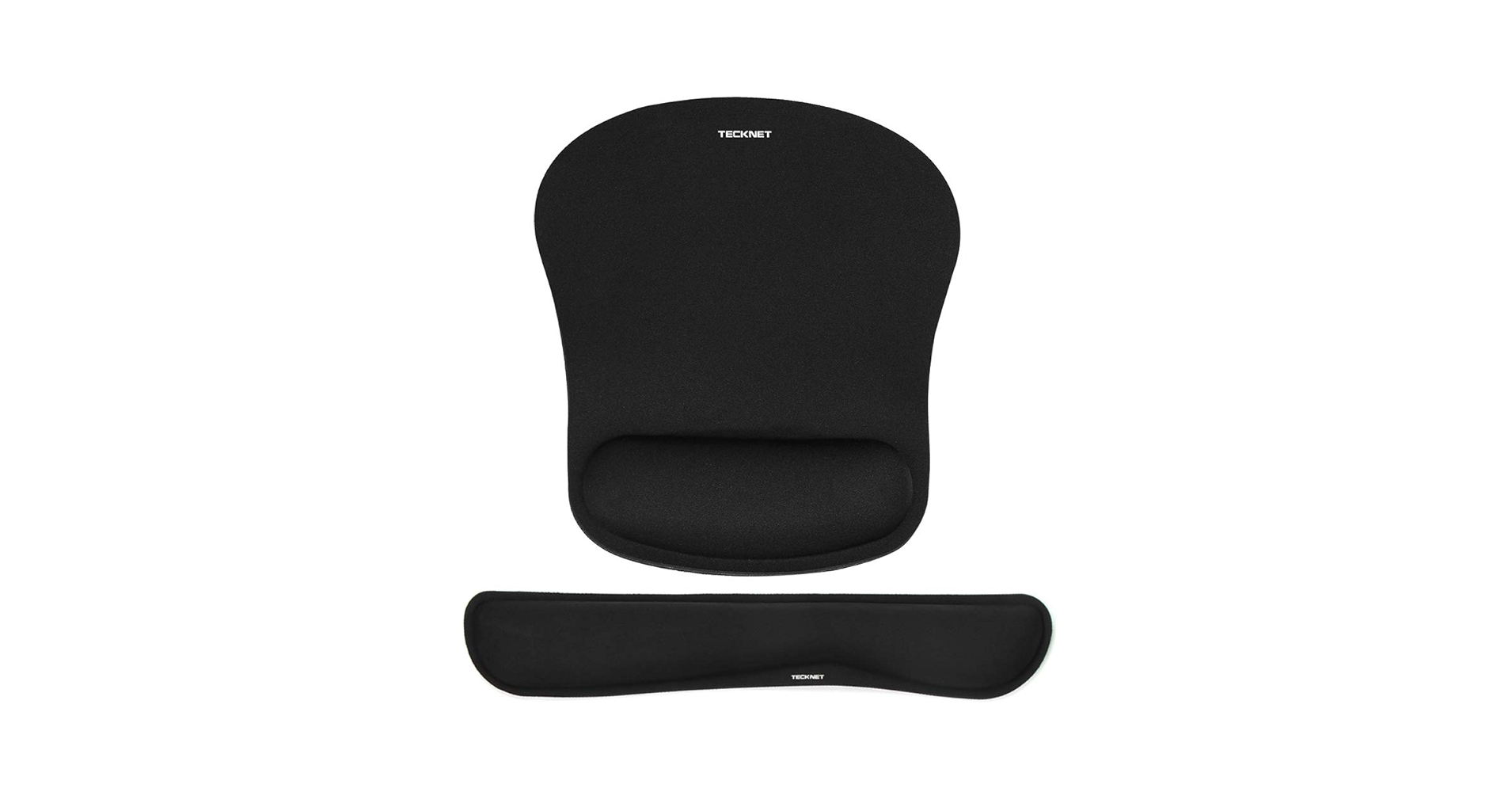
5. TECKNET Keyboard Wrist Rest and Mouse Pad
Pros
- Gel-infused cushion provides firm, cool support
- Durable, easy-to-clean Lycra surface
- Comprehensive set includes keyboard and mouse rests
Cons
- Can feel too firm for some users
- Gel can sometimes shift or develop indentations over time
The Breakdown: The TECKNET set offers an alternative to memory foam with its gel-infused padding. This material tends to be firmer and has a cooling effect, which can be pleasant during long work sessions. Like other sets, it includes a full-length keyboard rest and a mouse pad with an integrated rest, providing a complete support system for a standard desk.
Key Specs:
- Product Type: Accessory Set
- Ergonomic Feature: Gel-infused cushioning
- Primary Material: Gel, Lycra Fabric, Rubber Base
- Compatibility: Universal for most keyboards and mice
The Community Verdict: Users who run warm or prefer firmer support often favor gel rests like this one from TECKNET. The durability of the Lycra cover is frequently mentioned as a positive. The main point of contention is firmness—it’s a matter of personal preference, with some finding it perfect and others wishing it had more give.
Dealbreaker: Skip this if you know you prefer the plush, contouring feel of memory foam.
Buying Guide: Choosing an Orthopedic Keyboard for Wrist Pain
Navigating the world of ergonomic peripherals can be daunting. Here are the key factors to consider to ensure you make the right choice for your health and comfort.
1. Keyboard Type vs. Accessory
The first decision is whether to buy a fully ergonomic keyboard (like the Logitech K860) or to augment your existing keyboard with a wrist rest. An integrated keyboard offers a more holistic solution, often with split designs and negative tilt that a simple rest cannot provide. However, a quality wrist rest is a cost-effective first step that can provide significant relief.
2. Key Ergonomic Features
Look for these terms when shopping:
- Split Design: Separates the keyboard into two halves, allowing your wrists to stay straight instead of angling inward.
- Tenting: The center of the keyboard is raised, reducing forearm pronation (the twisting of your forearm).
- Negative Tilt: The front of the keyboard is higher than the back, keeping your wrists in a neutral, straight line rather than bent upwards.
- Cushioning Material: For wrist rests, the debate is often between memory foam (soft, contouring) and gel (firmer, cooler). The choice is highly personal.
3. Your Complete Desk Setup
An orthopedic keyboard is just one piece of the puzzle. True ergonomic comfort comes from a holistic setup. A proper posture, often supported by an adjustable footrest for short legs, is crucial for overall comfort and spinal alignment. Furthermore, understanding the nuances of keyboards is key; for a deep dive into all the options available beyond ergonomics, The Ultimate Guide To Buying The Perfect Keyboard is an invaluable resource. While ergonomic keyboards focus on comfort, other models prioritize different features, and it helps to know the landscape before you buy.
Frequently Asked Questions (FAQ)
Do orthopedic keyboards really work for wrist pain?
Yes, for many people they do. Market research and user testimonials consistently show that by promoting a more natural, neutral posture for the hands and wrists, ergonomic keyboards can significantly reduce the strain that leads to conditions like RSI and carpal tunnel syndrome. However, they are most effective as part of a broader ergonomic setup.
What is the difference between a split keyboard and a regular one?
A regular keyboard forces your hands close together, causing your wrists to bend outwards (ulnar deviation). A split keyboard separates the key clusters, allowing you to position your hands in a straight line with your forearms, which is a more natural and less stressful posture.
Can a wrist rest alone solve my wrist pain?
A wrist rest can certainly help by preventing you from bending your wrists upwards (extension), which is a major cause of strain. It provides support and encourages a more neutral position. However, it does not correct issues like forearm pronation or ulnar deviation, which require a tented or split keyboard design.




