
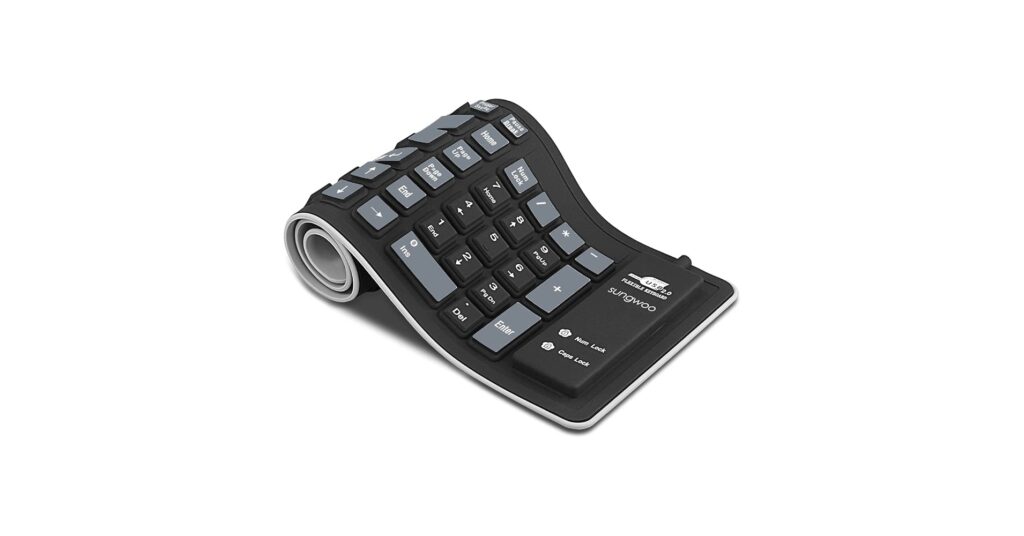
In the world of minimalist and high-tech gear, efficiency and durability are paramount. The rubber keyboard emerges as a unique solution for travelers, industrial workers, and anyone needing a portable, water-resistant typing tool. Unlike their mechanical cousins, these keyboards can be rolled up and stuffed in a bag, wiped clean after a spill, and used in near silence. For 2026, we’ve analyzed the market to find the top contenders that deliver on the promise of portability and resilience, along with essential ergonomic accessories to complete your setup.
🚀 Quick Verdict / Top Pick
Sungwoo Foldable Silicone Keyboard (Compact 85-Key)
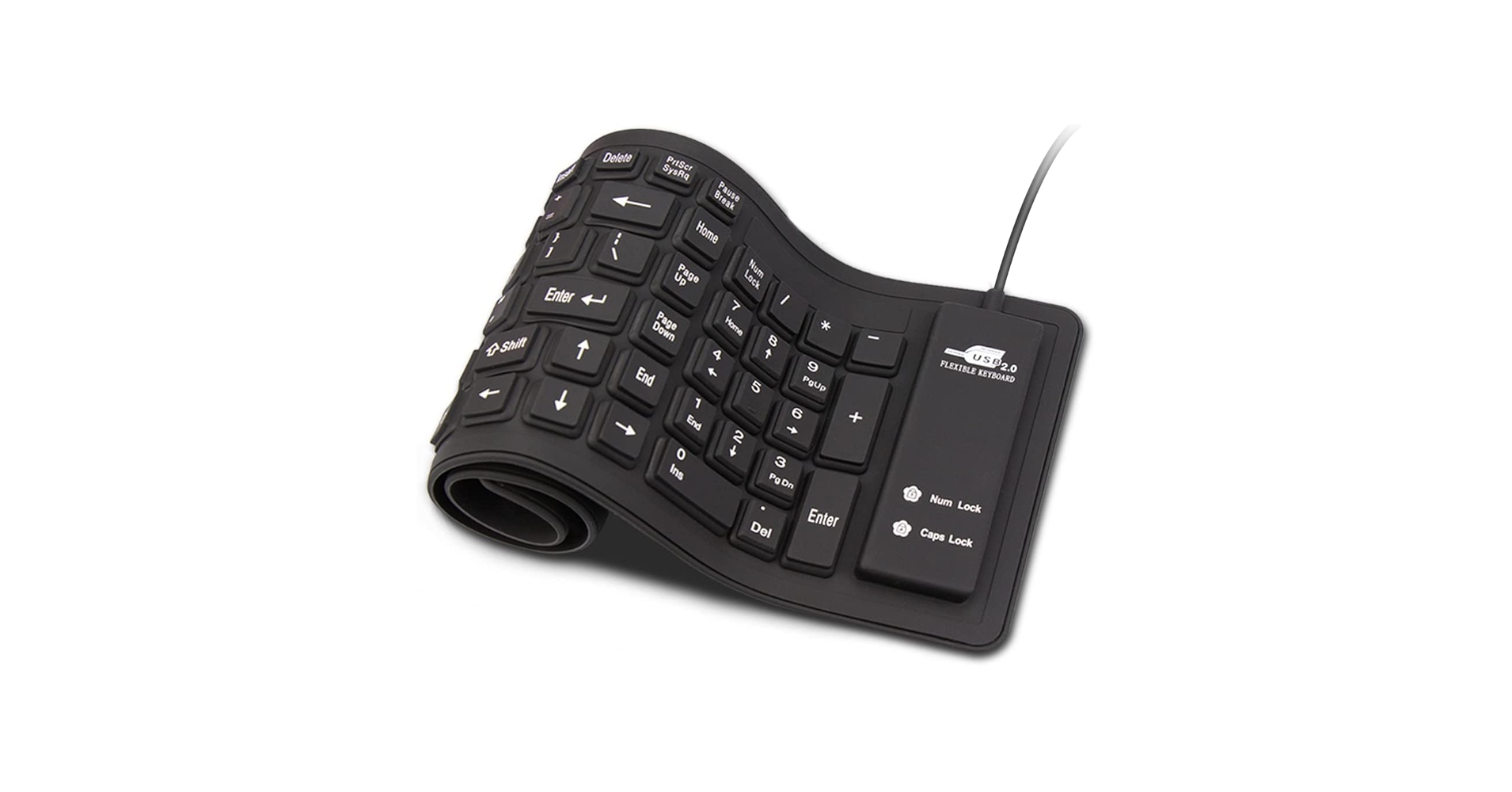
This model strikes the perfect balance between a compact, travel-friendly footprint and a familiar TKL layout, making it more practical for daily use than its full-size counterparts.
2026 Rubber Keyboard Comparison
| Product | Type | Layout | Best For |
|---|---|---|---|
| Sungwoo Foldable Keyboard (Compact 85-Key) | Foldable Keyboard | Tenkeyless (TKL) | Frequent Travelers |
| Sungwoo Full-Size Silicone Keyboard | Foldable Keyboard | Full-Size (109-Key) | Industrial/Medical Use |
| Sungwoo Foldable Silicone Keyboard (Standard) | Foldable Keyboard | Full-Size (103-Key) | Backup/Emergency Use |
Detailed Product Reviews 2026
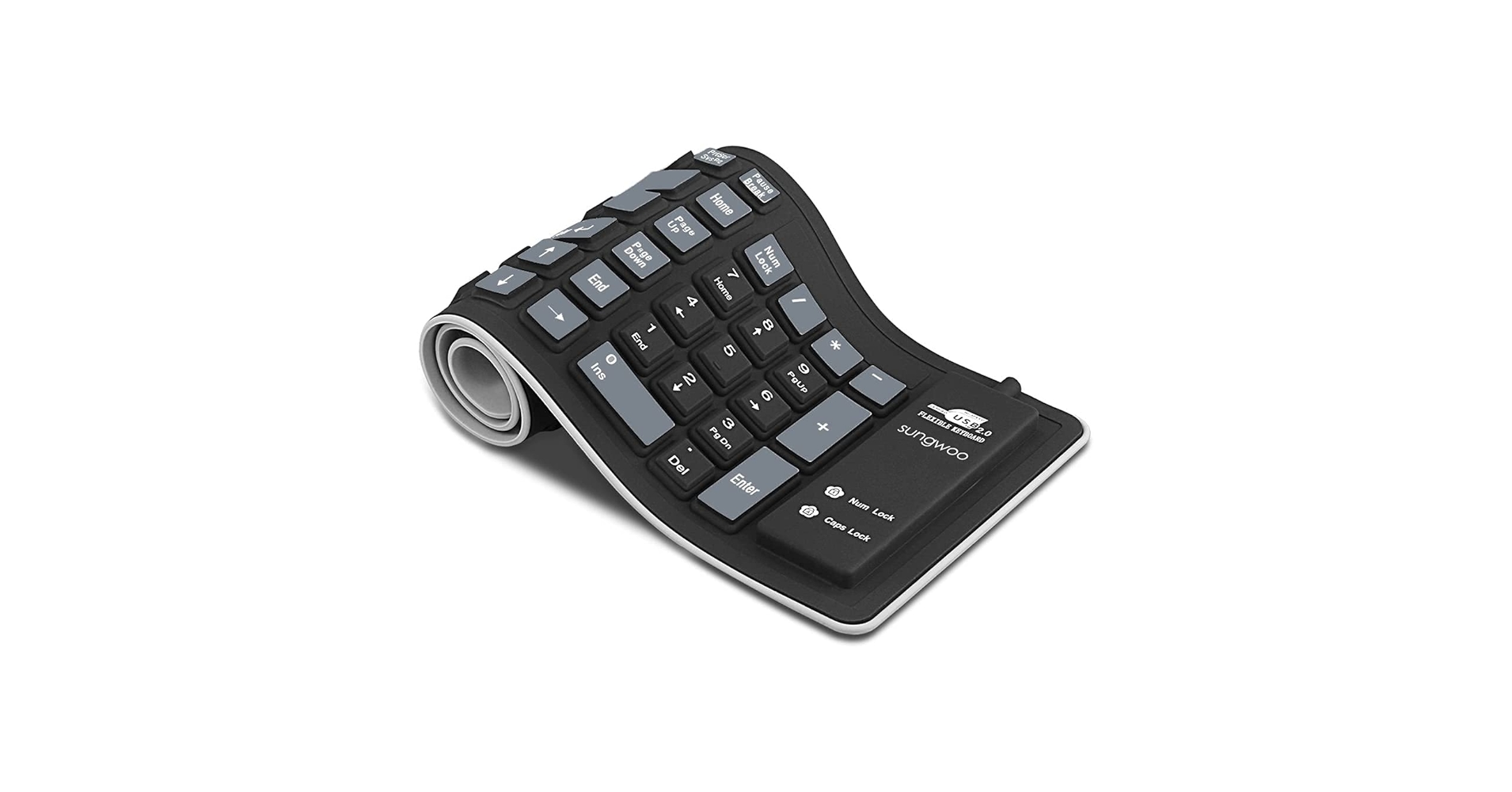
Sungwoo Foldable Silicone Keyboard (Standard 103-Key)
Pros
- Completely silent operation
- Dustproof and waterproof design
- Rolls up for extreme portability
Cons
- Mushy, non-tactile typing feel
- Requires a flat, hard surface to use
The Breakdown: This is the quintessential roll-up rubber keyboard, offering a standard 103-key layout in a highly durable silicone shell. Its main draw is its ability to withstand harsh environments where dust and liquids are a constant threat. Market research indicates it’s a popular choice for workshops, medical facilities, and as a reliable backup keyboard.
Key Specs:
- Connectivity: USB Type-A
- Key Count: 103 Keys
- Material: High-quality Silicone
- Dimensions: 15.6 x 4.9 inches
The Community Verdict: Users consistently report that its silent typing is a major benefit in quiet environments. However, the consensus is that the soft, non-tactile feedback makes it unsuitable for long-form writing or fast typists who rely on physical feedback. It’s praised for durability but criticized for the unique and sometimes challenging typing experience.
Dealbreaker: Skip this if you primarily write code, articles, or emails. The lack of tactile response can lead to typos and a slower typing speed for those accustomed to traditional keyboards.
Sungwoo Foldable Silicone Keyboard (Compact 85-Key)
Pros
- Extremely compact and lightweight
- Tenkeyless layout is more ergonomic for some
- Waterproof and easy to sanitize
Cons
- Typing feel is an acquired taste
- Lacks a dedicated number pad
The Breakdown: This is our top pick for 2026. By removing the number pad, this 85-key rubber keyboard offers a significantly smaller footprint, making it even easier to pack for travel. This tenkeyless (TKL) design also allows for a more natural mouse position, which is an ergonomic plus for many users.
Key Specs:
- Connectivity: USB Type-A
- Key Count: 85 Keys (TKL Layout)
- Material: High-grade Silicone
- Dimensions: 13.9 x 5.2 inches
The Community Verdict: Market research indicates this is the preferred model for tablet and laptop users on the go. Users love that it takes up minimal space in a bag and provides a near-full typing experience. The lack of a number pad is seen as a positive trade-off for its enhanced portability.
Dealbreaker: Skip this if you perform data entry or frequently use a number pad. Its primary benefit is portability, not numerical efficiency.
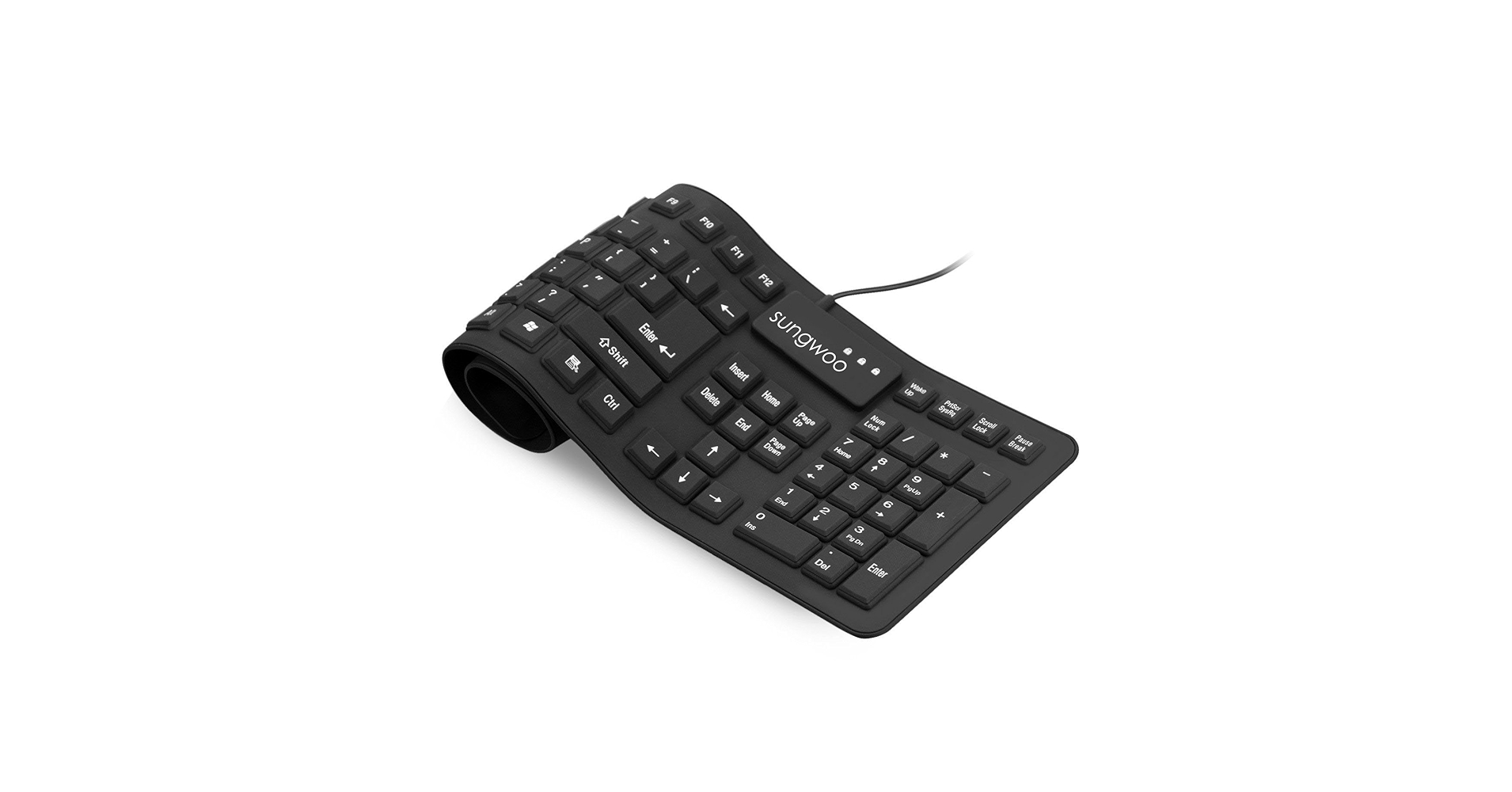
Sungwoo Full-Size Silicone Keyboard (109-Key)
Pros
- Full 109-key layout with number pad
- Sealed design is perfect for harsh environments
- Plug-and-play simplicity
Cons
- Largest and least portable of the Sungwoo models
- Typing requires deliberate, firm presses
The Breakdown: This model provides the complete, unabridged keyboard experience in a flexible silicone package. With a full 109-key layout including a number pad and function keys, it’s designed for users who cannot sacrifice functionality but still need extreme durability. It’s less focused on travel and more on providing a resilient solution for a fixed, but messy, workstation.
Key Specs:
- Connectivity: USB Type-A
- Key Count: 109 Keys (Full-Size)
- Material: Industrial-grade Silicone
- Dimensions: 19 x 5.5 inches
The Community Verdict: This keyboard is highly rated by users in industrial and healthcare fields. They confirm it holds up to frequent cleanings and exposure to debris. While the typing feel is consistently mentioned as a drawback for general office work, its resilience in demanding environments is what earns it praise.
Dealbreaker: Skip this if your primary need is portability. This is the bulkiest of the flexible keyboards and is better suited for a permanent desk in a challenging environment.
Buying Guide: Choosing Your Rubber Keyboard
Navigating the world of rubber keyboards and accessories is straightforward once you define your primary use case. Here’s what to consider.
1. Use Case: Portability vs. Protection
First, decide why you need a rubber keyboard. If you’re a frequent traveler, the compact, 85-key TKL model is your best bet for saving space. If you work in a factory, workshop, or clinical setting where spills and dust are common, the full-size, sealed models offer maximum protection and functionality for a stationary setup.
2. The Typing Experience: A Different Feel
It’s crucial to set realistic expectations. A rubber keyboard offers silence and durability, but it’s a world away from the tactile feedback of the best stock sounding mechanical keyboard. The typing experience is ‘mushy’ and requires deliberate presses. Before committing, it’s worth understanding all your options; our ultimate guide to buying the perfect keyboard covers everything from switch types to layouts in great detail.
3. Complete Your Ergonomic Setup
Ergonomics are just as important as portability. A wrist rest like the Innovera models reviewed here prevents strain by promoting a neutral wrist angle. To take it a step further, pairing a low-profile keyboard or wrist rest with the right desk setup, such as a monitor riser for two 27 inch monitors, can significantly improve your posture and long-term comfort.
Frequently Asked Questions (FAQ)
Q1: Are rubber keyboards good for gaming?
A: Generally, no. Gaming requires fast, precise keystrokes with clear tactile feedback and features like N-key rollover, all of which are absent in silicone keyboards. They are designed for durability and portability, not performance gaming.
Q2: How do you clean a silicone keyboard?
A: Most are very easy to clean. You can wipe them down with a damp cloth and mild soap or an antiseptic wipe. Since the electronics are sealed, they are highly resistant to moisture, but you should always disconnect the USB cable before cleaning.
Q3: Is typing on a rubber keyboard difficult?
A: There is a significant adjustment period. The lack of key travel and tactile feedback means you have to press more deliberately. While it’s possible to get used to it, most people will not type as fast or accurately as they would on a traditional keyboard.




