
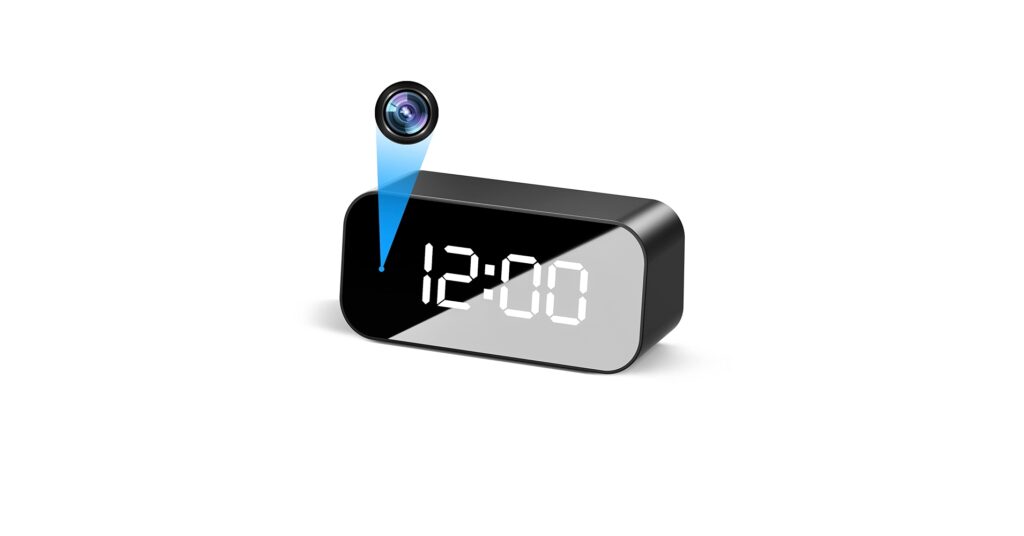
The humble clock has evolved. It’s no longer just a timepiece; it’s a connected hub of information and, in some cases, security. The modern wifi clock leverages your network for two primary purposes: to achieve perfect, maintenance-free time synchronization or to provide discreet remote monitoring. Whether you need a massive, easy-to-read display for your home office or a covert camera hidden in plain sight, the market has a solution. We’ve analyzed user feedback and market data to bring you the top models that blend form, function, and cutting-edge tech.
🚀 Quick Verdict / Top Pick
eYotto 12-Inch Smart WiFi Time Sync Wall Clock
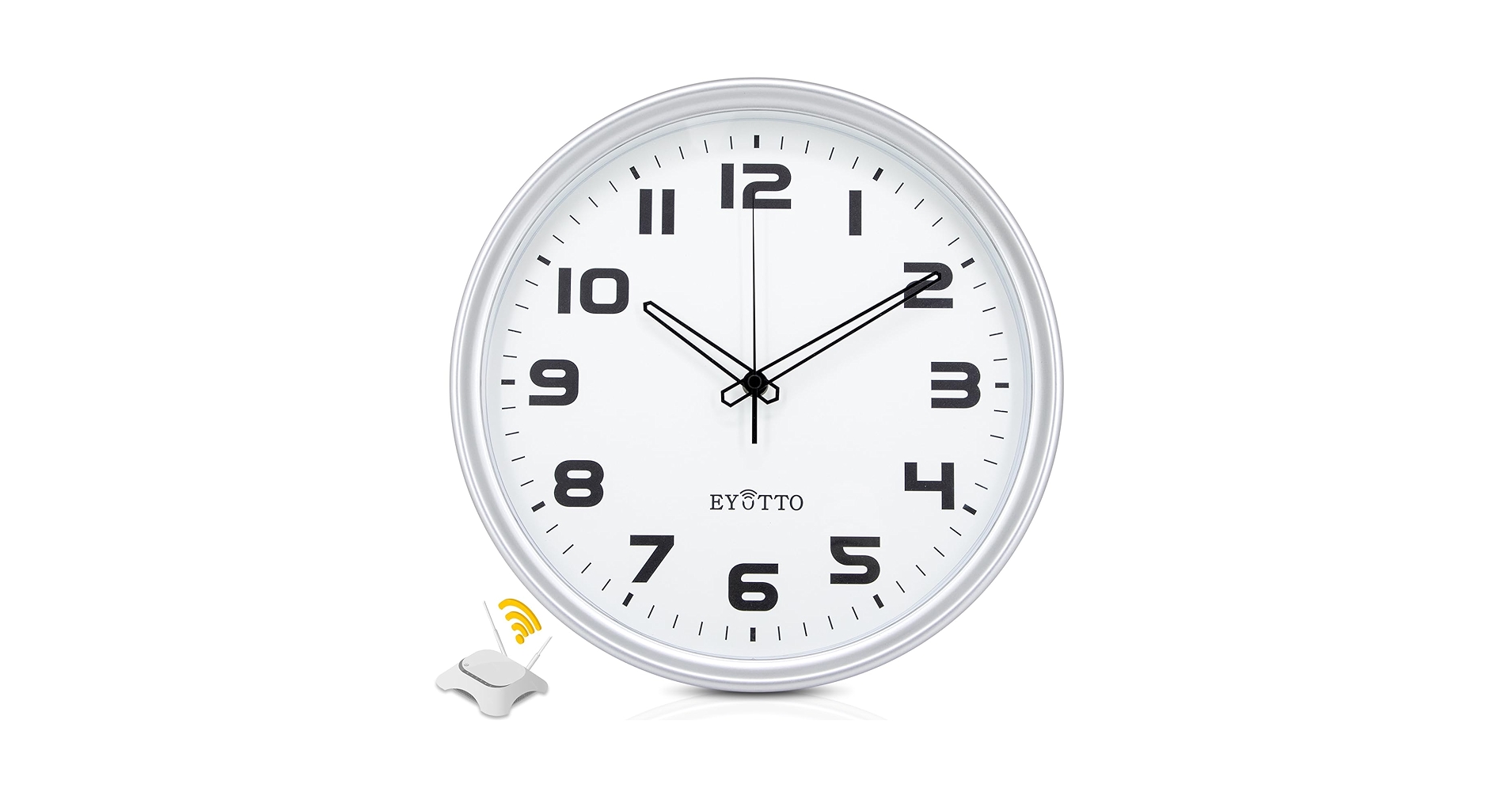
The eYotto excels by focusing on its core purpose—it’s a reliable, set-and-forget timepiece that nails accuracy without the privacy concerns or setup complexity of camera-equipped models.
WiFi Clock Comparison for 2026
| Product | Primary Function | Display | Best For |
|---|---|---|---|
| Mini Camera Clock 4K | Surveillance | Digital Alarm | High-Res Desk Monitoring |
| JLRKENG Hidden Spy Clock | Surveillance | 10-inch Analog | Covert Room Surveillance |
| eYotto 12-Inch Smart Clock | Time Sync | 12-inch Analog | Home & Office Time Accuracy |
| Clock Camera WiFi Nanny Cam | Surveillance | Small Digital | Simple, No-Frills Monitoring |
| XREXS Large Digital Wall Clock | Time Sync | 16.5-inch LED | Garages, Gyms & Large Spaces |
Detailed WiFi Clock Reviews 2026
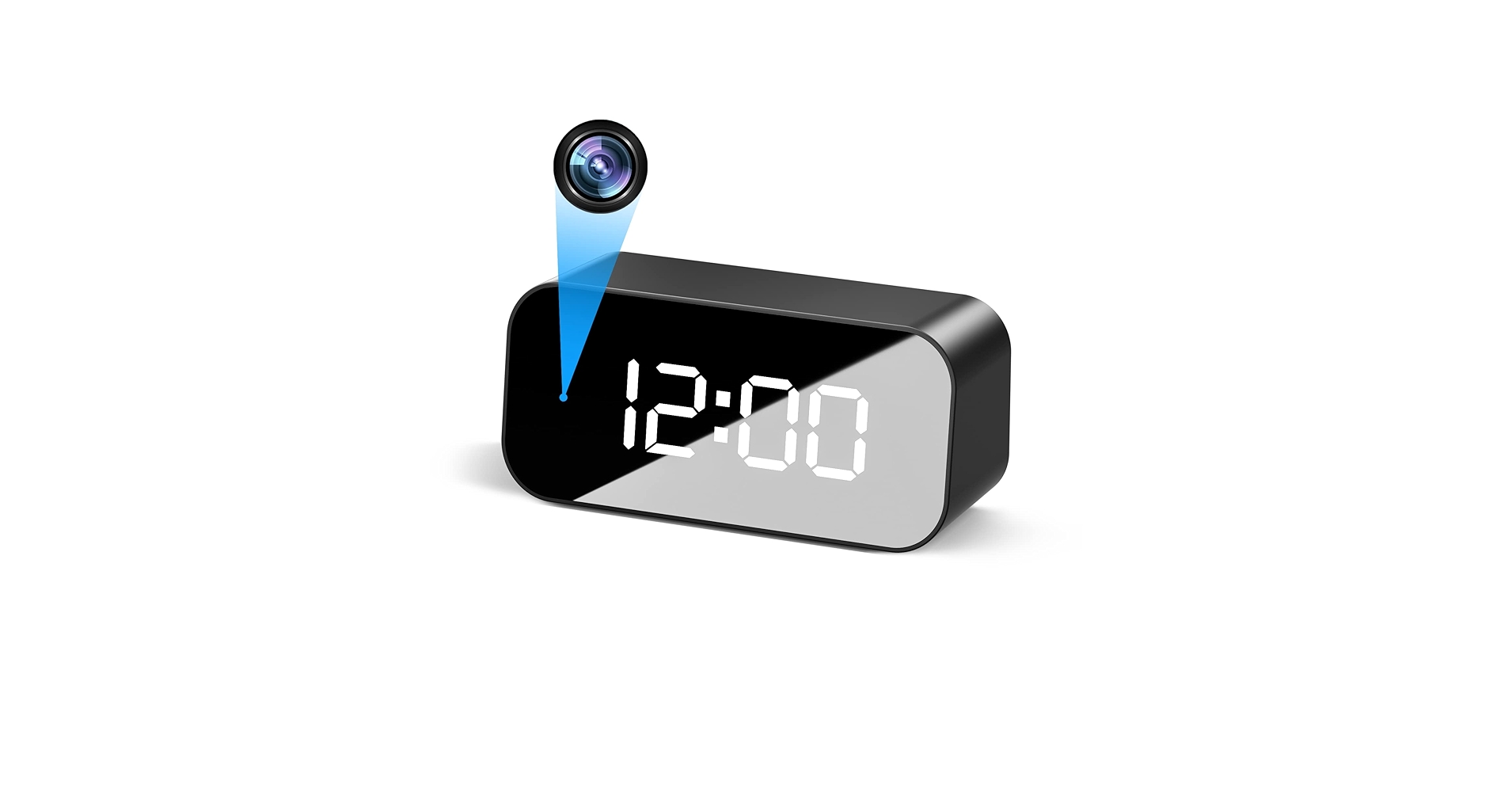
1. Mini Camera Clock WiFi Camera Alarm 4K FHD
Pros
- Exceptional 4K video quality
- Compact and unassuming design
Cons
- App setup can be complex for some
- Clock display is very basic
The Breakdown: This device prioritizes its camera function above all else. Market research indicates its 4K sensor provides sharp, clear video, far surpassing the 1080p standard of many competitors. It connects to your WiFi network to allow live streaming to a smartphone app, complete with motion detection alerts.
Key Specs:
- Primary Function: Surveillance
- Display: Small Digital LED
- Max Resolution: 4K UHD
- Power: Plug-in AC Adapter
- Connectivity: 2.4GHz WiFi
The Community Verdict: Users consistently praise the video clarity, noting it’s effective for identifying faces and details from across a room. However, a common point of frustration is the initial software setup, which can be less intuitive than desired. The utility as a combined alarm clock and charger (via a USB-out port) is seen as a convenient bonus, but not its primary strength.
Dealbreaker: Skip this if you are not comfortable with potentially complex app configurations or if your primary need is a high-quality clock display.
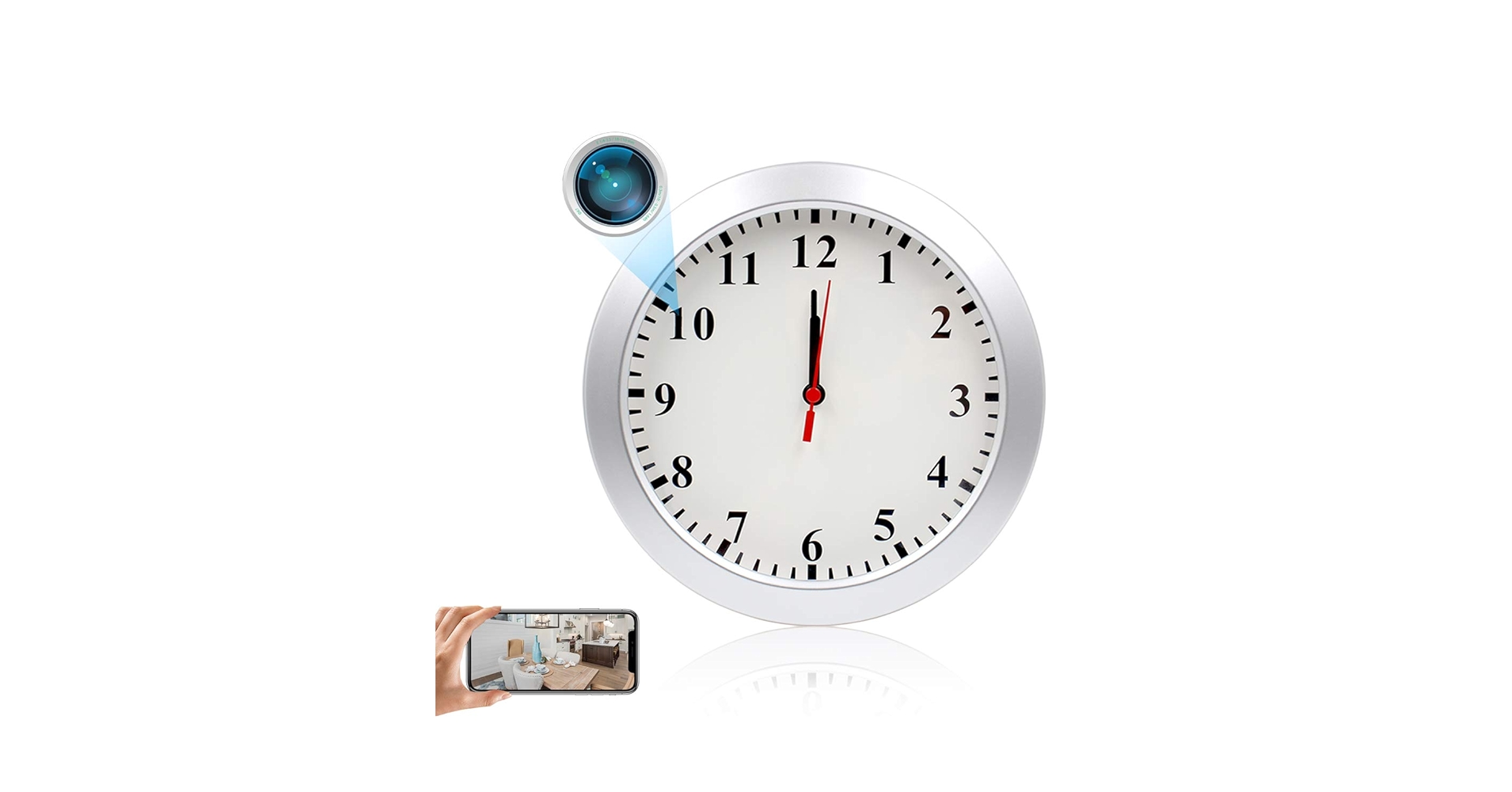
2. JLRKENG Hidden Spy Camera Wall Clock 1080P HD
Pros
- Extremely discreet and natural look
- Wide field of view for room coverage
Cons
- 1080p resolution is standard, not premium
- Requires battery changes for clock mechanism
The Breakdown: The JLRKENG clock’s greatest asset is its anonymity. It looks exactly like a standard, inexpensive wall clock, making it highly effective for covert monitoring. The 1080p HD camera is hidden behind the face, providing a clear-enough image for general surveillance and live streaming.
Key Specs:
- Primary Function: Surveillance
- Display: 10-inch Analog
- Max Resolution: 1080P HD
- Power: USB Plug-in (Camera), AA Battery (Clock)
- Connectivity: 2.4GHz WiFi
The Community Verdict: The consensus is that this clock excels at blending in. Owners report that guests and family members never notice it’s a camera. The main critique is that while 1080p is acceptable, it lacks the fine detail of 4K models, especially when digitally zooming in on footage.
Dealbreaker: Skip this if you need the highest possible video resolution or if you want a clock that doesn’t require separate power sources for its two functions.
3. eYotto 12-Inch Smart WiFi Time Sync Wall Clock
Pros
- Flawless, automatic time synchronization
- Clean, minimalist analog design
Cons
- No smart features beyond time sync
- Initial WiFi setup requires a smartphone
The Breakdown: This is a wifi clock in its purest form. It uses its network connection for one thing only: to connect to NTP (Network Time Protocol) servers and ensure its hands are always pointing to the exact, correct time. This completely eliminates the need for manual setting, even for daylight saving changes.
Key Specs:
- Primary Function: Time Sync
- Display: 12-inch Analog
- Max Resolution: N/A
- Power: AA Batteries
- Connectivity: 2.4GHz WiFi
The Community Verdict: This product is overwhelmingly praised for its ‘it just works’ reliability. Users love that once it’s set up, it requires zero intervention. The silent, non-ticking sweep movement is another frequently cited benefit for quiet office or bedroom environments.
Dealbreaker: Skip this if you’re looking for any extra features like weather, calendar integration, or a camera. This is a timepiece, and nothing more.
4. Clock Camera – WiFi Nanny Cam with 1080P HD
Pros
- Generally straightforward app setup
- Very compact and portable
Cons
- Clock design feels dated and cheap
- Limited night vision capabilities
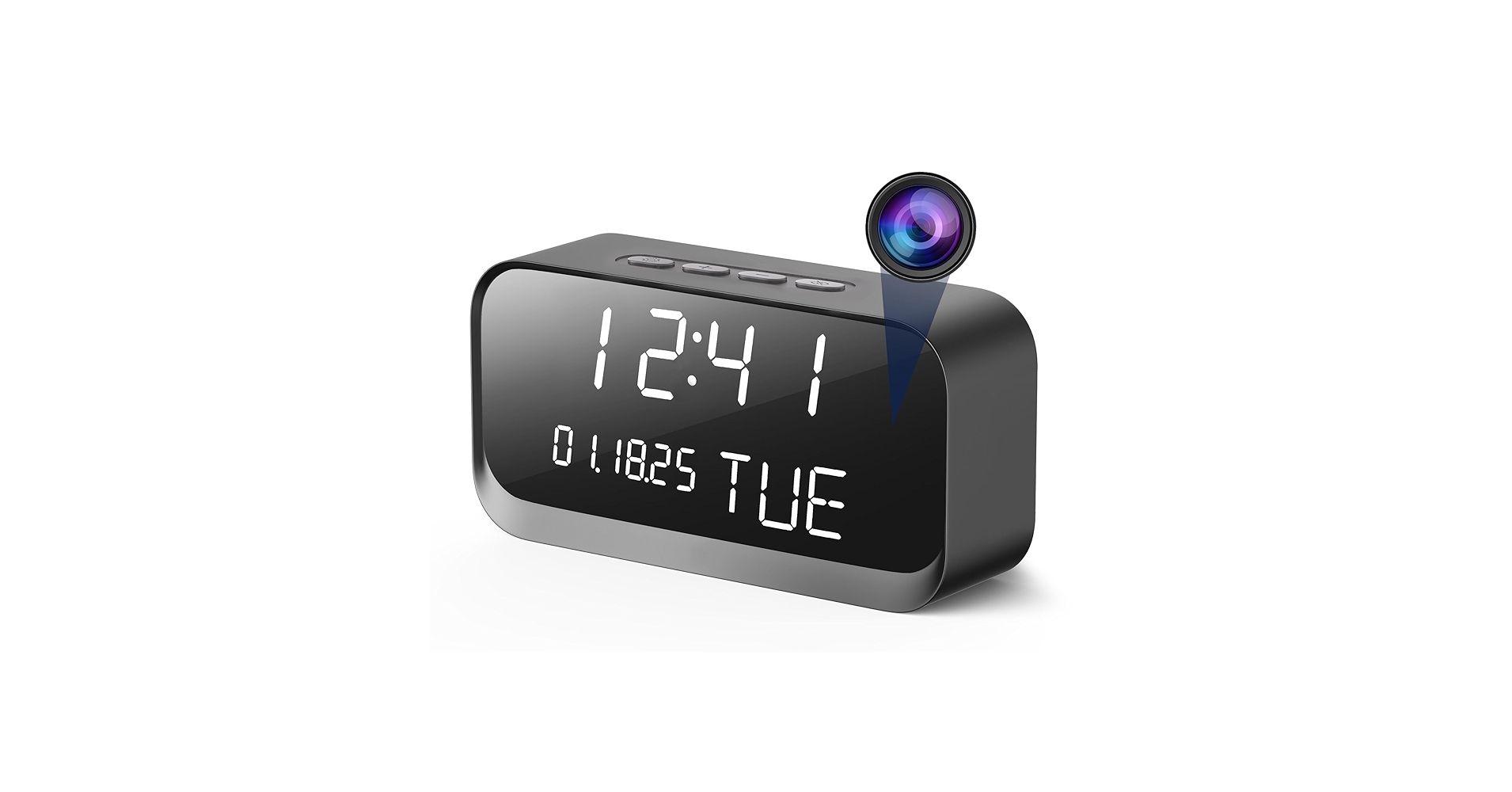
The Breakdown: This device is a direct competitor to the 4K Mini Camera Clock but at a lower price point. It offers the same core functionality—a WiFi-connected camera inside a digital clock—but caps the resolution at 1080p HD. Its main selling point, based on market analysis, is simplicity and value.
Key Specs:
- Primary Function: Surveillance
- Display: Small Digital LED
- Max Resolution: 1080P HD
- Power: Plug-in AC Adapter
- Connectivity: 2.4GHz WiFi
The Community Verdict: Many users report an easier setup process compared to more feature-rich models. The video quality is deemed sufficient for basic monitoring, like checking in on a pet or a room. However, the build quality and aesthetic of the clock itself are common points of criticism.
Dealbreaker: Skip this if aesthetics are important or if you need to capture fine details in your recordings.
5. XREXS Large Digital Wall Clock WiFi Sync, 16.5 in
Pros
- Massive, highly legible display
- Automatic time and date sync via WiFi
Cons
- Utilitarian design isn’t suited for most home decor
- Requires a constant power source
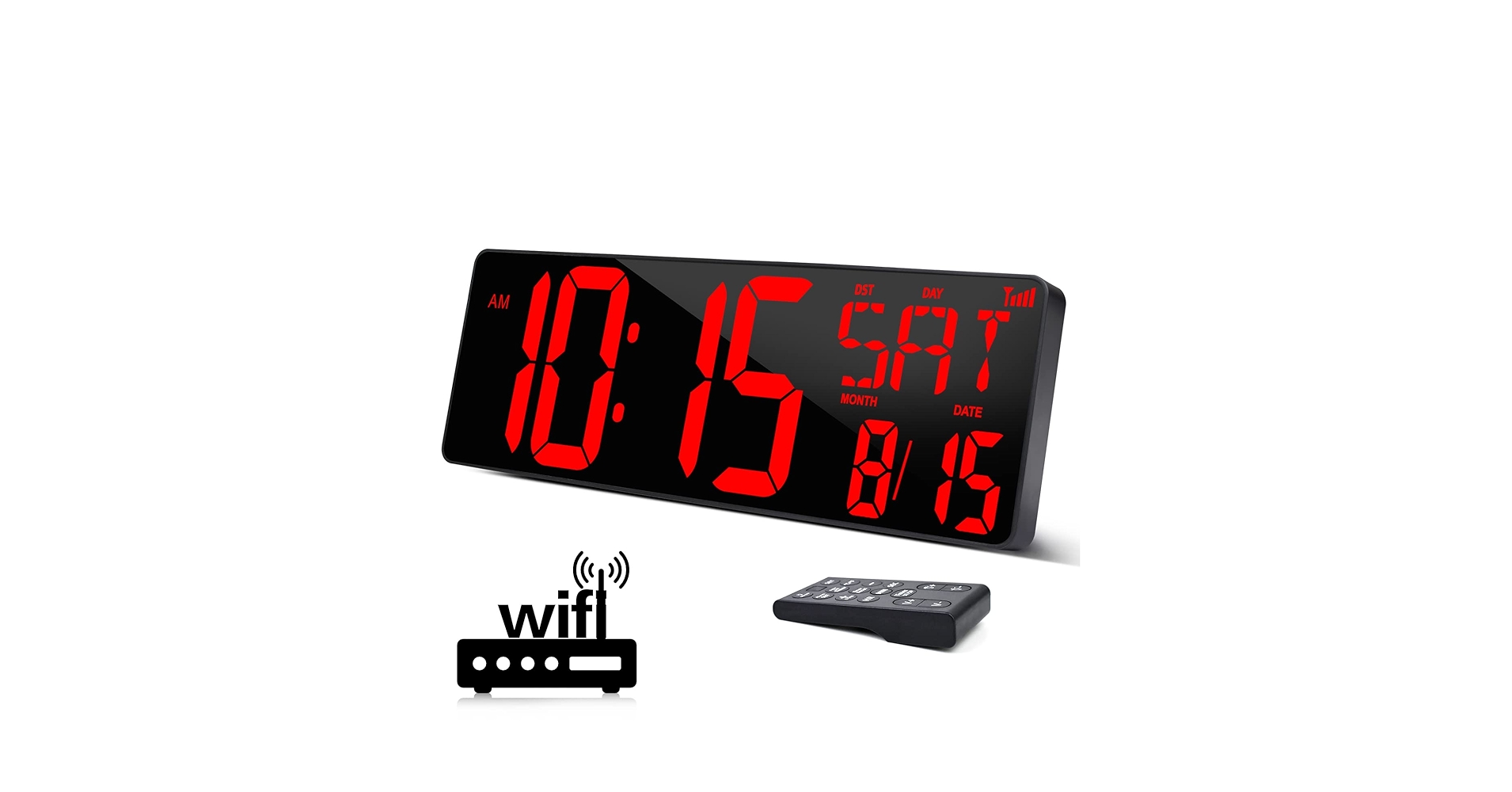
The Breakdown: The XREXS clock is the digital counterpart to the eYotto. It’s built for function over form, with a massive 16.5-inch screen displaying the time, date, and temperature in large, bright numbers. Like other time-sync models, it connects to your WiFi to ensure it’s always accurate to the second.
Key Specs:
- Primary Function: Time Sync
- Display: 16.5-inch LED Digital
- Max Resolution: N/A
- Power: Plug-in AC Adapter
- Connectivity: 2.4GHz WiFi
The Community Verdict: It’s a favorite among users with large workshops, home gyms, or those with visual impairments. The sheer readability from a distance is its most lauded feature. Some users note that the display can be too bright for a bedroom, even on its dimmest setting, reinforcing its utility-focused design.
Dealbreaker: Skip this if you need a clock that is subtle, battery-powered, or fits a modern home aesthetic.
Buying Guide: How to Choose the Right WiFi Clock in 2026
Choosing the best wifi clock requires you to first answer one critical question: do you need a timepiece or a security device? The market is sharply divided between these two categories.
Function: Time Sync vs. Surveillance
A time-sync clock like the eYotto or XREXS is for the person who values precision and convenience. Its only job is to display the correct time, automatically. A surveillance clock, on the other hand, is a security camera first and a clock second. Its primary value is in its discreet appearance, allowing for monitoring without drawing attention. Be honest about your needs; buying a camera you don’t use is a waste of money and a potential privacy risk.
Form Factor: Wall Clocks vs. Desk Clocks
Next, consider where it will live. Large wall clocks are great for at-a-glance visibility in a room, while clocks for desk use are more personal. The best desk clocks integrate into your workspace without creating clutter. To maintain a clean setup, you might place it on a Desk Organizer Shelf With Pen Holder. If your main goal is to upgrade your desk with tech, and you don’t need surveillance, a dedicated Alarm Clock With Wireless Charging could be a more functional alternative, offering device charging alongside timekeeping.
Display and Power
Finally, look at the practicalities. Do you prefer a classic analog face or a bright digital display? Battery power offers placement flexibility but requires maintenance, while plug-in models are set-and-forget but need an outlet. For camera models, app quality is paramount—check recent user reviews about connectivity and ease of use, as this will define your day-to-day experience with the device.
Frequently Asked Questions (FAQ)
Q: How does a WiFi clock automatically set the time?
A: A time-sync WiFi clock connects to your home WiFi network to access NTP (Network Time Protocol) servers on the internet. These servers provide a perfectly accurate time signal, which the clock uses to set its hands or digital display. It automatically adjusts for things like Daylight Saving Time.
Q: What is the main advantage of a wifi digital clock over a standard one?
A: The primary advantage is accuracy and zero maintenance. A standard digital clock will slowly drift over time and requires manual resetting for time changes. A wifi digital clock is always perfectly accurate and adjusts itself automatically, making it ideal for situations where precise timekeeping is crucial.
Q: Are hidden camera clocks legal and ethical to use?
A: Laws vary significantly by location. Generally, it is legal to record video in your own home for security purposes. However, recording audio without consent is illegal in many places, as is placing cameras in areas with a reasonable expectation of privacy (like bathrooms). It’s crucial to check your local laws and use these devices ethically and responsibly.
Q: Do WiFi clocks require a subscription?
A: For time-sync-only clocks, no subscription is ever required. For camera clocks, the basic function of live streaming is almost always free. However, many brands offer optional monthly subscriptions for advanced features like extended cloud video storage, person detection, and activity zones.




