
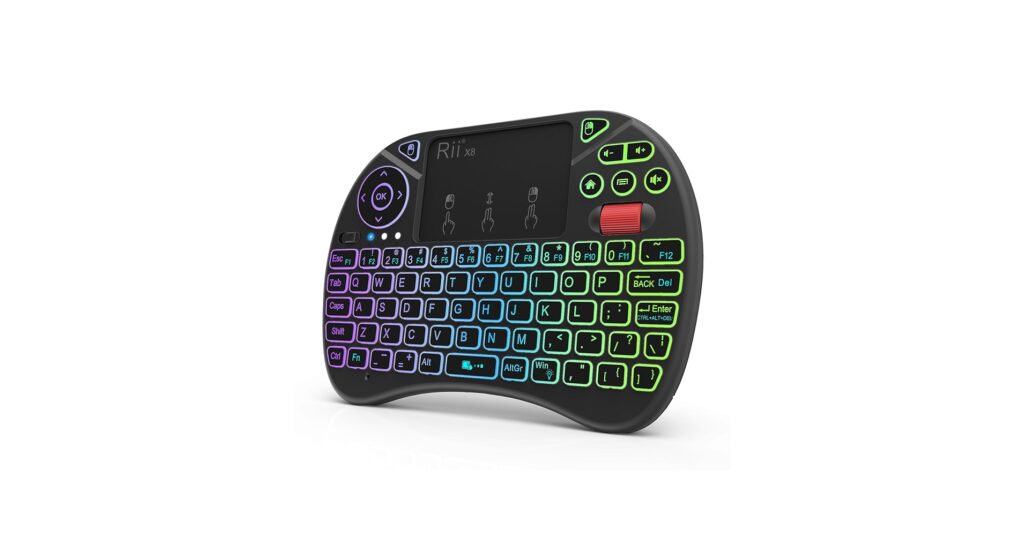
In the world of streamlined tech and minimalist workspaces, the right compact tool can make all the difference. A wireless mini keyboard and touchpad is the ultimate utility device, perfect for controlling a home theater PC (HTPC) from the couch, navigating a smart TV, or giving a presentation without being tethered to a desk. After extensive market research and analysis of user feedback, we’ve distilled the options down to the top performers. These devices blend portability, functionality, and reliability into one handheld package.
🚀 Quick Verdict / Top Pick
Rii X8 Mini Keyboard, 2.4GHz Portable Wireless
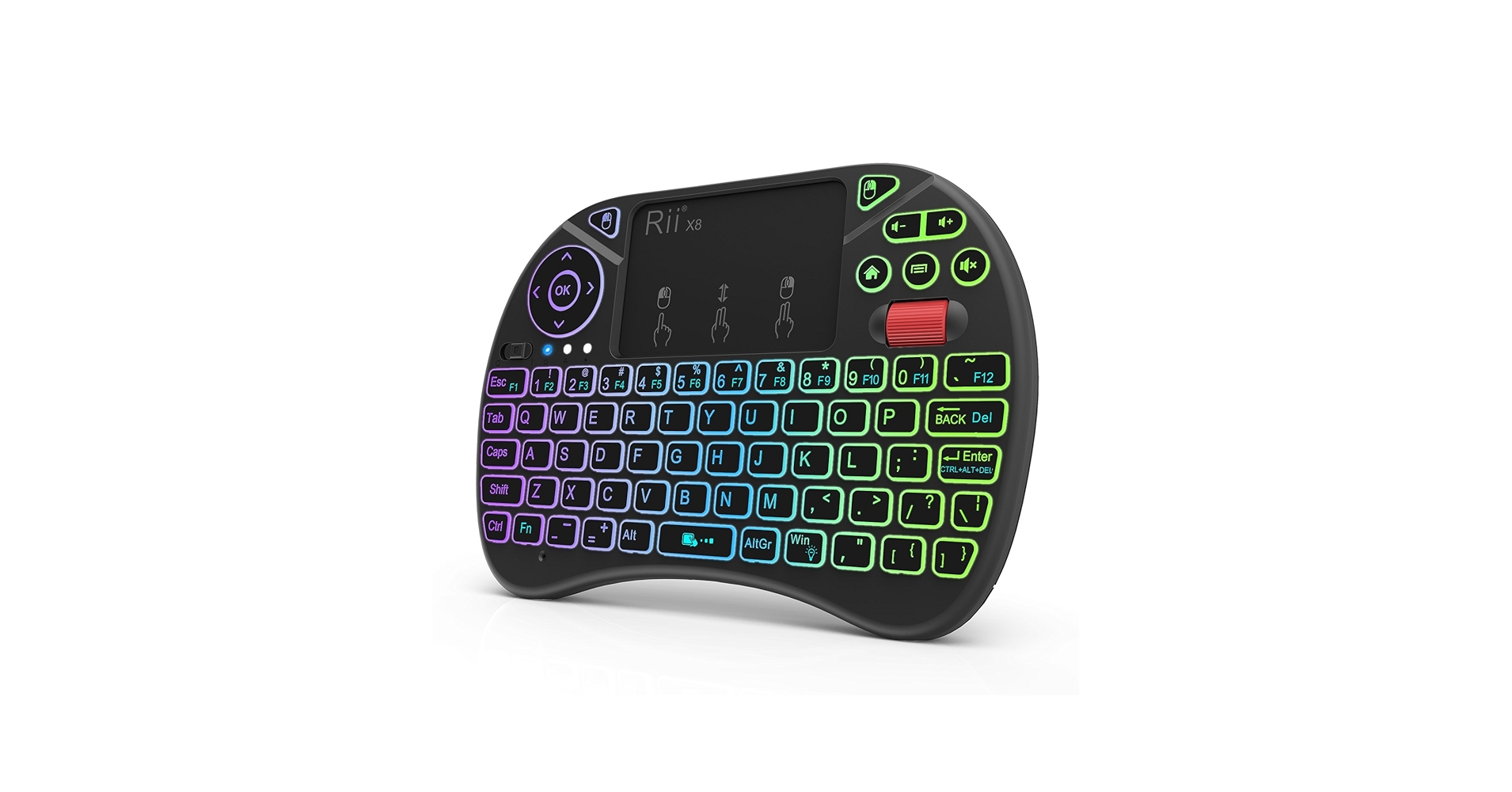
The Rii X8 wins for its unbeatable combination of a reliable 2.4GHz connection, vibrant RGB backlighting, and a rechargeable battery, making it the most versatile and user-friendly option for the price.
Mini Keyboard & Touchpad Comparison for
| Product | Connectivity | Backlighting | Power Source |
|---|---|---|---|
| Rii X8 Mini Keyboard | 2.4GHz RF | Yes (RGB) | Rechargeable Li-ion |
| Fosmon Mini Bluetooth Keyboard | Bluetooth 3.0 | Yes (White) | Rechargeable Li-ion |
| REIIE H9+ Mini Keyboard | 2.4GHz RF | Yes (Multi-color) | Rechargeable Li-ion |
| Wireless Mini Keyboard Remote | 2.4GHz RF | Yes (RGB) | Rechargeable Li-ion |
| Rii K06 Mini Bluetooth Keyboard | 2.4GHz RF + Bluetooth | Yes (White) | Rechargeable Li-ion |
Detailed Product Reviews
1. Rii X8 Mini Keyboard, 2.4GHz Portable Wireless
Pros
- Responsive keys and multi-touch trackpad
- Bright, customizable RGB backlighting
- Excellent battery life from rechargeable cell
Cons
- Build quality is functional but feels lightweight
- 2.4GHz dongle requires an available USB-A port
The Breakdown: The Rii X8 is a market leader for good reason. It establishes a stable connection via its 2.4GHz USB dongle, making setup instant on most devices. The layout is intuitive, with media keys and shoulder buttons that add a layer of functionality often missing in budget models.
Key Specs:
- Connectivity: 2.4GHz RF (USB Dongle)
- Power: Rechargeable Li-ion Battery
- Backlighting: 8-Color RGB
- Dimensions: 5.8 x 3.8 x 0.75 inches
- Compatibility: Windows, macOS, Linux, Android TV Box, Smart TV
The Community Verdict: Users consistently praise the Rii X8 for its plug-and-play simplicity and reliable performance as a HTPC remote. The tactile feel of the buttons is considered a strong point, as is the responsive touchpad that supports basic gestures. Some criticism is aimed at the plastic construction, which, while durable enough, lacks a premium feel. This is a solid choice if you need a functional wireless keyboard backlit touchpad for dark rooms.
Dealbreaker: Skip this if you need to connect to a device that lacks a USB-A port, such as a tablet or a modern ultrabook, as it has no native Bluetooth support.
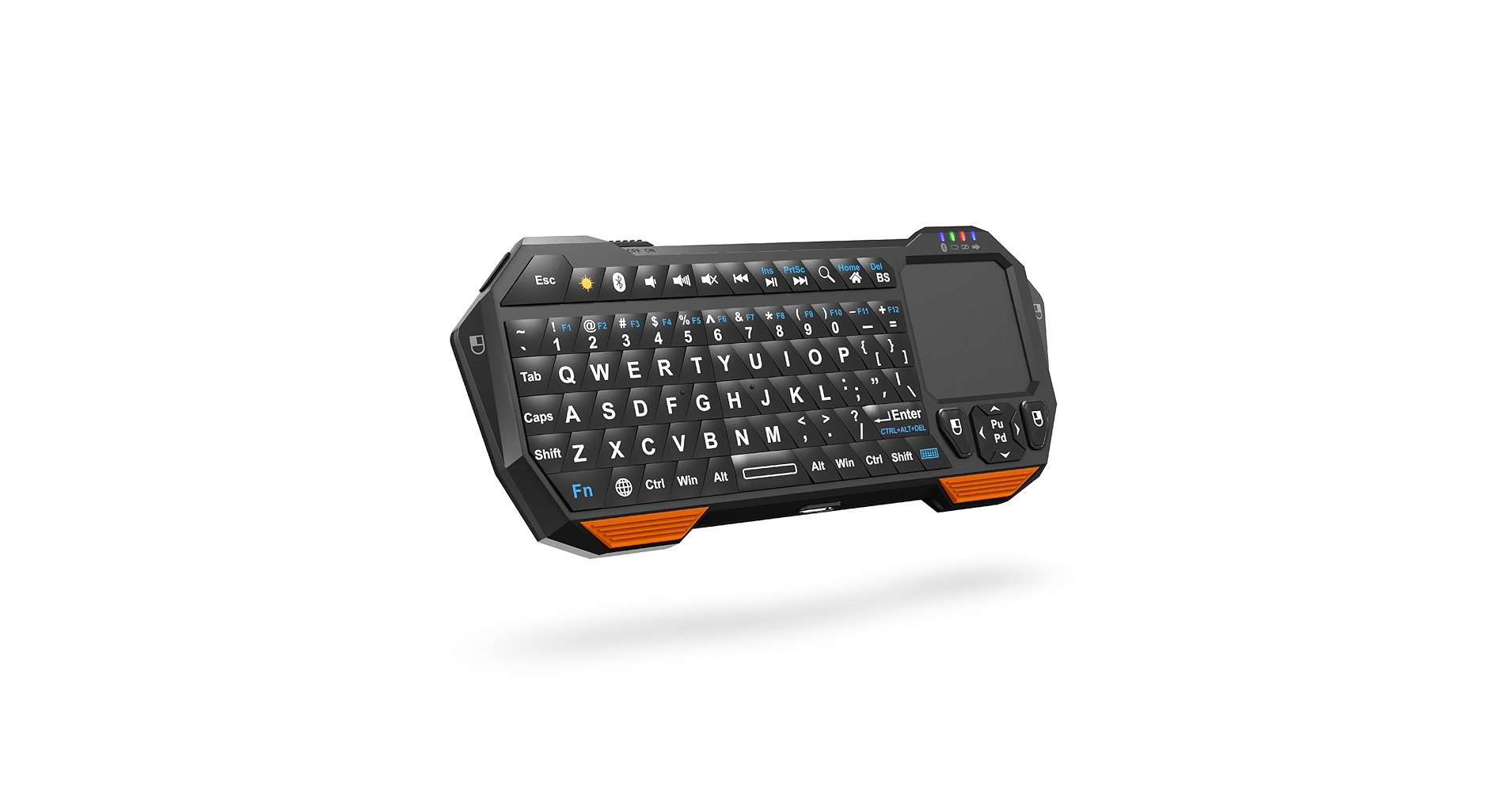
2. Fosmon Mini Bluetooth Keyboard
Pros
- Bluetooth connectivity for dongle-free use
- Extremely compact and pocketable design
Cons
- Slightly dated Bluetooth 3.0 standard
- Small touchpad is less precise than larger models
The Breakdown: The Fosmon Mini stands out by ditching the USB dongle in favor of Bluetooth. This makes it an ideal companion for devices where ports are at a premium, like iPads or MacBooks. Its form factor is one of the smallest available, prioritizing portability above all else.
Key Specs:
- Connectivity: Bluetooth 3.0
- Power: Rechargeable Li-ion Battery
- Backlighting: Yes (White)
- Dimensions: 6.3 x 2.4 x 0.5 inches
- Compatibility: Bluetooth-enabled devices (iOS, Android, Windows, macOS)
The Community Verdict: Owners appreciate this device’s specific use case as a true mini bluetooth keyboard with trackpad. It’s lauded for its easy pairing and long standby time. However, consensus is that the compact size leads to a cramped typing experience and a less-than-ideal touchpad, making it better for occasional use than for heavy navigation.
Dealbreaker: Skip this if you need to control a device without Bluetooth, such as an older smart TV or a Raspberry Pi without a separate Bluetooth adapter.
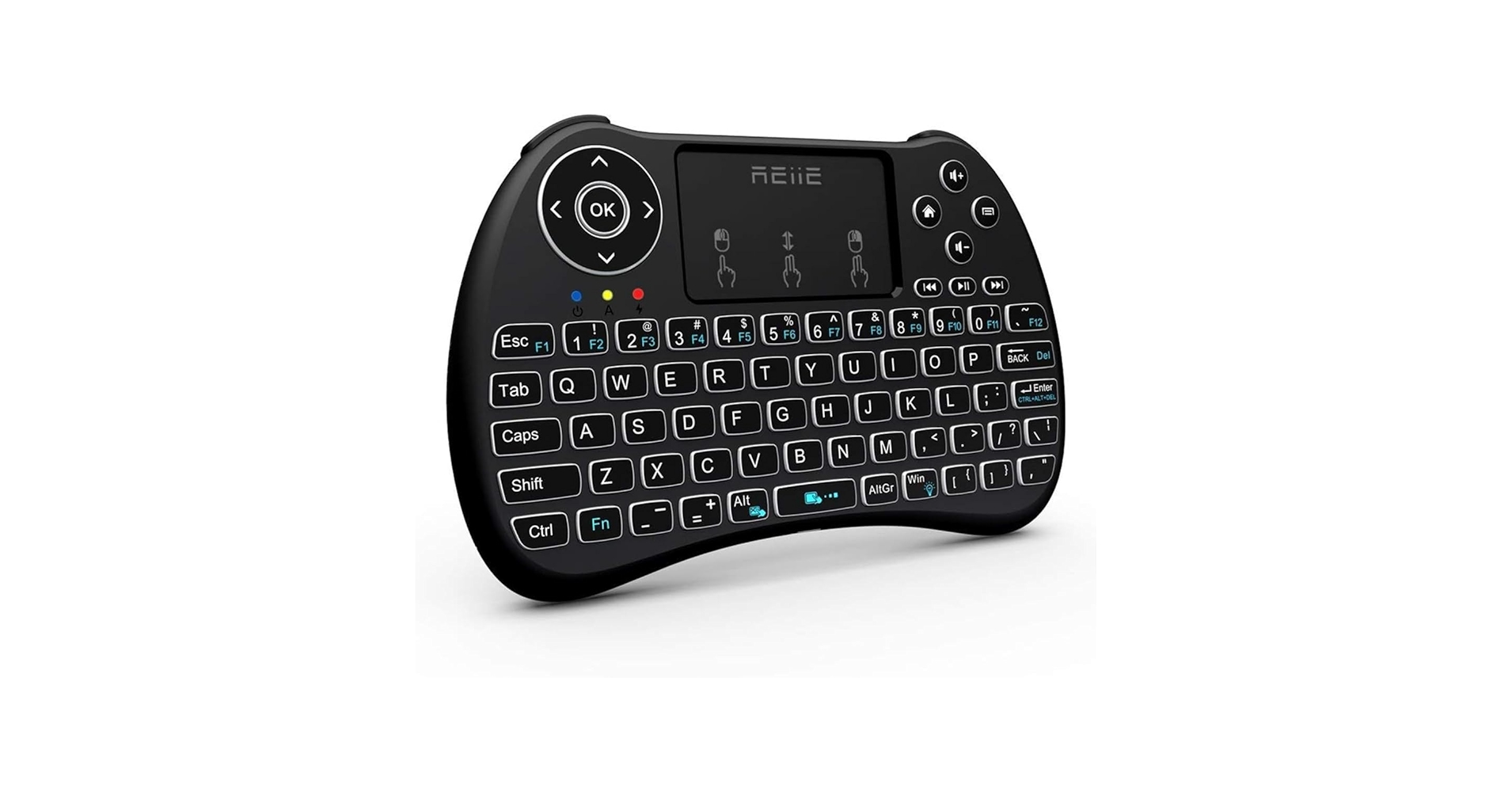
3. (Backlit Version) REIIE H9+ Mini Keyboard, 2.4GHz
Pros
- Comfortable, ergonomic grip
- Responsive and large touchpad
Cons
- Aggressive sleep mode can be annoying
- Larger form factor than competitors
The Breakdown: The REIIE H9+ focuses on ergonomics, with a shape that feels more like a gaming controller than a flat remote. This design allows for a more comfortable grip during extended use. The large, centrally-located touchpad is easy to reach and operate with either thumb.
Key Specs:
- Connectivity: 2.4GHz RF (USB Dongle)
- Power: Rechargeable Li-ion Battery
- Backlighting: Yes (9 Colors)
- Dimensions: 6.2 x 4.2 x 1 inches
- Compatibility: Windows, macOS, Linux, Android TV Box, Smart TV
The Community Verdict: This model is highly rated by those who value comfort. Users report that the contoured body makes it much easier to hold and use for longer sessions. The main drawback cited is the quick-to-engage sleep timer, which requires a button press to wake the device, sometimes causing a missed input. As a mini wireless keyboard and trackpad, its performance is solid once awake.
Dealbreaker: Skip this if you need the most compact, pocketable device; its ergonomic shape adds bulk.
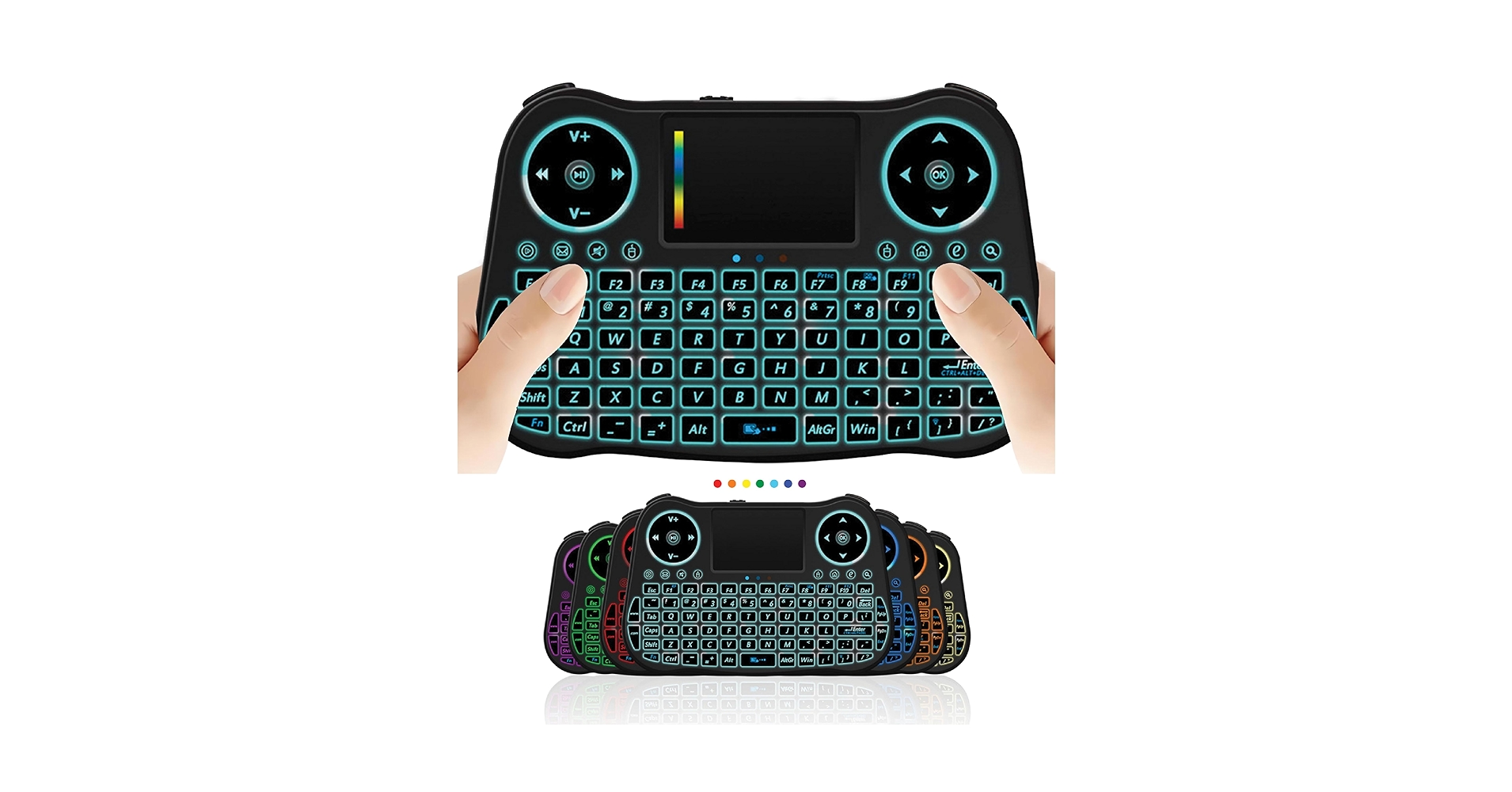
4. Wireless Mini Keyboard Remote Control Touchpad
Pros
- Extremely low price point
- Includes standard features like backlighting
Cons
- Inconsistent build quality and longevity
- Mushy, unresponsive keys reported by some users
The Breakdown: This generic model represents the many lookalike devices found at the lowest end of the market. It offers the core functionality of a mini wireless keyboard trackpad—2.4GHz connection, rechargeable battery, and backlighting—for a minimal investment. It functions as expected but lacks the polish and guaranteed quality control of more established brands.
Key Specs:
- Connectivity: 2.4GHz RF (USB Dongle)
- Power: Rechargeable Li-ion Battery
- Backlighting: Yes (RGB)
- Dimensions: 5.8 x 3.8 x 0.75 inches (Varies)
- Compatibility: Windows, Android TV Box, Smart TV
The Community Verdict: Market research indicates a mixed bag. Many users are satisfied with its performance relative to its cost, finding it perfectly adequate for basic media control. However, a significant number of reports mention issues like poor battery life, missed keystrokes, and connection drops, suggesting quality control can be a gamble.
Dealbreaker: Skip this if reliability is your top priority. The small cost savings may not be worth the potential frustration.
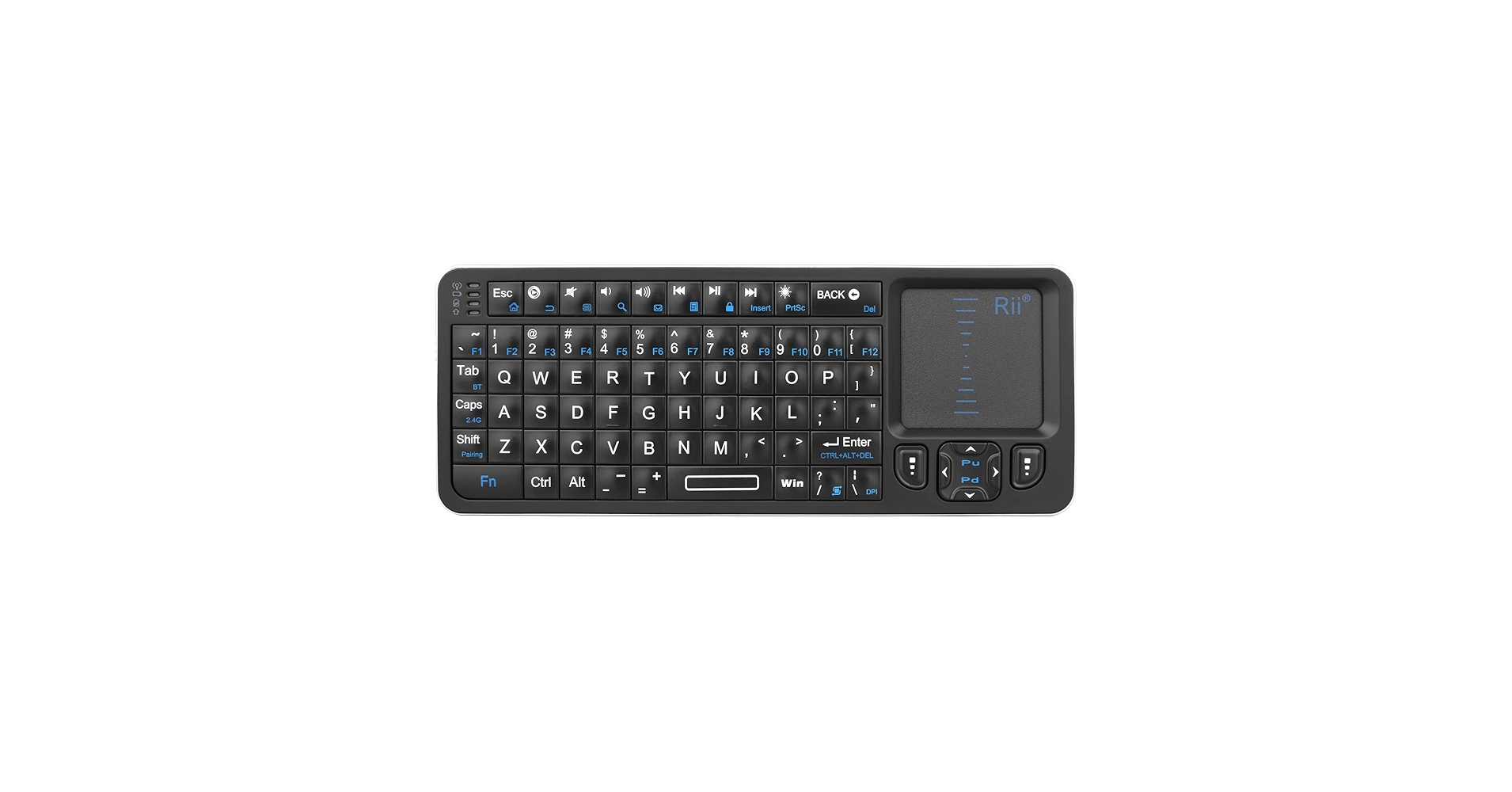
5. Rii K06 Mini Bluetooth Keyboard, Backlit 2.4GHz Wireless Keyboard
Pros
- Dual-mode connectivity (2.4GHz + Bluetooth)
- Solid build quality with a more refined feel
Cons
- Higher price point than single-mode options
- Backlighting is single-color (white) only
The Breakdown: The Rii K06 is the solution for those who can’t decide between 2.4GHz and Bluetooth. With both modes built-in, it can connect to a smart TV via its dongle and then switch to control a tablet via Bluetooth with the flick of a switch. This versatility is its key selling point, justifying the higher price for those who need it.
Key Specs:
- Connectivity: 2.4GHz RF + Bluetooth
- Power: Rechargeable Li-ion Battery
- Backlighting: Yes (White)
- Dimensions: 5.7 x 3.9 x 0.5 inches
- Compatibility: Virtually any device with USB or Bluetooth
The Community Verdict: This model is hailed as the ‘do-it-all’ solution. Users who frequently switch between devices find the dual-mode functionality indispensable. The build quality is noted as a step up from cheaper models, providing a more satisfying tactile experience. The lack of RGB is a minor gripe for some, but the clean white backlight is preferred by others for its professional look.
Dealbreaker: Skip this if you only plan to control a single device with a USB port; the extra cost for the Bluetooth feature would be unnecessary.
Buying Guide: How to Choose a Wireless Mini Keyboard in
Selecting the right mini wireless touchpad keyboard depends entirely on your primary use case. Here are the critical factors to consider:
1. Connectivity: 2.4GHz RF vs. Bluetooth
This is the most important decision. A 2.4GHz radio frequency (RF) connection uses a small USB dongle. It’s generally plug-and-play, offering a stable, low-latency connection ideal for smart TVs and media PCs. Bluetooth connects directly to the device without a dongle, making it perfect for tablets, phones, and modern laptops with limited ports. For ultimate flexibility, dual-mode models like the Rii K06 offer both.
2. Ergonomics and Layout
How will you be holding it? A flat, rectangular device is more pocketable, while a controller-style shape like the REIIE H9+ is more comfortable for longer sessions. Check the placement of the touchpad and media keys to ensure they align with how you plan to use it. A good miniature wireless keyboard with touchpad should feel intuitive in your hands.
3. Power and Features
Nearly all modern units use a rechargeable lithium-ion battery via Micro-USB or USB-C, which is far more convenient than hunting for AAA batteries. Backlighting is a must-have for use in a dim living room. While RGB is common, a simple white backlight can be less distracting. These devices are all about consolidating control, and a minimalist setup is key. For those looking to maximize vertical space, a clamp on desk shelf for monitors can free up valuable real estate, further decluttering your environment. Integrating smart devices that streamline your workspace, much like an alarm clock with wireless charging, follows the same principle of multi-functionality.
Frequently Asked Questions (FAQ)
Q1: Can I use a wireless mini keyboard and touchpad for gaming?
A: While they can be used for casual games or navigating game menus, they are not designed for serious or competitive gaming. The keys are not mechanical, and the small touchpad lacks the precision of a dedicated mouse. They are best suited for media control and text input.
Q2: Will these keyboards work with my specific Smart TV model?
A: Generally, if your Smart TV (e.g., Samsung, LG, Sony) has a USB-A port and supports standard HID (Human Interface Device) inputs, a 2.4GHz model will work for basic navigation and typing. However, compatibility with specific apps within the TV’s OS can vary. It’s best to check your TV’s manual or online forums for compatibility reports.
Q3: What is the primary advantage of a wireless mini keyboard with touchpad over a phone app?
A: The main advantages are tactile feedback and reliability. A physical keyboard provides a much better typing experience than a touchscreen. Furthermore, it doesn’t require unlocking your phone, opening an app, and connecting over Wi-Fi, which can be slow and unreliable. A dedicated remote is always on and ready to go.




